

- Name CD Ripper by Nero
- Category Utilities & tools
- Developer Nero AG
- Available on PC, Mobile, Surface Hub, HoloLens
- OS Windows 10 version 17763.0 or higher
- Memory 1 GB
- languages Chinese (Simplified), Chinese (Traditional), Czech, Danish, Dutch, English (United States), Finnish, French, German, Greek, Hungarian, Italian, Japanese, Korean , Norwegian (Bokmål), Polish , Portuguese (Brazil), Portuguese (Portugal), Russian, Spanish (Spain), Swedish, Thai, Turkish
Transforming Your CD Collection: Nero's CD Ripper for Windows
Ever found yourself wanting to preserve your cherished CD collection in digital form without sacrificing sound quality? Nero's CD Ripper for Windows offers a straightforward yet powerful solution to turn physical discs into high-quality digital files seamlessly. Designed by Nero AG, a well-established name in multimedia software, this application appeals to audiophiles, casual listeners, and music archivists alike looking for a reliable tool to digitize their audio collections efficiently.
A Clear Focus: Professional Audio Ripping with Nero's Expertise
Nero AG, renowned for its comprehensive multimedia solutions, brings their expertise into the realm of audio ripping with Nero CD Ripper. This app simplifies the process of converting CDs into various digital formats, ensuring users retain the studio-quality integrity of their music. Its main magic lies in its user-friendly interface combined with robust ripping capabilities that cater to both beginners and advanced users.
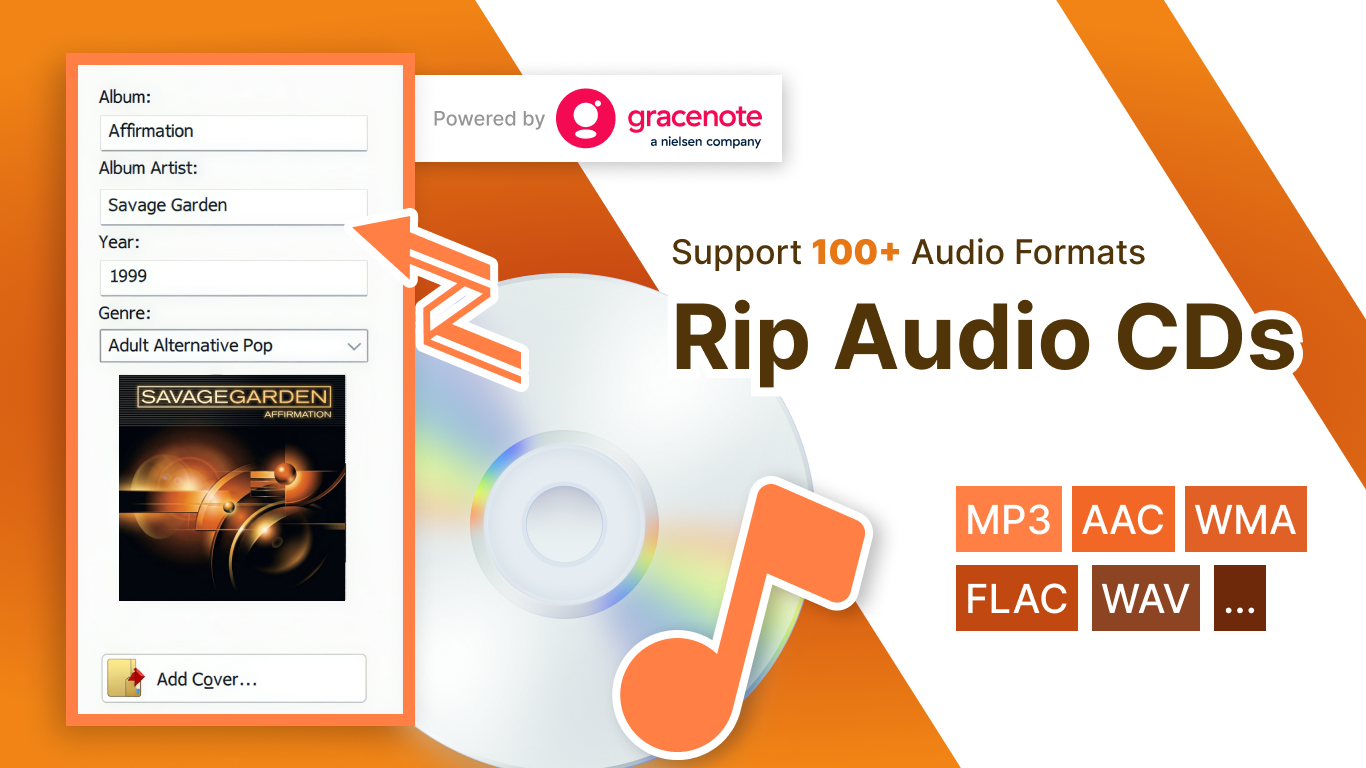
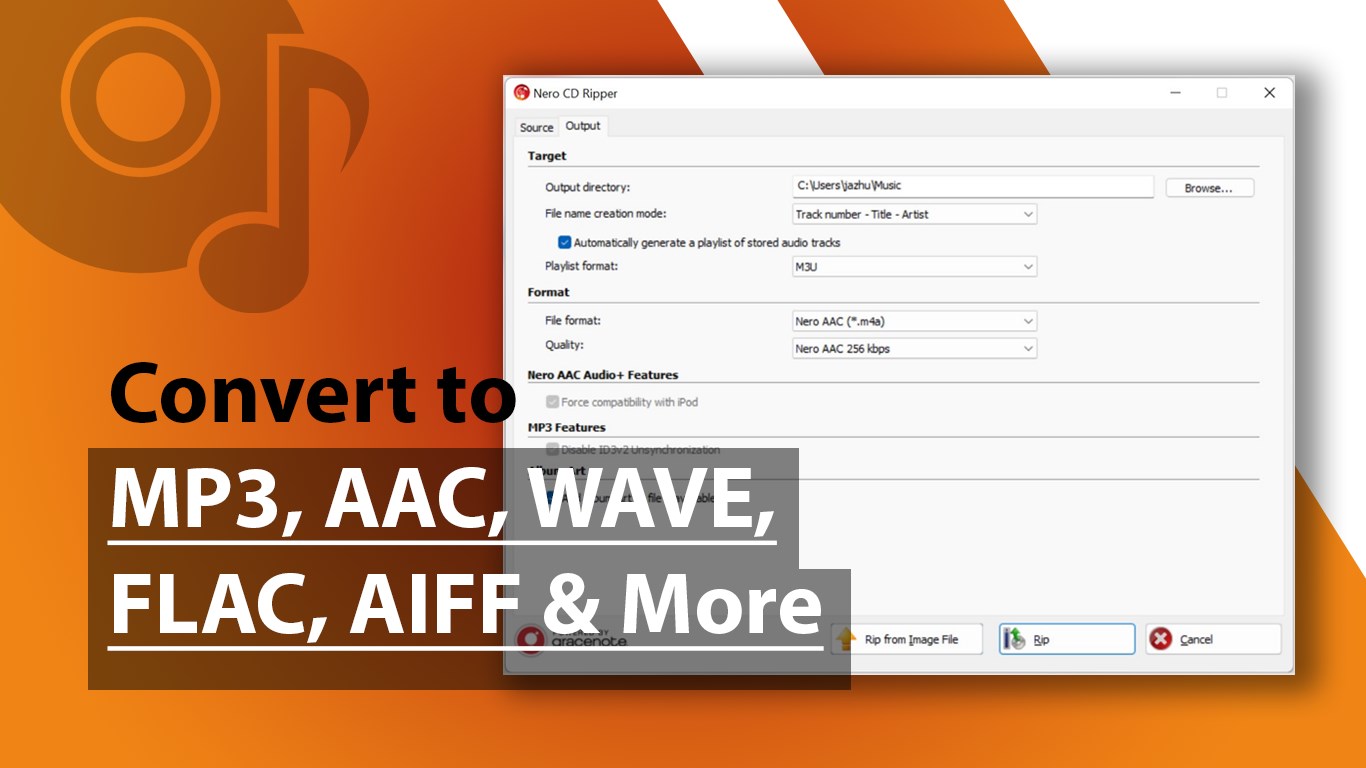
Key features include support for multiple audio formats such as MP3, WAV, FLAC, and AAC, enabling users to choose the format that best suits their needs. Its fast ripping speed minimizes waiting times, while integrated error correction ensures high accuracy even when dealing with scratched discs. Additionally, the software offers ID3 tag editing, so all your metadata—like song artist, album, and track number—goes along smoothly for an organized digital library.
This application is tailored primarily for music enthusiasts with extensive CD libraries, archivists, or those who simply prefer to have their music collection stored digitally for convenience and preservation.
Ripping Made Easy: Effortless, Accurate, and Customizable
Clean, Intuitive Interface and Seamless Workflow
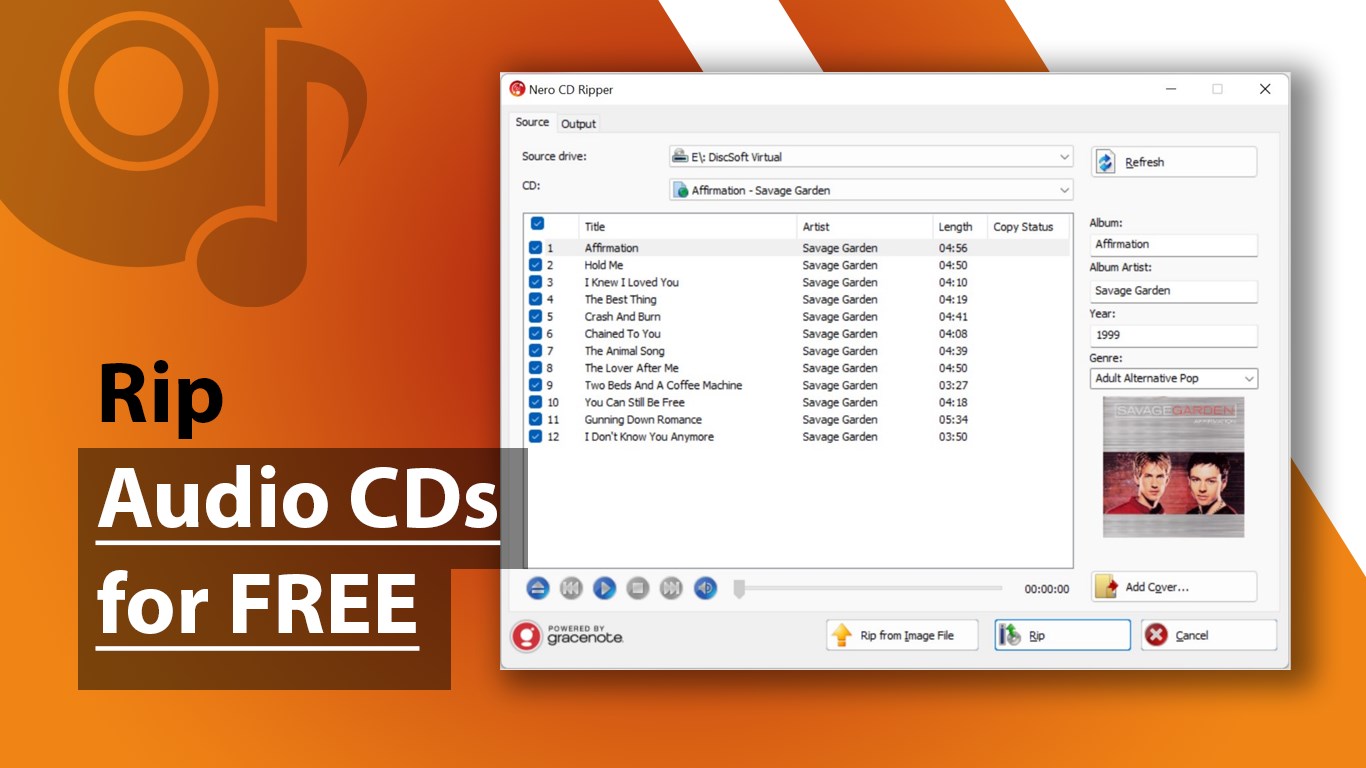
Step into Nero CD Ripper's interface, and you'll find yourself in a clean, straightforward workspace that feels like a well-organized music studio. The minimalist design minimizes clutter, making navigation feel intuitive. In just a few clicks, users can load discs, select the target formats, customize encoding settings, and start ripping. The app's drag-and-drop functionality and clear labels help new users get up to speed quickly, reducing the learning curve to a matter of minutes.
Robust Performance and Quality Preservation
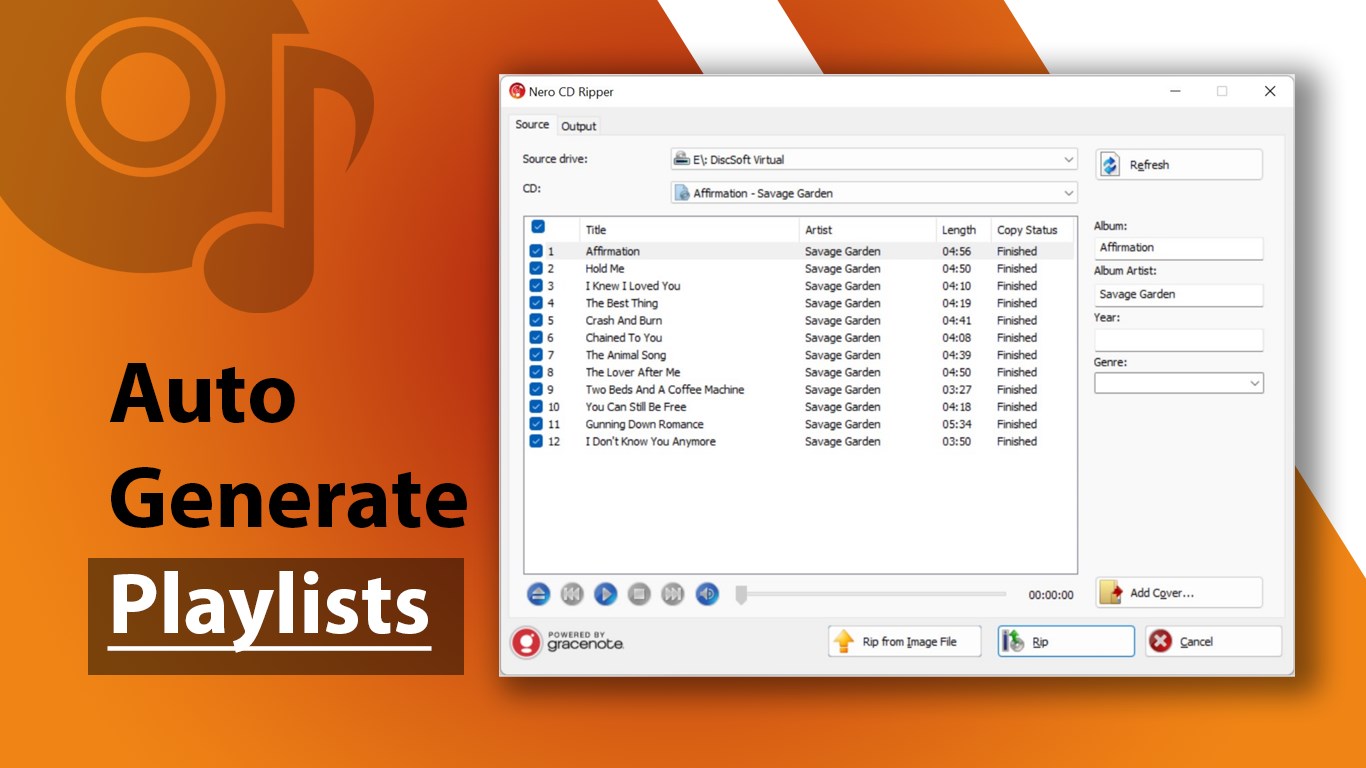
Once ripping begins, the application maintains a steady flow, with progress indicators that are both precise and reassuring. Thanks to Nero AG's advanced error correction technology, even discs with scratches or minor damages can be accurately converted without skipping or noise artifacts. The software also preserves original audio quality, giving your digital copies the same crisp clarity as the physical disc. The speed is commendable, with options to rip entire albums or select individual tracks, fitting various user needs.
Custom Metadata Handling and Format Preferences
Organizing your music library is a breeze with Nero CD Ripper's ID3 tag editing. Whether you're an OCD archivist or just like your music cataloged, the app allows bulk edits or individual track adjustments. Plus, its support for multiple output formats means you can create a diverse digital library—MP3 for easy playback, FLAC for high-fidelity preservation, or AAC for compatibility with Apple devices. The balance between simplicity and customization here is a real selling point.
What Sets It Apart: The Unique Strengths of Nero CD Ripper
Compared to other utilities in the market, Nero CD Ripper distinguishes itself with a combination of quality preservation and user-centric design. Its integrated error correction technology acts like a safety net, ensuring that even problematic discs can be digitized reliably—a feature not always present in simpler ripping tools. Moreover, its well-optimized ripping engine offers faster throughput without compromising audio integrity.
Another notable aspect is Nero's reputation for durability and updates, promising users that their investment in the software is protected with ongoing support. While some free tools may offer quick fixes, Nero's professional backing ensures stability, consistent updates, and compatibility with evolving formats and operating systems—ideal for users seeking a dependable, long-term solution.
Final Recommendation: A Solid Choice for Digital Music Preservation
Overall, Nero CD Ripper is a recommended utility for anyone looking to convert physical CD collections into digital formats with minimal fuss and maximum fidelity. It's especially suitable for users who value accuracy, metadata management, and software reliability. For those who prioritize ease of use without sacrificing quality, this app hits a sweet spot, making the tedious task of ripping feel almost effortless.
While advanced audiophiles may seek even more granular control or editing options, for most everyday users aiming for a high-quality digital archive, Nero CD Ripper offers an excellent combination of simplicity and performance. Considering its professional backing and thoughtful features, I'd confidently suggest giving it a try—your future music library will thank you for it.
Pros
- High-quality audio extraction
- Fast ripping speeds
- Intuitive user interface
- Support for multiple audio formats
- Built-in tagging and metadata retrieval
Cons
- Limited editing features
- Occasional metadata inaccuracies
- Requires internet connection for metadata fetching
- No batch processing detection for errors
- User interface could be more customizable











