
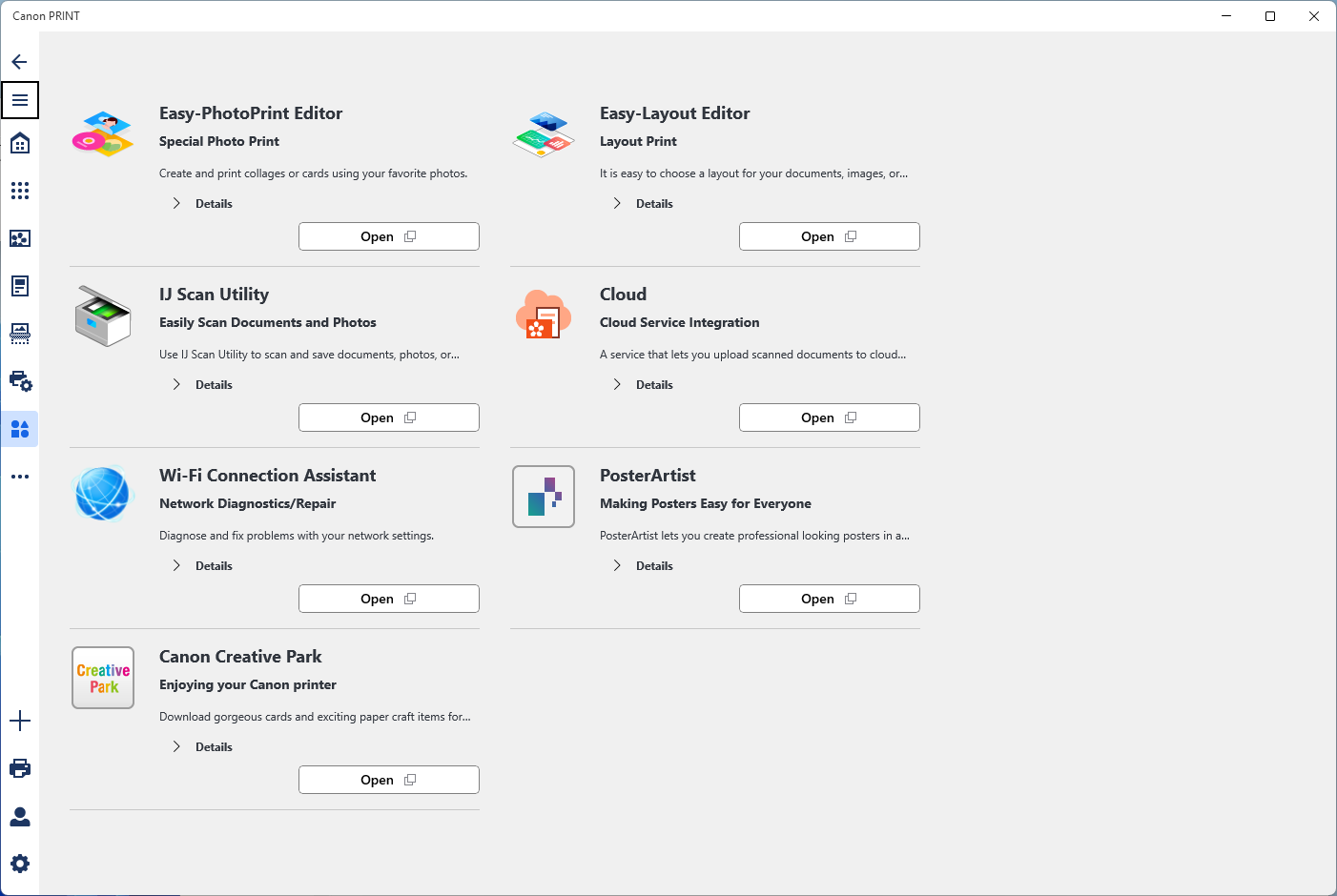
- Name Canon PRINT
- Category Utilities & tools
- Available on PC
- OS Windows 10 version 17763.0 or higher
- languages Arabic, Bulgarian, Chinese (Simplified), Chinese (Traditional), Croatian, Czech, Danish, Dutch, English (United States), Estonian, Finnish, French, German, Greek, Hungarian, Indonesian, Italian, Japanese, Korean , Latvian, Lithuanian, Norwegian (Bokmål), Polish , Portuguese (Brazil), Romanian, Russian, Slovak, Slovenian, Slovenian (Slovenia), Spanish, Spanish (Spain), Swedish, Thai, Turkish, Ukrainian, Vietnamese
Introducing Canon PRINT for Windows: Your Ultimate Printer Companion
Canon PRINT for Windows is a dedicated desktop application designed to streamline your printing experience, offering seamless control over your Canon printers from your Windows PC. Whether you're managing multiple devices or need quick access to printer settings, this app aims to make printing hassle-free and more intuitive.
Developed by Canon Inc.: A Trusted Name in Imaging Technology
Created by Canon Inc., a renowned leader in imaging and printing solutions, the app benefits from decades of industry expertise. The team focuses on developing user-friendly software that enhances the functionality of Canon hardware, ensuring a reliable and consistent user experience.
Key Features That Make Your Printing Smarter
- Easy Printer Setup and Management: Quickly connect and configure your Canon printers directly from your Windows device, reducing setup time and eliminating complicated driver installations.
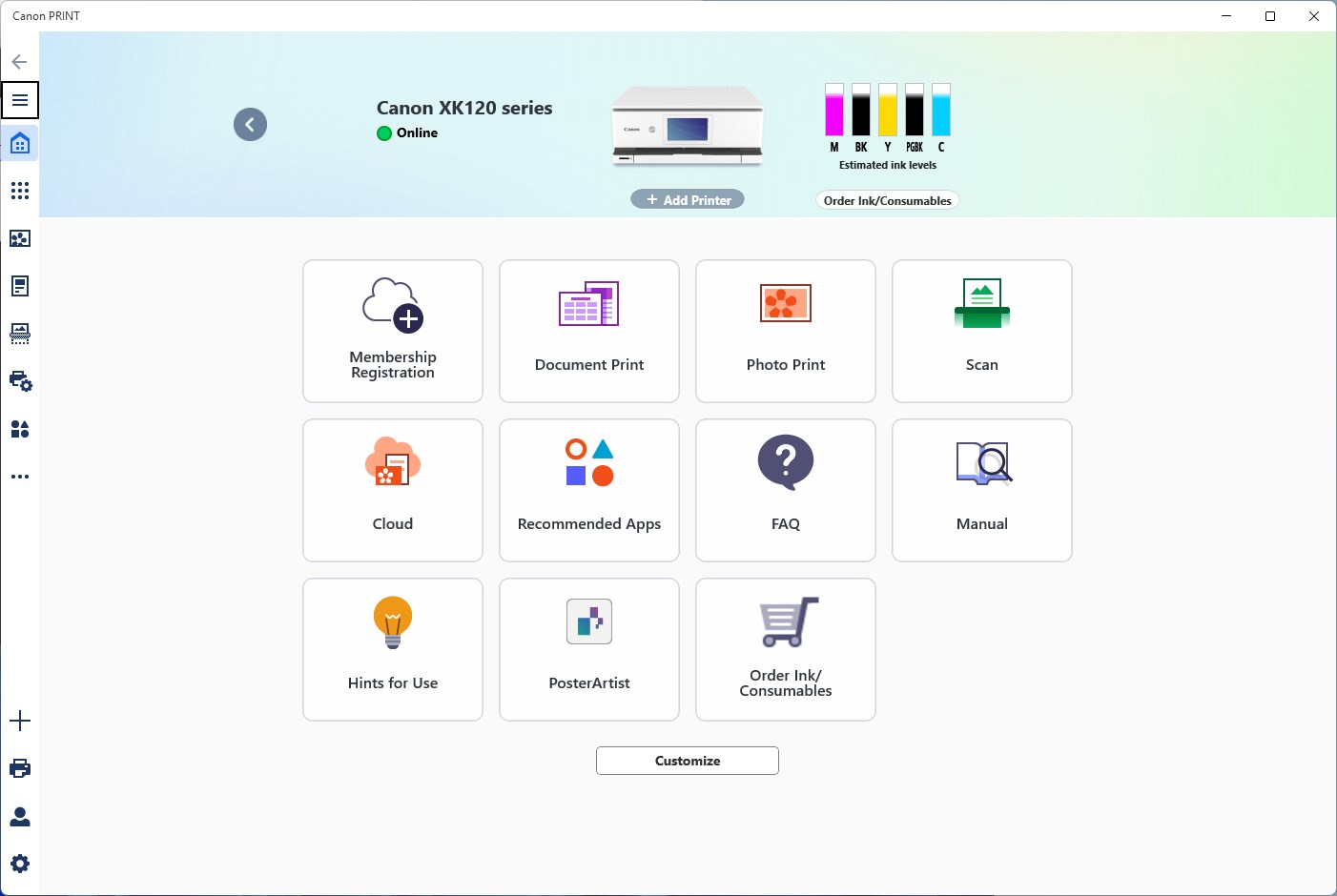
- Remote Printing Control: Monitor ink levels, check printer status, and manage print jobs remotely, ensuring you're always in the driver's seat even when away from the printer.
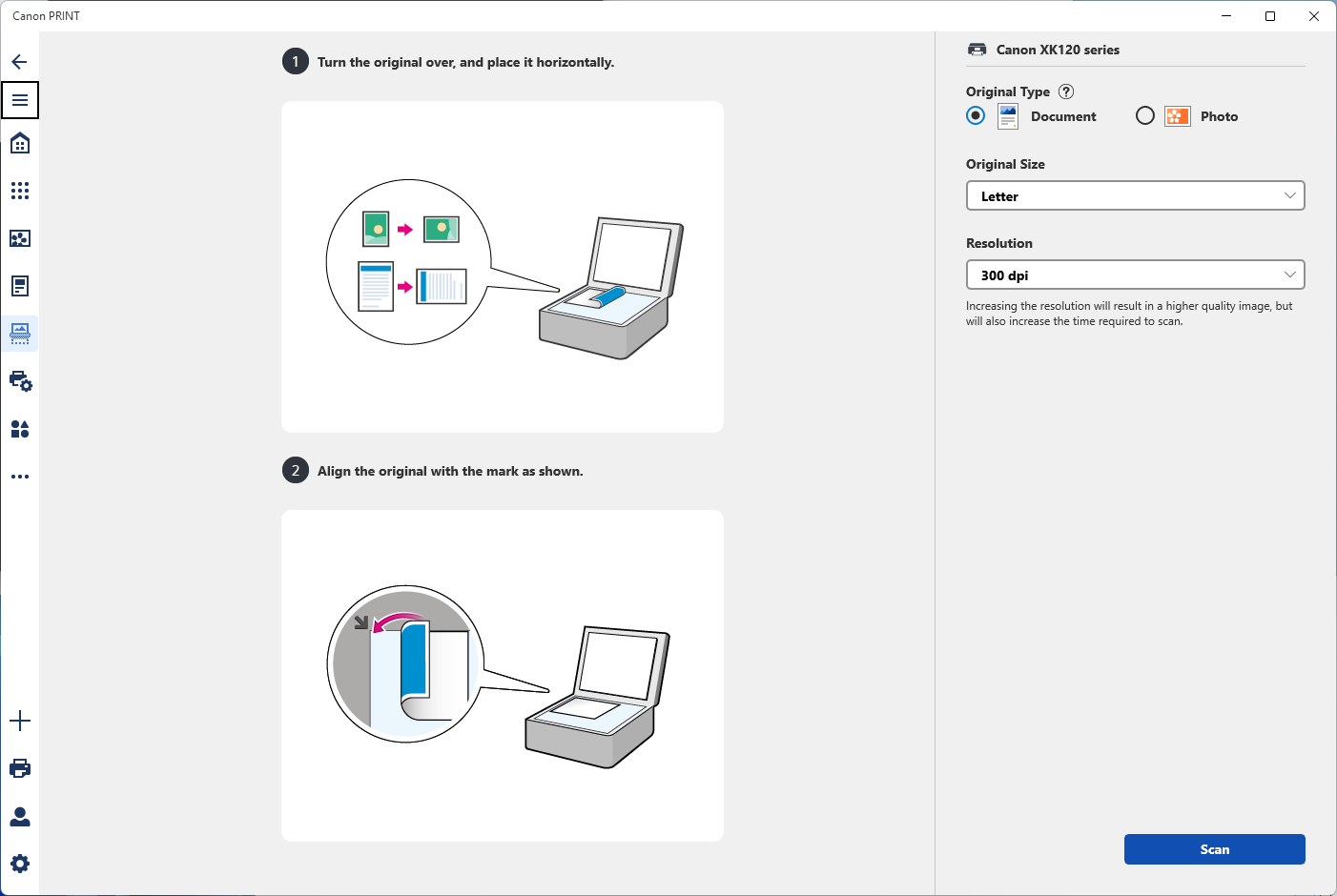
- Photo and Document Printing with Customization: Send photos and documents with options for quality, layout, and paper size adjustments, giving you control over your print output.
- Support for Multiple Devices: Manage multiple Canon printers within the same interface, perfect for households or small offices with diverse printing needs.
Unboxing the User Experience: Is It a Smooth Ride or a Bumpy Road?
Launching Canon PRINT for Windows feels akin to opening the cockpit of a well-designed airplane—intuitive, straightforward, and ready for takeoff. The interface sports a clean, modern aesthetic, with clearly labeled icons and organized menus that guide you effortlessly through setup and management processes. For those unfamiliar with printer management on a desktop, the learning curve is gentle—think of it as learning to drive a new car that quickly feels like an extension of yourself.
Core Functionality: From Setup to Advanced Management
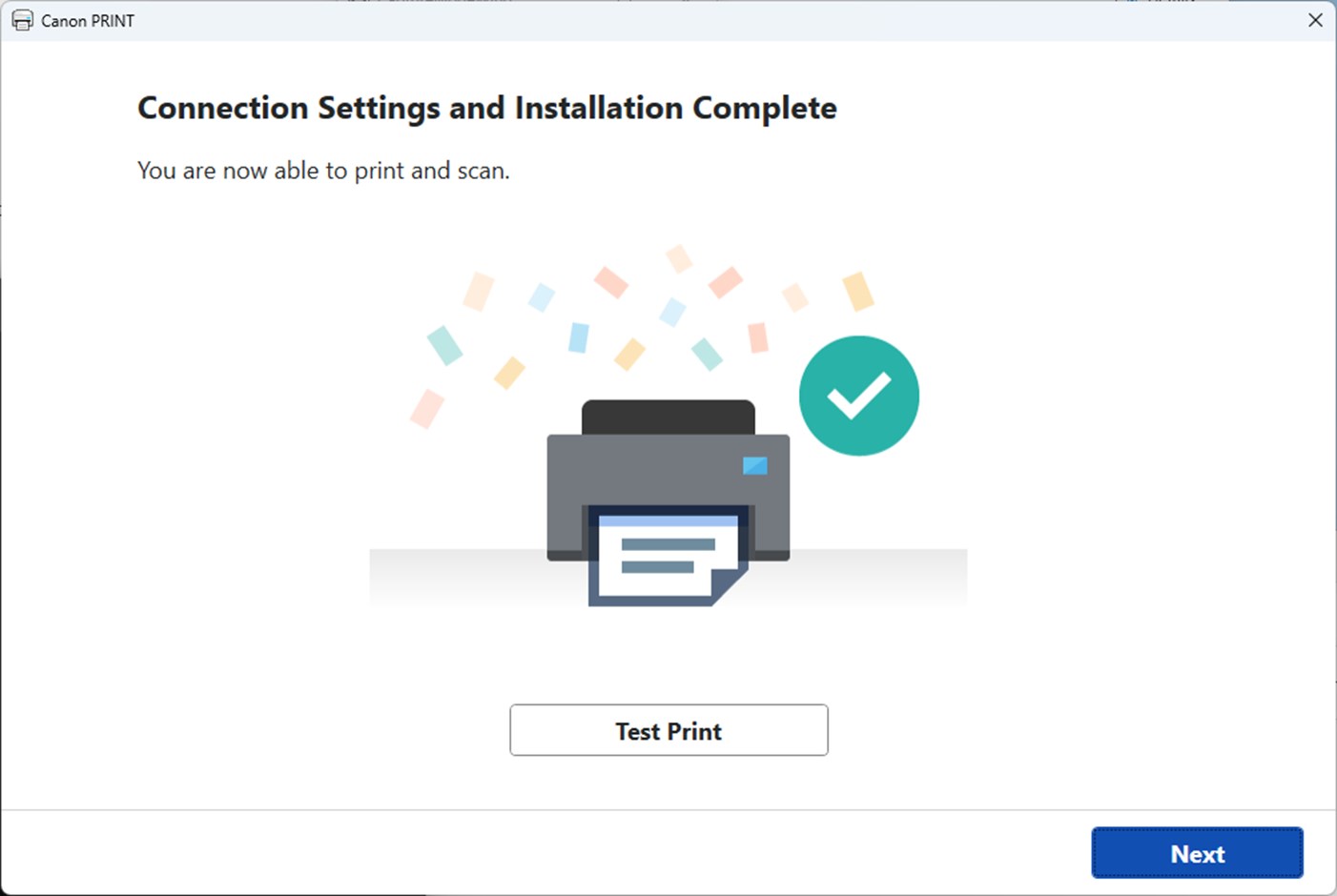
Setting up the app is a walk in the park—simply plug in your printer or connect via Wi-Fi, and the app detects your device automatically, presenting options to configure it with a few clicks. Once linked, functions like ink monitoring and job management become accessible from a central dashboard, providing real-time updates that keep you informed without needing to delve into complex menus. The app also enables photo printing and offers options to enhance images, ensuring professional-quality results right from your desktop.
Performance and User Interface
In terms of performance, Canon PRINT for Windows impresses with its responsiveness and stability. Operations such as starting a print job or checking ink levels happen swiftly, almost like having a personal assistant in your PC. The interface is highly user-friendly—buttons are well-spaced, and workflows are logically structured, making both novices and tech-savvy users feel comfortable. The app's smooth operation and clear visuals reduce the typical frustration associated with printer management, turning a mundane task into a more engaging experience.
What Sets It Apart From Competitors?
Compared to other utilities and tools in its category, Canon PRINT for Windows's standout feature is its tight integration with Canon printers, enabling advanced features like remote ink level monitoring and detailed device management. Unlike more generic print management apps, it offers proprietary functionalities that leverage Canon's hardware capabilities, ensuring optimal performance and troubleshooting options specific to Canon devices. Its focus on seamless connectivity and comprehensive control makes it feel like an extension of the printer itself, rather than simply an external tool.
Final Thoughts and Recommendations
All in all, Canon PRINT for Windows is a well-crafted application that significantly enhances your printing workflow. For household users, small offices, or anyone relying on Canon printers, this app offers a reliable, easy-to-use solution that saves time and reduces headaches. I would recommend it particularly for users who want centralized control over multiple devices without the need for complicated driver setups or third-party software.
While the app is rich in features, power users seeking extensive editing and advanced printing options might find it somewhat simplified. However, for its intended purpose—streamlining printer management—it excels and deserves a solid recommendation as a key utility in your digital toolkit.
Pros
- User-friendly interface
- Wide device compatibility
- Easy document management
- Cloud printing features
- Remote printing capability
Cons
- Limited customization options
- occasional connection issues
- Slow print job queuing
- Lack of advanced editing tools
- Inconsistent notification alerts











