

- Name Bluetooth Battery Level
- Category Utilities & tools
- Available on PC
- OS Windows 10 version 17763.0 or higher
- Memory 300 MB
- languages English
Introducing Bluetooth Battery Level for Windows: Your Handy Battery Buddy
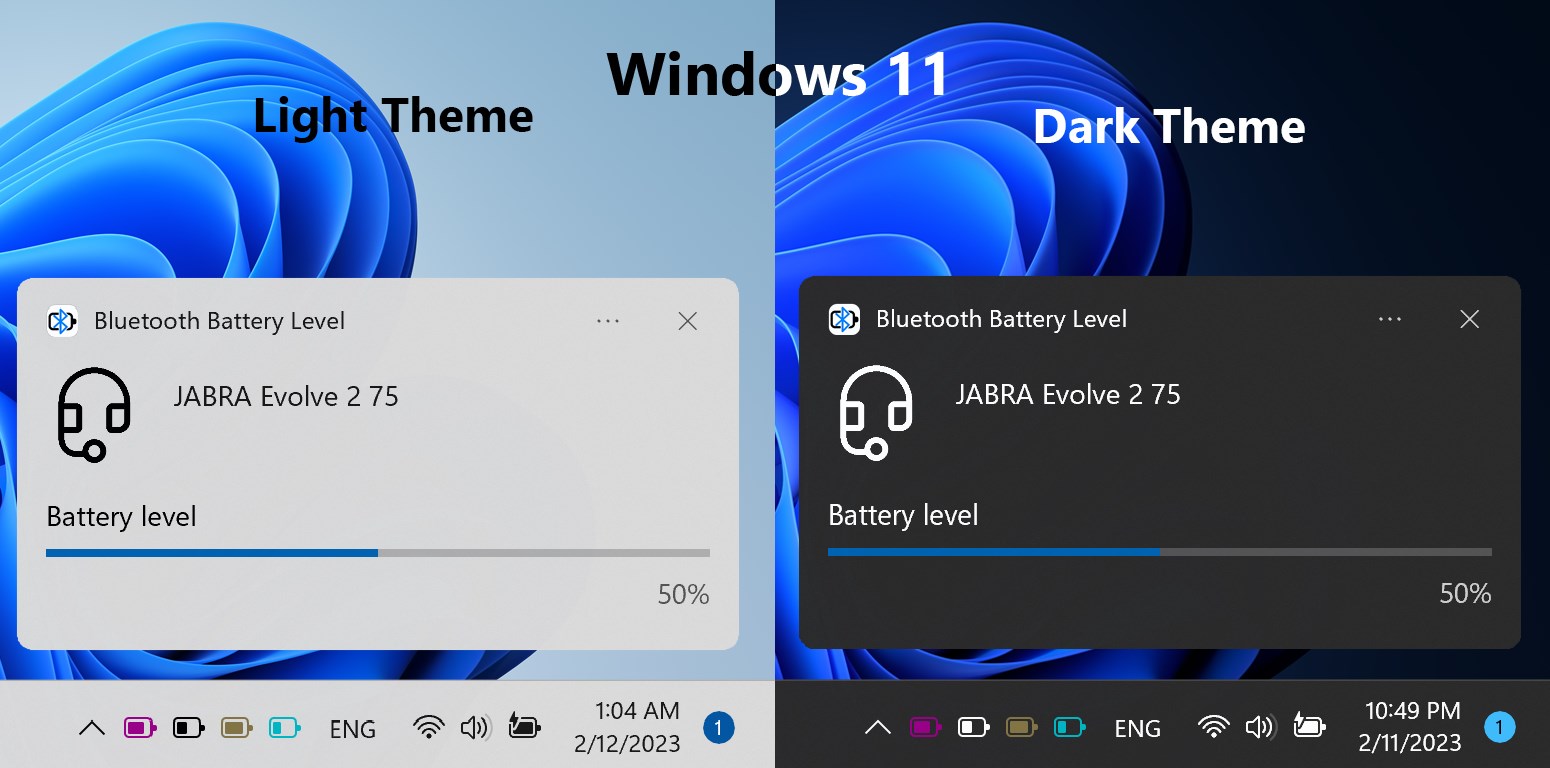
If you've ever found yourself frantically searching for your phone after noticing your laptop's battery dwindling, you'll appreciate Bluetooth Battery Level for Windows — a simple yet effective app that keeps your wireless devices' battery status at your fingertips. Designed to help users monitor their Bluetooth peripherals effortlessly, this app acts like a vigilant guardian, ensuring you stay connected without unexpected shutdowns.
Meet the Developers Behind the Scene
Developed by Workstation Master, a team known for crafting utility tools that enhance daily digital workflows, Bluetooth Battery Level for Windows exemplifies their commitment to practical, user-friendly software solutions. Their focus is on delivering straightforward tools that seamlessly integrate into Windows environments, and this app is no exception.
Top Features That Make It Stand Out
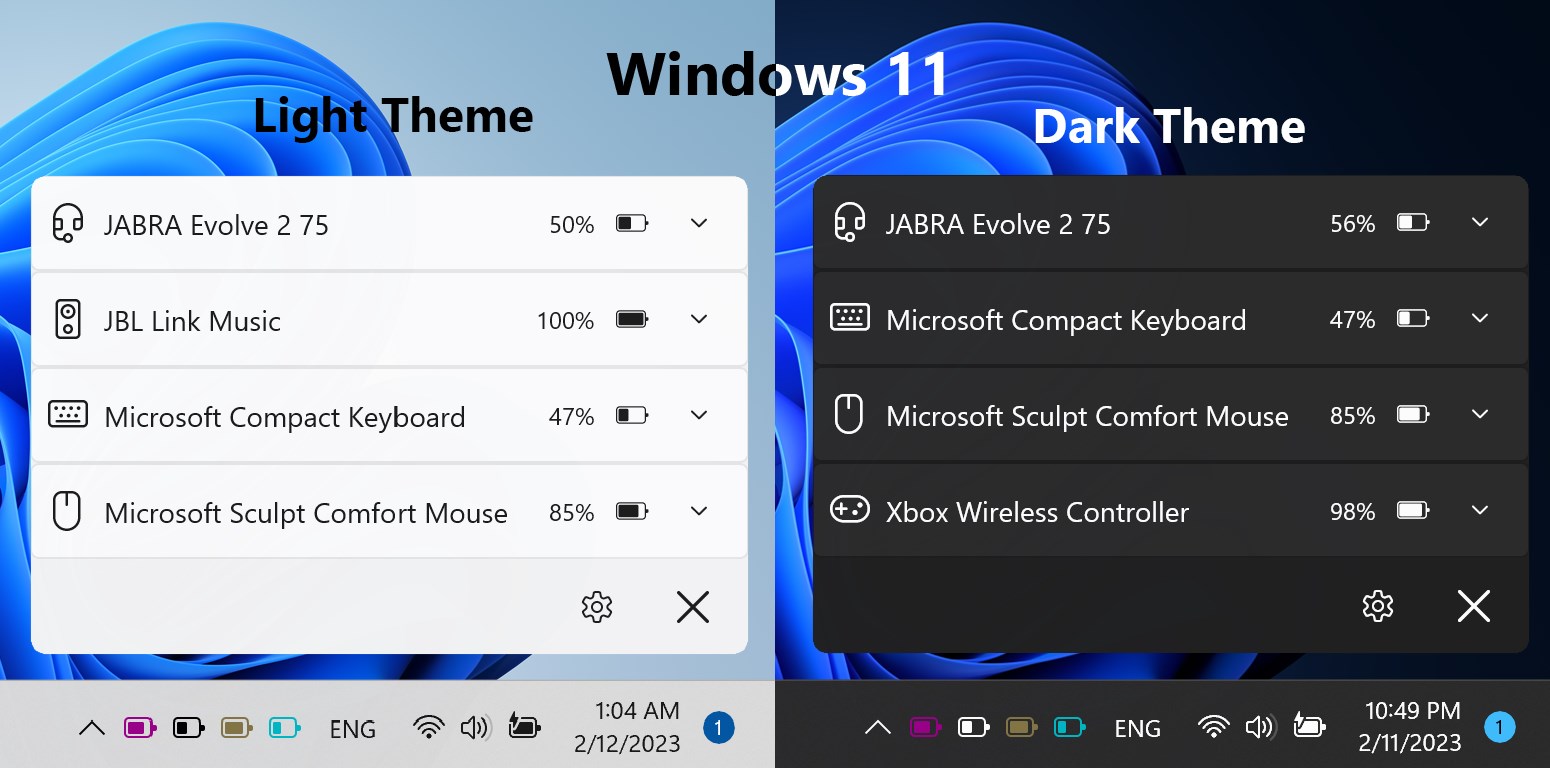
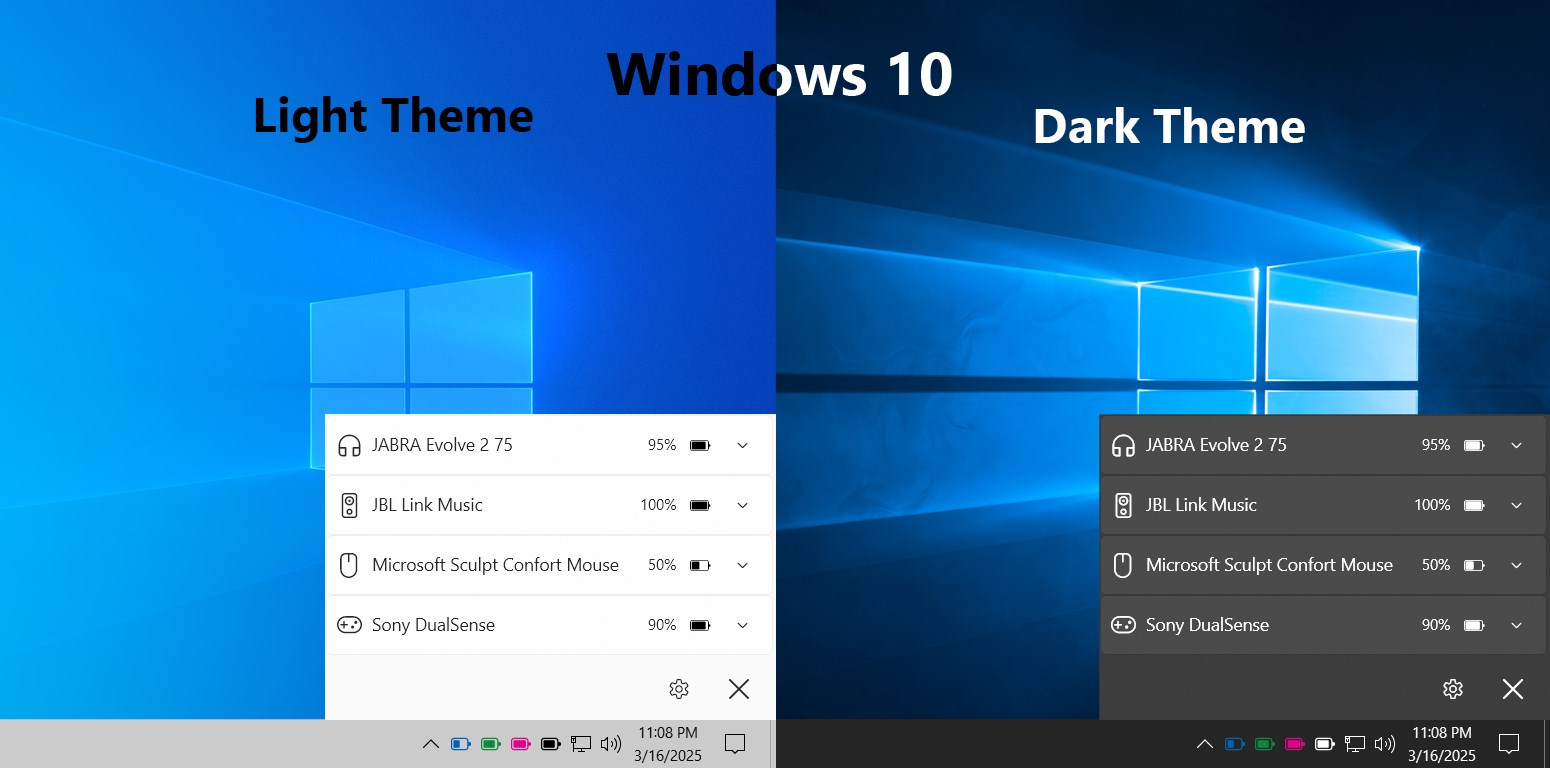
- Real-Time Battery Monitoring: Keeps you instantly updated on the power status of all connected Bluetooth devices, so there's no more guessing or surprise disconnections.
- Easy Pairing and Management: Simplifies device pairing processes within the app, offering a consolidated dashboard to manage multiple devices effortlessly.
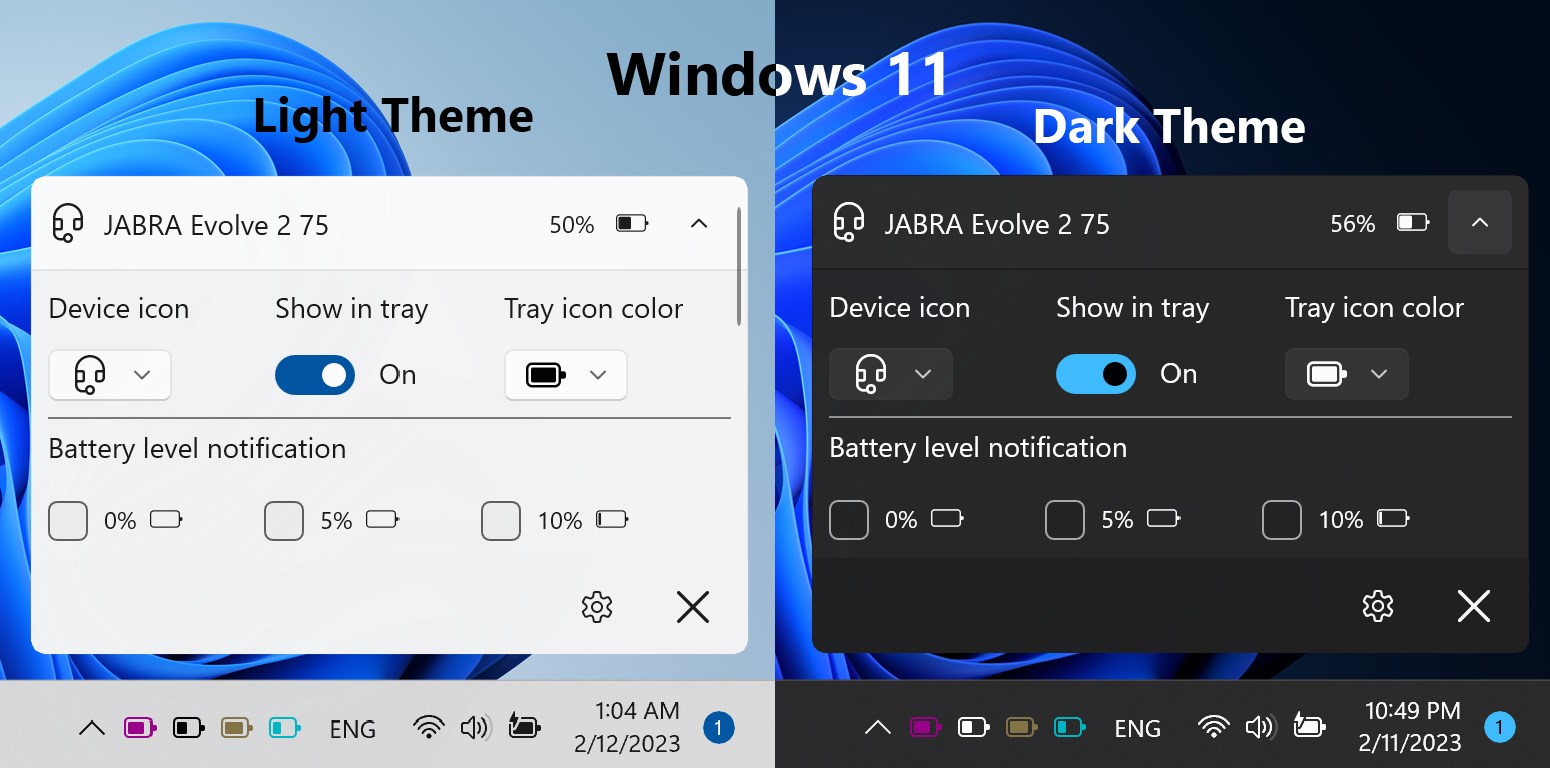
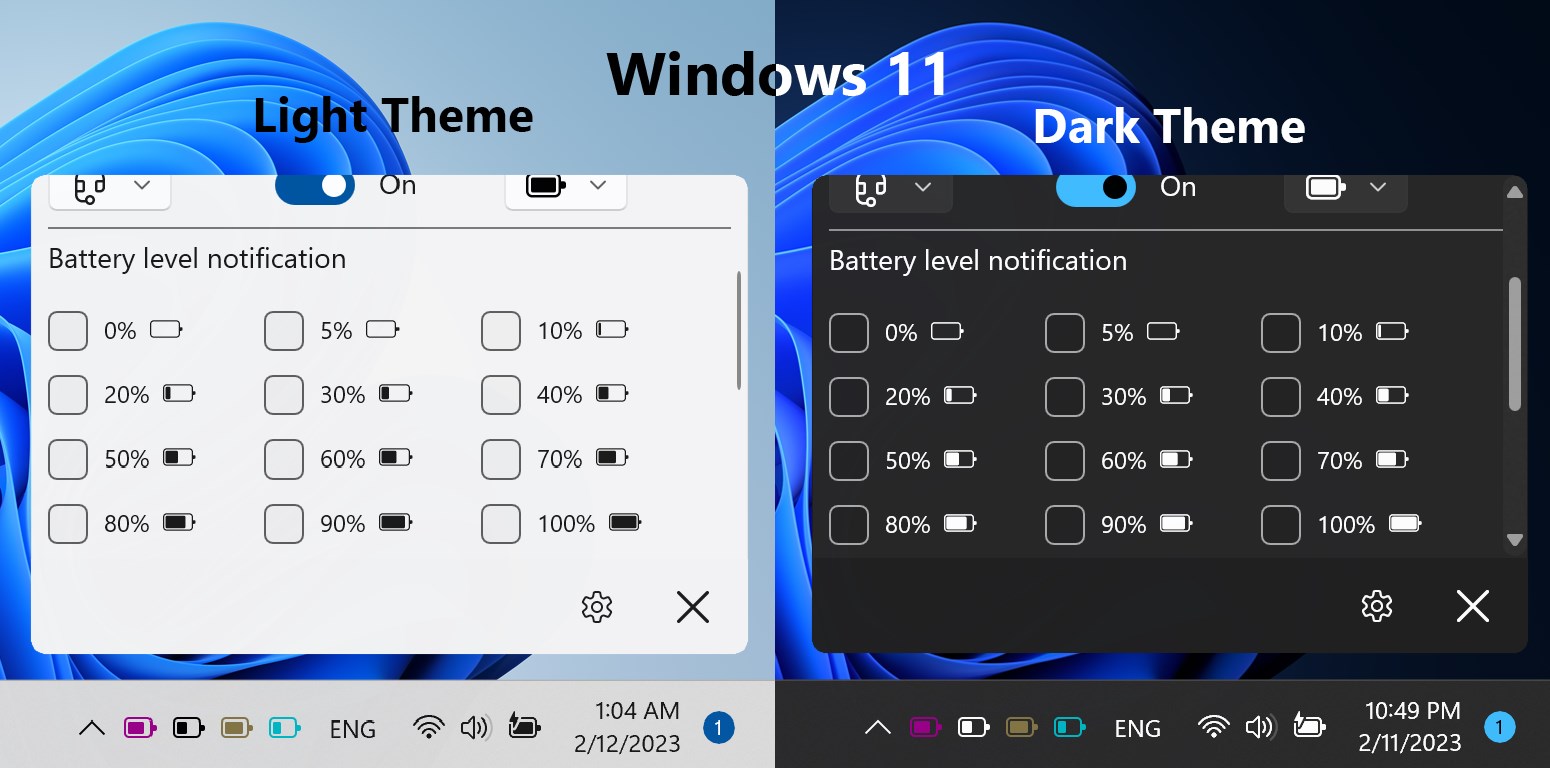
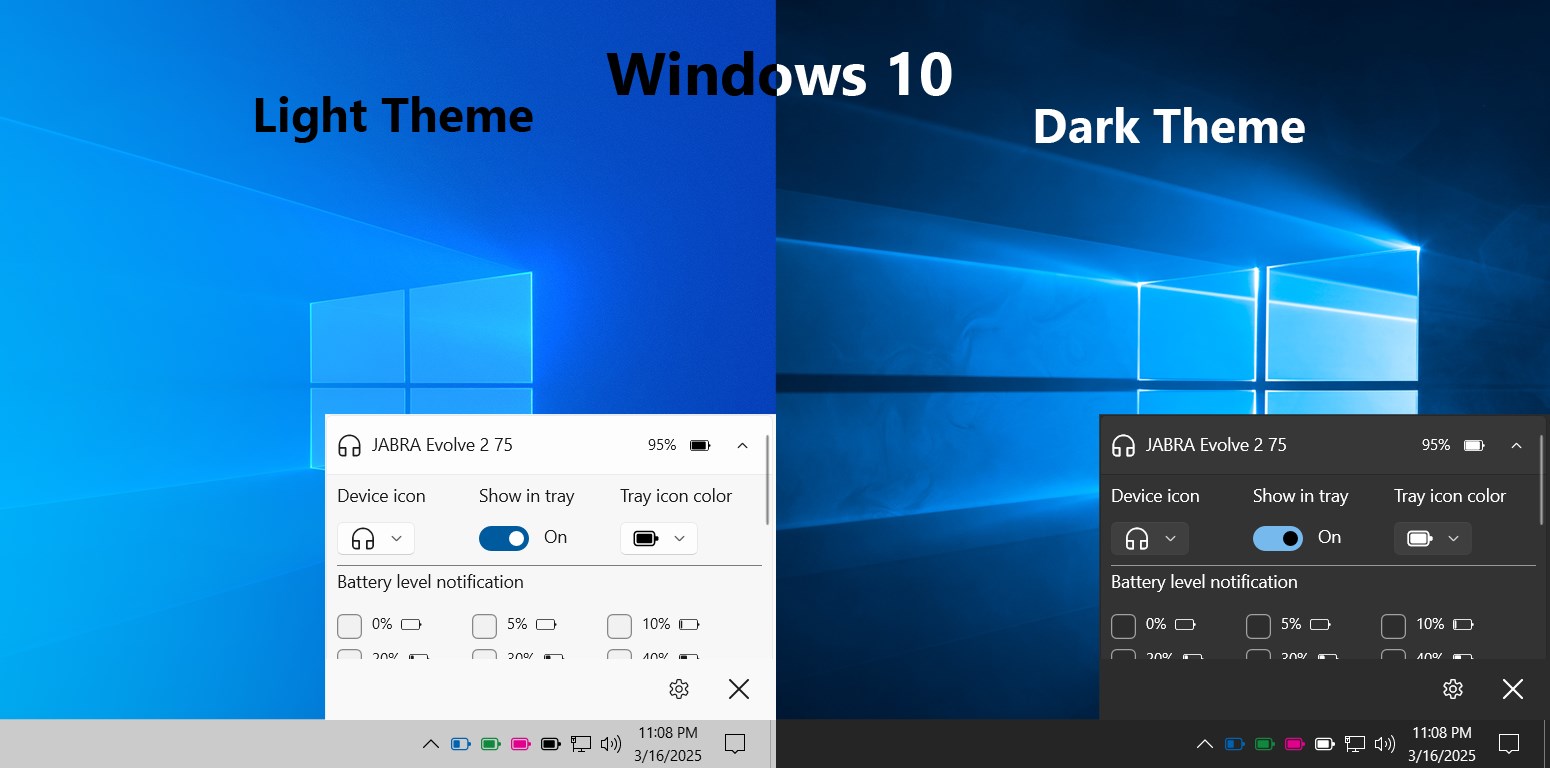
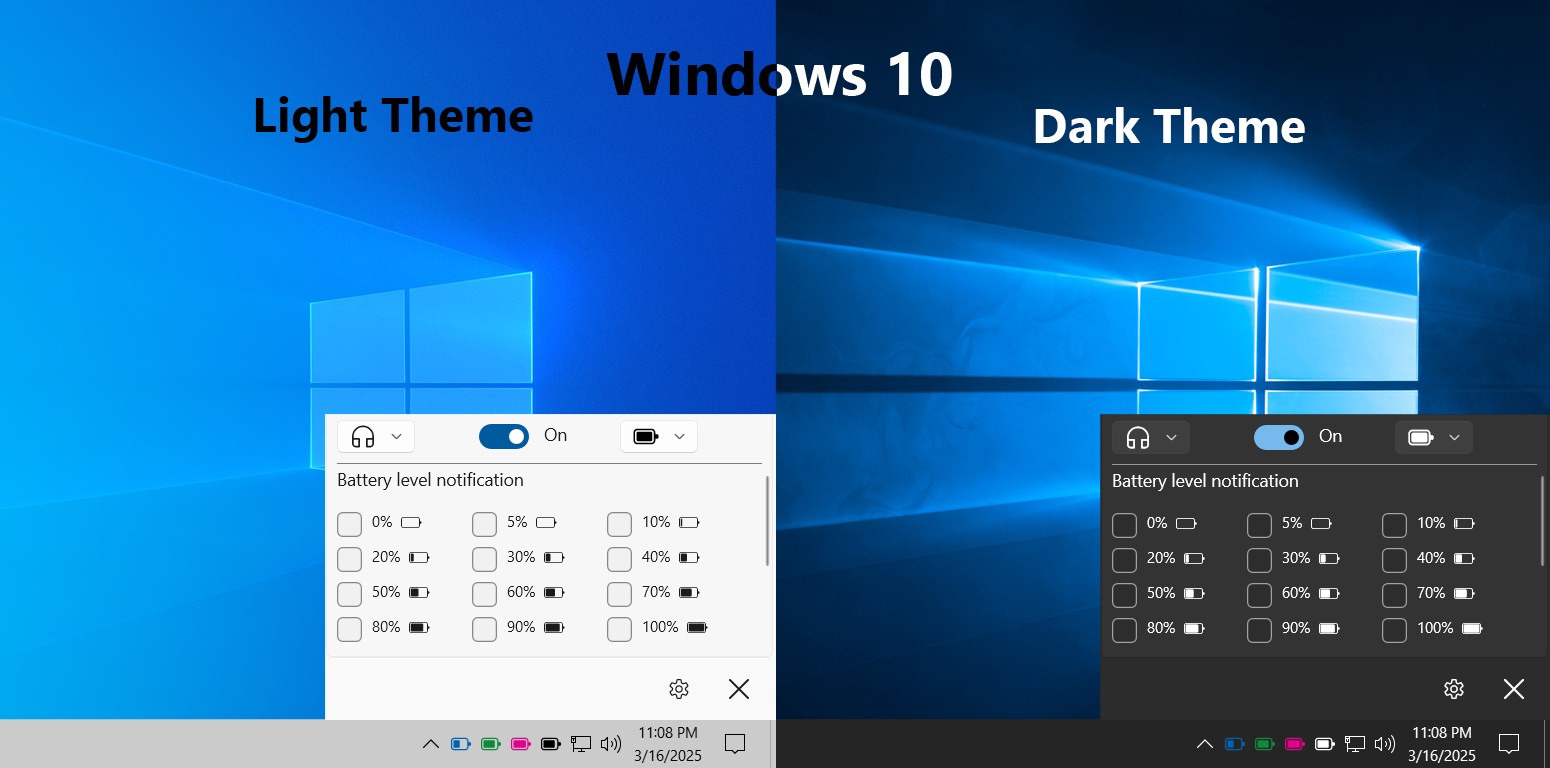
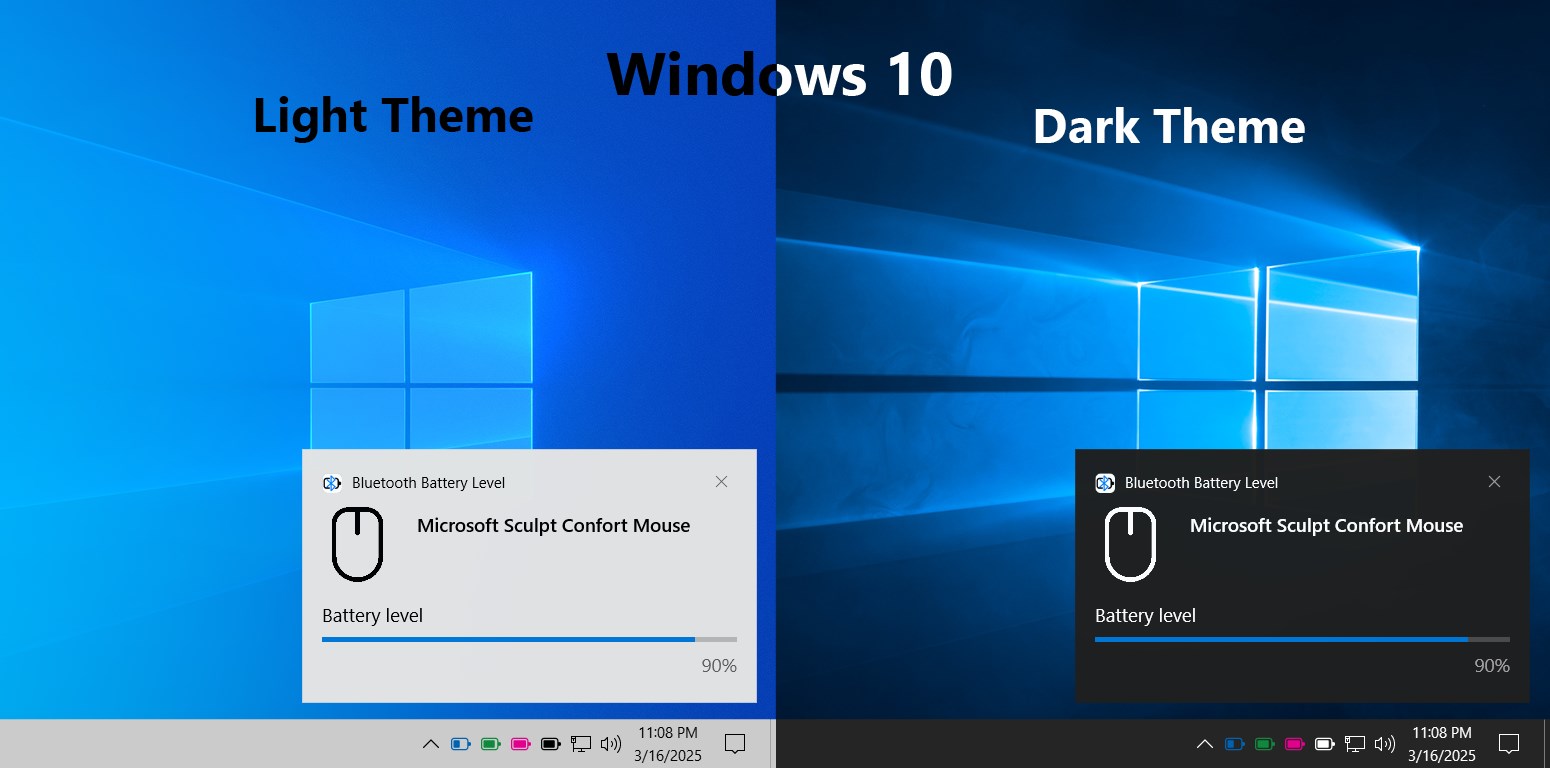
- Battery Level Alerts: Offers customizable alerts to warn you before devices run out of juice, allowing for proactive management.
- Lightweight & Low Resource Usage: Maintains a minimal footprint, ensuring your system's performance stays unaffected.
Vivid Appraisal: Making Bluetooth Monitoring Fun and Functional
Imagine you're working on an important presentation, laptop humming along, when suddenly your wireless mouse stops responding. Frustrating, isn't it? That's where Bluetooth Battery Level for Windows steps in like a reliable co-pilot. This app transforms the mundane task of checking device batteries into a quick, straightforward glance at your screen, turning what could be a mini panic into a calm, managed process. Its straightforward design and intuitive usability turn this utility from a hidden gem into a must-have companion for anyone relying on Bluetooth peripherals daily.Design and User Interface: Clear, Colorful, and Friendly
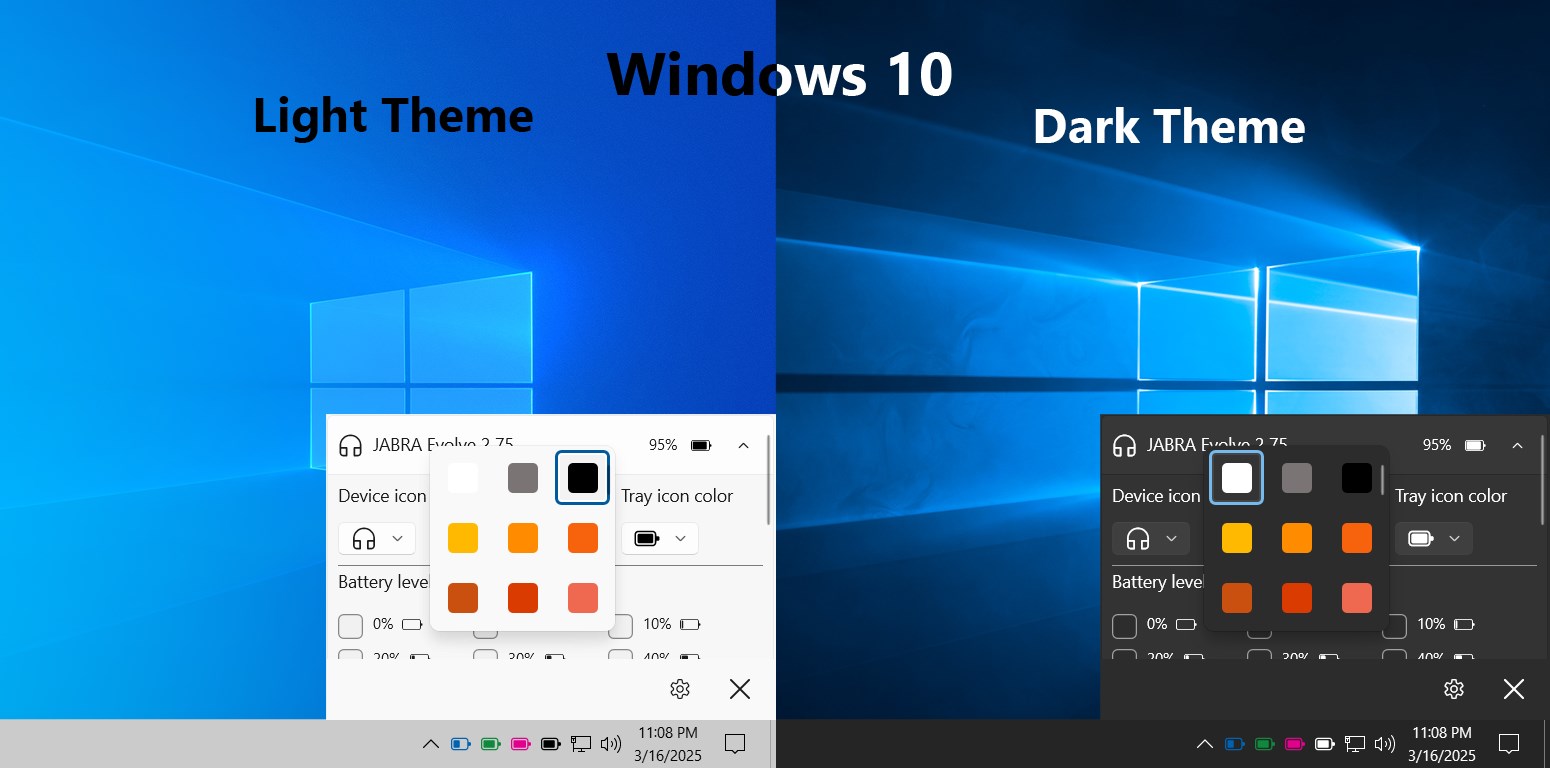
The interface of Bluetooth Battery Level for Windows is reminiscent of a tidy control panel that invites users to explore without overwhelm. The dashboard displays connected devices with clear battery percentages, often complemented by intuitive color coding—green for healthy, yellow for moderate, and red for critical. Navigating this app feels akin to flipping through a well-organized electronic drawer; everything is where you'd expect it to be. Users will find the design refreshingly straightforward, reducing the learning curve to mere seconds. Even first-timers will quickly master its functions without fuss, thanks to concise labels and smooth transitions.Performance and User Experience: Seamless and Responsive
Once launched, the app operates smoothly, providing real-time updates without noticeable lag. Switching between devices or adjusting alert preferences feels like flipping different pages of a well-thumbed book—fluid and intuitive. Its low resource footprint means your system remains responsive, even when monitoring multiple Bluetooth devices simultaneously. For users managing several peripherals—be it mice, headsets, or keyboards—this app proves to be unobtrusive yet highly reliable. The learning curve is practically nonexistent; most users will get comfortable within a few moments of exploration.What Sets It Apart: The Unique Edge
Unlike many utility tools that merely report data, Bluetooth Battery Level for Windows emphasizes proactive management. Its standout feature, the customizable alert system, ensures you're notified well before a device becomes unusable, preventing unscheduled disruptions. This focus on preventive alerts differentiates it from more passive monitoring tools. Moreover, by consolidating device management into a single, user-friendly dashboard, it simplifies what could otherwise be a cluttered nuisance of multiple Windows or device-specific settings—making it ideal for users who prefer clarity and control.Final Verdict: A Practical, Friendly Utility with a Clear Edge
Considering its straightforward design, effectiveness, and the particularly useful alert system, I recommend Bluetooth Battery Level for Windows to anyone who relies heavily on Bluetooth peripherals for work or leisure. It's especially suitable for users who want peace of mind without complex configurations. This app isn't about flashy features; it excels at providing essential battery insights effortlessly, making it a reliable companion in your digital toolkit. If you're tired of unexpected disconnections or simply want a better grip on your wireless device health, this application is certainly worth trying out.Pros
- Real-time Bluetooth device battery monitoring
- Simple and user-friendly interface
- Lightweight app with minimal system impact
- Wide compatibility with various Bluetooth devices
- Quick setup process
Cons
- Limited functionality without additional features
- Occasional inaccurate battery level readings
- Requires Bluetooth permissions to operate
- No support for historical battery data
- Limited customization options











