
- Name BikeControl
- Category Utilities & tools
- Developer Jonas Bark
- Available on PC
- OS Windows 10 version 17763.0 or higher
- languages English (United States)
BikeControl for Windows: Your Smart Companion for Cycling Management
BikeControl for Windows is a well-crafted application designed to help cycling enthusiasts and station managers monitor, organize, and optimize their bike-sharing operations seamlessly on a Windows platform. With its intuitive interface and powerful features, it transforms how users engage with bike data, making cycling management more efficient and accessible.
About the App
Developed and published by Jonas Bark, BikeControl is a versatile utility aimed at providing comprehensive bike tracking and management tools. Its core strengths lie in real-time monitoring, detailed data analytics, and an easy-to-navigate interface, all tailored to serve both individual cyclists and fleet operators. The app's primary users include bike-sharing station managers, cycling event organizers, and serious cycling enthusiasts interested in detailed riding data.
Introducing BikeControl: A Dynamic Ride in the Digital Terrain
Imagine having a personal dashboard that not only keeps tabs on every pedal you push but also turns that vast amount of cycling data into usable insights—think of it as your digital co-pilot, guiding your ride and management decisions with precision and clarity. Whether you're overseeing a fleet of bikes or just passionate about tracking your personal rides, BikeControl stands out as a reliable partner in this journey.
Revolutionary Bike Monitoring & Data Dashboard
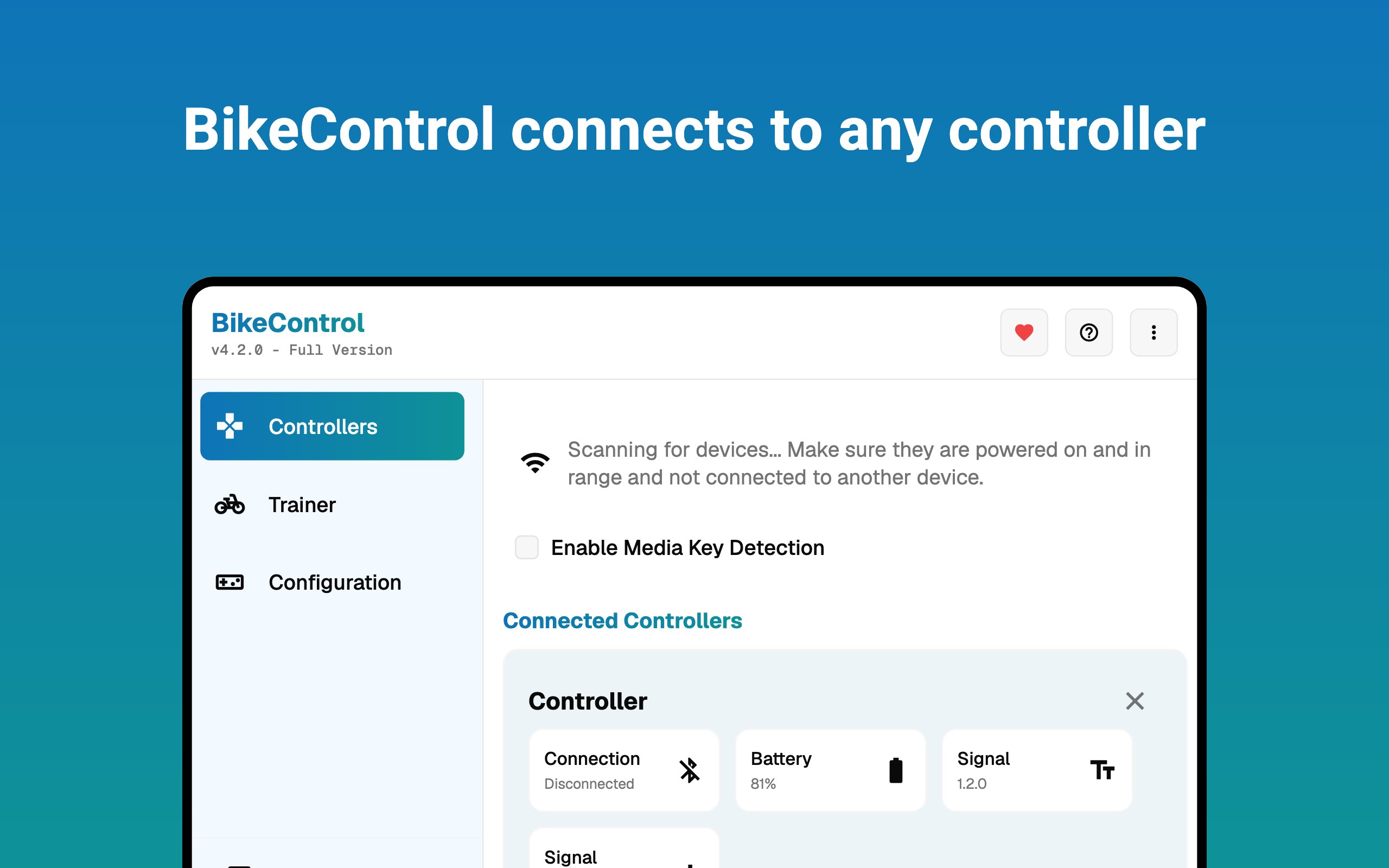
The heart of BikeControl lies in its comprehensive monitoring capabilities. Once you connect your bikes via compatible sensors or manual input, the app visualizes real-time data such as speed, distance, battery status, and location, displayed conveniently on an easy-to-understand dashboard. This feature is akin to having a cockpit view of your cycling operation, making it straightforward to spot potential issues or optimize routes.
What truly makes this feature stand out is its ability to aggregate data across multiple bikes or rides, providing summarized reports and trend analyses. This allows station managers to track bike usage patterns over days, weeks, or months, enabling smarter maintenance scheduling and inventory management. For individual users, it offers insights into riding habits that can help improve performance or plan better routes.
Intuitive Interface Design & Seamless User Experience
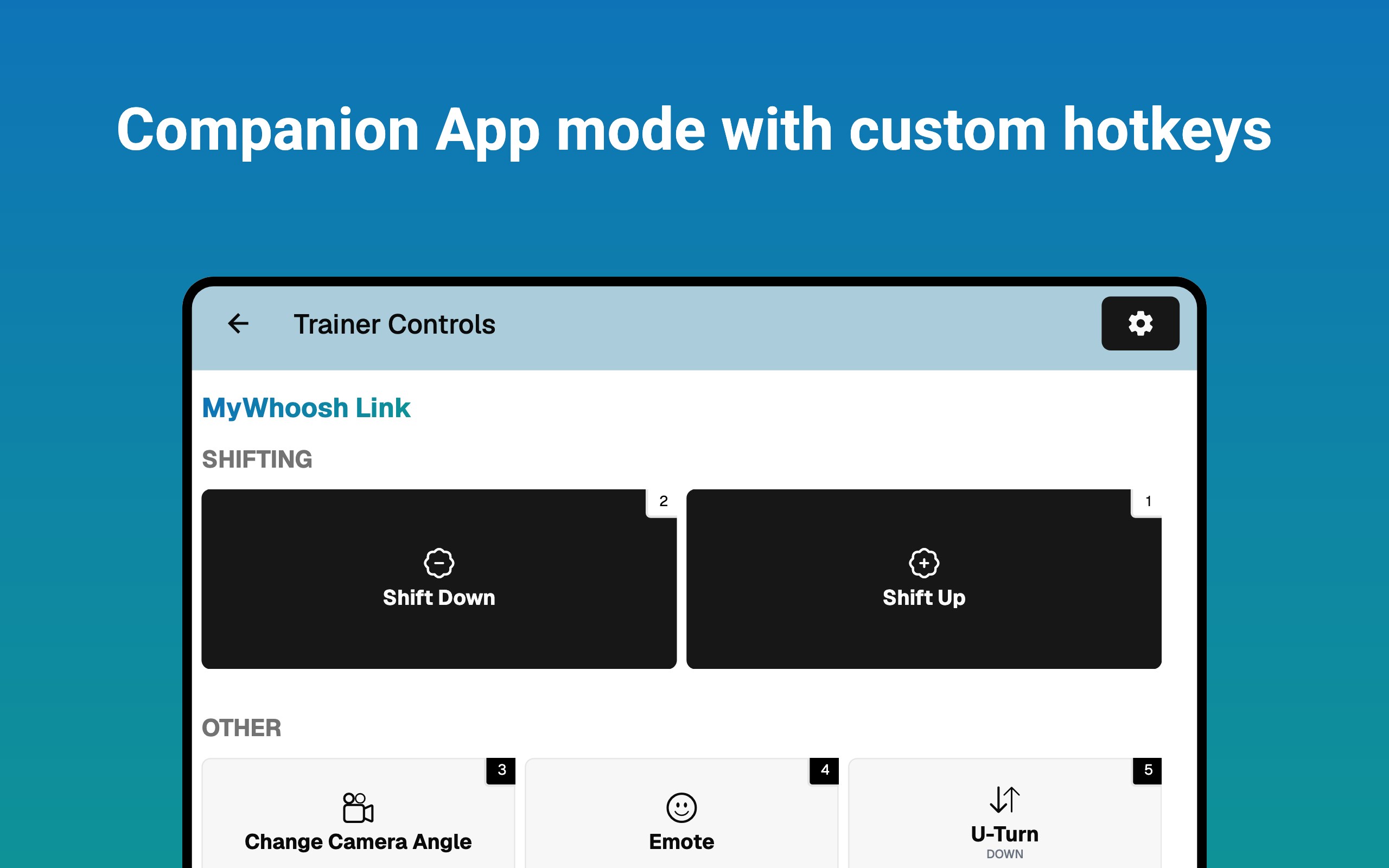
BikeControl embraces a clean, modern interface that feels like a well-organized toolkit rather than a cluttered dashboard. Navigating through sections such as live monitoring, historical data, and settings is smooth and responsive, even on less powerful devices. The app's learning curve is gentle—new users can pick up its functionalities within minutes, much like discovering the controls of a new bike—it's straightforward and user-friendly.
Furthermore, the app's design thoughtfully incorporates visual cues and color coding to make complex data instantly recognizable, reducing fatigue and confusion during long sessions or busy management tasks.
Unique Features That Set It Apart
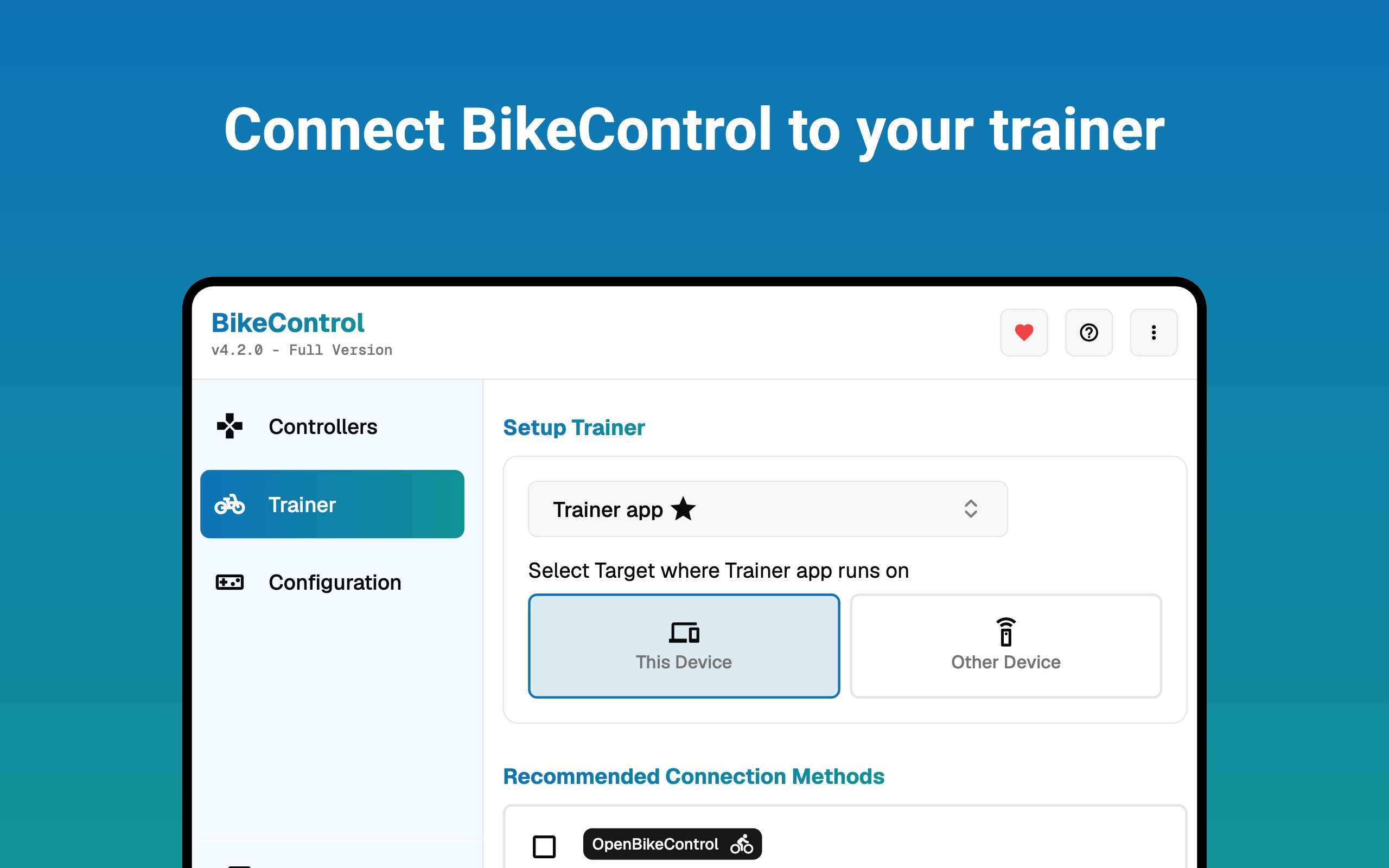
Compared to other utility apps in this niche, BikeControl's standout features are its focus on multi-bike management and detailed analytics combined with a sleek, user-centered design. Its ability to synchronize multiple bikes and present aggregated data in real time is particularly valuable for fleet operators, giving a clear operational overview at a glance. Additionally, its compatibility with various sensors and manual input options ensures flexibility—whether you're working with high-tech IoT devices or simple manual logging.
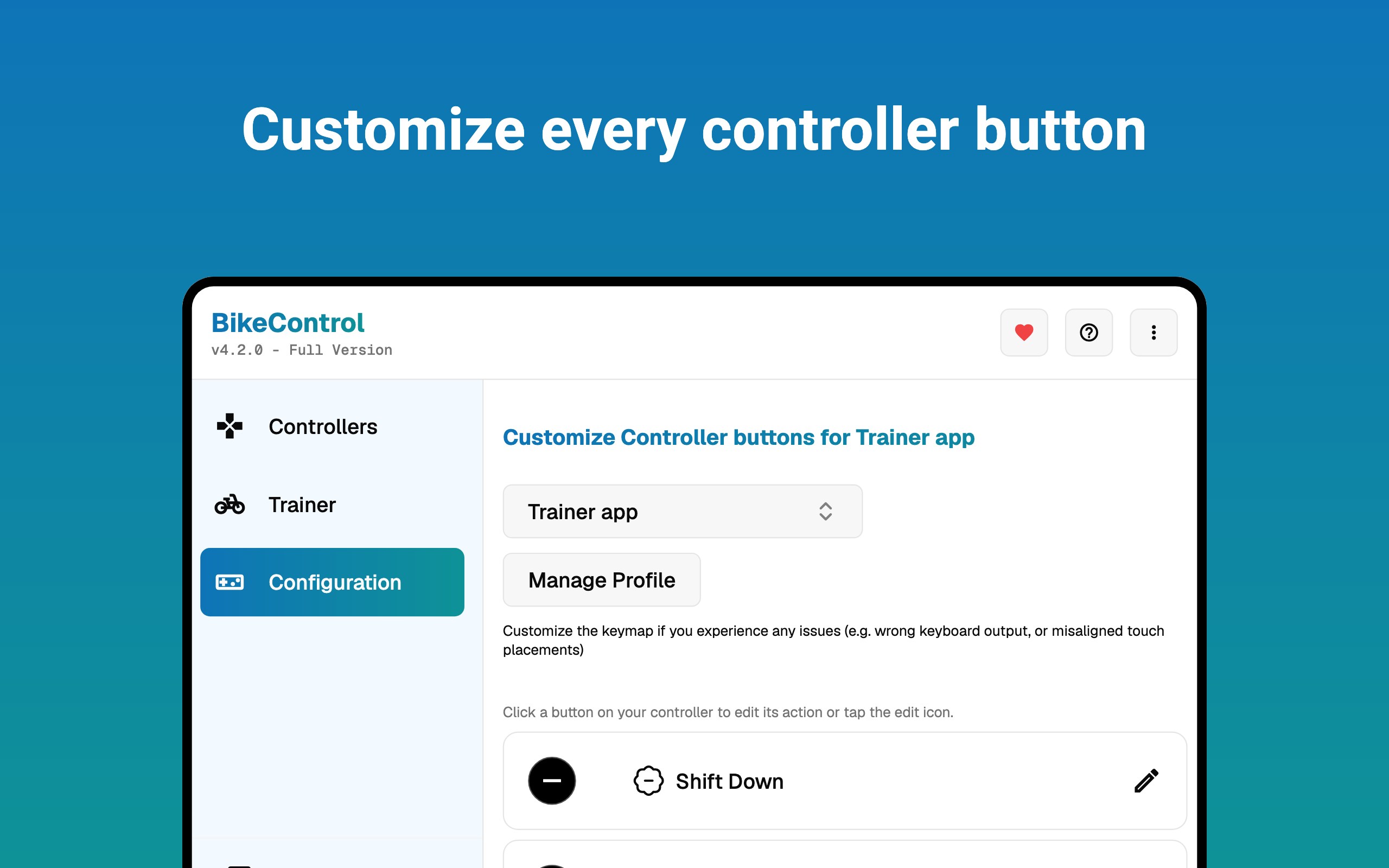
Another notable aspect is its customizability—users can configure alerts for maintenance needs or low battery levels, which acts like a proactive guardian for your bikes, helping prevent unexpected breakdowns.
Final Thoughts and Recommendations
BikeControl for Windows is a thoughtfully developed application that balances powerful features with ease of use. For cycling fleets, bike-sharing stations, or dedicated cyclists who crave detailed insight into their rides, it offers a reliable and comprehensive solution. Its core strengths—real-time monitoring and multi-bike management—make it particularly appealing for users seeking efficient operational oversight.
While it may not have the extensive social or community features of some apps, its precision, clarity, and dedicated focus make it a worthy tool. If you're looking to streamline your cycling data management or oversee multiple bikes effortlessly, I would recommend giving BikeControl a try. It's not just a tool; it's a smart partner for anyone serious about cycling logistics and performance tracking.
Pros
- Intuitive User Interface
- Real-time Bike Tracking
- Compatibility with Multiple Devices
- Customizable Ride Alerts
- Seamless Integration with Microsoft Ecosystem
Cons
- Limited Offline Functionality
- Battery Consumption
- Occasional Location Inaccuracy
- Limited Language Support
- Learning Curve for Advanced Features











