-
Name
AVG TuneUp
-
Category
Utilities & tools
-
Developer
Avast Software s.r.o.
-
Available on
PC
-
OS
Windows 10 version 0.0 or higher
-
Keyboard
Integrated Keyboard
-
Mouse
Integrated Mouse
-
Memory
1 GB
-
languages
Chinese (Simplified), Chinese (Traditional Chinese), Czech, Danish, Dutch, English (United States), Finnish, French, German, Hungarian, Indonesian, Italian, Japanese, Korean, Malay, Norwegian, Polish, Portuguese (Brazil), Portuguese (Portugal), Russian, Serbian, Slovak, Spanish, Swedish, Turkish
Enhance Your Windows Experience with AVG TuneUp: A Comprehensive Review
Introduction: A Friendly Deep Dive into System Optimization
Imagine your Windows PC as a bustling city—over time, traffic congestion and roadblocks slow everything down. AVG TuneUp acts like an efficient city planner, streamlining processes and clearing the clutter so your digital life runs smoothly. Designed by Avast Software s.r.o. and published by AVG Technologies, this utility aims to keep your system optimized, fast, and clutter-free. Whether you're a casual user looking to improve performance or a tech enthusiast seeking advanced tools, AVG TuneUp promises to be a reliable companion.
Core Features That Stand Out
Automatic Maintenance and Intelligent Cleaning
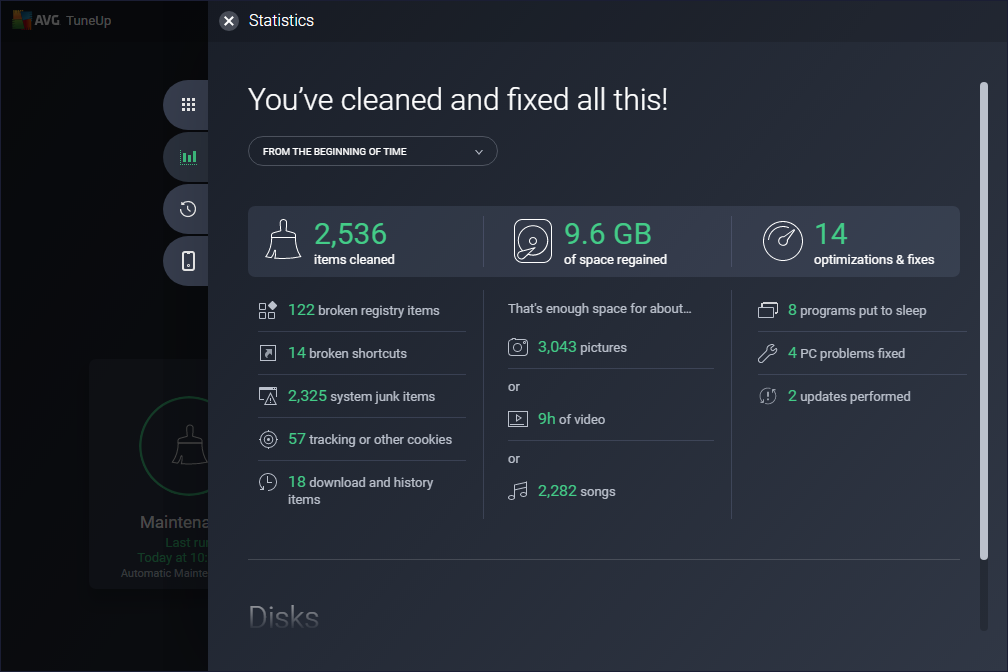
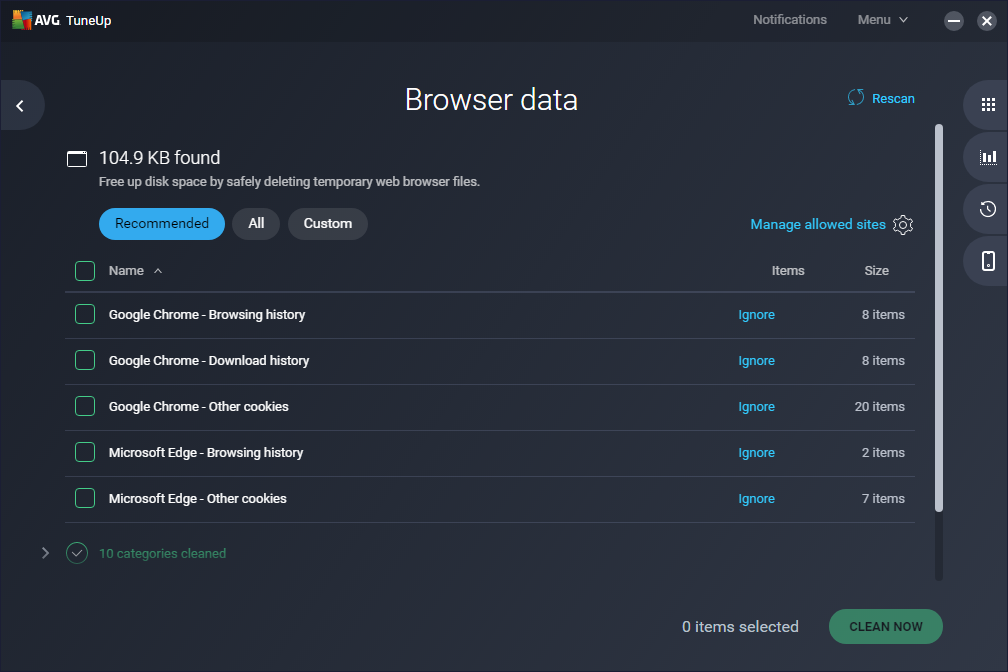
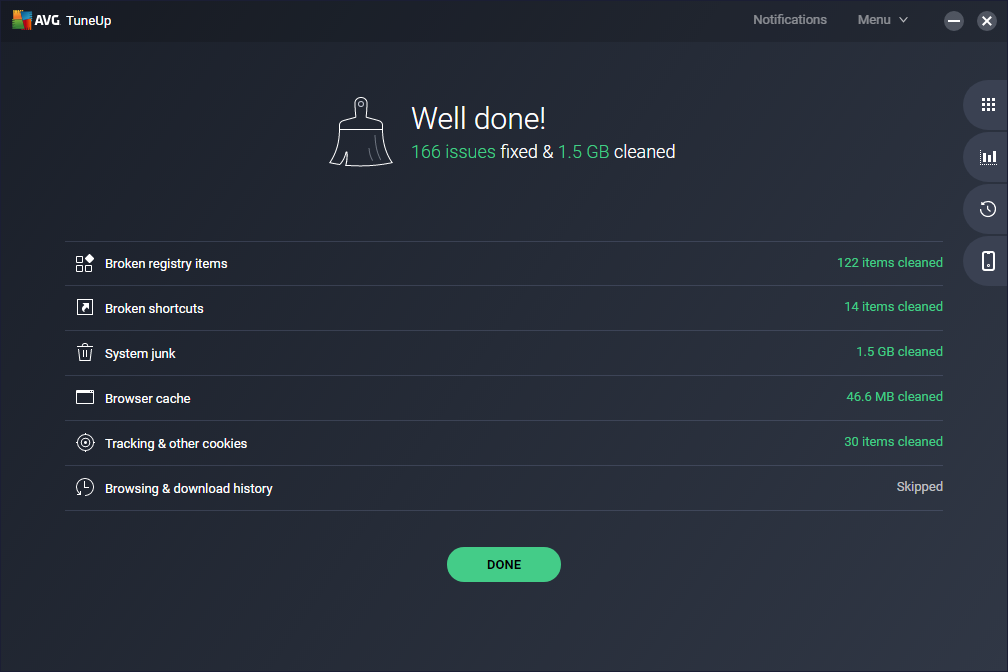
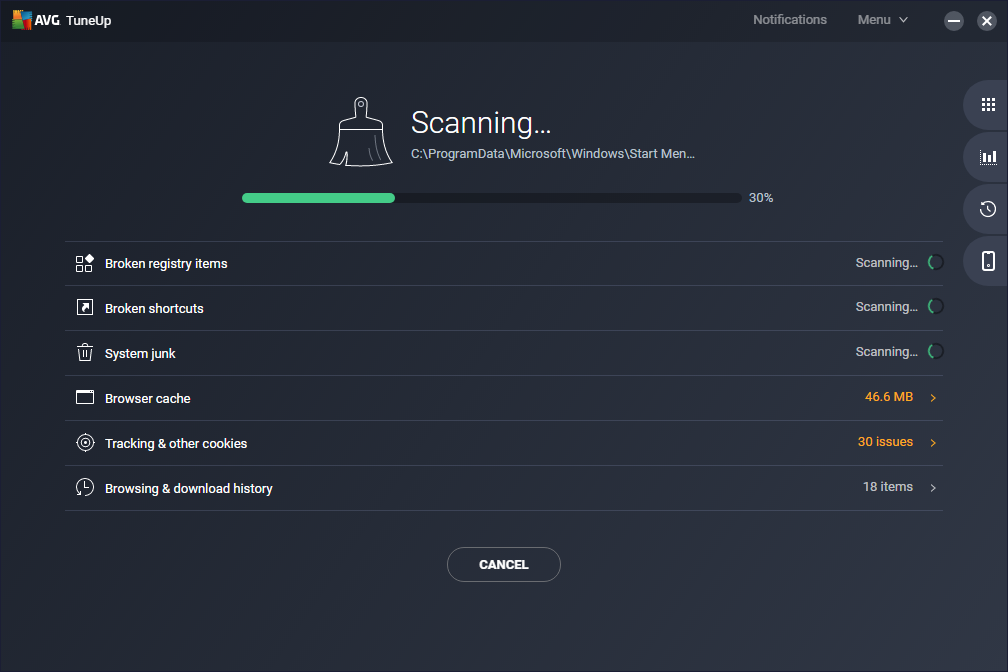
One of AVG TuneUp's crown jewels is its ability to perform automatic maintenance, intelligently identifying and cleaning unused or temporary files, browsing traces, and redundant data. Ever opened dozens of tabs and forgot to close them? This app helps clean up that digital mess, freeing up disk space and boosting speed without demanding constant oversight.
Program Optimization and Background App Management
With the proliferation of background applications, system sluggishness is often caused by resource hogs running unnoticed. AVG TuneUp offers a ‘Sleep Mode' for inactive programs—suspending unnecessary apps to prioritize system resources. This feature ensures your PC is dedicated to your current tasks, enhancing responsiveness and stability.
Deep System Tune-Up and Performance Boosts
Beyond routine cleaning, AVG TuneUp delves into more technical tweaks, such as optimizing startup items and registry entries. Its innovative ‘Turbo Mode' temporarily halts background services, giving your system a swift performance boost—especially handy before important presentations or gaming sessions.
User Experience: Friendly, Intuitive, and Seamless
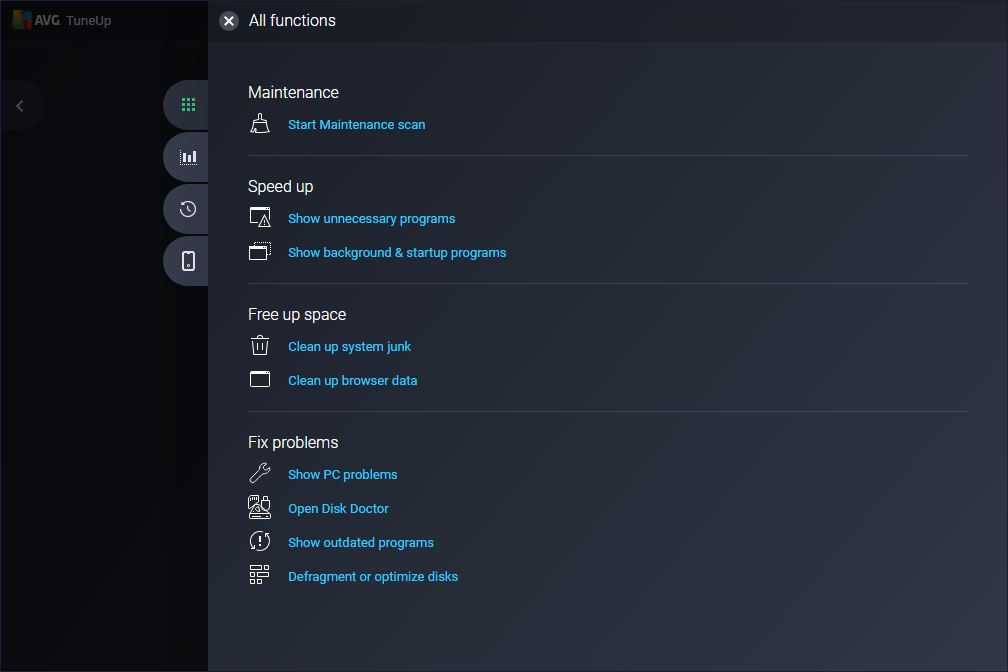
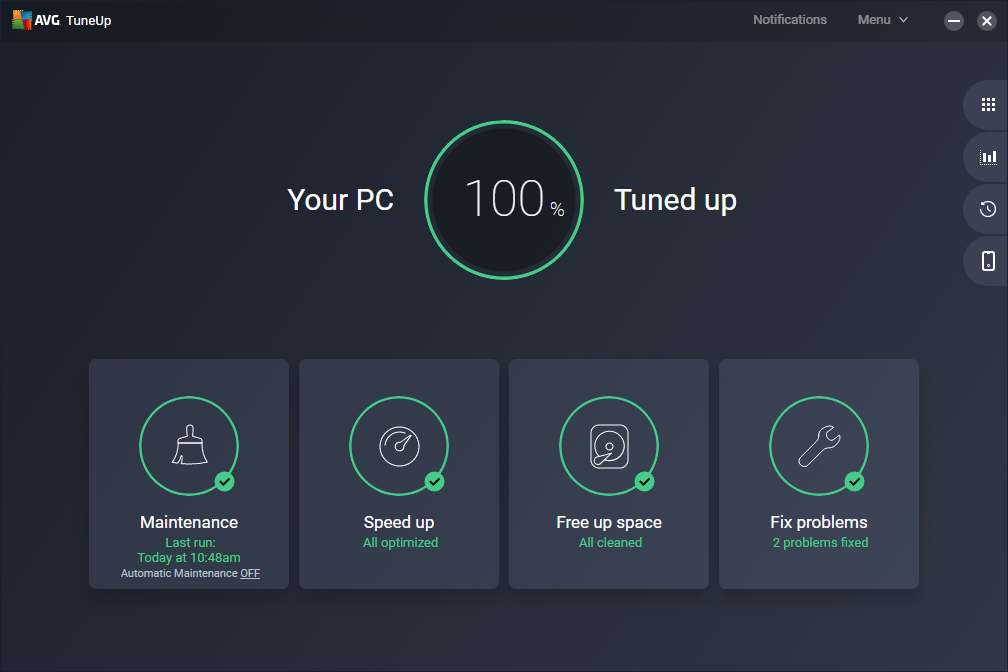
The interface of AVG TuneUp is like a well-organized toolbox—clean, simple, yet packed with useful features. Navigating through its dashboard feels natural, even for first-time users, thanks to clear icons and guided workflows. The app operates smoothly on modern hardware, with real-time scanning happening seamlessly in the background. Learning how to leverage its features takes minimal time; whether you're clicking through tabs or setting automated schedules, the experience feels intuitive and stress-free.
Differentiation in a Crowded Market
While many system utilities exist, AVG TuneUp distinguishes itself through its intelligent automation and deep cleaning capabilities. Its adaptive algorithms can detect and address lingering issues that conventional tools might overlook. Additionally, the ‘Program Fast Startup' feature is a noteworthy highlight—it intelligently identifies unnecessary auto-start programs and offers one-click solutions to speed up boot times. Compared to other utilities that focus solely on surface cleaning, AVG TuneUp's integration of proactive optimization and automation makes it stand out as a comprehensive system maintenance suite.
Final Verdict and Recommendations
Overall, AVG TuneUp merits a solid recommendation for Windows users seeking a dependable, user-friendly tool to maintain system health. Its combination of automatic features, detailed optimization options, and a gentle learning curve makes it suitable for a broad audience—from novices to tech-savvy individuals. While power users may appreciate combining it with more specialized tools, AVG TuneUp offers enough value as a standalone application to justify its place on your PC.
In conclusion, think of AVG TuneUp as the meticulous gardener for your Windows garden—tending, pruning, and watering to keep everything flourishing and running at its best. If you value simplicity combined with effective performance enhancements, this app is well worth trying.
Pros
- User-friendly interface
- Effective junk file cleanup
- Automatic system optimization
- Deep registry cleaning
- Additional features like startup optimization
Cons
- Occasional false positives during scans
- Slow scan speeds on older hardware
- Limited free features
- No real-time protection
- Minor bugs in scheduling function