

- Name Avast Cleanup Premium
- Category Utilities & tools
- Developer Avast Software s.r.o.
- Available on PC
- OS Windows 10 version 0.0 or higher
- Keyboard Integrated Keyboard
- Mouse Integrated Mouse
- Memory 1 GB
- languages Arabic, Belarusian, Bangla, Bulgarian, Catalan, Chinese (Simplified), Chinese (Traditional Chinese), Croatian, Czech, Danish, Dutch, English (United Kingdom), English (United States), Estonian, Finnish, French, German, Greek, Hebrew, Hindi, Hungarian, Indonesian, Italian, Japanese, Korean, Latvian, Lithuanian, Malay, Norwegian, Persian/Farsi, Polish, Portuguese (Brazil), Portuguese (Portugal), Romanian, Russian, Serbian, Slovak, Slovenian, Spanish, Swedish, Thai, Turkish, Ukrainian, Urdu, Vietnamese
Streamlining Your Windows Experience with Avast Cleanup Premium
If you've ever felt that your computer sluggishly drags behind your busy life, Avast Cleanup Premium for Windows aims to be your digital spring cleaning buddy. It promises to optimize performance, free up storage, and keep your system running smoothly — all with a user-friendly touch. Developed by Avast Software s.r.o., a trusted name in cybersecurity, this utility is tailored for users seeking a straightforward yet powerful solution to maintain their PC health without the hassle.
Core Features That Make a Difference
Smart Junk File Removal with Precision
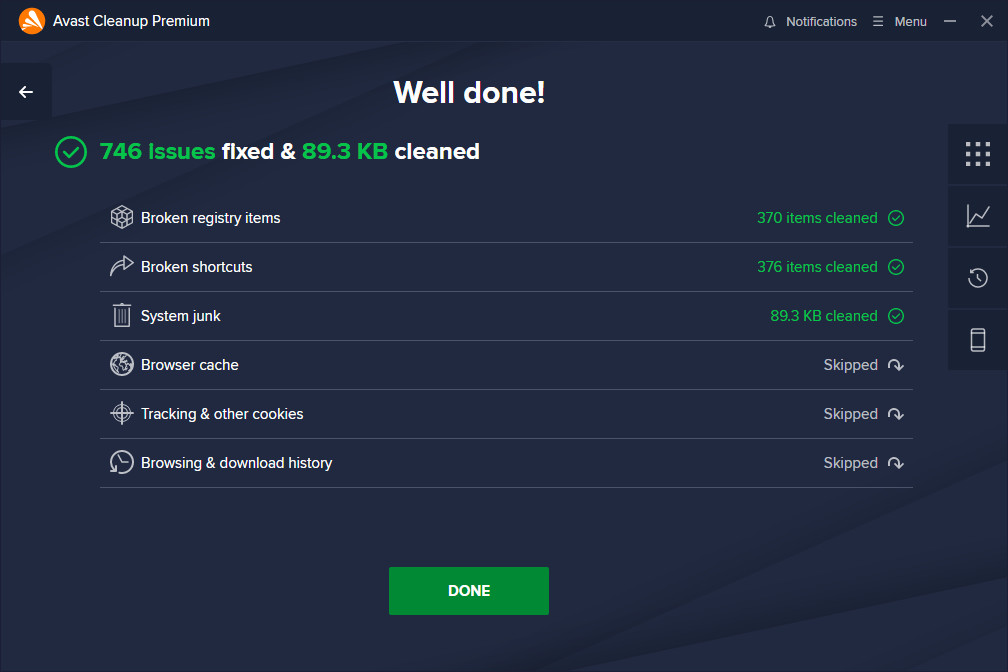
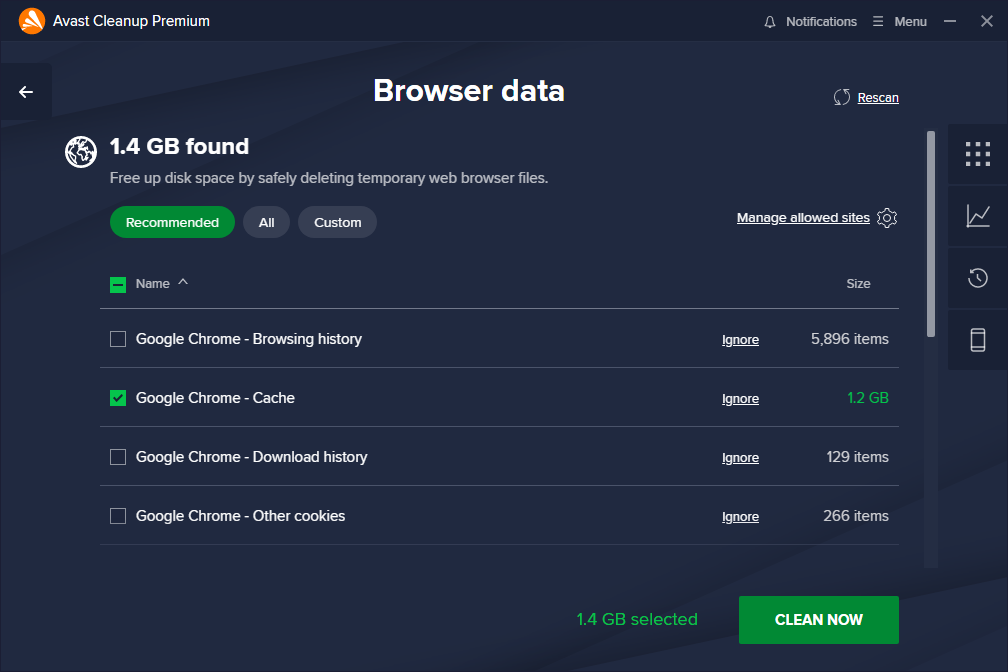
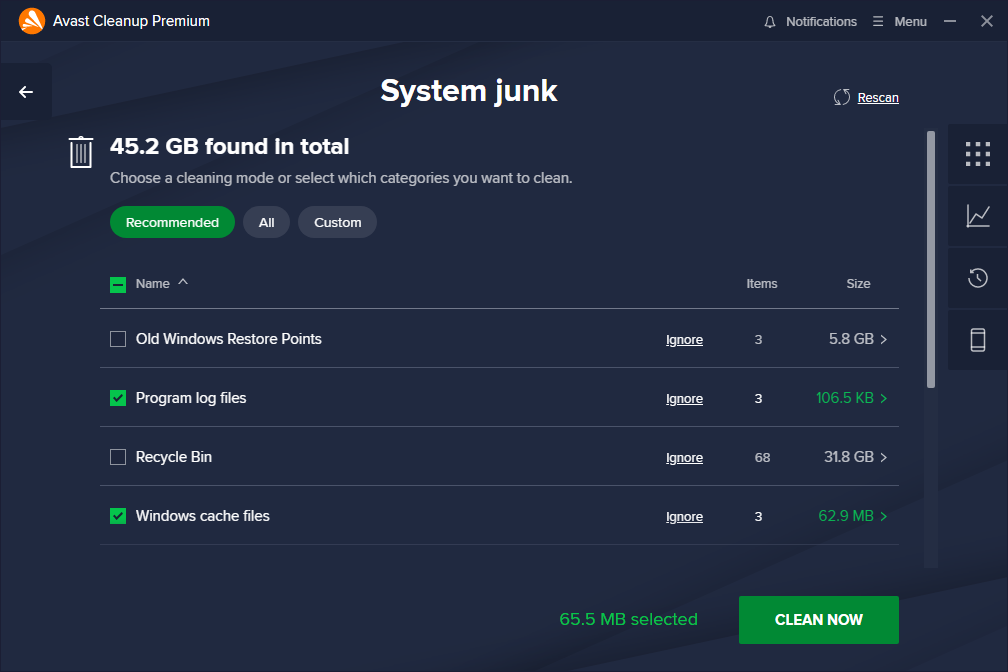
One of Avast Cleanup Premium's standout features is its ability to efficiently identify and eliminate junk files cluttering your system. Unlike generic cleaner tools that sometimes overreach, it smartly scans for unnecessary temp files, browser caches, leftovers from uninstalled programs, and even duplicate files. Think of it as a meticulous gardener trimming away dead branches, ensuring only what's essential remains, thus reclaiming precious disk space and improving overall speed.
Automatic System Optimization & Maintenance
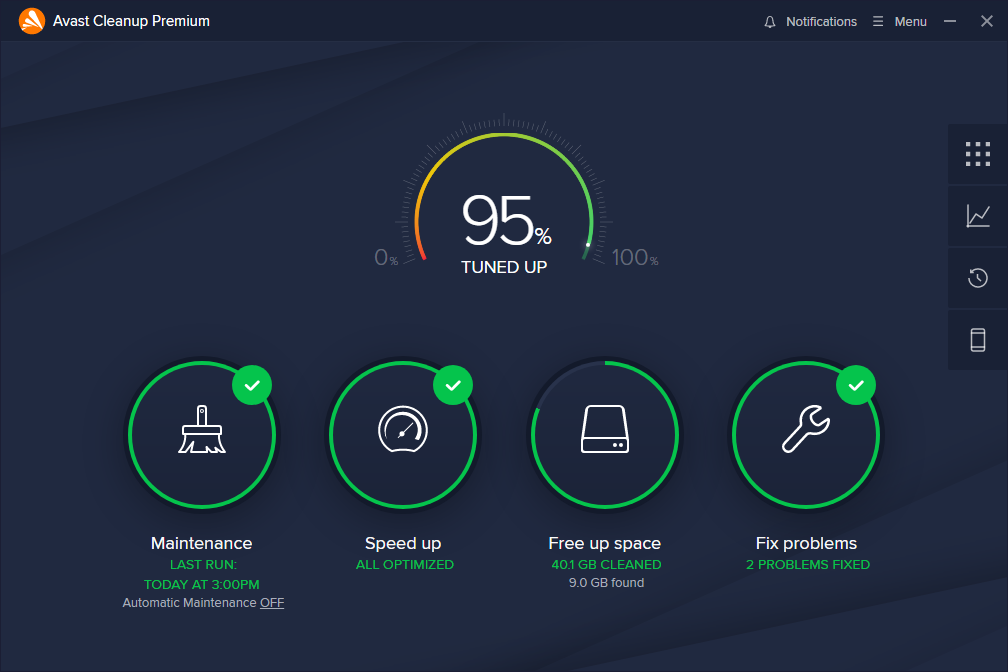
Beyond simple cleanups, Avast offers scheduled and responsive system tune-ups. Its automatic maintenance tools act subtly in the background, optimizing startup items, managing background processes, and adjusting system settings for peak performance. This is akin to setting your home's climate on a smart thermostat, ensuring that your PC remains comfortable and responsive without manual intervention. The process feels seamless, with minimal disruption to your workflow.
Enhanced Battery & Performance Modes
This feature transforms your PC into a power-efficient device by adjusting background activity and CPU usage — perfect for those on the go. It's as if your computer dons sunglasses and a hat, shedding unnecessary energy-consuming tasks to keep running longer on a single charge or during intensive tasks. This mode is particularly helpful for laptops, making Avast Cleanup Premium not just about speed but also about endurance.
User Experience: Friendly, Intuitive, and Efficient
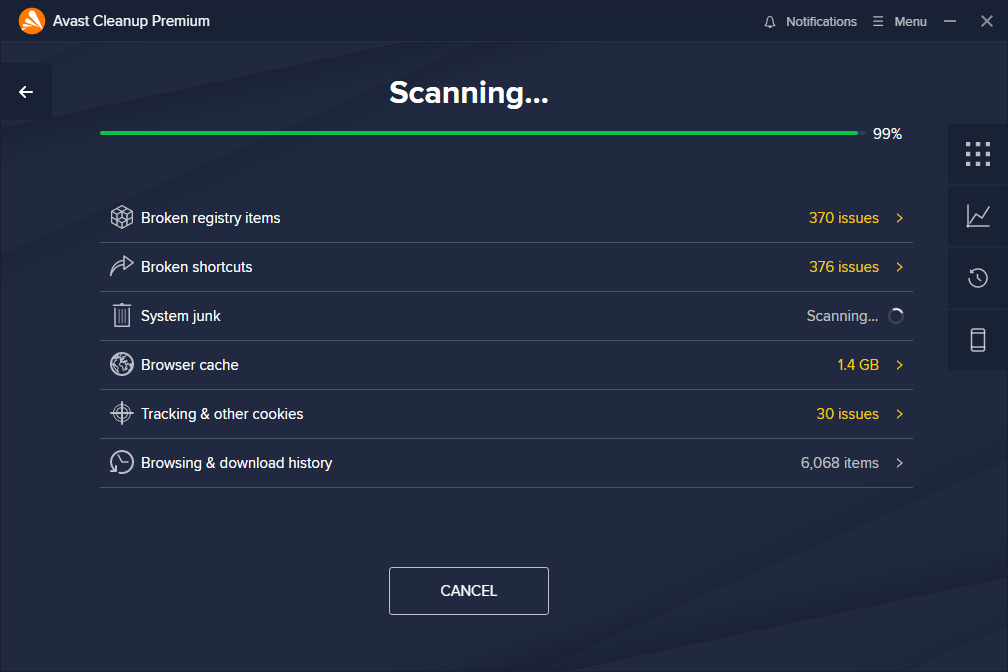
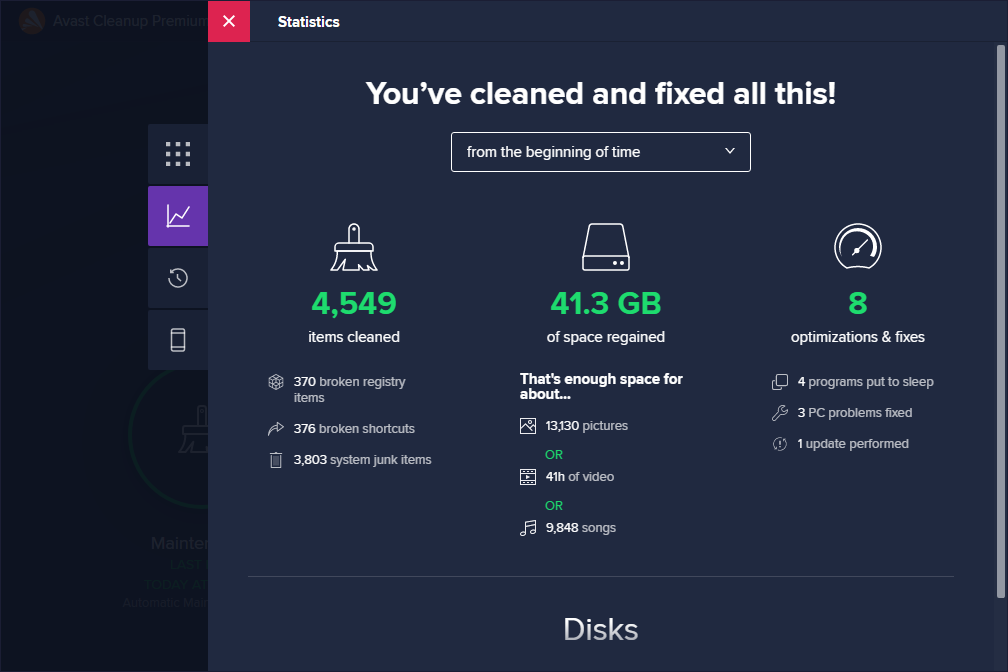
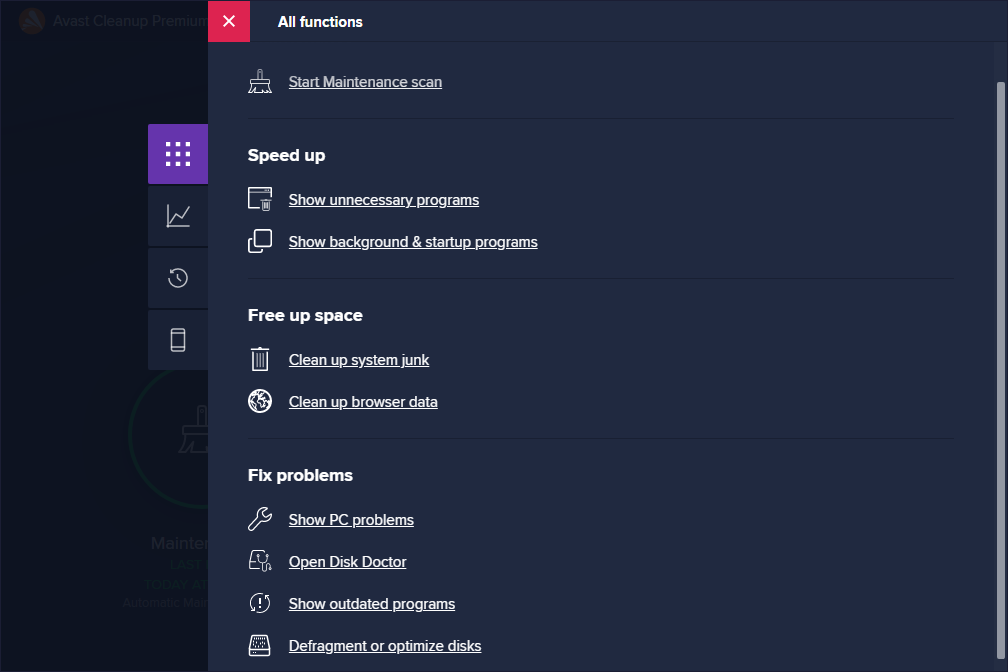
From the moment you launch Avast Cleanup Premium, its sleek and modern interface feels welcoming, like stepping into a well-organized tool shed. The design is minimalistic yet informative, with clear icons and straightforward labels guiding users through each function. Operations feel both quick and fluid — clicking ‘Scan' initiates a comprehensive check that completes swiftly, thanks to optimized algorithms. For those new to system maintenance, the app offers helpful hints and a gentle learning curve, making it accessible without sacrificing depth for power users.
What Sets Avast Cleanup Apart?
While many system utilities focus solely on cleaning or boosting performance, Avast Cleanup Premium combines these aspects with a smart, proactive approach. Its ability to automatically schedule regular cleanups and maintenance tasks means your PC stays optimized without continual manual effort — much like having a dedicated personal trainer for your system. Additionally, its intelligent junk detection minimizes the risk of accidental deletion of important files, addressing common concerns with simplistically designed cleaners that might go overboard.
Compared to competitors, Avast's reputation for cybersecurity extends peace of mind, knowing that its cleanup tools are designed with privacy and security in mind. Plus, features like battery saving modes and the seamless integration with Windows further enhance its distinctiveness among utility tools.
Final Verdict and Usage Recommendations
Avast Cleanup Premium for Windows proves to be a reliable, user-centric tool for keeping your computer in top shape. Its standout features — especially the automatic maintenance scheduling and intelligent junk detection — are particularly appealing for users who prefer a “set it and forget it” approach. Given its intuitive interface and thoughtful design, it's well-suited for both less tech-savvy users and seasoned power users aiming to streamline their system performance.
While no cleaning tool can substitute good digital habits, Avast Cleanup Premium offers a solid, professional-grade option to maintain your PC's health effortlessly. I'd recommend giving it a try if you're seeking a straightforward, effective utility that proactively cares for your Windows device without any complicated procedures.
Pros
- User-Friendly Interface
- Effective Junk File Cleaning
- Real-Time System Monitoring
- Automatic Maintenance Scheduling
- Additional Privacy Features
Cons
- Performance Impact During Scans
- Occasional False Positives
- Limited Free Features
- Updates Are Frequent
- Notification Overload











