

- Name Automatic Keyboard Typer
- Category Utilities & tools
- Available on PC
- OS Windows 10 version 18362.0 or higher
- languages English
Effortless Typing with Automatic Keyboard Typer for Windows
If you're tired of manually copying and pasting repetitive texts, or seeking a tool to streamline your data entry tasks, the Auto Keyboard Typer for Windows by EvlarSoft LLC offers a promising solution. It's like having a reliable digital assistant that takes care of your typing chores, allowing you to focus on more creative or strategic work.
Basic Information and Core Features
This application positions itself as a powerful automation tool designed specifically to simulate keyboard inputs effortlessly. Developed by EvlarSoft LLC, a team dedicated to utility software, it aims to reduce the tedium of repetitive typing tasks. Its key features include:
- Automated Keystroke Playback: Record and replay sequences of keystrokes precisely, saving time for users who need to perform similar inputs repeatedly.
- Easy Script Creation: User-friendly scripting options facilitate creating complex typing sequences without technical expertise.
- Trigger and Schedule Automation: Set up hotkeys or scheduled events to initiate typing actions automatically, seamlessly integrating into your workflow.
- Customizable Behavior: Offers adjustable speed and repetitions to fine-tune automation according to your needs.
Ideal for data entry, gaming macros, or repetitive testing, the app caters to a broad audience—from office workers to gamers and software testers.
Evaluating User Experience and Functionality
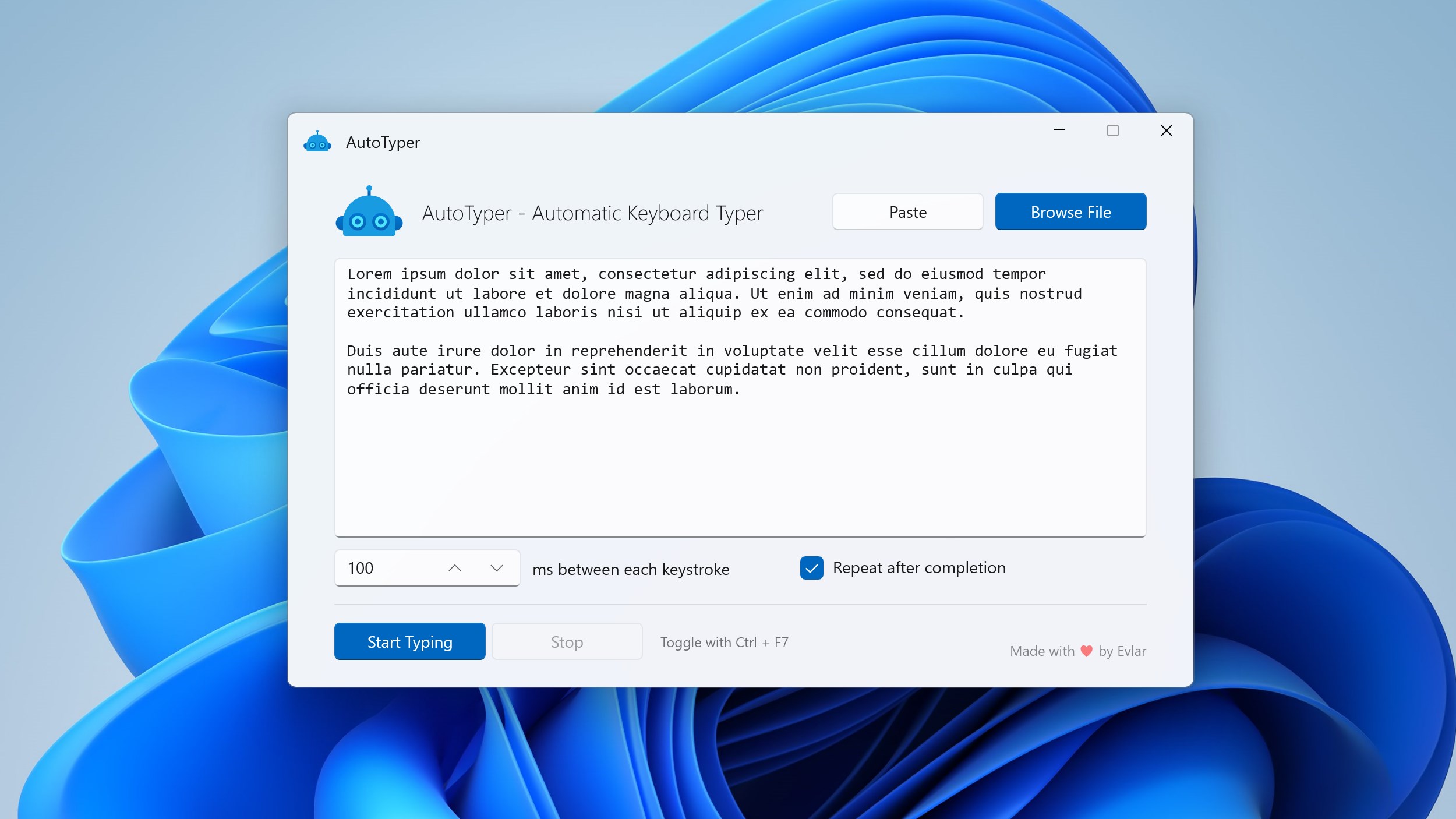
Imagine sitting at your desk, needing to fill out the same form dozens of times. Auto Keyboard Typer acts as your digital assistant by recording your keystrokes once and then executing them flawlessly whenever needed. From the moment you launch the app, its intuitive interface feels like chatting with a knowledgeable friend—straightforward yet versatile.
Design and Interface: Clean, Functional, Friendly
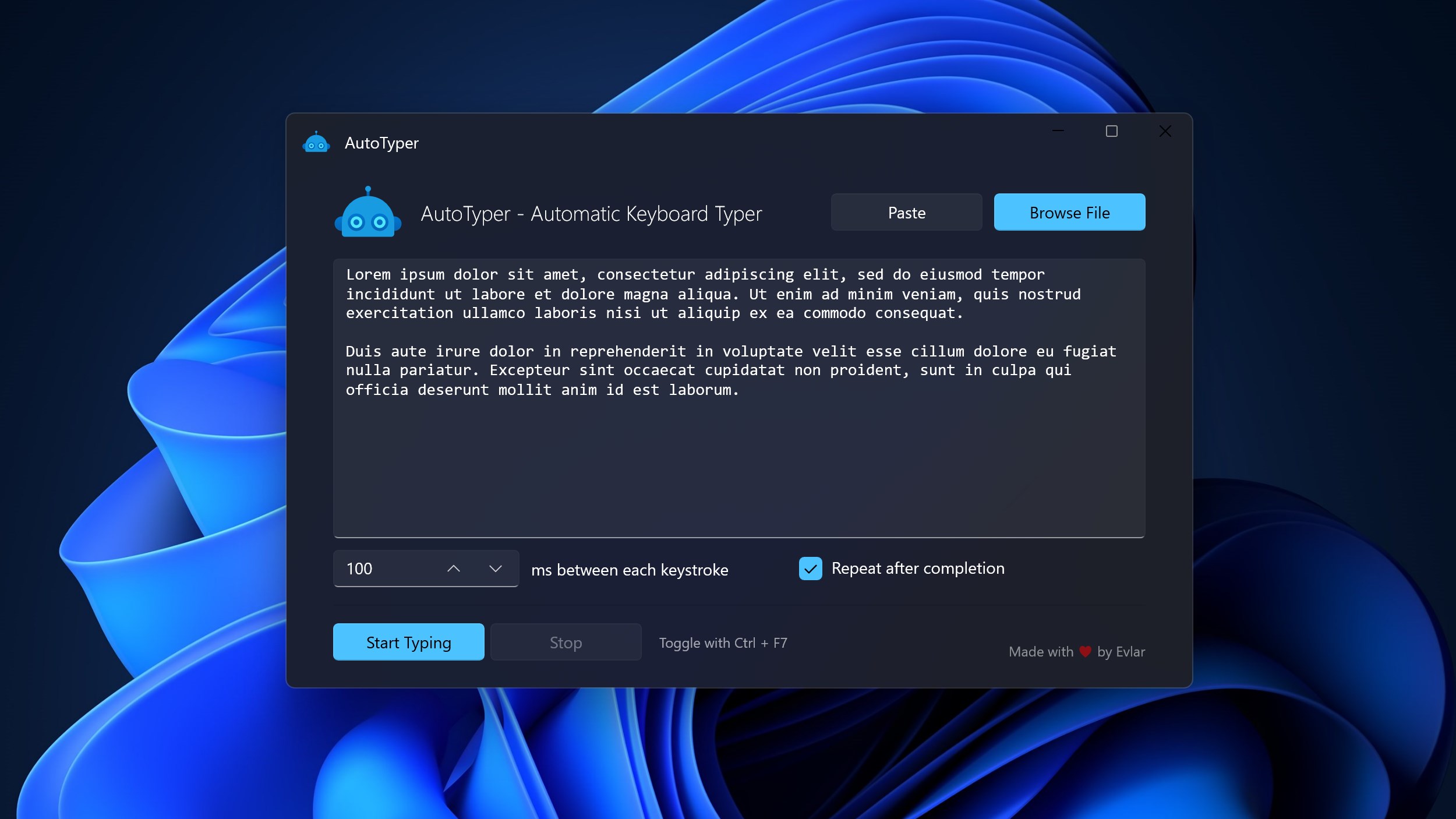
The interface adopts a streamlined design, reminiscent of a well-organized toolbox—minimal clutter, clear buttons, and labels. It's easy to navigate even for beginners, thanks to its logically arranged menus. Whether you're creating a new script or setting up triggers, each step feels natural, reducing the learning curve significantly. The app's visual simplicity ensures users can focus on building their automation scripts without fuss.
Operational Smoothness and Ease of Use
During testing, the automation process was remarkably smooth. Recording keystrokes felt like guiding a gentle puppet—simple and responsive. Playback was accurate, with no noticeable lag or misfires, which is essential for maintaining workflow integrity. The app's ability to handle complex sequences also impressed, making it suitable for intricate tasks such as automated form filling or gaming macros.
Moreover, setting up triggers or scheduling tasks is designed to be intuitive, with clear options to activate functions via hotkeys or time-based schedules. Overall, the experience is akin to programming a friendly robot to perform your repetitive tasks—easy enough for most users to grasp, yet powerful enough to handle demanding workflows.
Compared to Similar Utilities: Unique Selling Points
While many automation tools exist, Auto Keyboard Typer distinguishes itself through its simplicity combined with flexibility. Unlike generic macro recorders that might overwhelm with options, this app strikes a balance by offering targeted functionality—focused solely on keyboard input automation—without unnecessary bloat. Its standout feature is the ability to easily create and schedule scripts with minimal setup, making it accessible for users who aren't tech-savvy but need reliable automation.
Furthermore, the app does not impose intrusive watermarks or complicated licensing, which enhances its value for regular users rather than just casual testers. This purposeful design approach makes it particularly appealing for professionals who need dependable, repeatable performance in a straightforward package.
Final Thoughts and Recommendations
Auto Keyboard Typer for Windows stands out as a practical, user-friendly automation utility that caters to diverse needs—from routine office tasks to gaming or testing scenarios. Its most compelling features are its ease of use and reliable playback, ensuring that users can automate repetitive keystrokes without frustration.
If you frequently perform the same typing sequences, this app is worth trying out. It offers enough customization to suit various workflows while maintaining an approachable interface. Overall, I would recommend it as a solid addition to your productivity toolkit, especially for those seeking a straightforward, no-nonsense automation solution.
Pros
- User-Friendly Interface
- Reliable Auto-Typing Functionality
- Customizable Typing Settings
- Lightweight and Low Resource Usage
- Supports Multiple Languages
Cons
- Limited Macro Options
- Inconsistent Performance on Certain Applications
- No Built-in Scheduling Feature
- Limited Customization for Hotkeys
- Lack of Official Support Documentation











