

- Name Auto Clicker - Key presser
- Category Utilities & tools
- Developer Shaz
- Available on PC, Mobile, Surface Hub, HoloLens
- OS Windows 10 version 17763.0 or higher
- languages English (United States)
Auto Clicker - Key presser for Windows: A Reliable Tool for Automation
Auto Clicker - Key presser for Windows, developed by Shaz, emerges as a practical utility for automating repetitive clicking and keystroke tasks on your PC. Whether you're gaming, testing, or automating mundane chores, this app aims to deliver a straightforward and customizable experience designed to enhance efficiency without fuss.
Meet the Developer: Shaz and ShazApp
Crafted by Shaz and published through ShazApp, this utility benefits from a developer team that prioritizes simplicity and functionality. Their focus appears to be on creating tools that are accessible for everyday users while maintaining the reliability expected of professional utilities.
Core Features That Stand Out
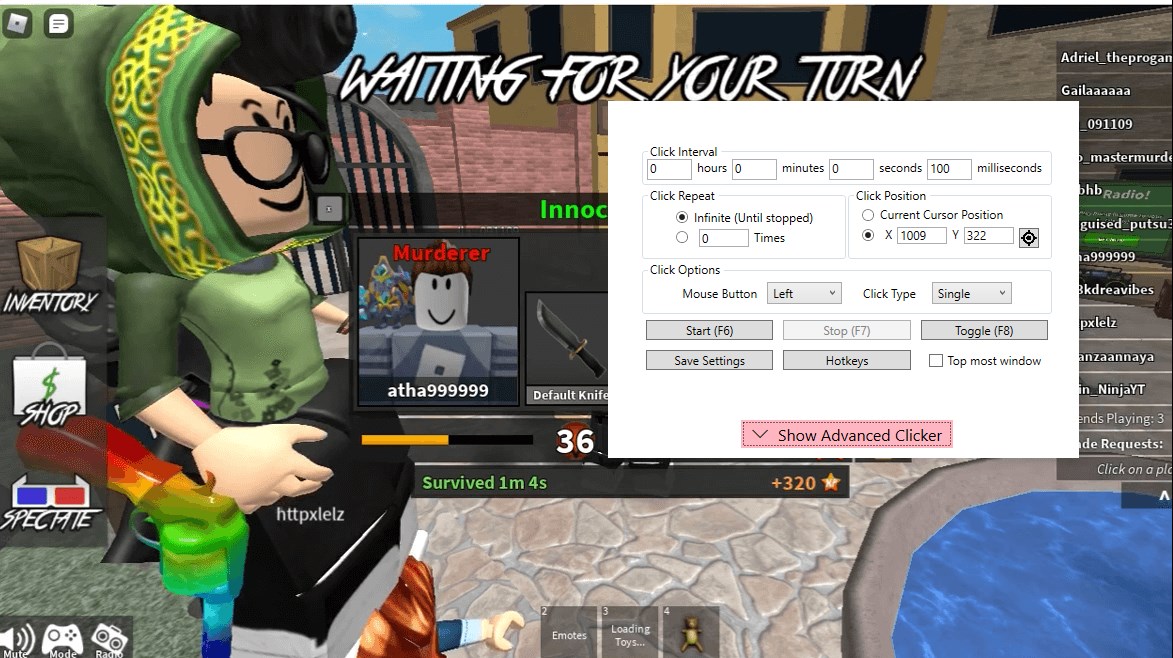
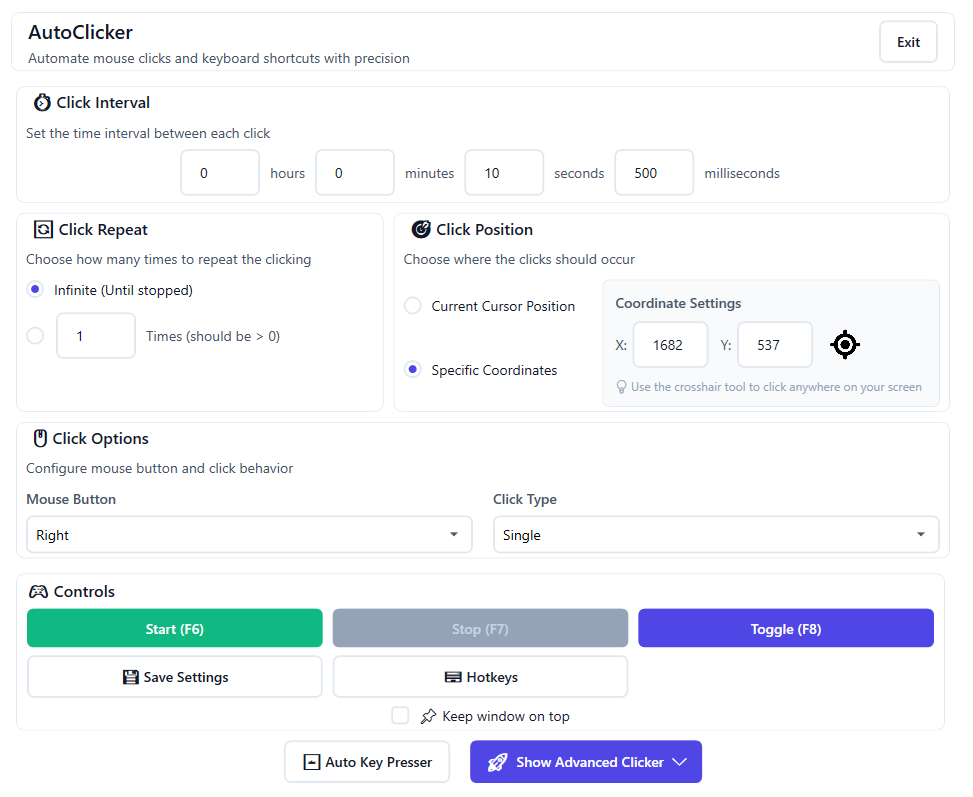
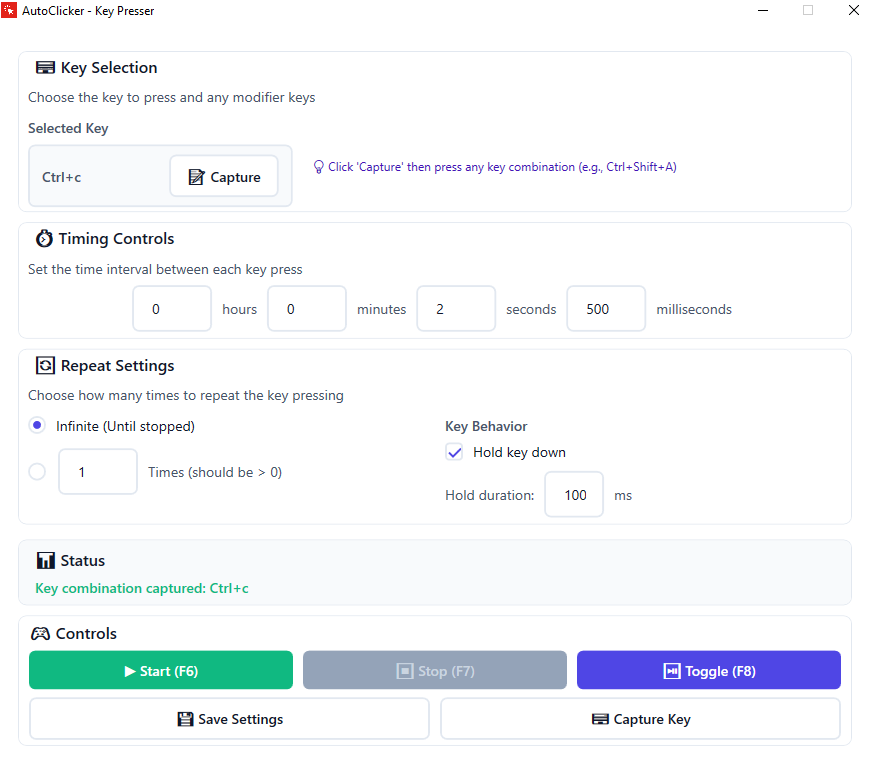
- Customizable Click & Keystroke Automation: Users can easily set up specific mouse clicks or keyboard presses with adjustable intervals and repeat modes, ideal for gaming macros or repetitive data entry tasks.
- User-Friendly Interface: The clean, organized layout enables users to configure automation scripts intuitively, even if they're new to such tools.
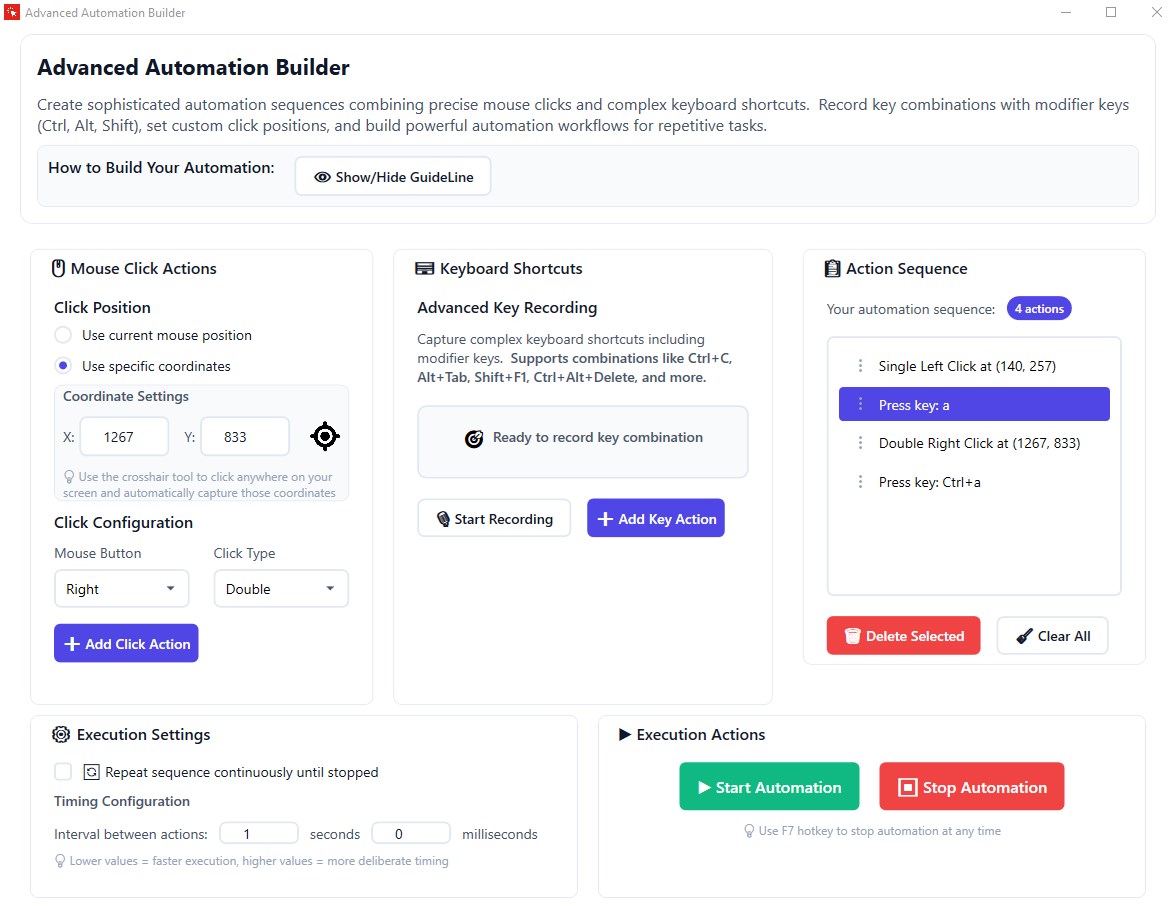
- Macro Recording & Playback: The app allows recording sequences of clicks or keystrokes, simplifying complex automation sequences into one click or key press.
- Lightweight & Efficient Operation: Minimal resource consumption ensures the app runs smoothly even on older hardware, without causing system lag.
Vivid Review & User Experience
Imagine you're at an arcade, pressing buttons rapidly to beat a high score—Auto Clicker feels like having your own virtual game controller, firing off precise clicks exactly as you need. The initial setup feels like assembling a LEGO set; straightforward and forgiving, with plenty of visual cues guiding you through each step. Once configured, the tool performs with the reliability of a Swiss watch—clicks are steady, and keystrokes hit their mark without fail, even during long automation sessions.
Interface and Ease of Use
The interface strikes a harmonious balance between simplicity and functionality. Color-coded sections and clear labels reduce the learning curve, making it accessible even for beginners. Setting up a click schedule or macro requires minimal effort—drag, drop, and customize, then sit back and let the app do the work. The intuitive design fosters a seamless experience, like flipping a switch and watching your automation happen effortlessly.
Performance and Responsiveness
Auto Clicker runs smoothly, responding instantly to user commands with no noticeable lag. Its lightweight nature means it can operate unobtrusively in the background, akin to a dependable assistant quietly performing tasks while you focus on more important things. Whether you're automating for gaming, testing, or productivity, the app maintains consistent performance without draining system resources.
What Makes It Stand Out?
What truly elevates this utility above similar tools is its macro recording feature combined with highly customizable automation sequences. Unlike basic clickers, Auto Clicker can record complex sequences—think of it as scripting your move before pressing “play,” which saves time and effort for repetitive tasks. This capability transforms it from a simple clicker to a versatile automation suite capable of handling more nuanced workflows.
Final Verdict and Recommendations
Overall, Auto Clicker - Key presser for Windows earns a solid recommendation for users seeking an uncomplicated yet effective automation tool. Its core strengths lie in its ease of use, reliability, and macro recording features, making it particularly attractive for gamers, developers, and productivity enthusiasts. If you're in need of a tool that performs consistent automation without overcomplicating things, this app deserves a spot in your toolbox.
However, for users requiring highly advanced scripting or integrations, more comprehensive automation platforms might be more suitable. But for everyday automation needs—this app hits the sweet spot perfectly.
Pros
- User-friendly interface
- Customizable key press intervals
- Multiple automation options
- Lightweight application
- Compatibility with popular applications
Cons
- Basic functionality only
- Potential misclicks in sensitive applications
- Limited customization options for hotkeys
- No native support for macOS or Linux
- Potential detection by anti-cheat systems











