

- Name Auslogics SSD Optimizer
- Category Utilities & tools
- Developer Auslogics Labs Pty Ltd
- Available on PC
- OS Windows 10 version 0.0 or higher
- languages English, French, German, Italian, Spanish, Japanese, Portuguese, Russian
Introduction: A Clear-Cut Tool for SSD Optimization
For Windows users eager to get the most out of their SSDs without delving into complex settings, Auslogics SSD Optimizer presents itself as a straightforward, user-friendly utility. It promises to enhance drive performance and longevity through automated tuning and maintenance routines. Developed by Auslogics Labs Pty Ltd—a reputable name in PC optimization—it brings a focused approach to SSD health management, making it a handy tool for both tech enthusiasts and everyday users.
Core Features That Stand Out
Smart SSD Tuning for Peak Performance
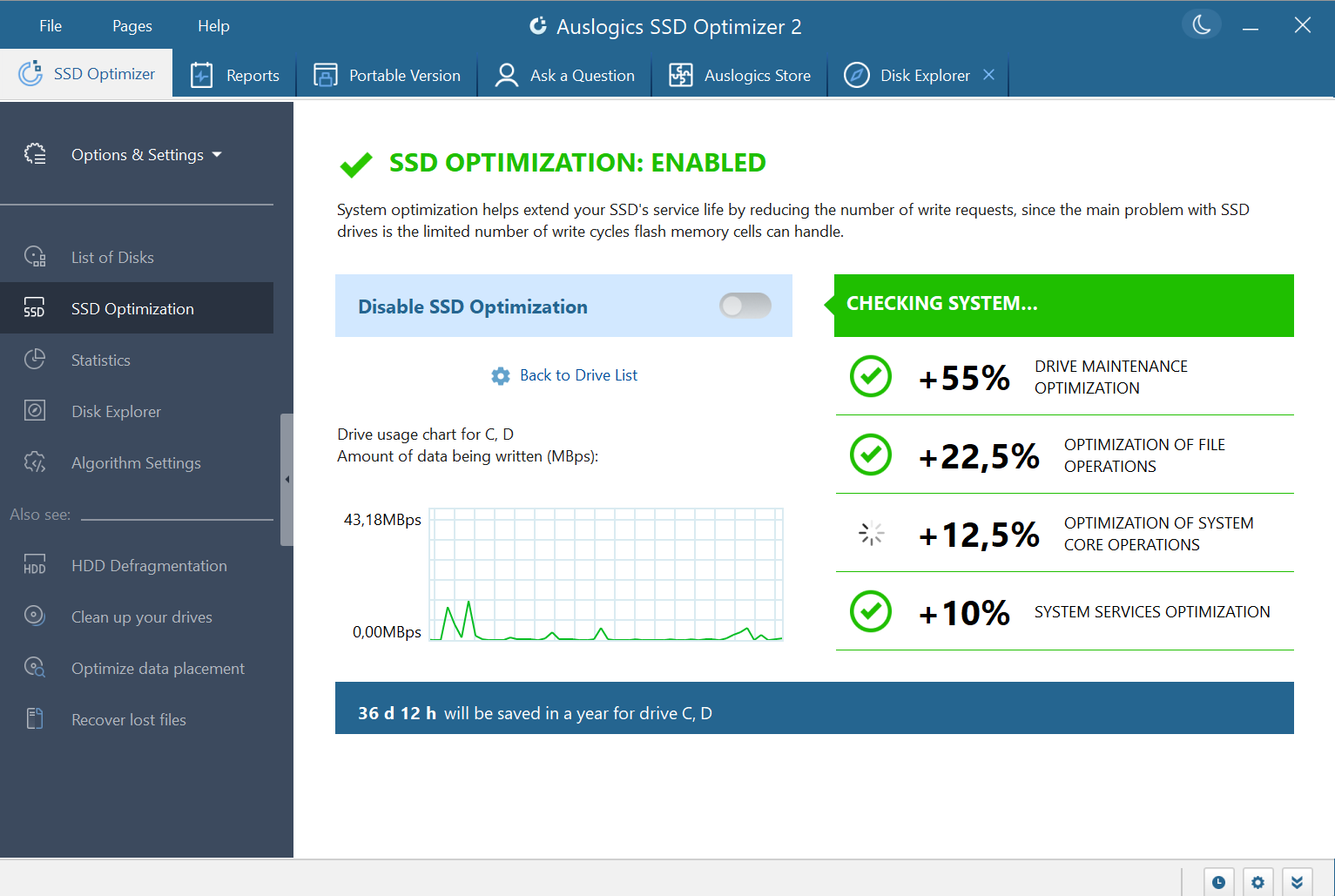
One of the app's key strengths is its ability to automatically optimize SSD settings, such as TRIM commands, garbage collection, and wear-leveling features. This automation ensures that your SSD maintains its speed over time, much like how a seasoned mechanic keeps a high-performance car in top shape without requiring you to understand every technical detail. The utility's algorithms fine-tune the drive's parameters in the background, ensuring minimal manual intervention while preserving speed and responsiveness.
Health Monitoring and Diagnostics
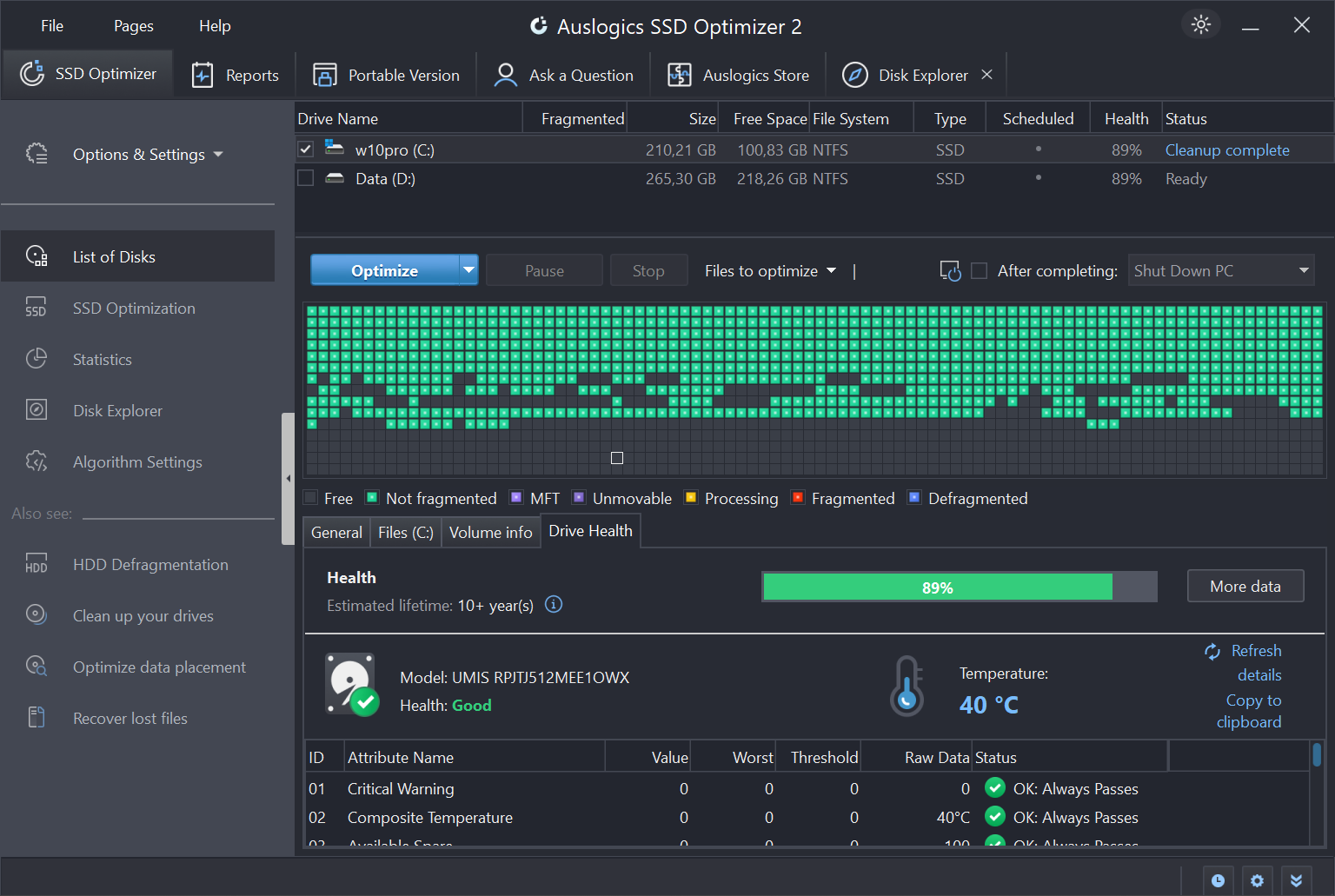
Safety and longevity go hand-in-hand. Auslogics SSD Optimizer provides real-time monitoring of your drive's health metrics—like total writes, temperature, and remaining lifespan—giving users peace of mind. Its intuitive dashboard visualizes data with clean, simplified graphics, helping even less tech-savvy users understand their SSD's condition at a glance. This feature is particularly beneficial for those who rely on their SSDs for critical work, as it reminds users when to back up data or consider replacements.
Maintenance and Cleanup with Ease
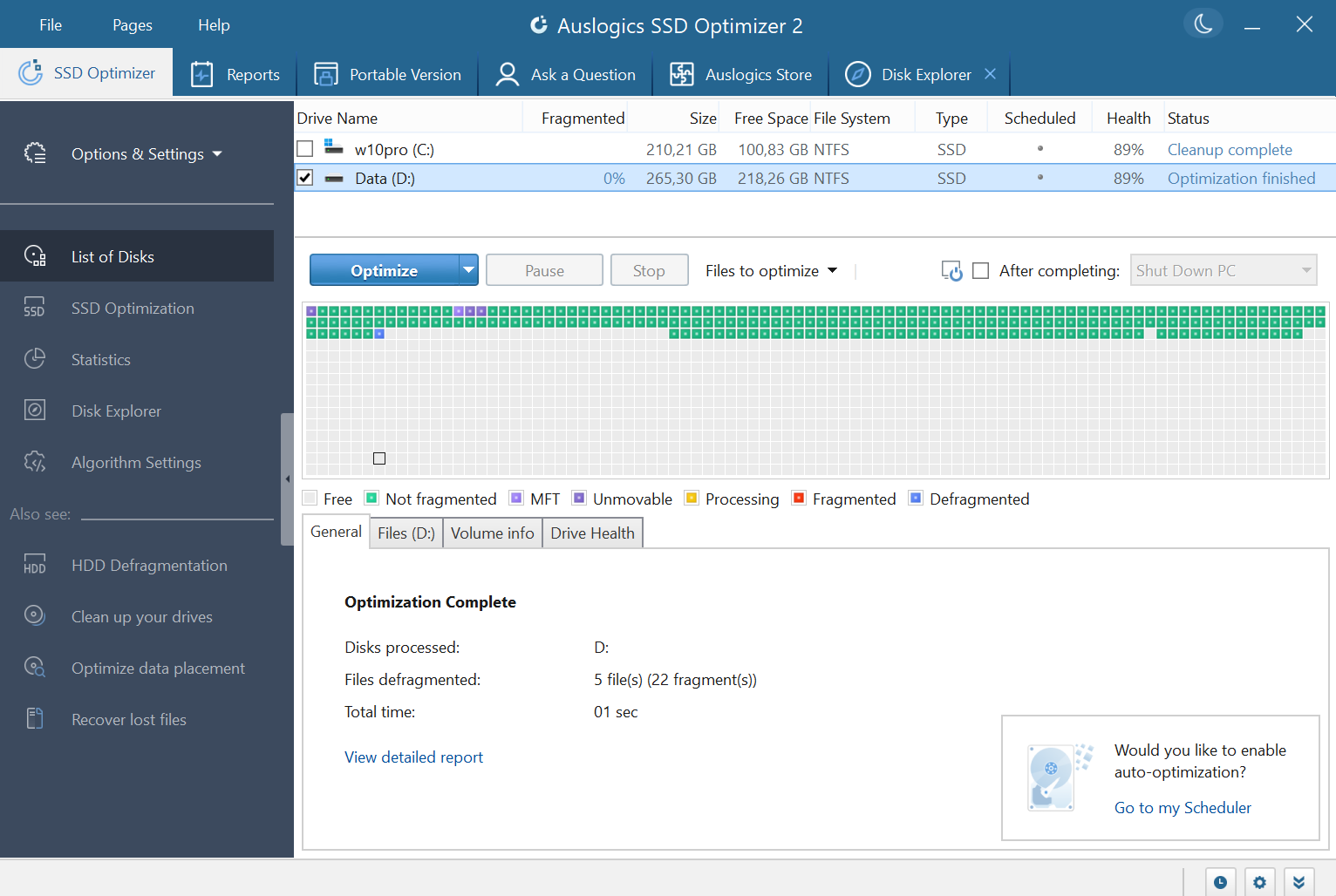
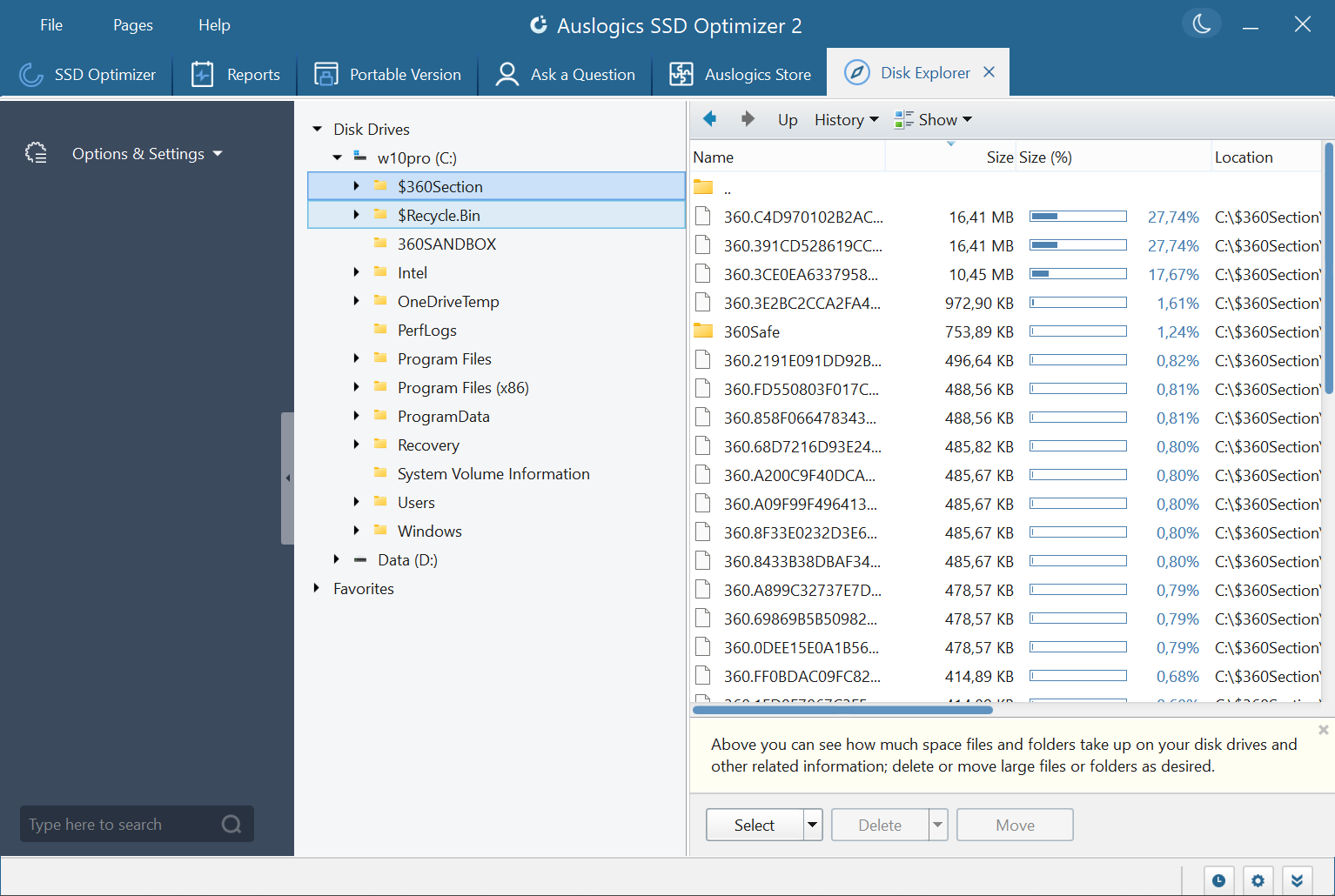
The app also offers scheduled maintenance options, such as deleting temporary files and optimizing cache, to keep the system running smoothly. Unlike some tools that bombard users with alerts or complicated options, Auslogics SSD Optimizer carefully balances automation with user control. The interface is straightforward, enabling users to initiate simple tasks with just a few clicks—making disk care an accessible activity, not a chore.
User Experience: Smooth Operations and Friendly Design
The interface of Auslogics SSD Optimizer is sleek and uncluttered—think of it as a tidy workspace that invites you in rather than overwhelms. Navigating through its features feels effortless; functions are logically grouped, and the entire process from setup to execution is streamlined. The tool's responsiveness is notable; actions happen swiftly, and the real-time dashboards update seamlessly, offering a satisfying user journey.
While it's designed for simplicity, the app doesn't sacrifice depth. For those willing to explore, detailed reports and advanced options are available, accommodating both casual users and more technically inclined individuals. The learning curve remains gentle, making it easy for a novice to get started while offering enough features to satisfy experienced users.
Unique Selling Points: What Sets It Apart
Most SSD optimization tools focus solely on one aspect—either maintenance or diagnostics—but Auslogics SSD Optimizer combines both in a cohesive package. Its most distinctive feature is the intelligent automation that continually fine-tunes SSD settings based on usage patterns, helping improve longevity without user intervention. Unlike generic cleanup tools, it balances performance optimization with physical health monitoring, providing a comprehensive health snapshot.
Another point worth highlighting is its tailored approach for SSDs—many tools still treat SSDs as HDDs, applying standard defragmentation routines that can actually harm SSDs. This app recognizes the nuances of SSD technology, incorporating appropriate optimization techniques that extend drive lifespan while boosting speed, a thoughtful touch for informed users.
Final Thoughts and Recommendations
Overall, Auslogics SSD Optimizer is a trustworthy, thoughtfully designed utility that effectively combines ease of use with meaningful optimization features. It's particularly recommended for users who want a “set it and forget it” solution to keep their SSDs performing reliably over time. Whether you're a casual user looking to maintain drive health or a power user seeking a deeper monitoring tool, this app offers a worthwhile addition to your system toolkit.
While it may not offer the extensive customization options that more advanced users desire, its automatic features handle most common maintenance tasks quietly in the background. For those who prioritize simplicity paired with intelligent management, Auslogics SSD Optimizer is a solid recommendation—no fuss, just better SSD performance and health management.
Pros
- Improves SSD longevity
- User-friendly interface
- Enhances system performance
- Real-time monitoring
- Lightweight and efficient
Cons
- Limited customization options
- Potential over-optimization
- Basic reporting features
- Requires Windows admin privileges
- No scheduled automatic optimization











