

- Name Auslogics Disk Defrag
- Category Utilities & tools
- Developer Auslogics Labs Pty Ltd
- Available on PC
- OS Windows 10 version 0.0 or higher
- languages English, French, German, Italian, Spanish, Japanese, Portuguese, Russian
Streamlining Your Windows Drive: An In-Depth Look at Auslogics Disk Defrag
If your computer's performance feels sluggish or your disk space seems a little cluttered, Auslogics Disk Defrag offers a straightforward way to optimize your system's speed and efficiency. This tool promises to give your Windows PCs a boost by tidying up fragmented files and enhancing data access speeds — a dependable helper for both casual users and tech enthusiasts alike.
About the Developer: Trusted Experts in Disk Optimization
Developed by Auslogics Labs Pty Ltd, a reputable company known for its focus on system optimization utilities, Auslogics Disk Defrag stands out as a mature, well-crafted tool designed to keep your Windows drives in top shape. With years of experience in providing reliable PC maintenance solutions, the company's approach emphasizes simplicity paired with effective results, making complex disk management accessible to everyday users.
Key Features That Make a Difference
- Intelligent Defragmentation Scheduling: Allows users to set automatic scans during off-peak hours, ensuring the system stays optimized without manual intervention.
- Partition Optimization: Not just defragmentation—this feature reorganizes your disk partitions to boost overall drive performance and extend longevity.
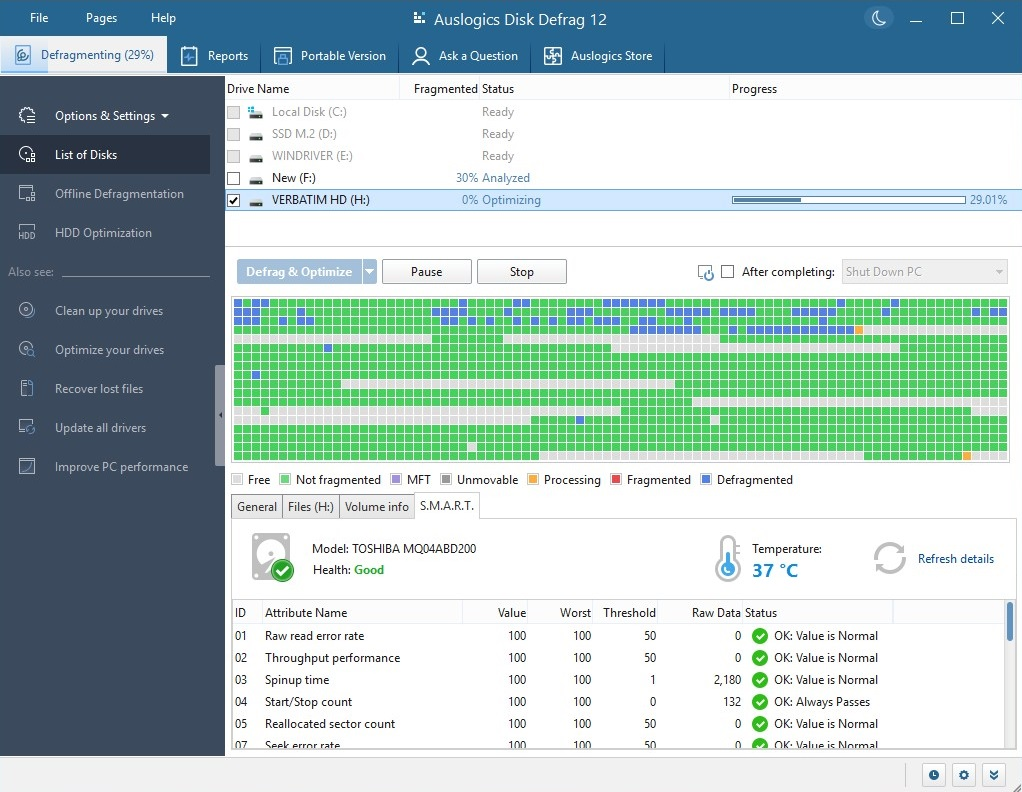
- Comprehensive Disk Analysis: Before defragmentation, it provides detailed reports about your disk's health and fragmentation level, helping you make informed decisions.
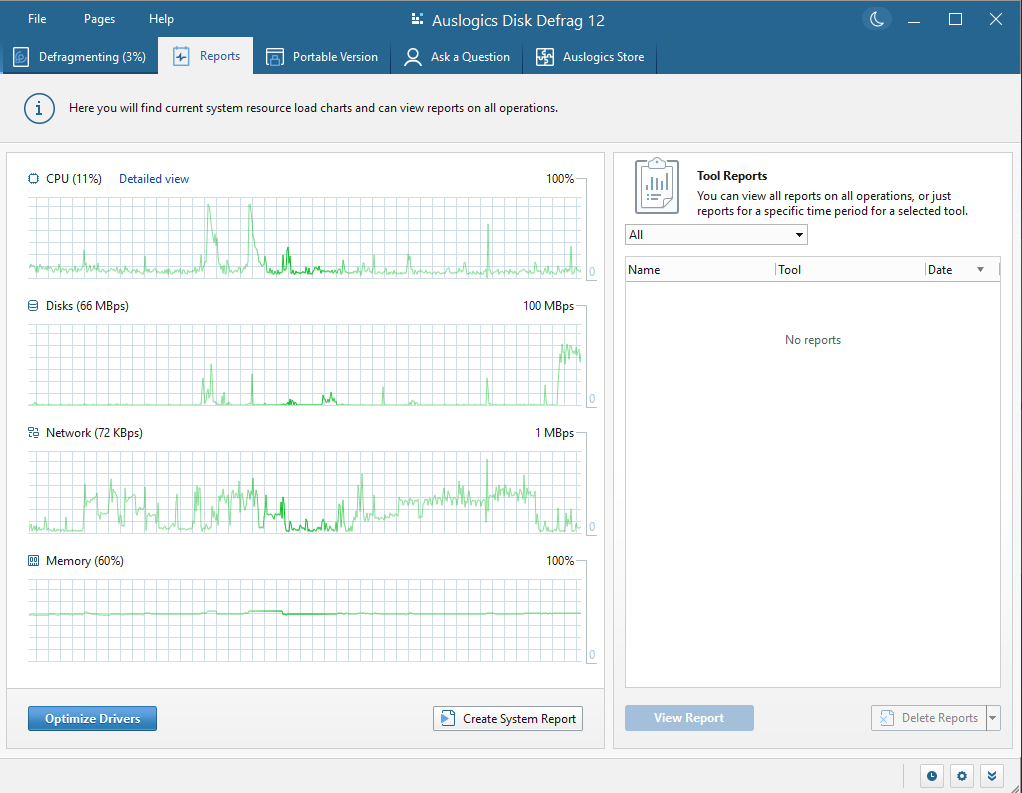
- User-Friendly Interface: An intuitive, clean design that guides users gently through the process, even if they're not tech-savvy.
Engaging the User: Making Disk Maintenance Easy & Enjoyable
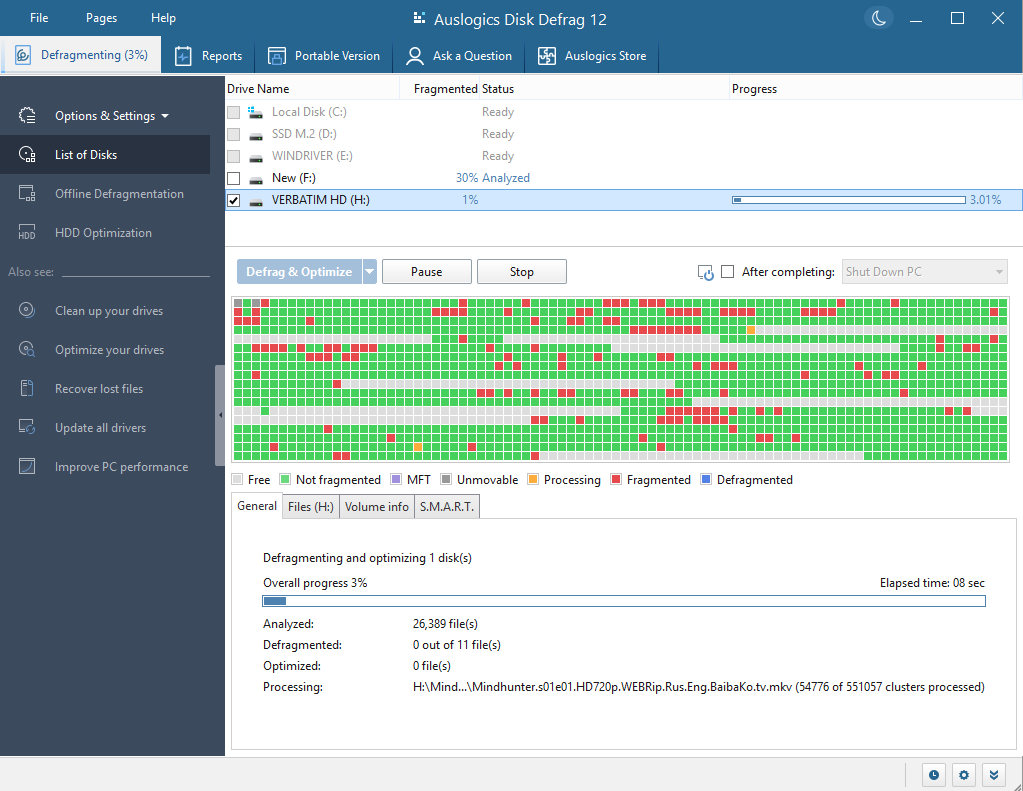
Imagine your hard drive as a bustling city street. Over time, traffic jams—large blocks of fragmented files—slow down the flow of data, causing delays and system lag. Auslogics Disk Defrag acts like a high-powered traffic controller, clearing obstacles and reorganizing the flow so your PC moves as smoothly as a well-oiled machine. The interface feels more like a friendly dashboard than a technical maze, with straightforward buttons and clear instructions, making disk optimization feel less like a chore and more like routine maintenance that anyone can do with confidence.
Core Functionality Deep Dive: Defragmentation & Optimization
Defragmentation at Its Best
The core strength of Auslogics Disk Defrag lies in its effective defragmentation process. Unlike generic tools that simply shuffle files around, this app intelligently prioritizes your most-used data, quickly reducing fragmentation levels. It uses advanced algorithms to prevent unnecessary read/write operations, making the process faster and less intrusive — perfect for minimizing downtime. Plus, the ability to schedule automatic defrags means your system stays optimized without you having to think about it.
Rearranging for Better Performance
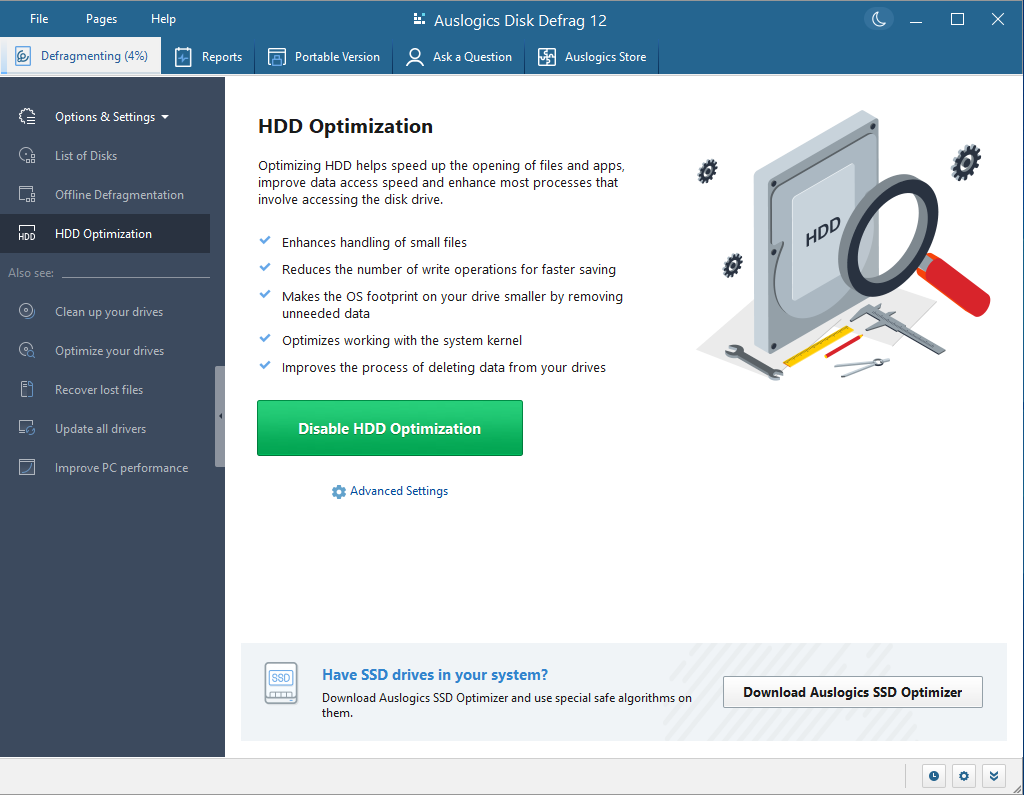
Beyond routine defrag, its partition optimization feature is like giving your drive a tune-up. It reorganizes data to create contiguous blocks, which reduces access times and improves load speeds. For power users or those dealing with large multimedia files, this can significantly reduce waiting times and boost productivity. This level of granular control ensures that your drive isn't just defragmented but also configured for peak efficiency.
Insightful Disk Analysis
Before embarking on defragmentation, having a clear picture of your disk's health helps. Auslogics Disk Defrag provides detailed analysis reports, showing fragmentation levels, potential issues, and actionable insights. It's like having a health report for your drive, allowing you to prioritize which disks or partitions need the most attention. For users with multiple drives or larger storage systems, this feature ensures targeted optimization rather than a one-size-fits-all approach.
Comparing & Contrasting: What Sets This Tool Apart?
While many disk defragmenters are straightforward, Auslogics Disk Defrag's standout features are its intelligent scheduling and partition optimization capabilities. Unlike some competitors that only perform basic defragmentation, this app considers overall drive health and reorganizes data structures to maximize lifespan and speed. Its user-centric design also lowers the barrier for novices, making complex disk management approachable without sacrificing power for the pros. These aspects make it a compelling option among utilities, especially when stability and subtlety matter most.
Final Thoughts & Recommendations
In summary, Auslogics Disk Defrag offers a balanced blend of effective features, user-friendly design, and thoughtful automation. It's especially recommended for users who want a reliable, straightforward tool to keep their Windows drives in top condition without diving into technical complexities. Its unique partition optimization and smart scheduling stand out as particularly valuable for a range of users—from everyday PC users to small business setups. I'd suggest giving it a try if you're looking to extend drive life and improve system responsiveness, keeping in mind that regular maintenance with this tool can yield noticeable benefits over time.
Pros
- User-Friendly Interface
- Fast and Efficient Defragmentation
- Automatic Scheduling
- Supports Multiple Disk Types
- Additional System Tools
Cons
- Limited Free Version
- Aggressive Background Scans
- Slow on Very Large Disks
- Limited Customization Options
- Minimal Remote Management











