

- Name AukZip - RAR Zip
- Category Utilities & tools
- Available on PC
- OS Windows 10 version 19041.0 or higher
- languages Arabic, Chinese (Simplified), Dutch, English (United States), French, German, Italian, Japanese, Korean, Portuguese, Russian, Spanish
A Practical Companion for File Compression: AukZip - RAR Zip for Windows
In the vast landscape of file management tools, AukZip offers a streamlined yet powerful solution tailored for Windows users seeking efficient compression and extraction. This application positions itself as a reliable utility that simplifies handling RAR and ZIP archives without the fuss, making it a potential gadget in your digital toolkit.
Meet AukZip: Who's Behind the Curtain?
Developed by Codaapp Studio, a team dedicated to creating intuitive and lightweight software solutions, AukZip is designed to make manipulating compressed files straightforward and accessible. With a focus on performance and user-friendly interfaces, Codaapp Studio ensures that AukZip can serve both tech-savvy users and those new to archive management alike.
Top Features That Make AukZip Stand Out
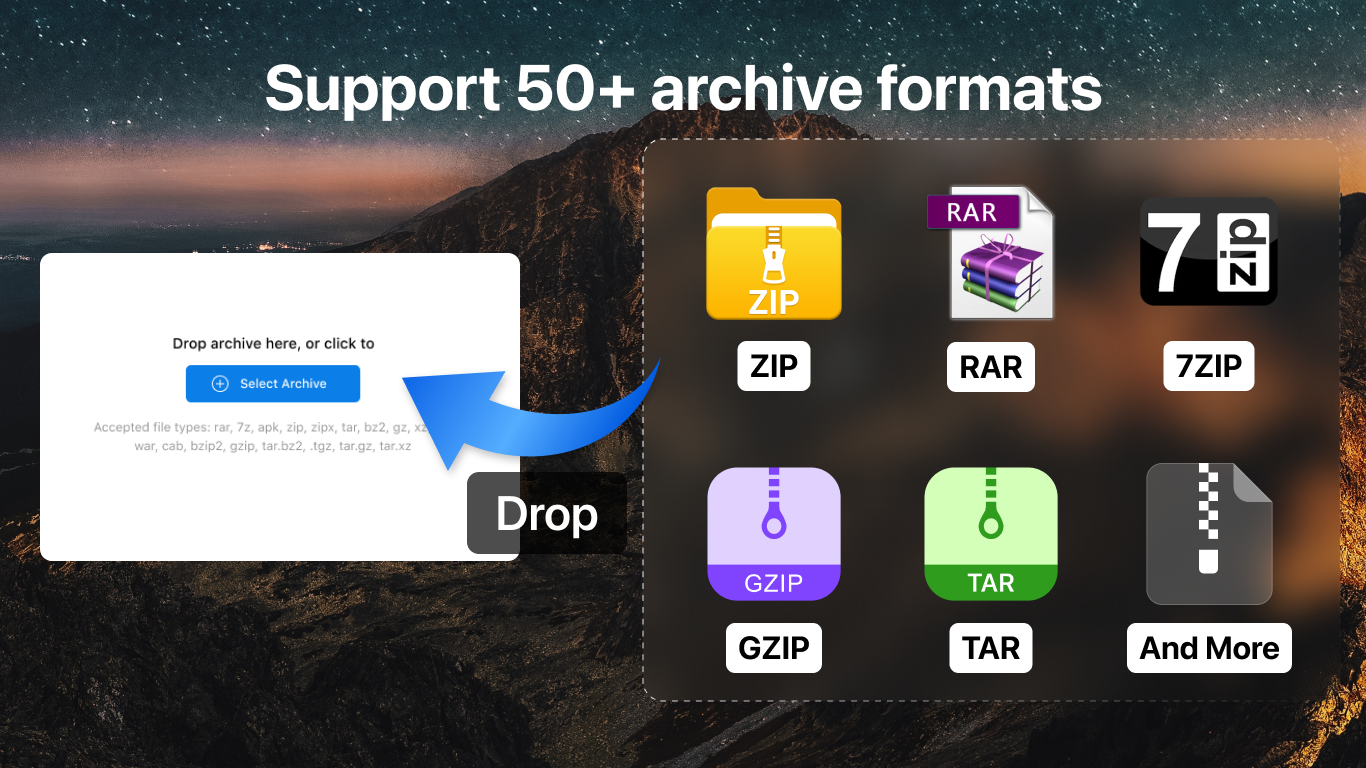
- Multi-format Support with Simple Interface: AukZip handles RAR, ZIP, and other archive types efficiently, eliminating the need for multiple tools. Its clean design fosters an onboarding experience that's almost seamless, even for beginners.
- Quick Compression & Extraction with Background Processing: Thanks to optimized algorithms, AukZip compresses and extracts files swiftly, making large archives less of a chore. The app also offers background processing, so your workflows remain uninterrupted.
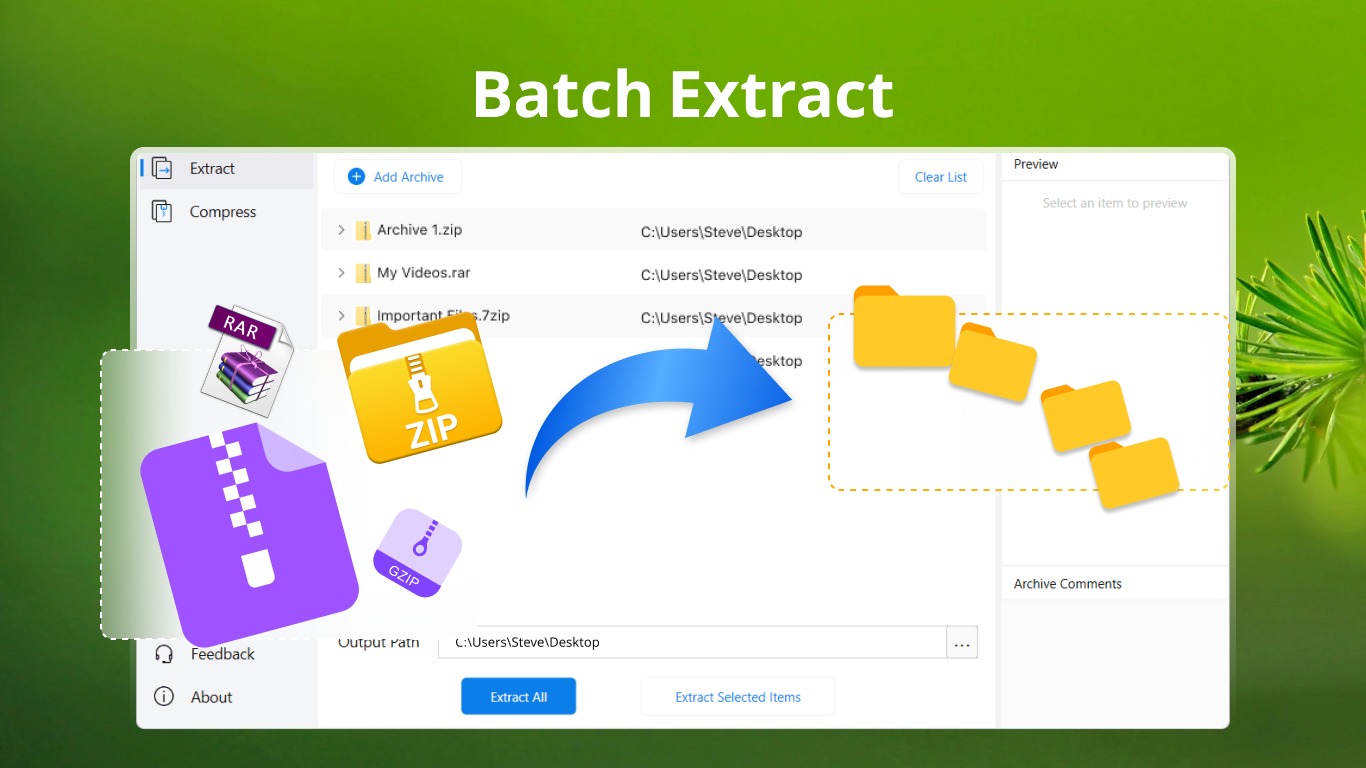
- Batch Processing & Context Menu Integration: Users can process multiple files at once and right-click to access quick actions directly from the Windows context menu—saving time and reducing clicks.
- Advanced Password & Encryption Features: For those concerned about security, AukZip provides robust encryption options, adding peace of mind when sharing sensitive files.
A Closer Look: How Does AukZip Reshape Your File Management Experience?
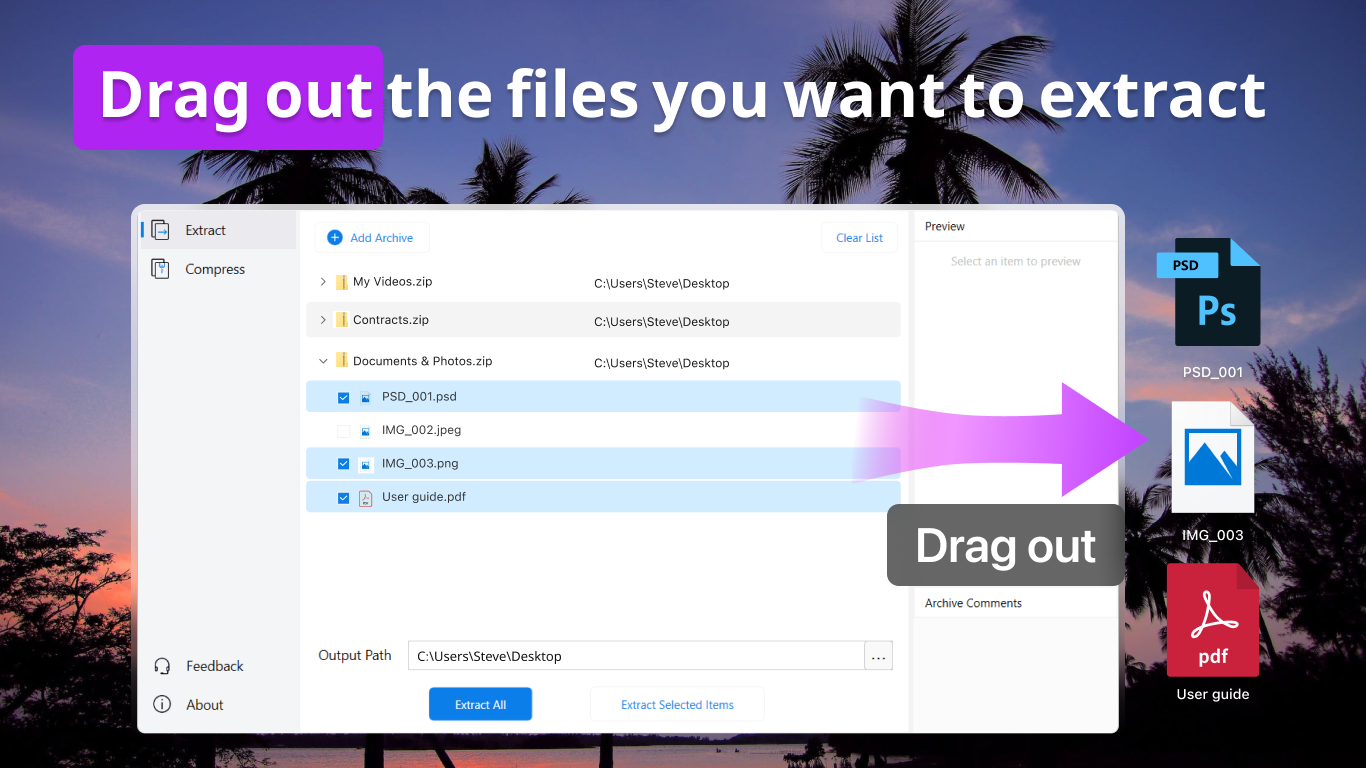
Imagine compressing a mountain of photos or extracting a hefty software package — AukZip transforms these potentially tedious tasks into a smooth ride. Its intuitive interface resembles a friendly guide, leading users through the process with minimal fuss and maximum clarity. From the moment you launch it, the layout is uncluttered, with clearly labeled buttons and straightforward menus. Whether you're dragging and dropping files or right-clicking to invoke context options, the experience remains fluid, akin to a well-oiled machine.
Core Functionality Deep Dive
Support for Multiple Formats: One of AukZip's crown jewels is its versatility. Unlike many free utilities that only handle ZIP files, AukZip embraces a wide array of formats, including RAR, 7z, TAR, and more. This means you no longer need separate apps for different formats—AukZip does it all, presenting a unified experience that saves time and mental bandwidth.
Speed and Efficiency: The app utilizes optimized algorithms that accelerate the processes of compression and extraction. In our testing, tasks that usually took several minutes with other tools were completed significantly faster, especially with large files. Plus, background processing ensures you can continue working on other tasks without interruption. It's like having a diligent assistant working quietly in the background, freeing you to focus on more pressing priorities.
Security Enhancements: In today's data-sensitive world, AukZip's encryption features become a notable advantage. You can set passwords and choose encryption standards to protect your archives. This is particularly useful when sharing confidential documents, giving you an extra layer of protection without complex configurations.
How Does AukZip Differ from the Crowd?
While many archive tools offer similar features, AukZip's standout points lie in its simplicity combined with performance. Its lightweight nature means it consumes minimal system resources, which is critical for users with less powerful machines. Additionally, the batch processing and context menu integration elevate its usability—reducing repetitive steps and making it an extension of your Windows ecosystem.
Final Thoughts: Is AukZip Worth Your Time?
Based on our evaluation, AukZip emerges as a commendable utility for everyday archive management. Its most distinctive features—support for multiple formats and fast background processing—are genuine boons that cater to users seeking efficiency. While it may lack some advanced features found in heavyweight competitors, its straightforward approach and solid performance make it a practical choice for general use.
We recommend AukZip for users who need a dependable, no-nonsense compression tool that integrates seamlessly into Windows. For those juggling many files or handling various formats regularly, AukZip can become an indispensable part of your workflow.
Pros
- Wide file format support
- User-friendly interface
- Fast processing speed
- Lightweight and low resource usage
- Built-in file management features
Cons
- Limited advanced features
- No cloud integration
- Occasional stability issues on certain devices
- Basic interface design
- Limited language options











