

- Name AiDrop - Mobile File Transfers
- Category Utilities & tools
- Developer BBA
- Available on PC, Mobile, Surface Hub, HoloLens
- OS Windows 10 version 17763.0 or higher
- languages English (United States), Malay, Norwegian
Effortless File Sharing on Windows: An Introduction to AiDrop
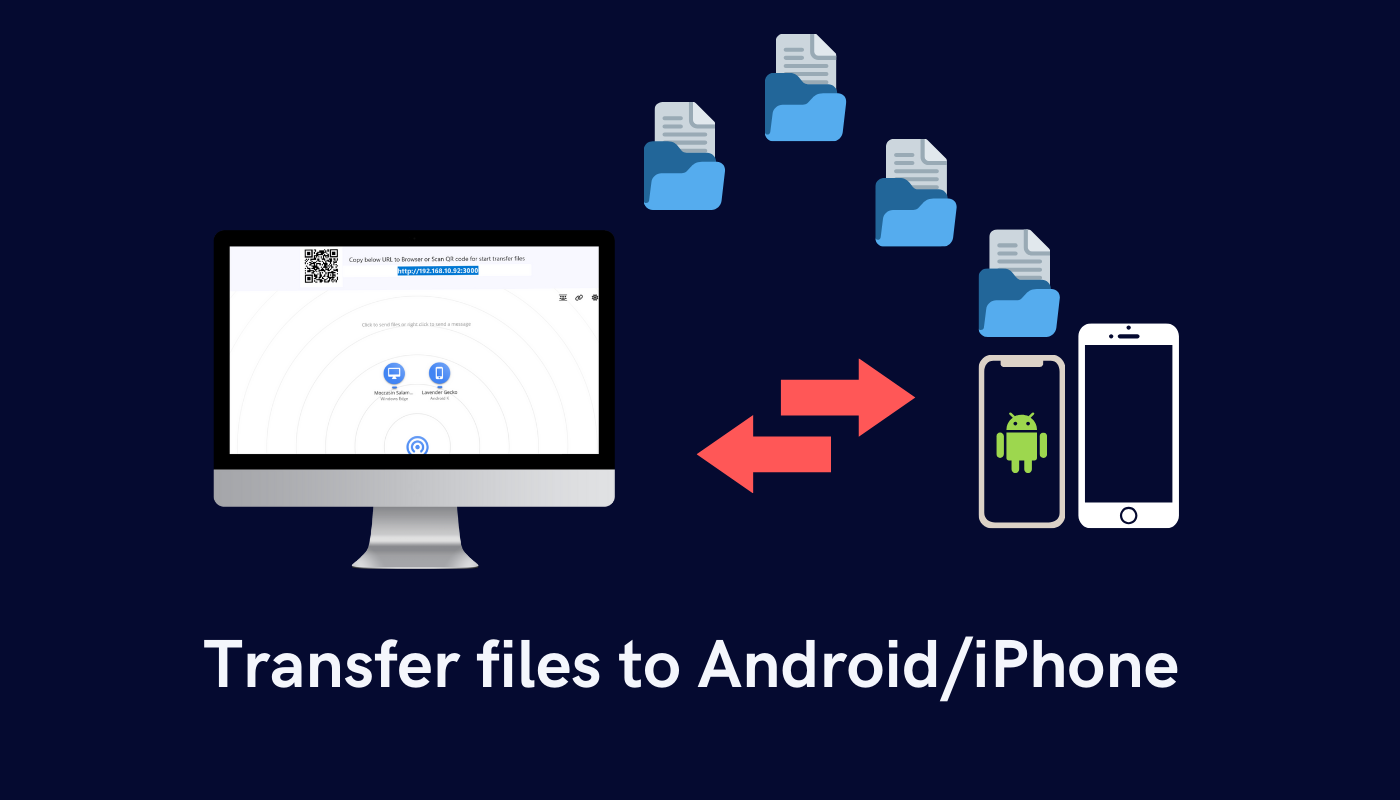
AiDrop - Mobile File Transfers for Windows is a sleek and user-friendly application designed to simplify the process of transferring files between mobile devices and Windows PCs. Whether you're a professional looking to streamline your workflow or a casual user wanting quick file sharing, AiDrop promises a seamless experience without the usual hassle of cables or complex setups.
Developed by BBA: A Focused Team for Simple, Powerful Tools
Created by BBA, a dedicated developer team committed to developing intuitive utility apps, AiDrop reflects their expertise in crafting practical solutions. Their focus on user-centric design ensures that even those not tech-savvy can navigate and use the app effectively, making file sharing accessible to everyone.
Key Features That Make AiDrop Stand Out
- Cross-Platform Compatibility: Enables effortless transfer of files between smartphones (iOS and Android) and Windows PCs, bridging the gap between different ecosystems.
- Wireless No-Fuss Transfer: Uses Wi-Fi connectivity to transfer files swiftly, eliminating the need for cables or external drives — perfect for quick sharing on the go.
- Batch Transfer & Preview: Supports sending multiple files at once with preview options, giving users control over what they share and smarter management of their data.
- Lightweight & Easy Setup: Minimal installation requirements and straightforward setup make the initial launch as smooth as butter on warm toast.
In-Depth Review: Navigating AiDrop's Features and Experience
Imagine seamlessly sharing your favorite photos or documents just as effortlessly as passing notes in class — that's what AiDrop aims to make happen. The app's interface welcomes you with a clean, minimalistic design that feels both modern and approachable. Whether you're a tech whiz or a newbie, the learning curve is gentle, akin to learning to ride a bike with training wheels; you'll be transferring files confidently in minutes.
Simple and Elegant User Interface
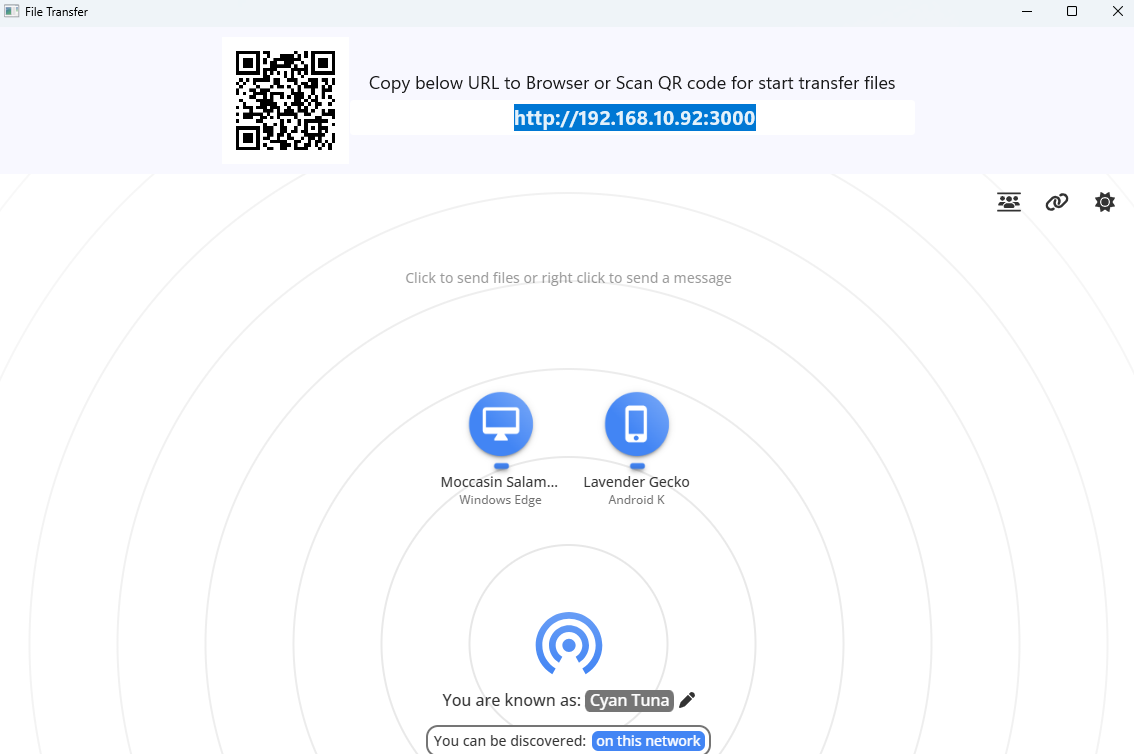
AiDrop's UI is designed with clarity in mind. The main window prominently displays connected devices, upload and download options, and a simple drag-and-drop zone. Iconography is intuitive, and the color scheme is easy on the eyes, making long sessions comfortable. Navigating through menus is straightforward, and there's no clutter, just straightforward commands — much like having a neat, organized workspace that invites you to get down to business.
Performance and Smooth Connectivity
Once paired via Wi-Fi — a process as simple as scanning a QR code or clicking a 'pair' button — transfers happen at a good clip. The app's optimized engine ensures minimal lag, even with larger files like high-resolution images or documents. Transferring a batch of files feels like passing a handful of notes at once, quick and painless. The stability of connections is reliable, and there's little to no noticeable delay, which enhances the overall user experience.
Unique Selling Points and Differentiation
Compared to similar utilities, AiDrop's standout feature is its focus on wireless, platform-agnostic transfers with a sleek, effortless interface. Unlike tools that require cumbersome setup or proprietary hardware, AiDrop operates smoothly over Wi-Fi, without the need for internet access or external devices. Its ability to handle multiple files efficiently and the preview function adds a layer of intelligence, turning it into more than just a basic transfer tool. Think of it as the Swiss Army knife of mobile-to-PC sharing applications, with each feature thoughtfully designed to make your life easier.
Final Verdict and Recommendations
AiDrop presents itself as a reliable, unobtrusive app that turns file sharing into a quick and stress-free activity. It's best suited for users who frequently move files between their mobile devices and PCs, whether for work, study, or personal use. I would recommend it to anyone tired of tangled cables or complex transfer methods — especially those who value simplicity and efficiency.
Overall, AiDrop earns a solid recommendation rating, particularly for everyday users seeking a straightforward wireless transfer solution. Its major strengths lie in its ease of use, quick setup, and robust performance. For users looking for a powerful yet lightweight tool that gets the job done with minimal fuss, AiDrop is worth giving a try; it's like having a reliable messenger that always gets your files where they need to go, fast and fuss-free.
Pros
- Fast and seamless file transfer
- User-friendly interface
- No need for cables or complex setup
- Supports various file types including images, videos, and documents
- Cross-platform compatibility with Microsoft Store integration
Cons
- Limited transfer range
- Occasional stability issues during large file transfers
- Lack of advanced management features
- Limited platform support
- Potential privacy concerns due to data transmission over Wi-Fi











