




- Name 8 Zip Pro - advanced archiver. Create, unpack and encrypt.
- Category Utilities & tools
- Available on PC, Mobile, Xbox console, Surface Hub, HoloLens
- OS Windows 10 version 18362.0 or higher
- languages Albanian, Arabic, Azerbaijani (Latin), Belarusian, Bulgarian, Chinese (Simplified), Chinese (Traditional Chinese), Chinese (Traditional), Croatian, Czech, Dutch, English, English (United States), Estonian, Finnish, French, Georgian, German, Greek, Hindi, Hungarian, Indonesian, Italian, Japanese, Kazakh, Korean, Korean , Latvian, Lithuanian, Norwegian, Persian/Farsi, Polish, Portuguese, Portuguese (Brazil), Portuguese (Portugal), Romanian, Russian, Serbian (Latin), Slovak, Slovenian, Spanish, Spanish (Spain), Swedish, Tamil, Turkish, Ukrainian, Vietnamese
Introducing 8 Zip Pro – The Advanced Archiver That Simplifies Compression, Unpacking, and Encryption
If you're someone who constantly juggles multiple compressed files daily, 8 Zip Pro emerges as a reliable companion to streamline your workflow. This Windows-based application promises to make creating, unpacking, and encrypting archives straightforward and efficient, all wrapped in an intuitive interface. But does it go beyond the typical compression utility? Let's explore what sets 8 Zip Pro apart and whether it deserves a spot on your toolbelt.
Who's Behind 8 Zip Pro?
Developed by Finebits OÜ, a company known for crafting lightweight yet powerful software solutions, 8 Zip Pro embodies their commitment to delivering functional tools with a user-friendly touch. Their focus appears to be providing versatile utilities that cater to both casual users and professional tech enthusiasts who need reliable file management without complexity.
Top Highlights: What Does 8 Zip Pro Offer?
- Multi-format Support: Handles a broad spectrum of archive formats, including ZIP, RAR, TAR, 7z, and more, ensuring versatility for various needs.
- Advanced Encryption: Incorporates AES encryption during archive creation, adding a robust layer of security for sensitive files.
- Streamlined Creation & Extraction: Simplifies the process with one-click options, making it accessible even for beginners.
- Batch Processing Capabilities: Enables users to process multiple files or archives simultaneously, boosting productivity.
Experience the User Journey: Ease and Elegance in File Management
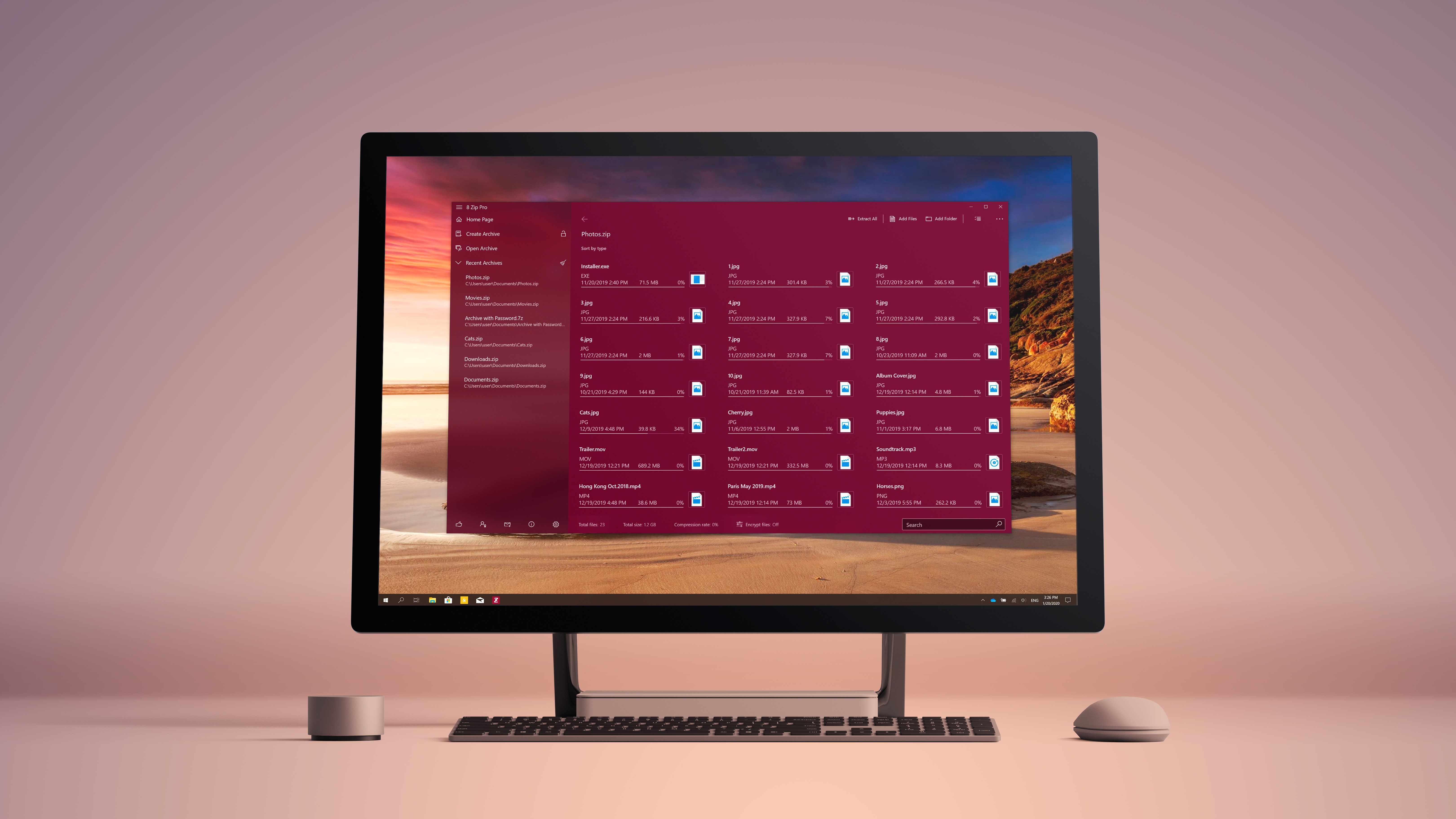
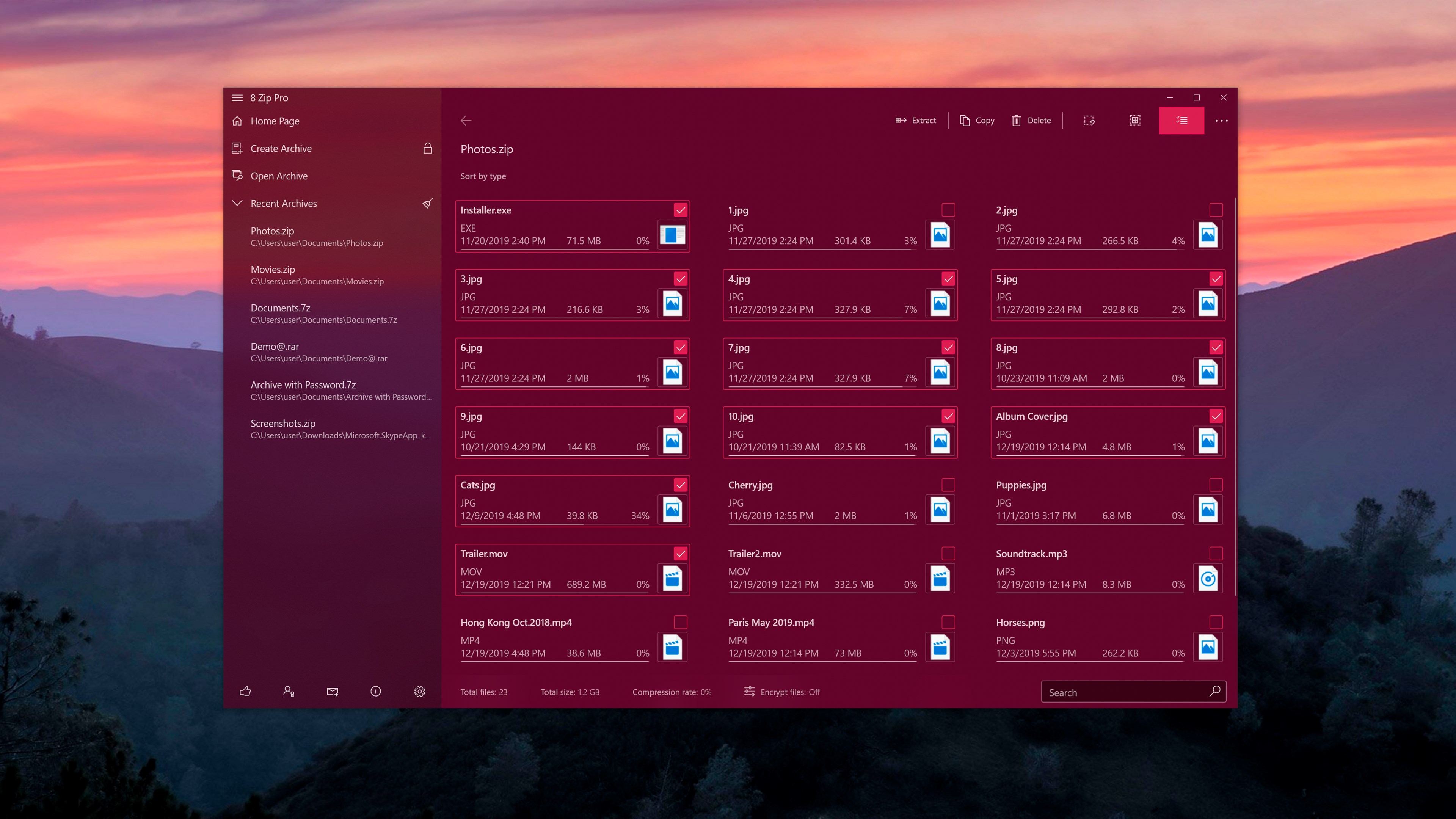
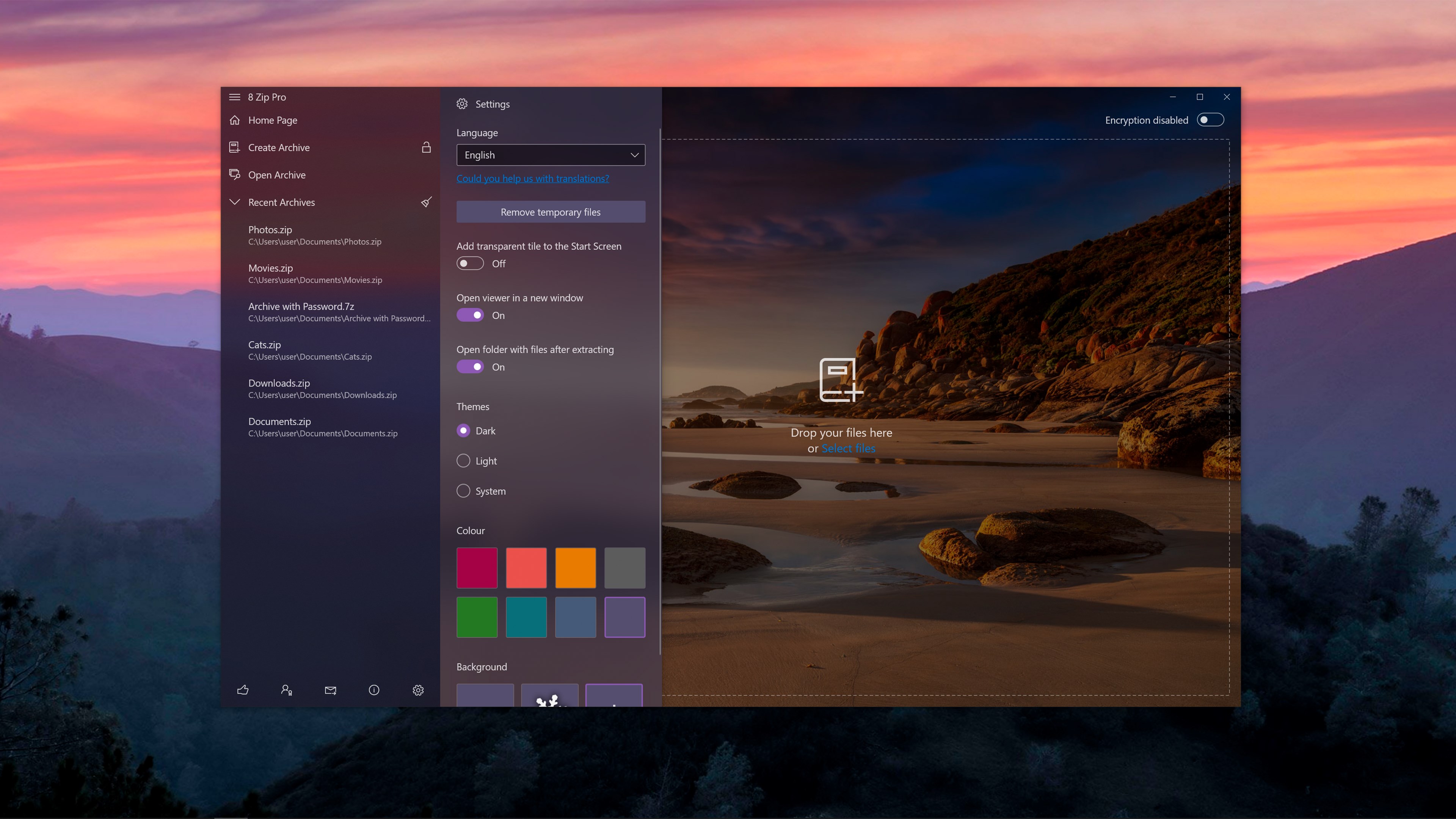
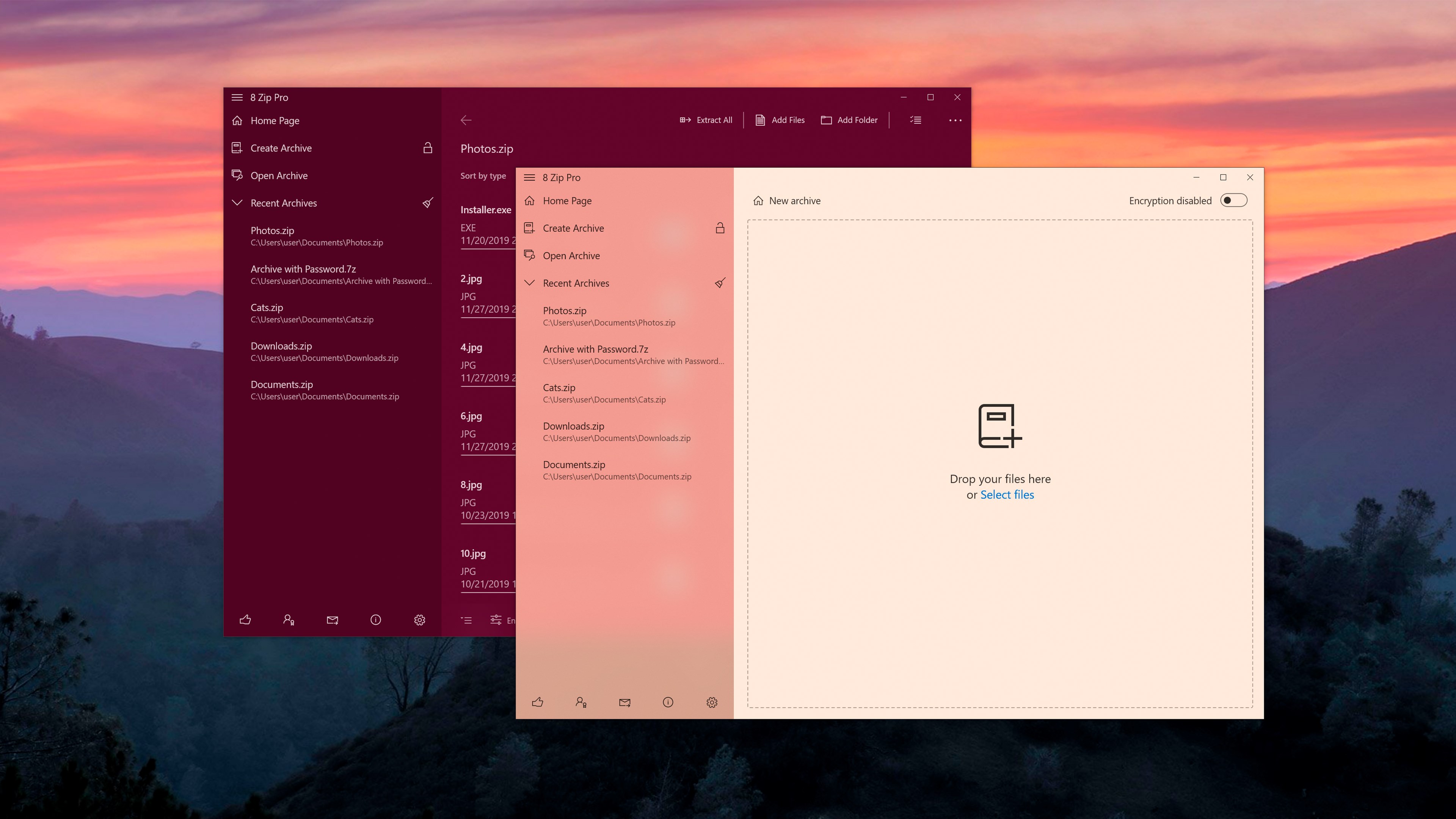
Launching 8 Zip Pro feels like opening a well-organized toolbox; everything is neatly laid out, inviting users to jump right in. The interface sports a clean, modern design with clearly labeled buttons and straightforward options, which helps diminish the steep learning curve often associated with advanced utilities. Whether you're creating a new archive or unpacking a complex multi-part RAR, the process is quick and intuitive. The drag-and-drop feature, combined with contextual menu options, ensures that even the most tech-shy users can manage files efficiently.
Core Functions in Focus: Power, Security, and Flexibility
Creating Archives with Precision and Security
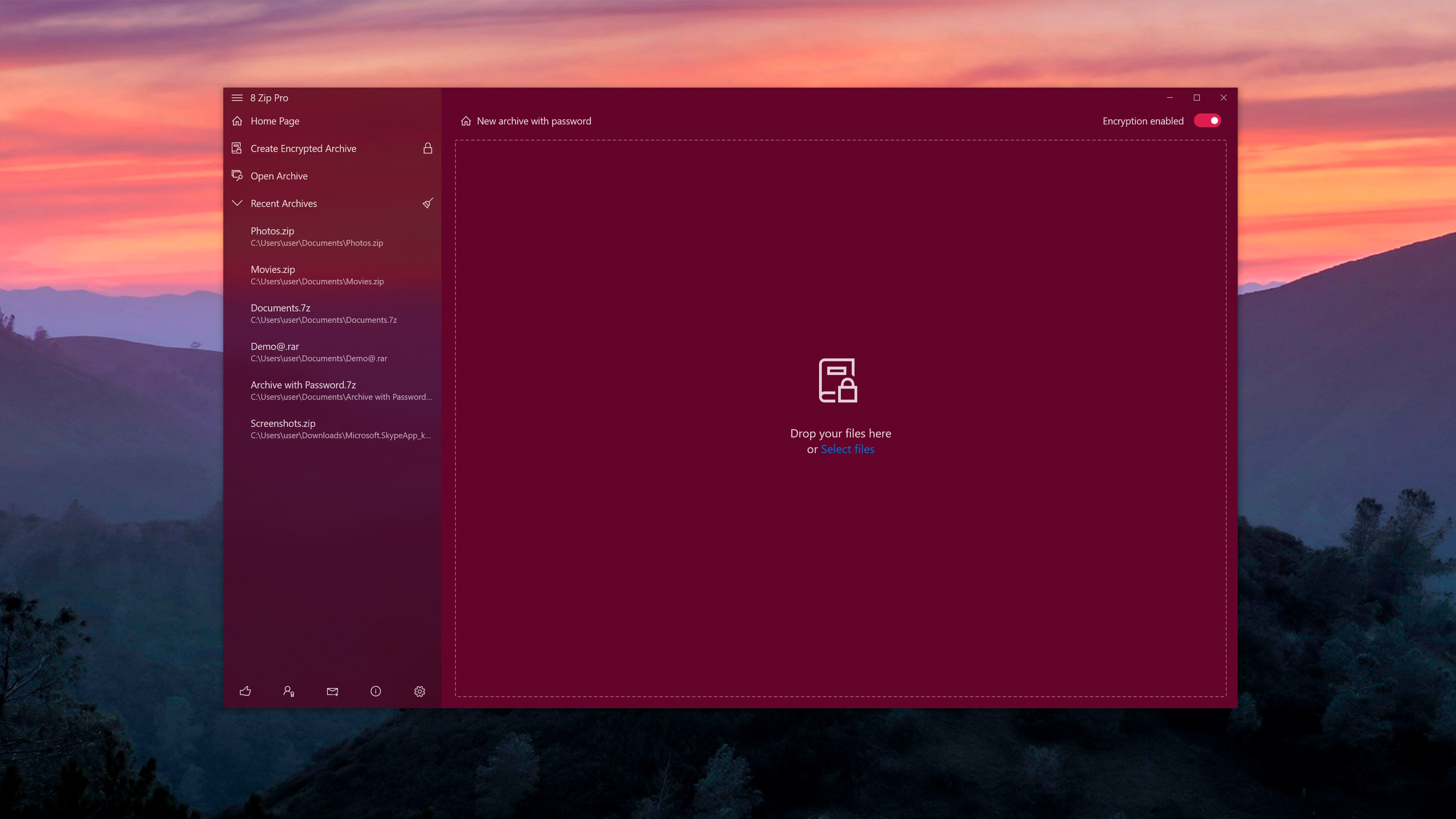
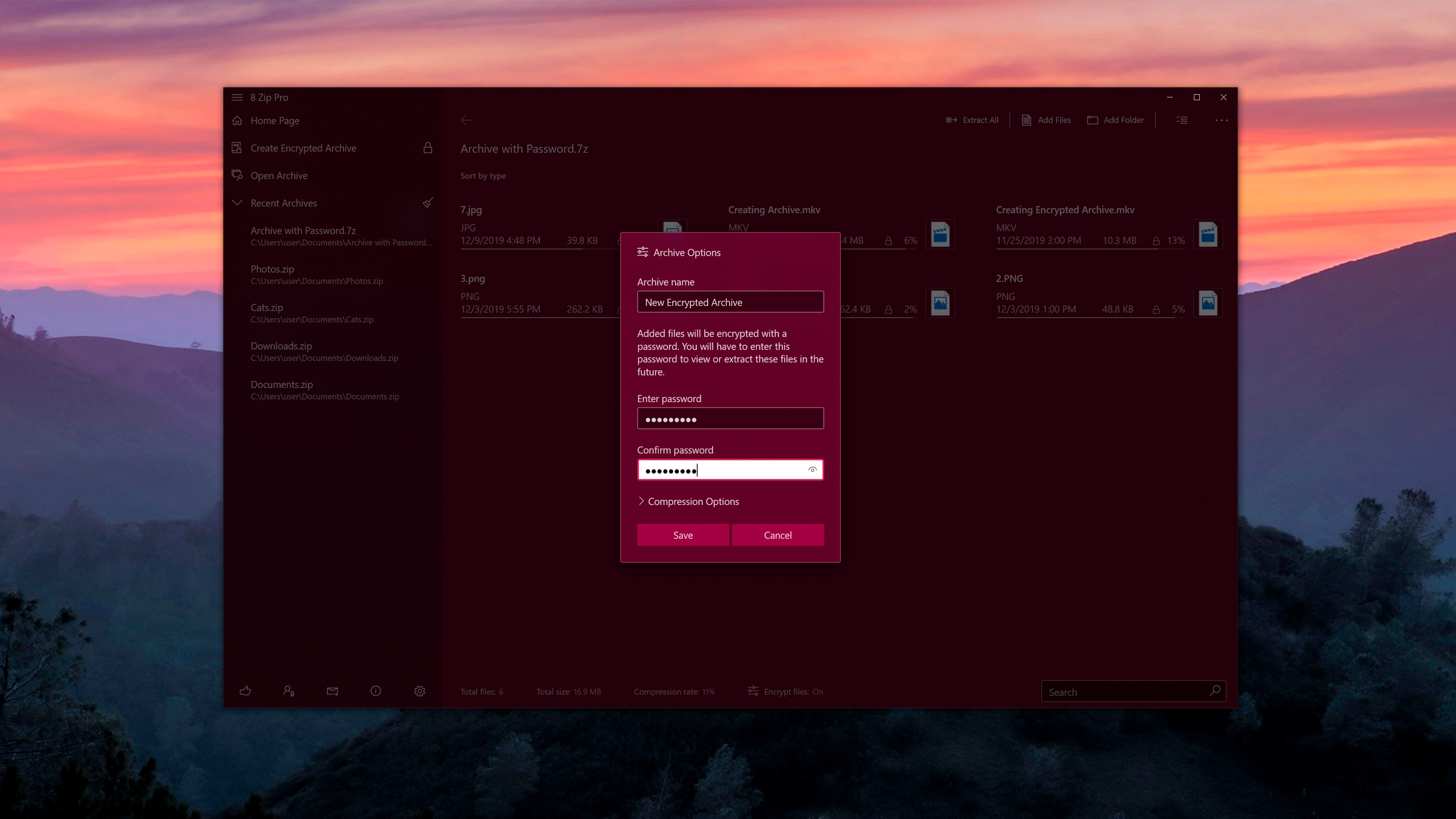
The app enables users to create ZIP and 7z files effortlessly via a simple interface. A standout feature here is the encryption option: just select your files, choose the encryption method (AES-256), and you're protected. This function is particularly valuable for professionals handling confidential documents, providing peace of mind without additional software hassle.
Unpacking Files – Fast and Reliable
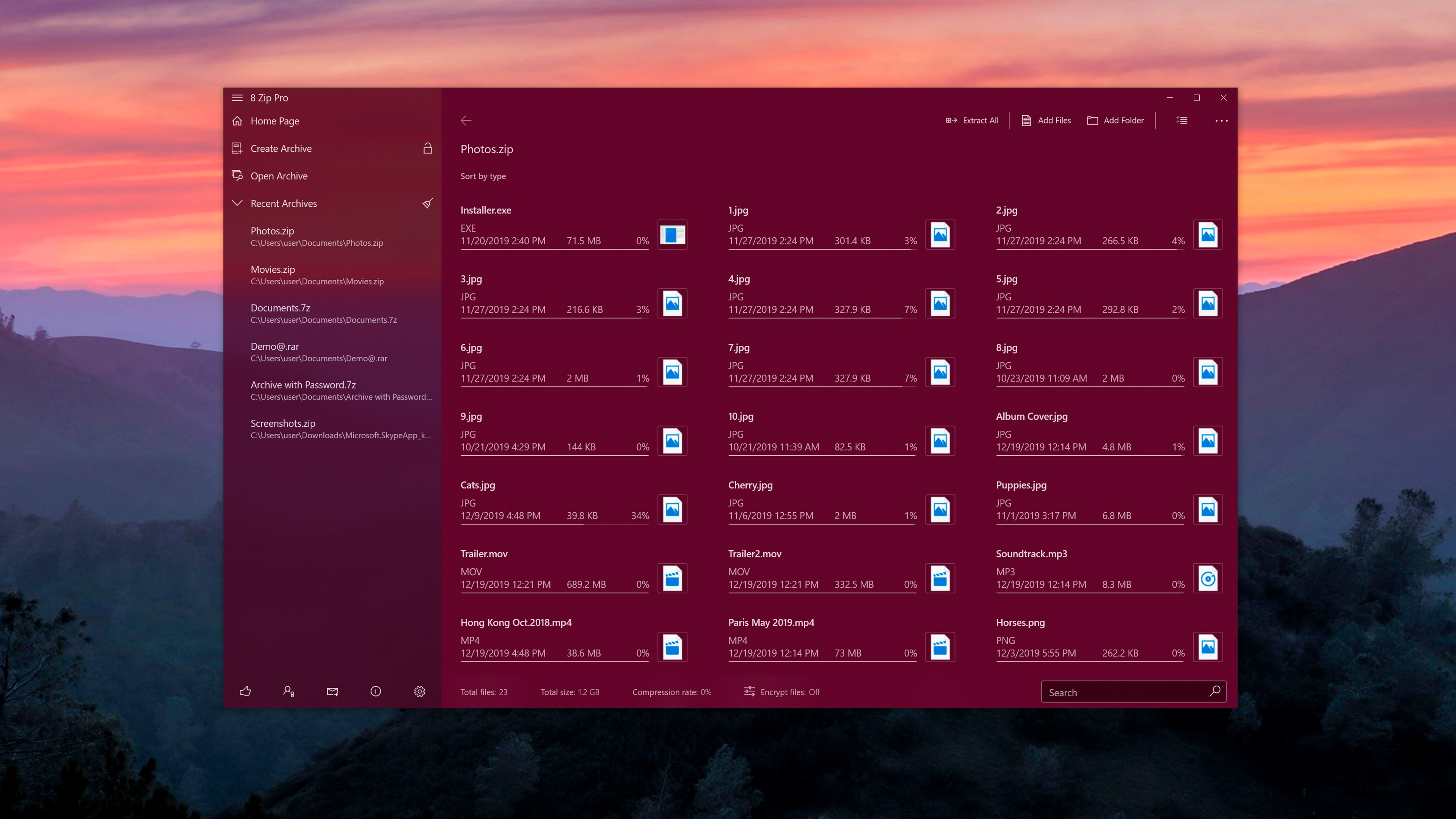
When it comes to extracting, 8 Zip Pro shines with its speed and support for a multitude of formats. It recognizes compressed files instantly, offers options to extract to specific folders, and ensures the integrity of files during decompression. The batch extraction feature reduces repetitive tasks, making it a time-saver in busy environments.
Encryption & Security – Your Digital Safe
The encryption capability is where 8 Zip Pro truly distinguishes itself. Not only does it support strong AES-256 encryption, but it also integrates seamlessly into the compression workflow. Users can encrypt archives during creation or add security to existing files. This layered approach elevates it above many free or less feature-rich competitors, making it a solid choice for users prioritizing data security.
Design, Usability, and Unique Competitive Edges
The interface design balances aesthetic clarity with functional simplicity, ensuring users can focus on their tasks rather than navigate confusing menus. The app performs smoothly, with minimal lag or crashes, even when handling large files or multiple archives simultaneously. Its learning curve is gentle; most features are discoverable within seconds, making it accessible to novices, yet offering enough depth for power users.
Compared to other utilities like WinRAR or 7-Zip, 8 Zip Pro's standout feature is its combination of encryption integrated directly into a modern, easy-to-use interface. While many tools require separate processes for security, 8 Zip Pro provides a cohesive environment, emphasizing protection without sacrificing ease of use. Additionally, its batch processing ensures bulk tasks are completed promptly, a boon for professionals managing large datasets.
Final Verdict and Recommendations
8 Zip Pro by Finebits OÜ emerges as a competent, user-centric archiving tool that balances power and simplicity. Its strongest points—multi-format support, integrated AES encryption, and batch processing—make it particularly attractive for users who value security and efficiency. While it may not yet have the extensive feature set of legacy giants in the field, its thoughtfully designed interface and practical functions position it as a worthy contender in personal and professional file management.
For those seeking a reliable, fast, and secure archiving utility that doesn't require steep technical know-how, I recommend giving 8 Zip Pro a try. Its combination of straightforward operation and advanced features makes it a versatile addition to any Windows user's toolkit, especially if data security is a top concern.
Pros
- User-friendly interface
- Supports multiple formats
- High encryption security
- Fast compression and decompression speed
- Integrated file management tools
Cons
- Limited free version functions
- Occasional compression failures with large files
- Lack of cloud storage integration
- Minor interface bugs on certain Windows versions
- Limited customization options for encryption algorithms











