

- Name 4uKey for iOS
- Category Utilities & tools
- Developer Tenorshare
- Available on PC
- OS Windows 10 version 0.0 or higher
- languages English, German, Spanish, French, Japanese, Russian, Portuguese, Arabic, Italian, Chinese, Chinese (Traditional Chinese), Chinese (Simplified), Korean , Dutch, Turkish, Indonesian, Thai, Malay, Swedish, Czech
Introducing 4uKey for iOS for Windows: Unlocking Your Apple Device Seamlessly
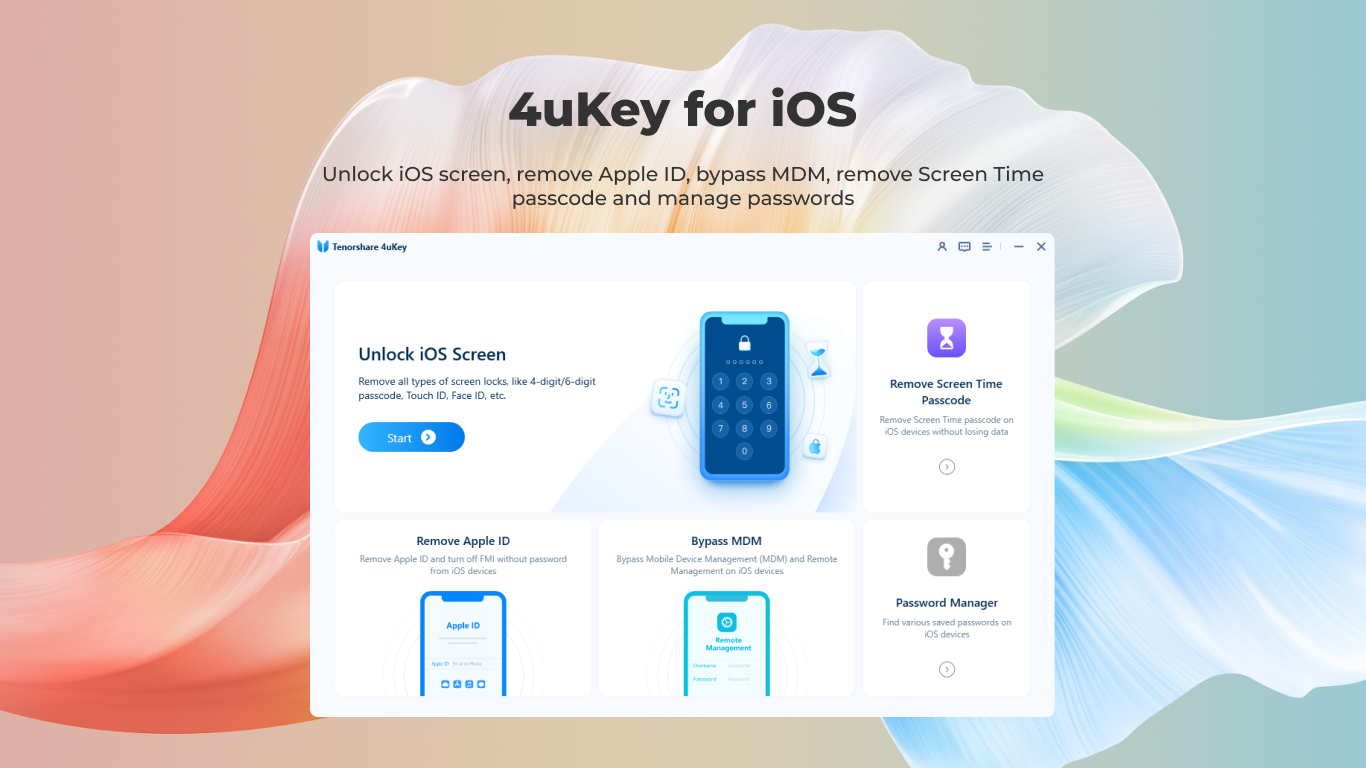
Imagine a tool that transforms your frustrating Apple device lockout experiences into a smooth, straightforward process—that's precisely what 4uKey for iOS for Windows aims to do. Whether you've forgotten your passcode or inherited a device with an unknown Apple ID, this application offers a dependable solution for unlocking iPhones and iPads directly on Windows.
About the Developer and Core Features
Developed by Tenorshare, a reputable name in data recovery and device management tools, 4uKey for iOS for Windows combines simplicity with powerful unlocking capabilities. The software stands out for its swift performance, user-friendly interface, and broad device support. Key features include:
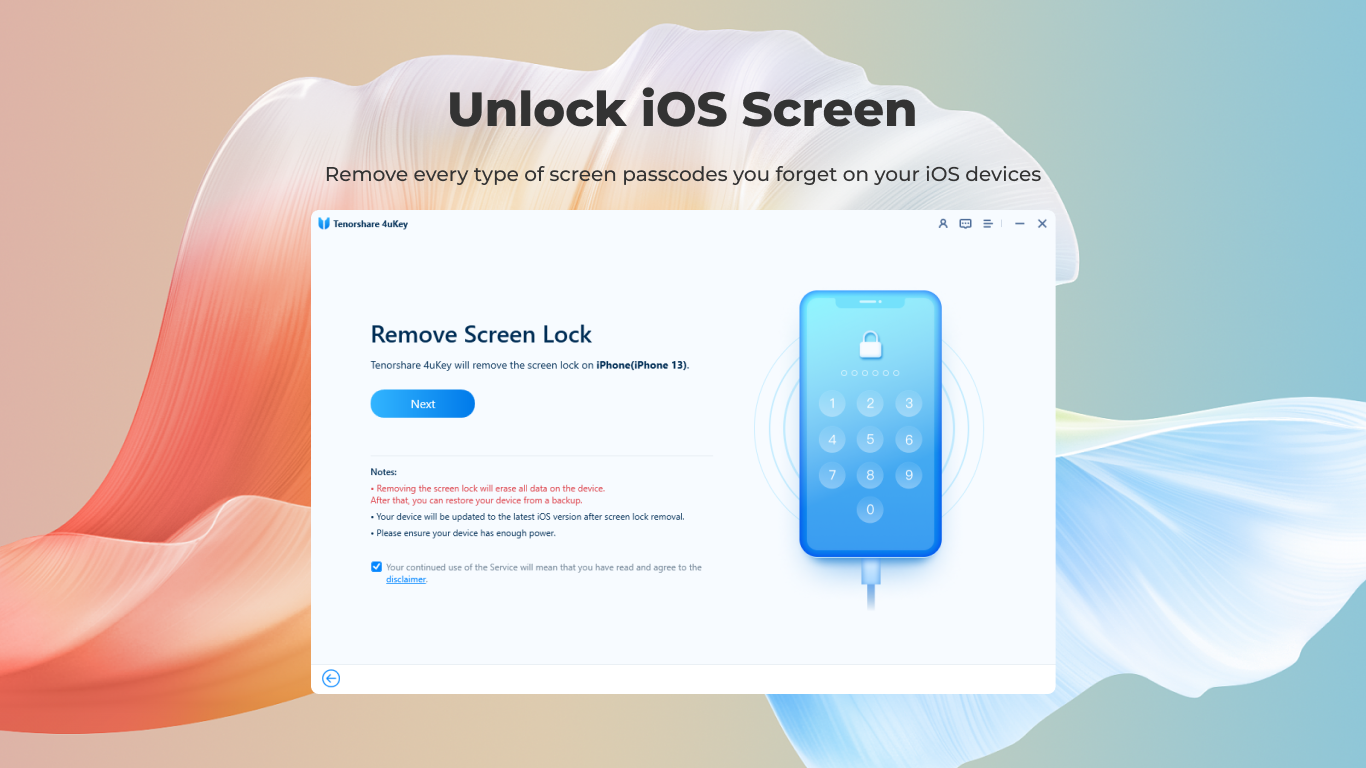
- Passcode Removal: Unlock screens quickly without data loss, covering 4- or 6-digit codes, Touch ID, and Face ID.
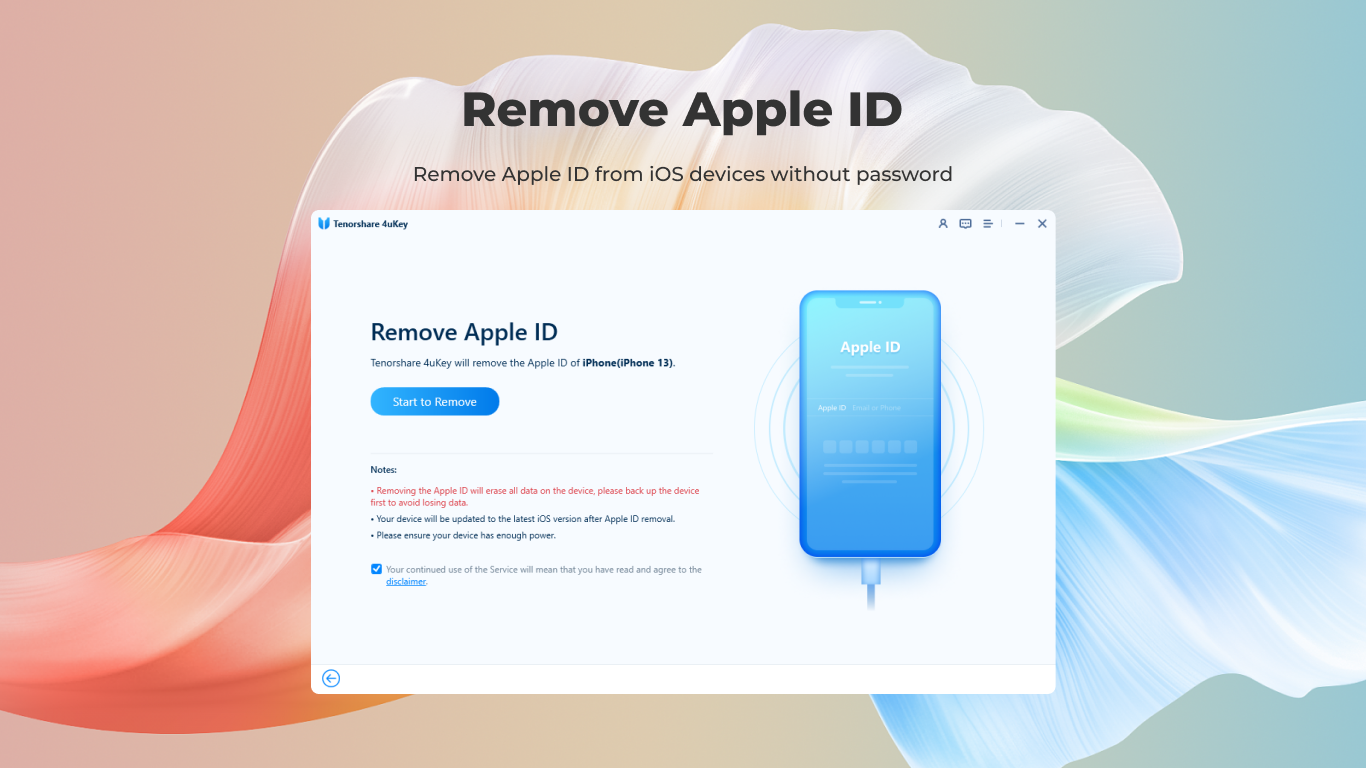
- Apple ID Bypass: Remove Apple IDs from locked devices to regain access or prepare devices for resale.
- Data Loss-Free Operation: Emphasizing safe unlocking processes that preserve existing data during the removal process.
- Support for Latest iOS Devices: Compatibility with recent iPhone and iPad models ensures users stay covered as new devices emerge.
The target audience for 4uKey includes technicians, device resellers, and everyday users who find themselves locked out of their Apple devices or want to remove Apple IDs without invasive procedures.
The User Experience: Navigating a Clear and Efficient Workflow
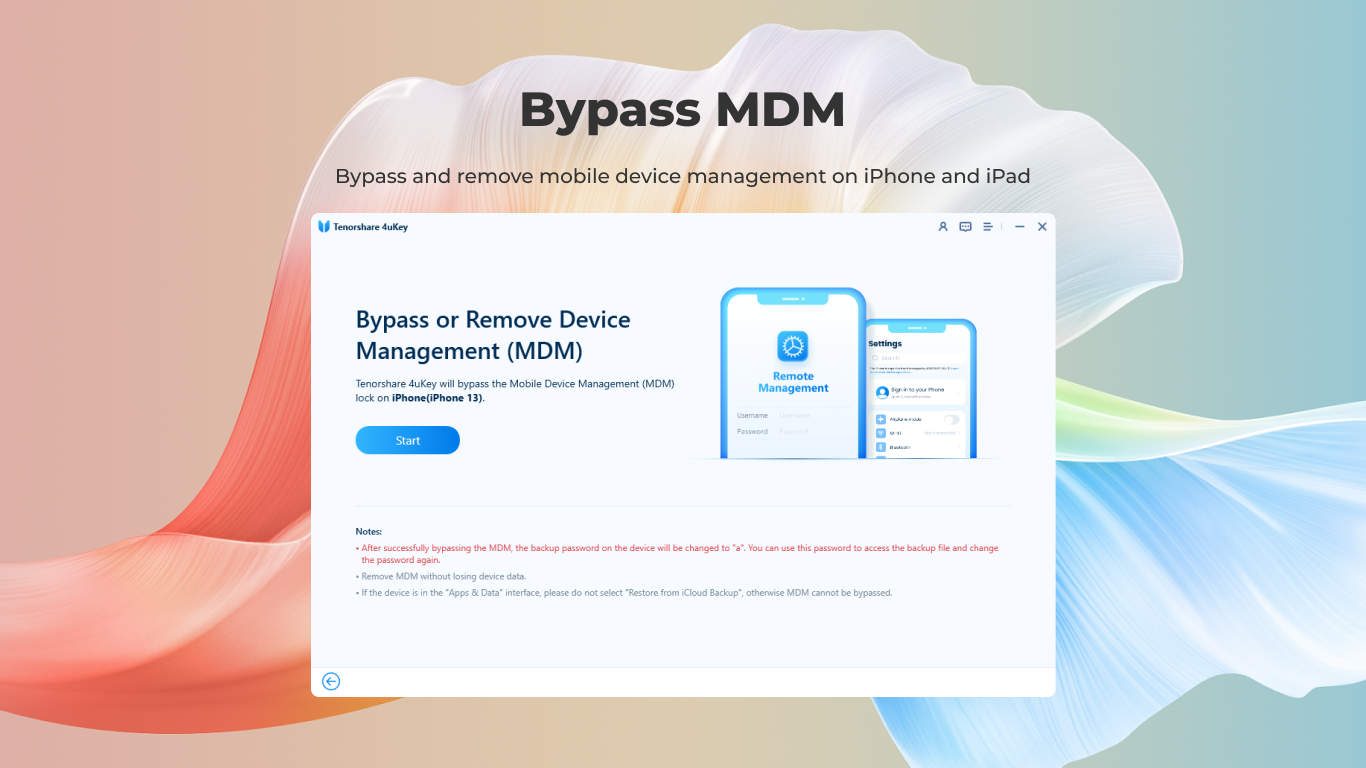
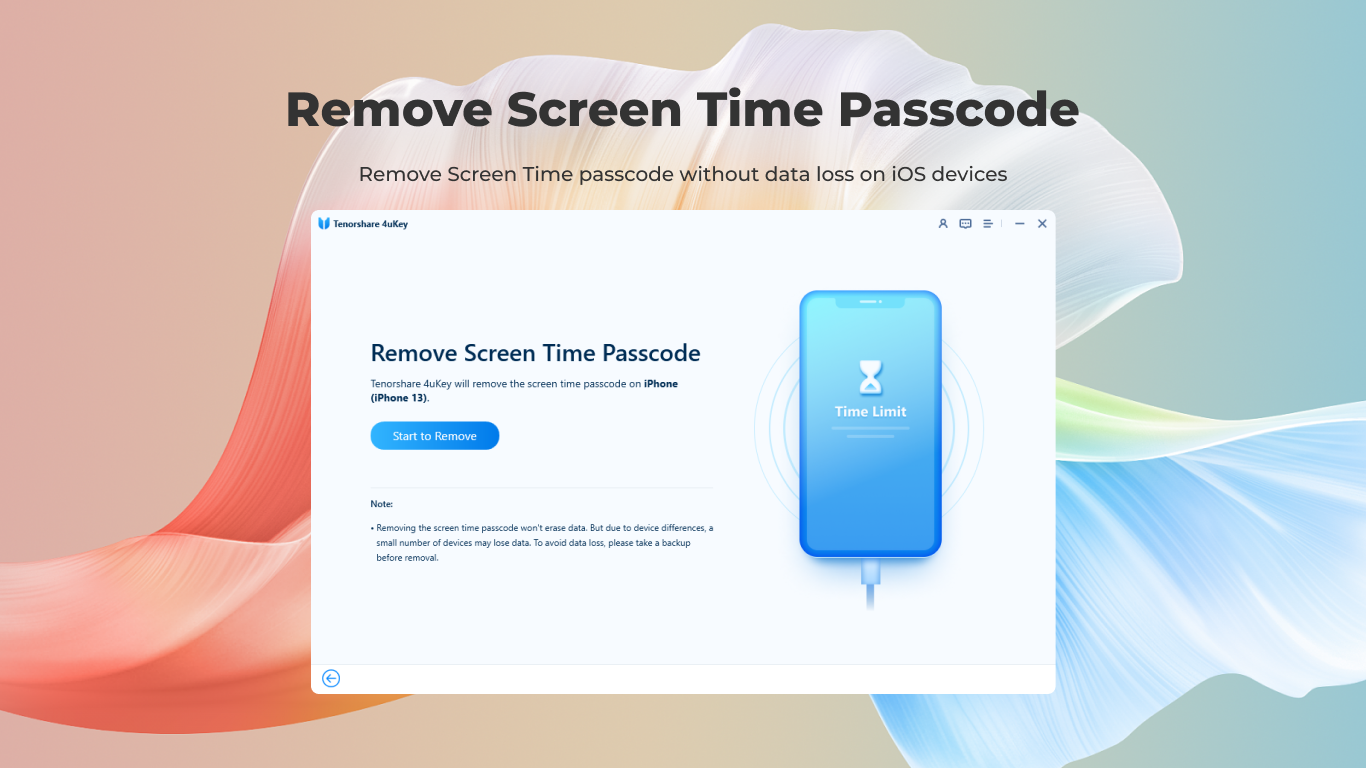
Picture this: you're staring at your iPhone, which stubbornly refuses your password, and frustration is mounting. With 4uKey, the process morphs into a welcoming journey rather than a headaches-inducing chore. Its interface resembles a friendly dashboard, guiding users step-by-step with intuitive prompts. The operation flow feels akin to a trusted co-pilot, making complex processes like unlocking or Apple ID removal feel straightforward—think of it as your digital locksmith's toolkit, ready at a click.
The software performs smoothly, thanks to optimized algorithms that expedite unlocking without sacrificing stability. Even for users with moderate tech skills, the learning curve remains gentle; most functions are accessible through simple buttons with helpful instructions. Notably, the process of downloading device firmware and completing tasks is efficient, minimizing the waiting time and keeping users informed every step of the way.
What Sets 4uKey Apart? Innovations and Differentiators
While many utilities promise to unlock your device, 4uKey's distinctive advantage lies in its focus on safety and broad compatibility. Unlike some tools that risk data loss or hardware damage, 4uKey emphasizes secure unlocking—preserving your precious files and settings whenever possible. Its support for the latest iOS versions and devices sets it apart in the competitive landscape of utility tools, ensuring you're not left behind with outdated solutions.
Another notable edge is its ability to bypass Apple IDs without requiring complicated third-party jailbreaking or invasive procedures. This feature is especially valuable for resellers or users aiming to reset devices for resale or gifting, without risking iCloud lock issues later—a true game-changer that saves both time and worry.
Final Thoughts: Is It Worth Giving a Try?
Considering its strengths, 4uKey for iOS for Windows is a reliable companion for those seeking a straightforward unlocking solution. Its user-friendly design and safe operation make it suitable even for less tech-savvy users, while its powerful core functions cater to professionals. I'd recommend it enthusiastically for anyone who needs a trustworthy, efficient way to unlock or remove Apple IDs on Windows—think of it as the digital locksmith you'd want on speed dial.
As always, remember to use such tools responsibly and ensure you have proper authorization before proceeding. Overall, 4uKey combines practicality with innovation, making it a valuable addition to your device management toolkit.
Pros
- User-friendly Interface
- Effective iOS Device Unlocking
- Supports Multiple iOS Versions
- Quick Repair Process
- Comprehensive Customer Support
Cons
- High Cost
- Limited Free Features
- Potential Data Loss
- Relies on Internet Connection
- Occasional Compatibility Issues











