

- Name 10bii Financial Calculator
- Category Business
- Developer In A Day Development
- Available on PC, Mobile
- OS Windows 10 version 17763.0 or higher
- languages English (United States)
Introducing 10bii Financial Calculator for Windows: Your Compact Financial Assistant
Comfortably designed for professionals, students, or anyone navigating the world of finance, 10bii Financial Calculator for Windows is a sleek and efficient app that brings advanced financial tools right to your desktop. Its minimalist interface combined with powerful features makes complex calculations straightforward, transforming your PC into a portable financial hub.
About the Developer and Core Highlights
Developed and published by In A Day Development, this application bypasses the need for bulky physical calculators by offering a comprehensive set of financial functions optimized for Windows users. Its key features include an intuitive calculation engine for loan amortizations and investments, a user-friendly interface, and capabilities supporting collaborative work. Designed primarily for finance students, educators, and small business owners, it serves anyone looking for quick, reliable financial computations without the clutter of cluttered tools.
Unpacking the Experience: A Friendly Dive into Its Features
Imagine sitting at your desk, immersed in financial planning, and having a calculator that acts more like a trusted financial advisor—this is what 10bii aims to be. Its straightforward yet powerful interface immediately catches your eye, making complex calculations feel less like a chore and more like a breeze. Navigating through its various features reveals a smooth, responsive experience that caters even to those new to financial calculations.
Robust Financial Computation Power
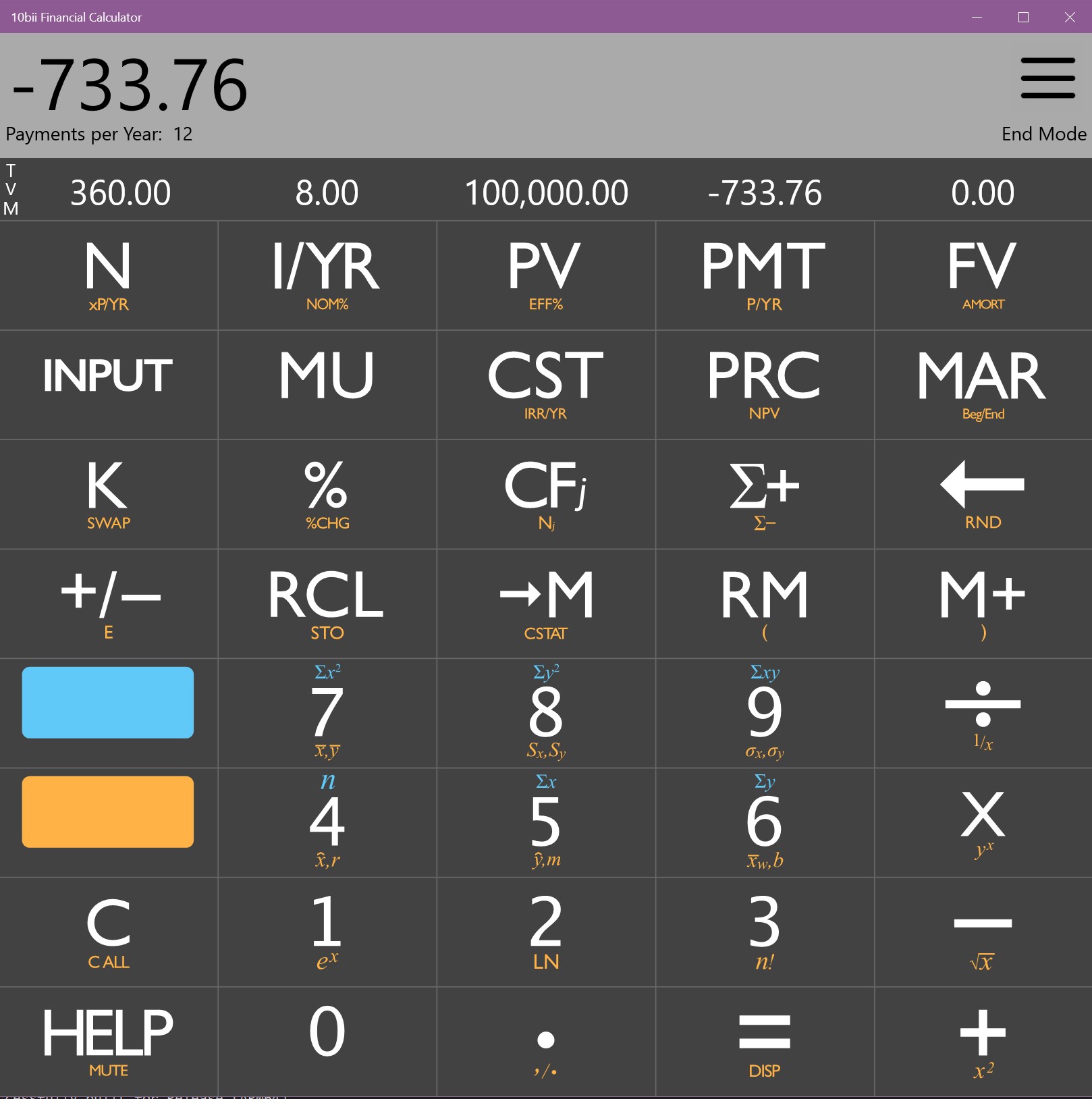
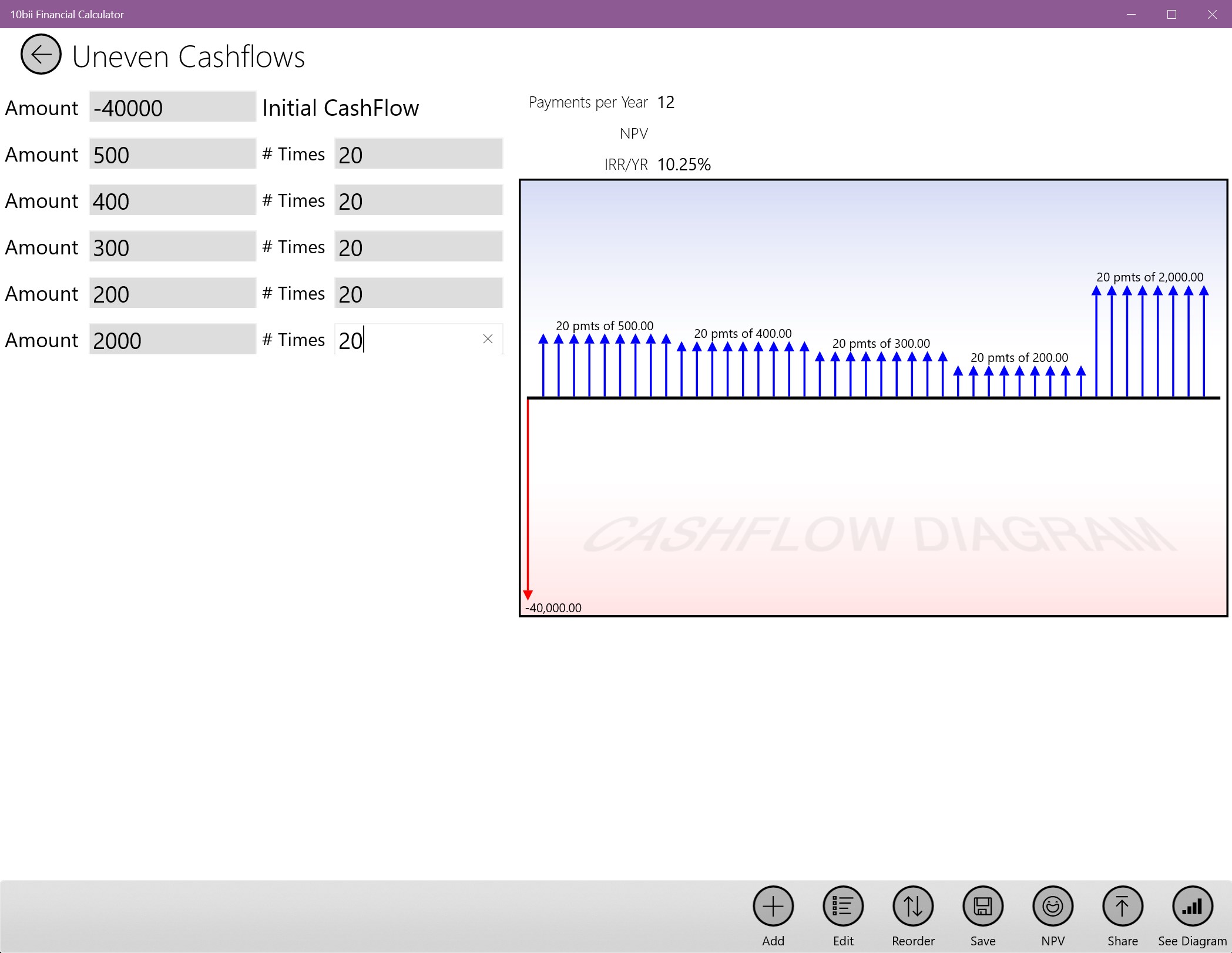
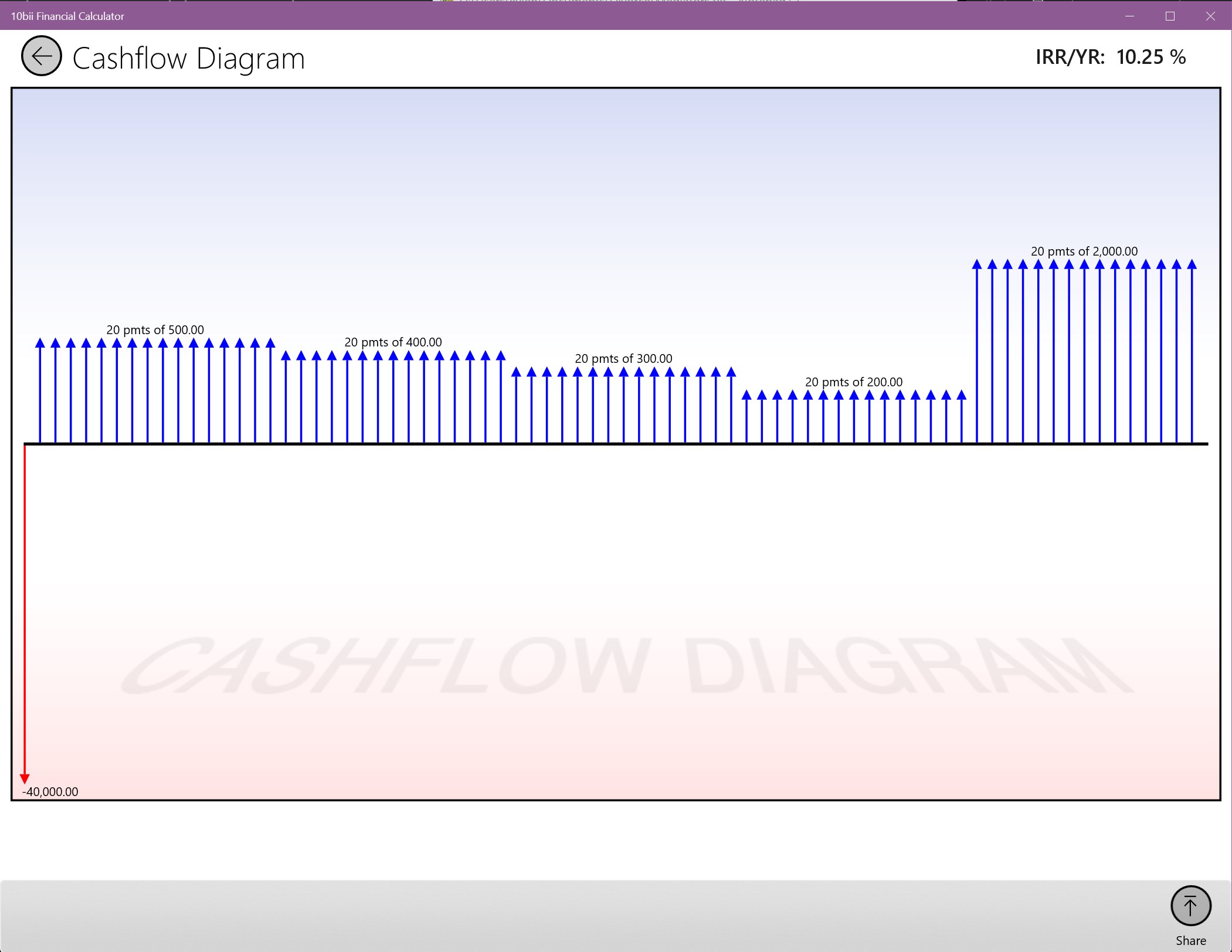
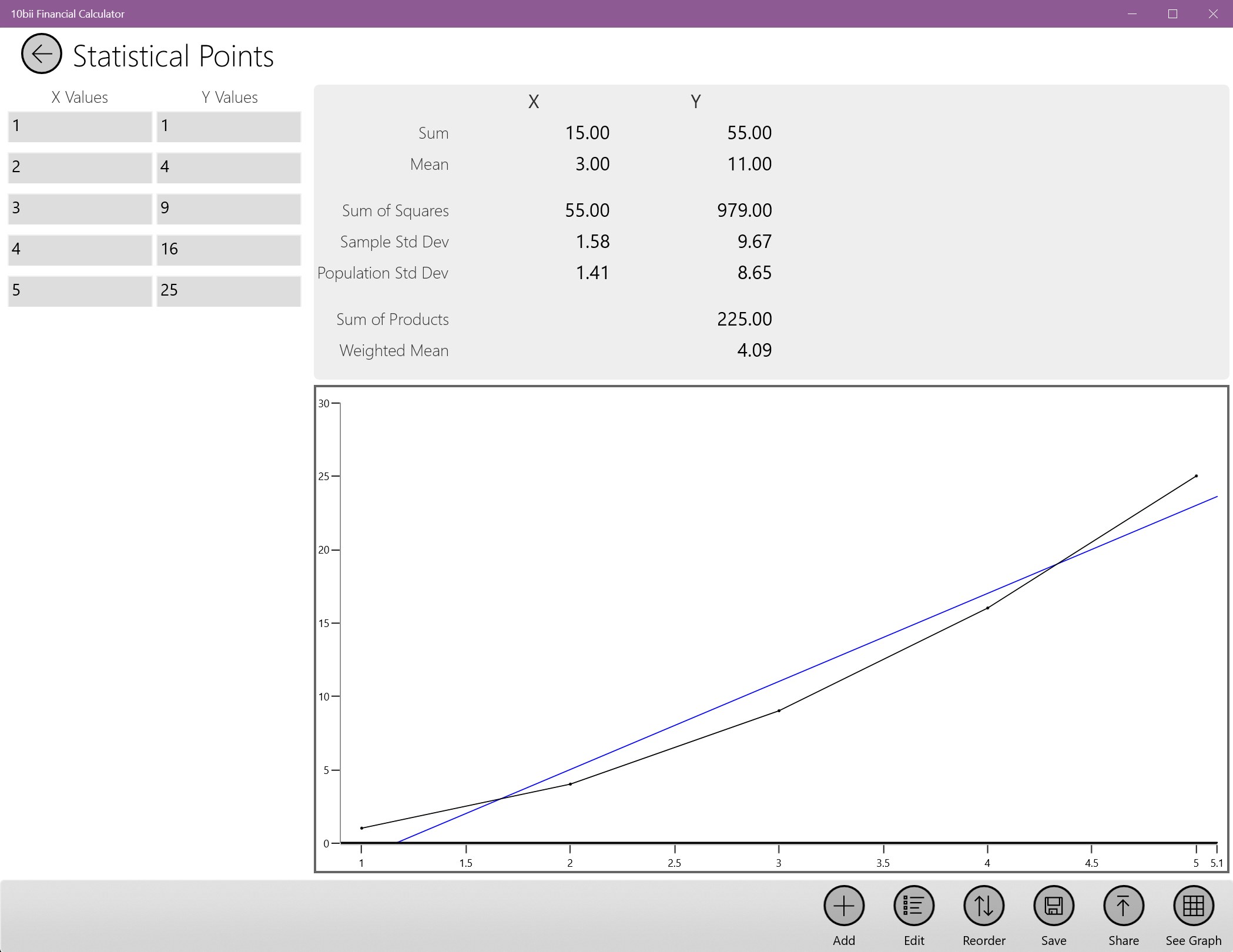
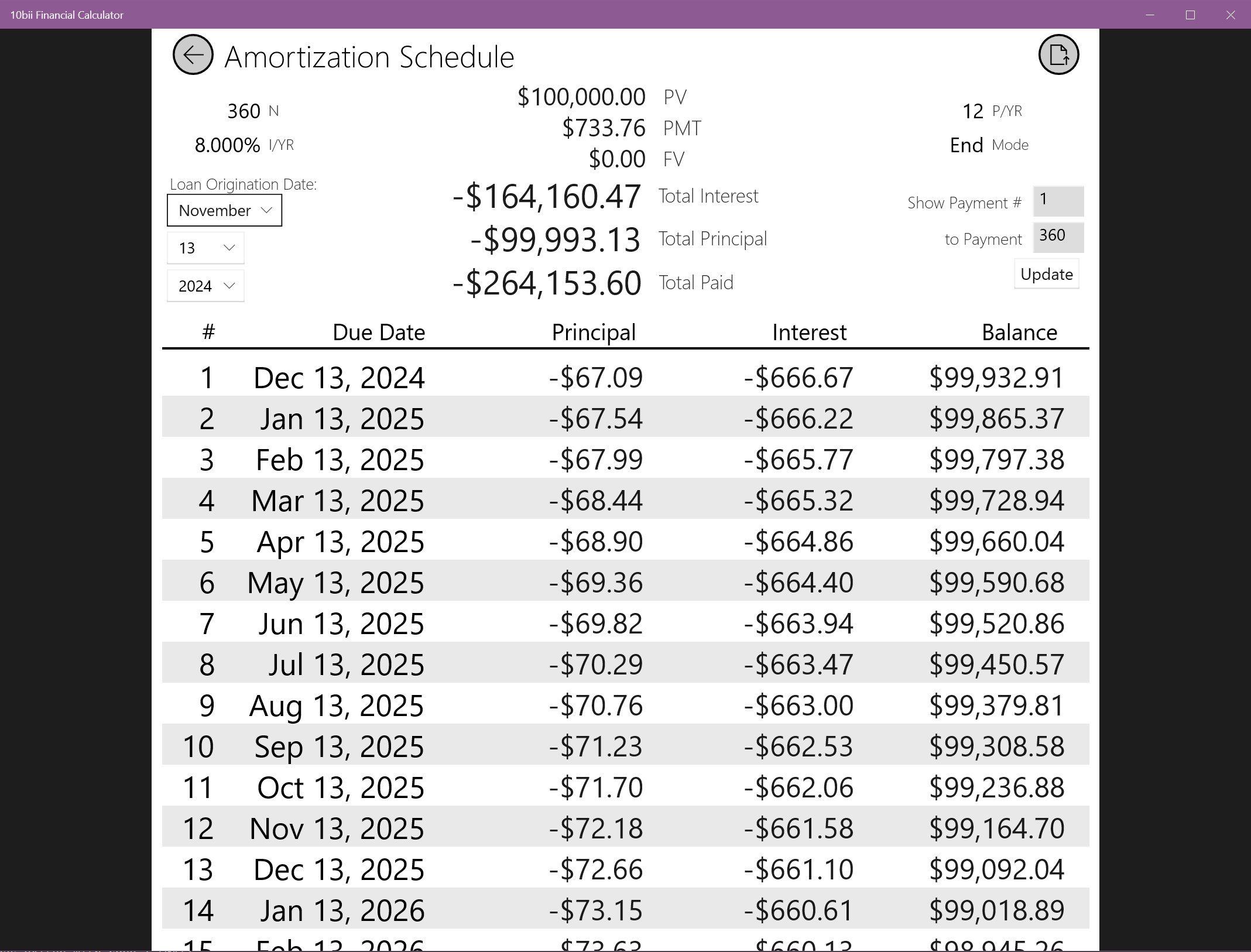
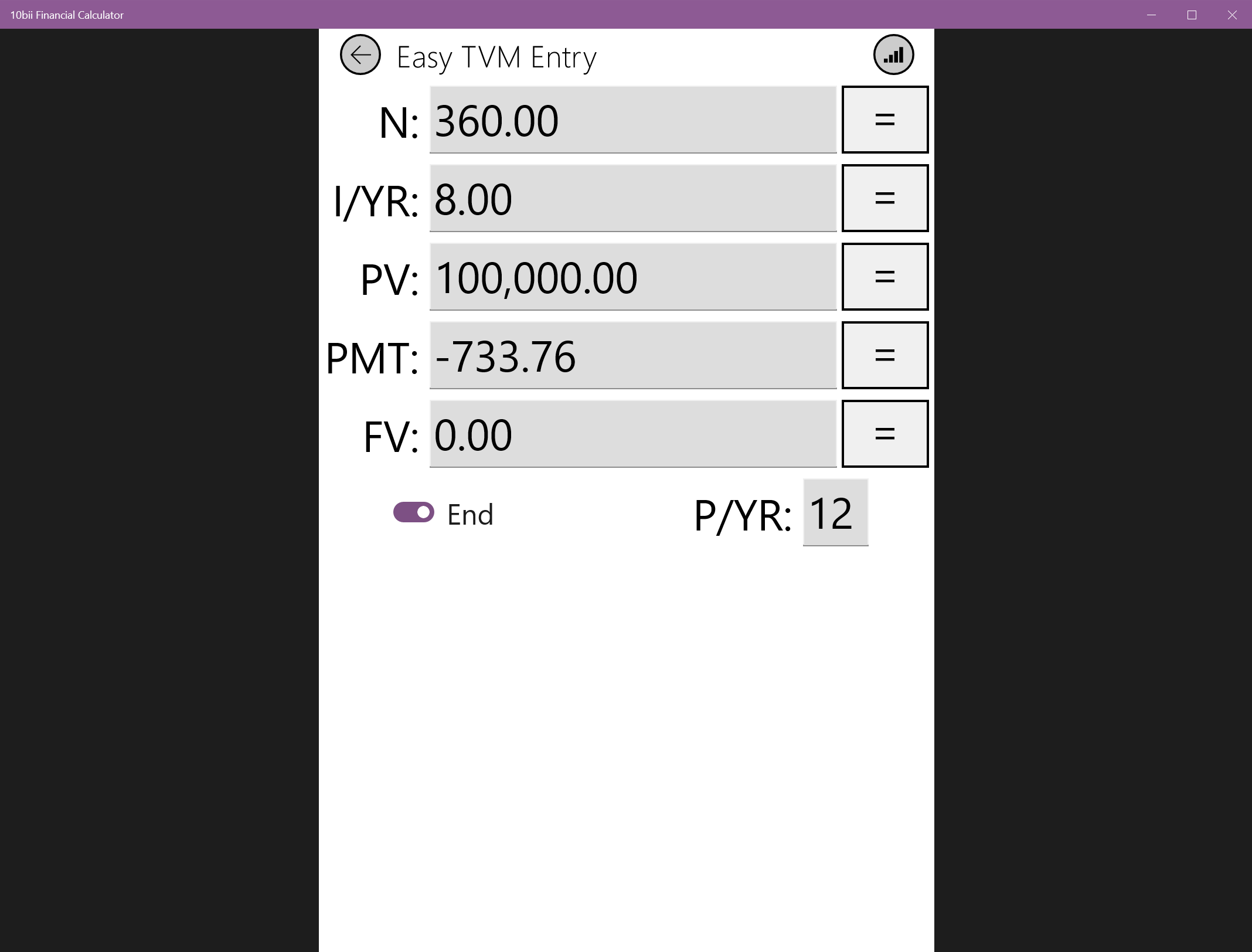
The core charm of 10bii lies in its reliable calculation engine. Whether you're calculating mortgage payments, loan schedules, or yield to maturity, the app handles it all seamlessly. Its ability to perform time-value-of-money calculations with added flexibility sets it apart from basic calculators. The user simply inputs essential data points, and the app swiftly processes them, offering precise, real-time results. This feature transforms it from just another calculator into a financial planning powerhouse, ideal for preparing budgets, analyzing investments, or understanding loan options.
Intuitive Interface & User Experience
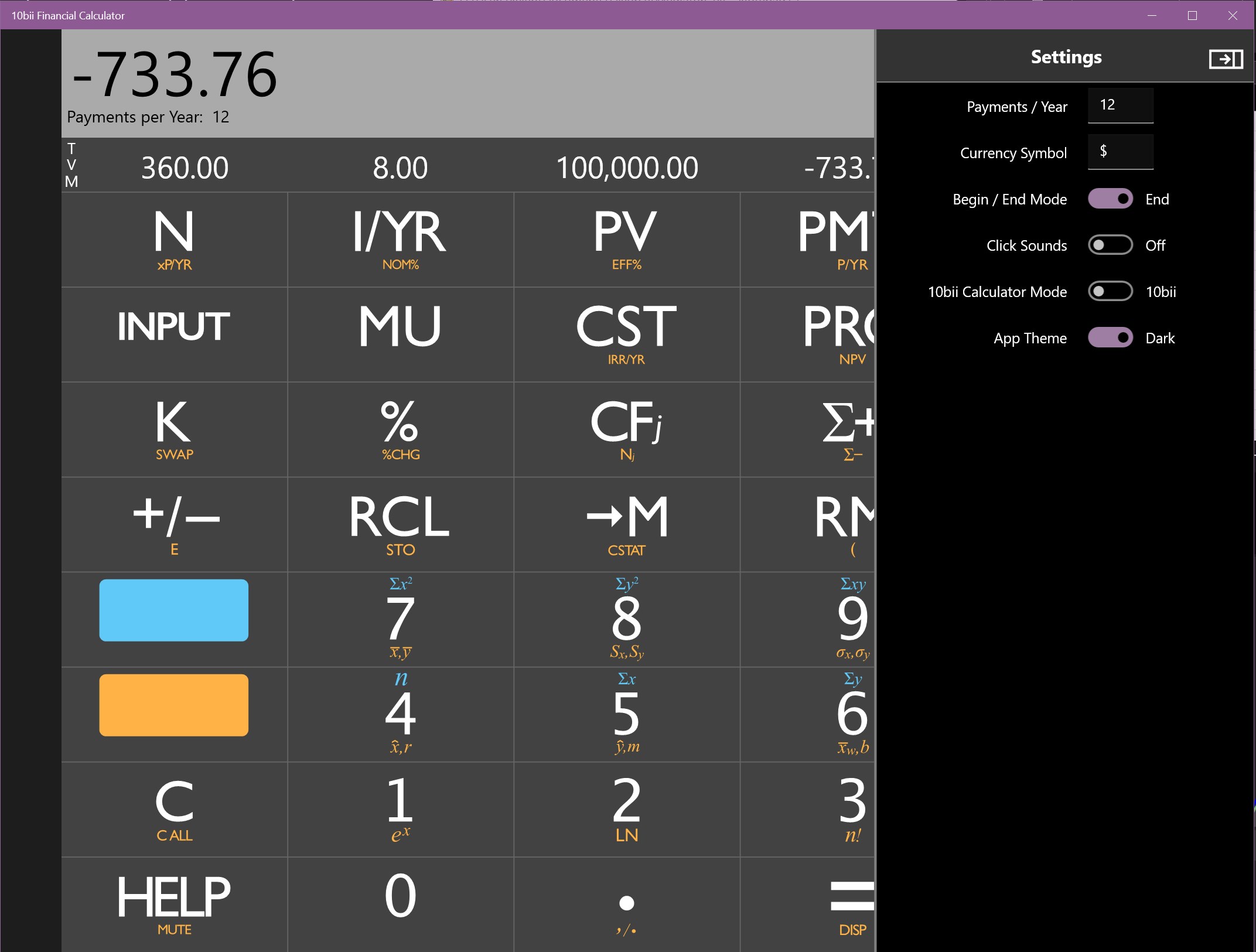
With a design reminiscent of a physical calculator but with digital elegance, 10bii provides a user-friendly experience. The interface emphasizes clarity—buttons are logically arranged, and critical functions are just a click away. The app's responsiveness is notable; calculations are carried out instantly, ensuring a smooth workflow. For beginners, the learning curve is gentle, thanks to clear labels and consistent layout, while advanced users will appreciate the depth of options available. This symmetry of accessibility and depth ensures that no user feels overwhelmed.
Collaborative and Task Management Features: Unique Advantages
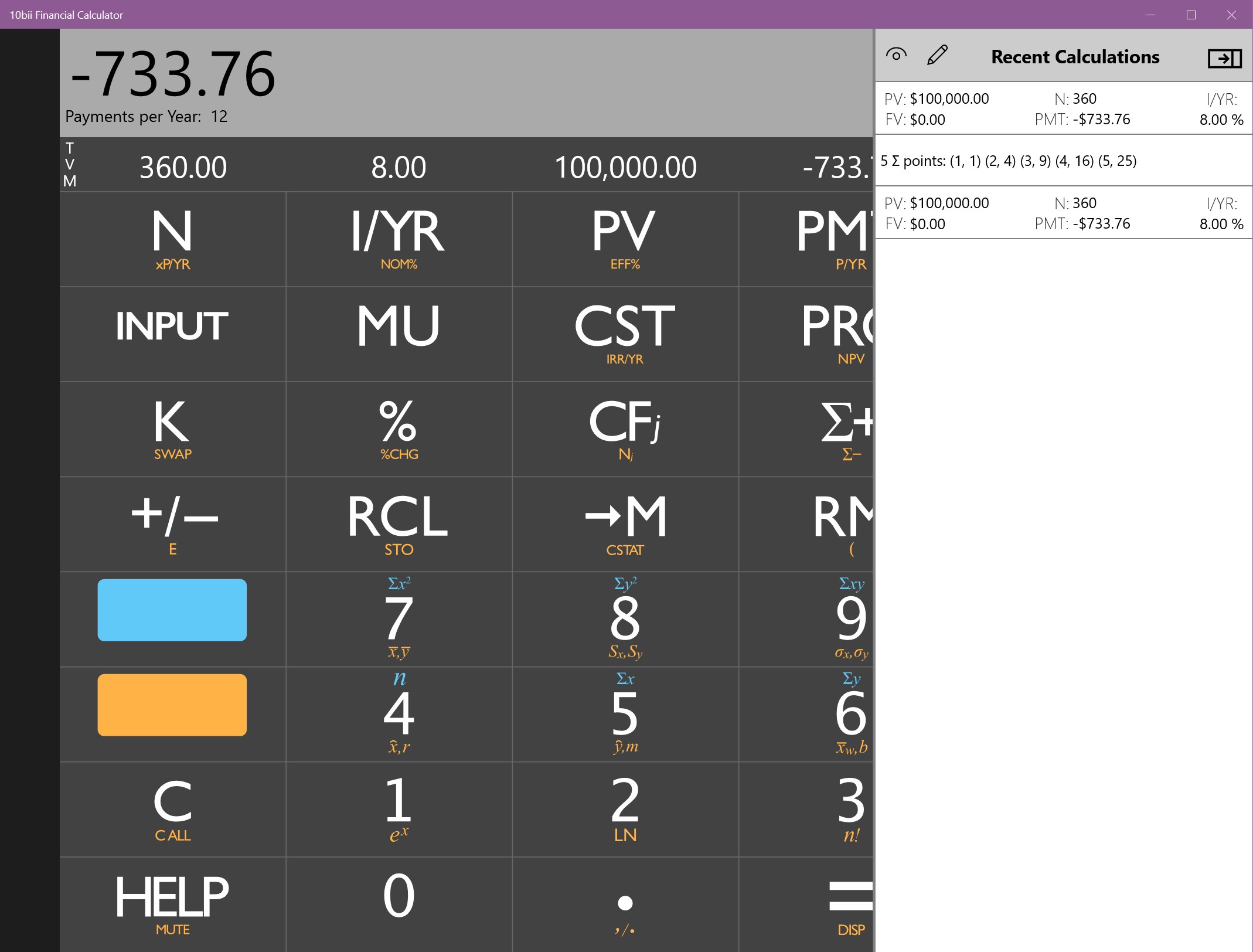
What sets 10bii apart from most standalone financial tools is its focus on collaborative work features. Unlike typical calculators, this app incorporates basic task management elements, allowing users to save multiple calculation scenarios, annotate them, and even share results with colleagues or clients. This makes it not just a calculator but a mini financial workspace, fostering better communication and teamwork. For example, small teams working on investment analysis can collaboratively update assumptions and compare outcomes within the app, enhancing productivity and decision-making. Such features position 10bii as a hybrid between a calculator and a simple project environment, a notable contrast with traditional standalone financial apps.
Final Thoughts: Should You Give It a Try?
Overall, 10bii Financial Calculator for Windows offers a reliable, user-friendly, and surprisingly versatile tool—especially with its collaborative features—that make financial calculations and sharing a more seamless experience. If you're seeking an app that balances accuracy and ease of use while supporting collaborative work, this is a solid choice. While it may not replace dedicated financial planning software for complex analysis, it excels as a handy, efficient calculator tailored for everyday financial tasks. I'd recommend it to students, educators, small business owners, or anyone who appreciates a streamlined yet capable financial calculator on their Windows device.
Pros
- Comprehensive financial functions
- User-friendly interface
- Offline accessibility
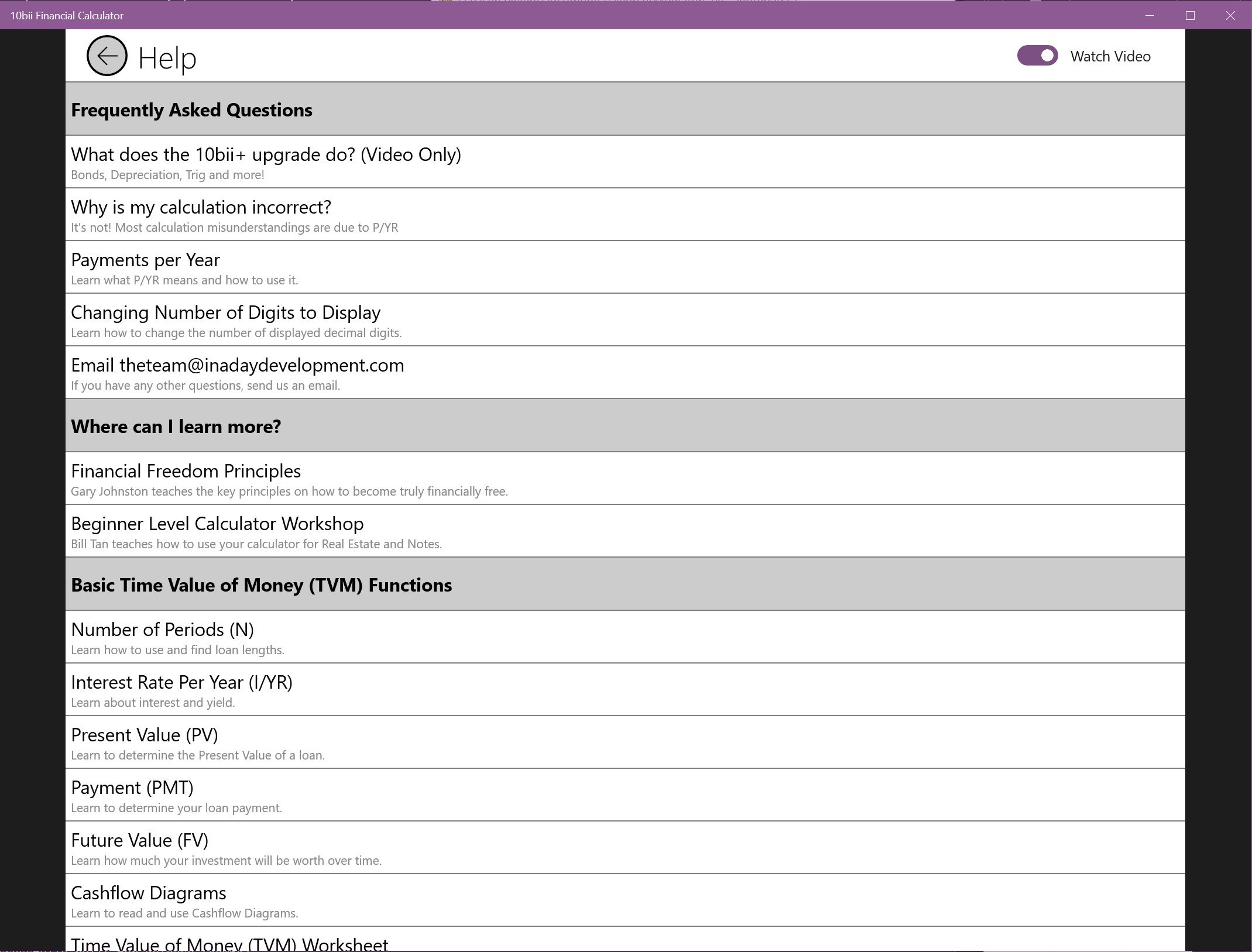
- Built-in tutorials and help tips
- Customizable calculator settings
Cons
- Limited currency support in some features
- Ads in free version
- Occasional lag with large datasets
- Limited export options
- Learning curve for advanced functions











