

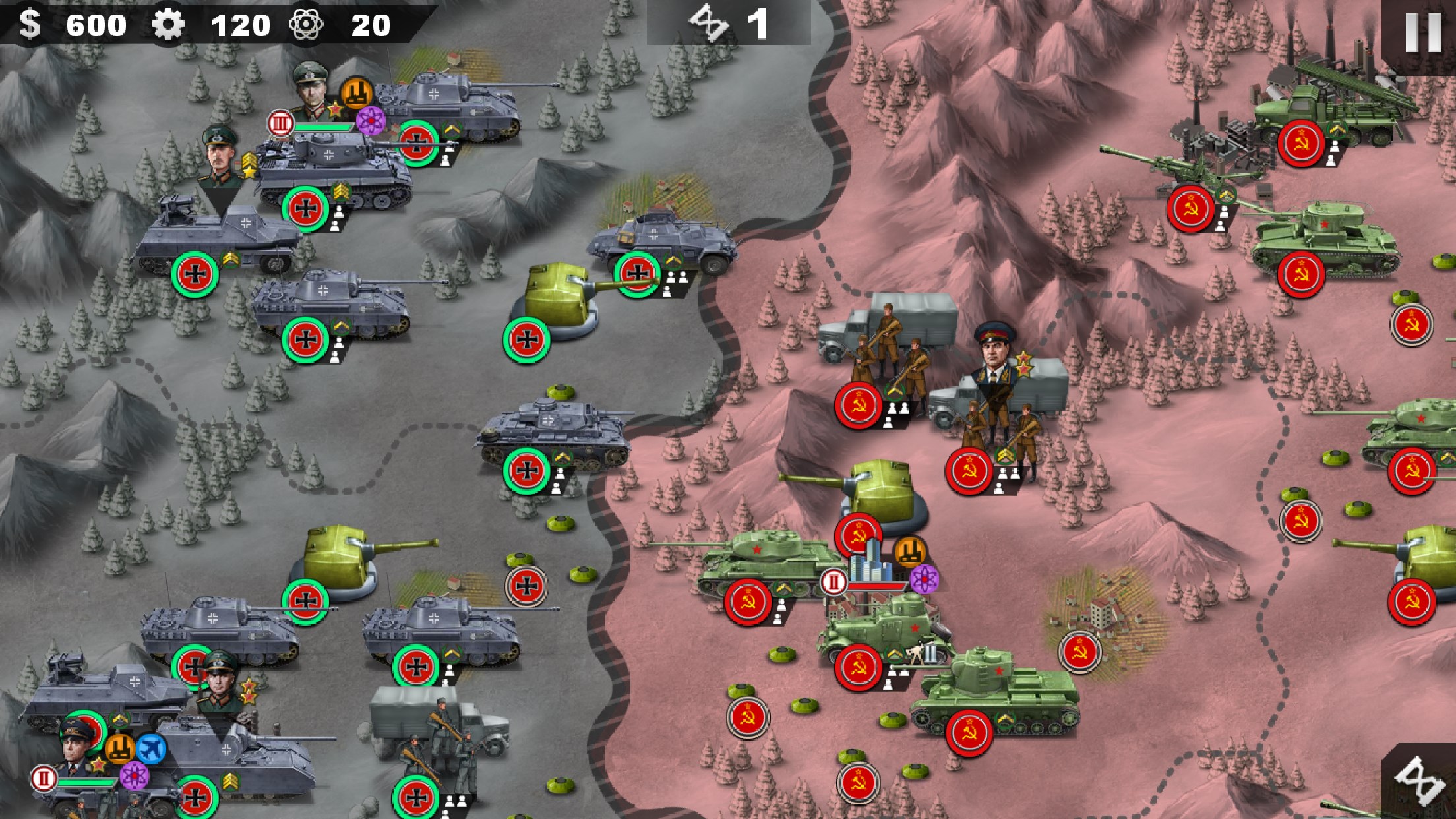
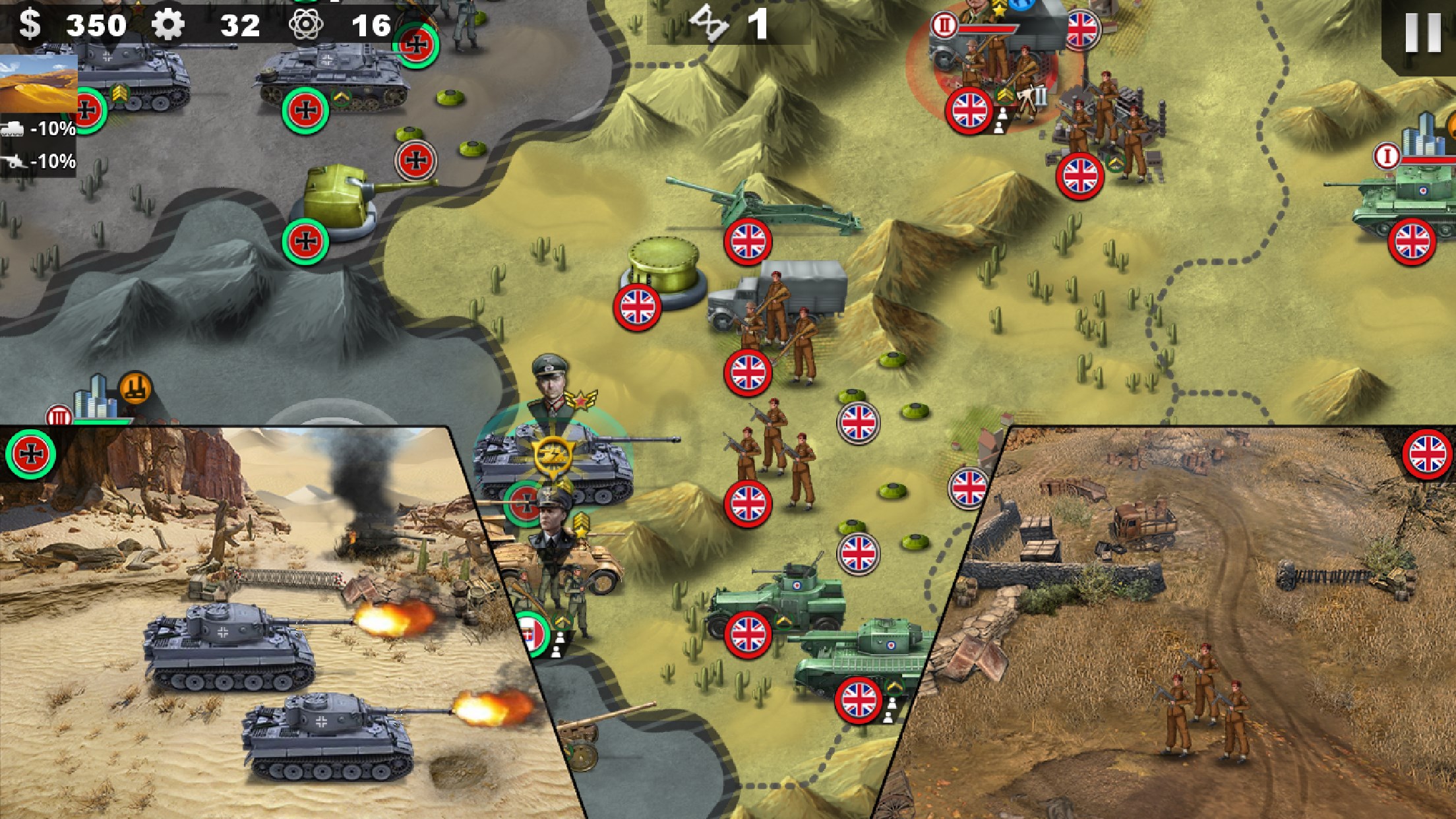
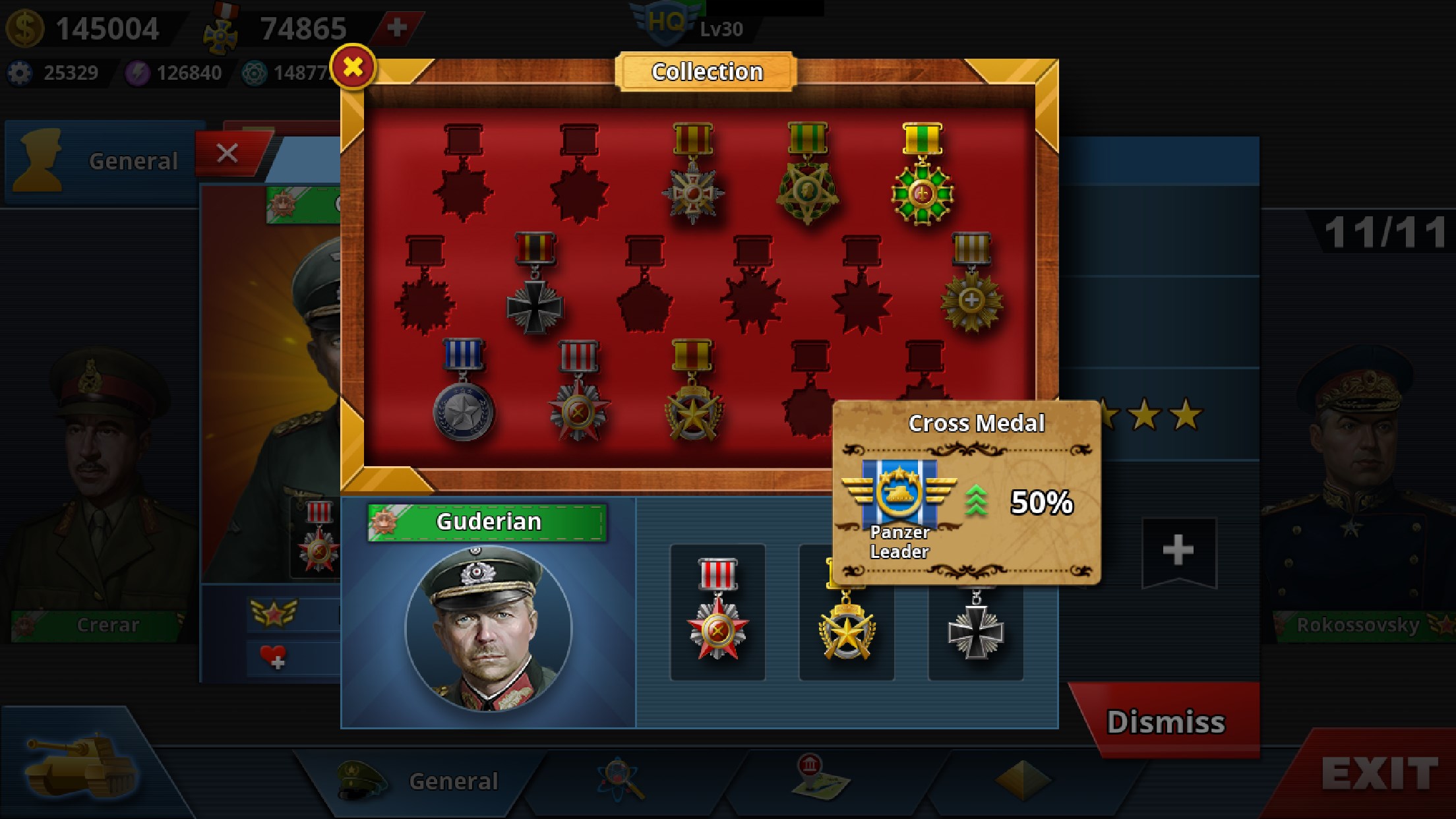
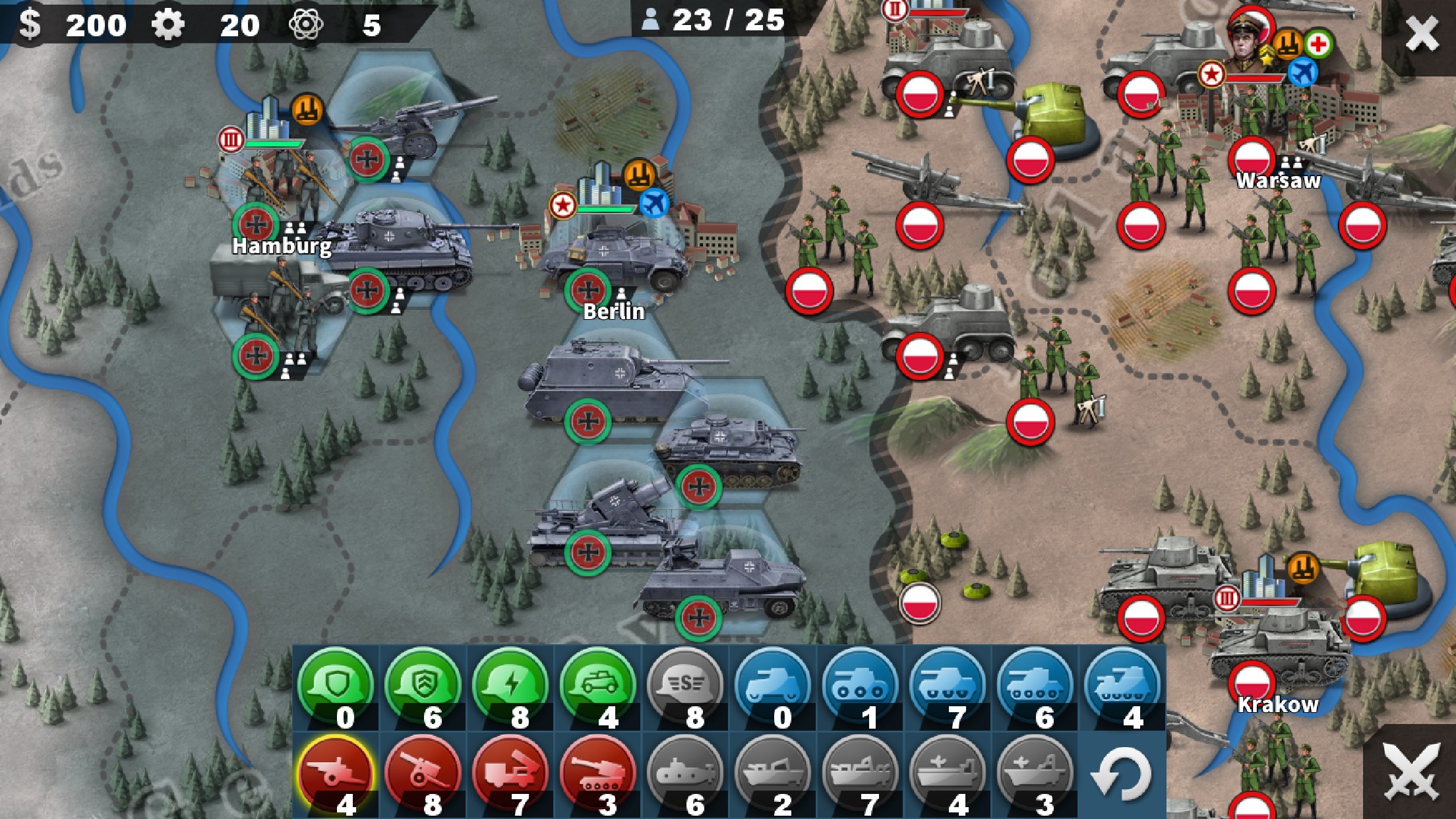
- Name World Conqueror 4
- Category Strategy
- Developer EasyTech
- Available on PC
- OS Windows 10 version 14393.0 or higher
- Mouse Integrated Mouse
- DirectX Version 10
- Memory 1 GB
- Keyboard Not specified
- languages Chinese (Simplified), Chinese (Traditional Chinese), English, German, Japanese, Korean, Spanish
World Conqueror 4 for Windows: A Strategic Empire Builder at Your Fingertips
World Conqueror 4 offers players a compelling blend of historical warfare simulation and strategic planning, crafted by EasyTech to challenge both casual gamers and seasoned strategists alike.
About This App: Basic Information
World Conqueror 4 for Windows is a turn-based strategy game that immerses players in the complexities of global dominance across different historical periods. Developed and published by EasyTech, this title stands out with its engaging gameplay and detailed management systems.
- Key Features: Robust campaign modes spanning World War II, Cold War, and modern conflicts; diverse units including land, sea, and air forces; intelligent AI opponents; and detailed resource and technology management.
- Target Audience: Strategy enthusiasts, history buffs, and players seeking a comprehensive war simulation experience on desktop platforms.
An Exciting Strategic Journey Begins
Imagine sitting in front of your PC, ready to command armies across continents, forging alliances, and making decisions that shape the world's fate—World Conqueror 4 transforms this vision into reality. From the first click, it feels like steering a massive military operation, where every move has far-reaching consequences. The game's blend of historical authenticity and strategic depth makes it both an educational voyage and a challenging puzzle, appealing to players who thrive on planning and foresight.
Core Functionality 1: Dynamic Campaigns with Deep Historical Layers
World Conqueror 4 excels in offering a variety of campaign scenarios that span significant periods in history. The game provides meticulous detail in recreating scenarios from WWII, Cold War conflicts, and contemporary warfare. Players can choose to lead major nations, each with unique advantages, units, and strategic challenges. This layered approach means every campaign feels unique, rewarding players who enjoy history-based storytelling combined with tactical decision-making.
Core Functionality 2: Comprehensive Military Management System
One of this game's standout features is its vast array of units—ranging from infantry and tanks to submarines and fighter jets. Managing these units effectively, leveraging terrain, and timing attacks are crucial to victory. The game also emphasizes technological research, allowing players to upgrade units and unlock new capabilities, fostering a sense of progression that mimics real-world military development. The interface simplifies complex operations, helping players coordinate large-scale movements seamlessly.
Enhanced User Experience: Interface and Learning Curve
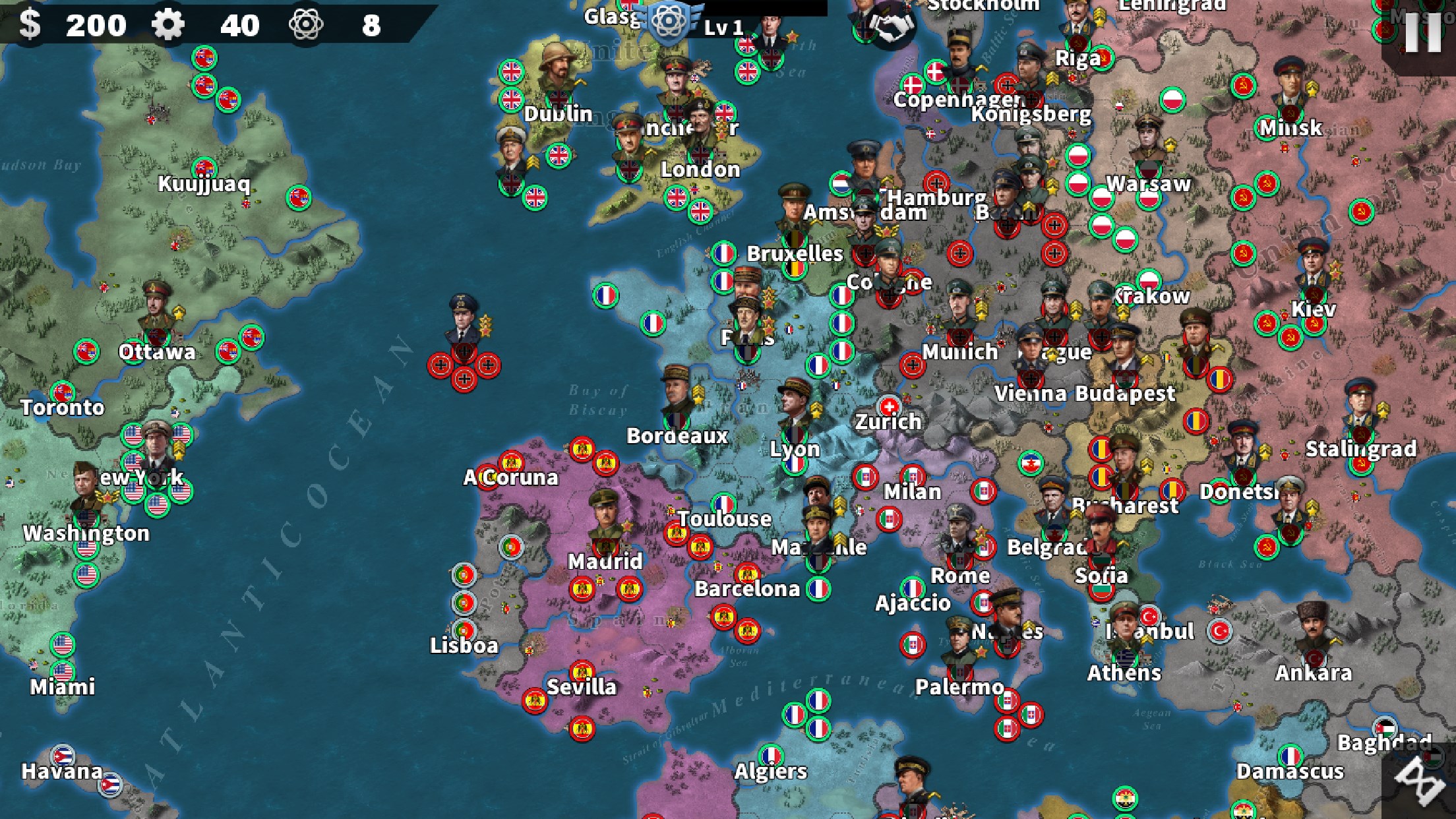
The interface is intuitive, with a clear layout that doesn't overwhelm newcomers. Visuals are crisp, with icons and maps that resemble intelligence reports, making strategic planning engaging rather than tedious. The game runs smoothly on a variety of hardware, ensuring fluid gameplay even during intense battles. While there is a slight learning curve—given the depth of the mechanics—tutorials and in-game hints ease new players into mastering the system, making it accessible yet deep enough for veterans seeking complexity.
What Sets It Apart: Clear Decision Outcomes & Overload Management
Unlike many strategy games that obfuscate consequences or drown players in information, World Conqueror 4 shines in making decision impacts visible and manageable. Its design emphasizes analyzing decision outcomes—whether launching a nerve-racking attack or allocating limited resources—allowing players to weigh options carefully. Additionally, its thoughtful interface filters relevant information, preventing overload and helping players focus on critical strategic choices. This design philosophy sets it apart in a crowded field of strategy titles, offering a more transparent, manageable, and satisfying decision-making process.
Final Verdict and Recommendations
All in all, World Conqueror 4 provides a thoroughly engaging and thoughtfully crafted strategy experience that balances historical authenticity with accessible gameplay. It's particularly recommended for players who appreciate layered decision-making, detailed management systems, and clear visibility of consequences. If you're looking for a game that offers intellectual challenge without becoming overwhelming, this title is a strong choice.
For those new to strategy games, starting with the beginner campaigns and utilizing in-game tutorials will ease your journey. Experienced strategists will find the depth and decision transparency particularly appealing. As a recommended pick for desktop strategy enthusiasts, World Conqueror 4 stands out as a well-rounded, thoughtful, and compelling game.
Pros
- Engaging gameplay with strategic depth.
- High-quality graphics and interface.
- Wide variety of units and nations to choose from.
- Regular updates bring new content and bug fixes.
- Offline mode available, allowing play without internet connection.
Cons
- Occasional lag and performance issues.
- Limited tutorial for new players.
- In-app purchase options are prevalent.
- The interface can be cluttered on smaller screens.
- Occasional crashes reported during prolonged play sessions.











