

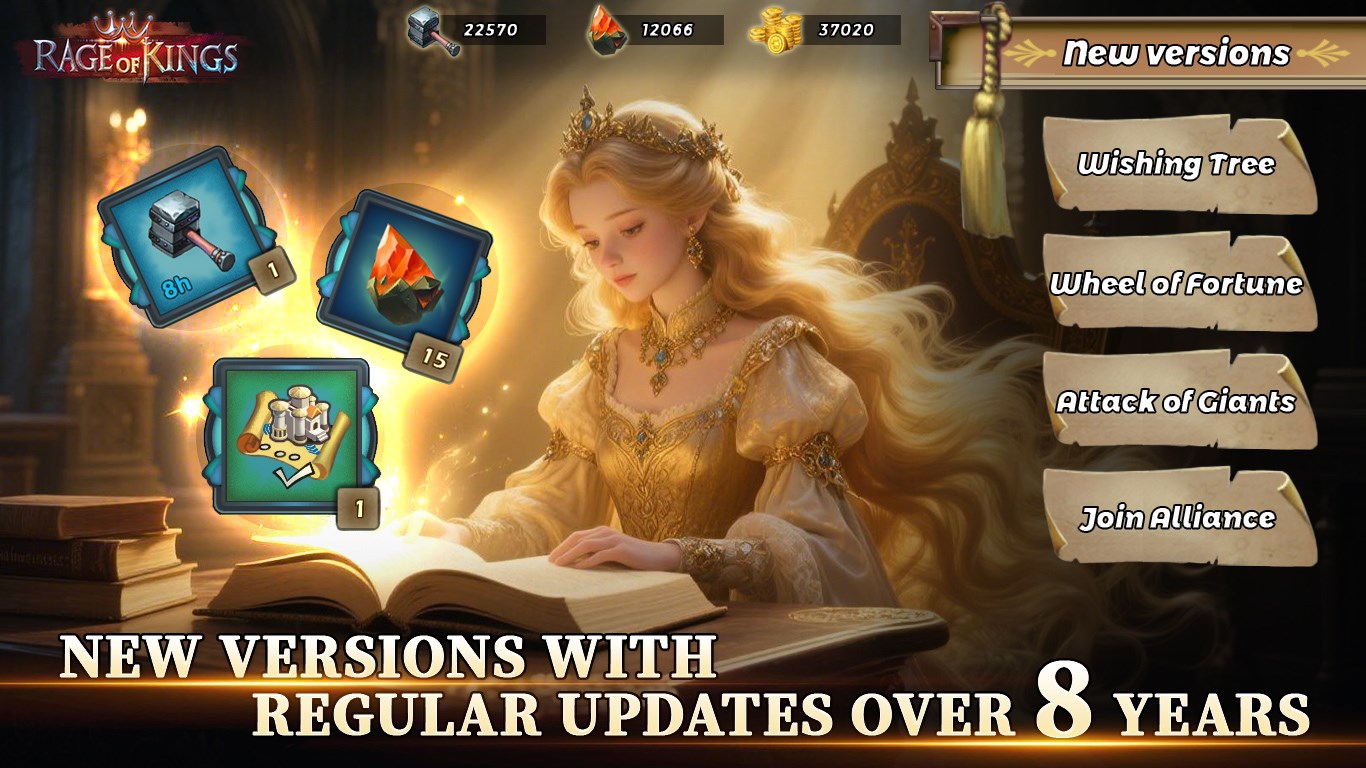
- Name Rage of Kings: Dragon Campaign
- Category Strategy
- Available on PC, Mobile, Surface Hub, HoloLens
- OS Windows 10 version 17763.0 or higher
- languages Chinese (Simplified), Chinese (Traditional Chinese), English, French, German, Italian, Japanese, Korean, Portuguese, Russian, Spanish
Unlocking Medieval Strategy: An In-Depth Look at Rage of Kings: Dragon Campaign
Rage of Kings: Dragon Campaign for Windows is a captivating strategy game that plunges players into a medieval fantasy world filled with intrigue, conquest, and legendary dragons. Developed by MIRACLE GAMES INC., this title aspires to blend classic strategic gameplay with innovative features to stand out in a crowded genre.
Core Features That Make the Difference
1. Epic Dragon Integration Enhances Combat Dynamics
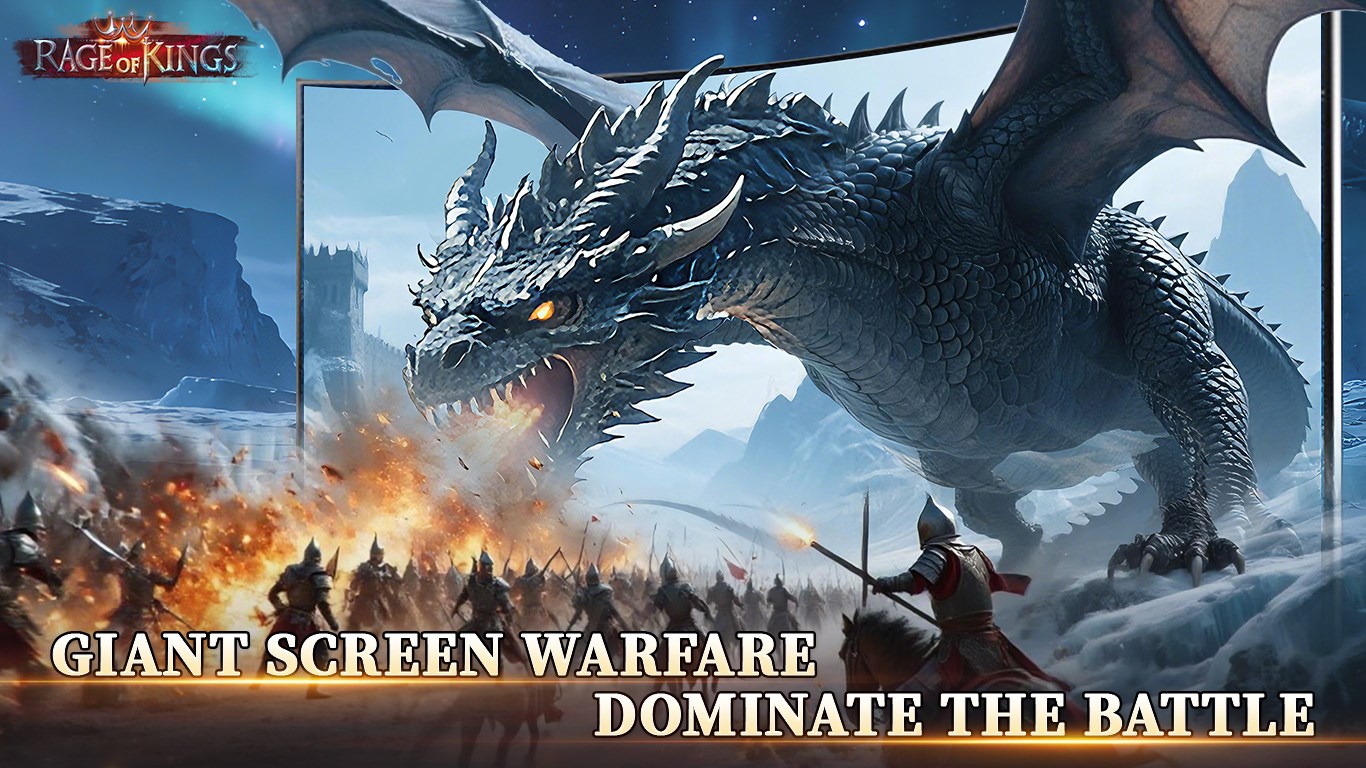
One of the game's standout features is the incorporation of legendary dragons into the battlefield. These majestic creatures serve not only as powerful allies but also as game-changing entities capable of turning the tide of battle. Unlike traditional strategy games, where units are more standardized, here you can tactically deploy dragons to perform devastating attacks or bolster your defenses, adding a layer of depth and excitement to tactical planning.
2. Simplified Decision Impact Visibility for Smarter Play
Rage of Kings excels in providing clear visibility into the consequences of your strategic choices. The game's interface highlights potential outcomes of key decisions—be it resource allocation or war declarations—allowing players to weigh options with confidence. This decision transparency reduces blind spots often associated with complex strategy games, making for a smarter, more informed gaming experience.
3. Effective Information Overload Management
The game strikes a delicate balance between providing strategic complexity and avoiding overwhelming the player. It uses intuitive UI design and layered information presentation to help users focus on relevant data at each stage. This design philosophy ensures players are not bombarded with extraneous info, maintaining engagement without sacrificing depth—a common pitfall in many strategy titles.
Design, Performance, and User Experience
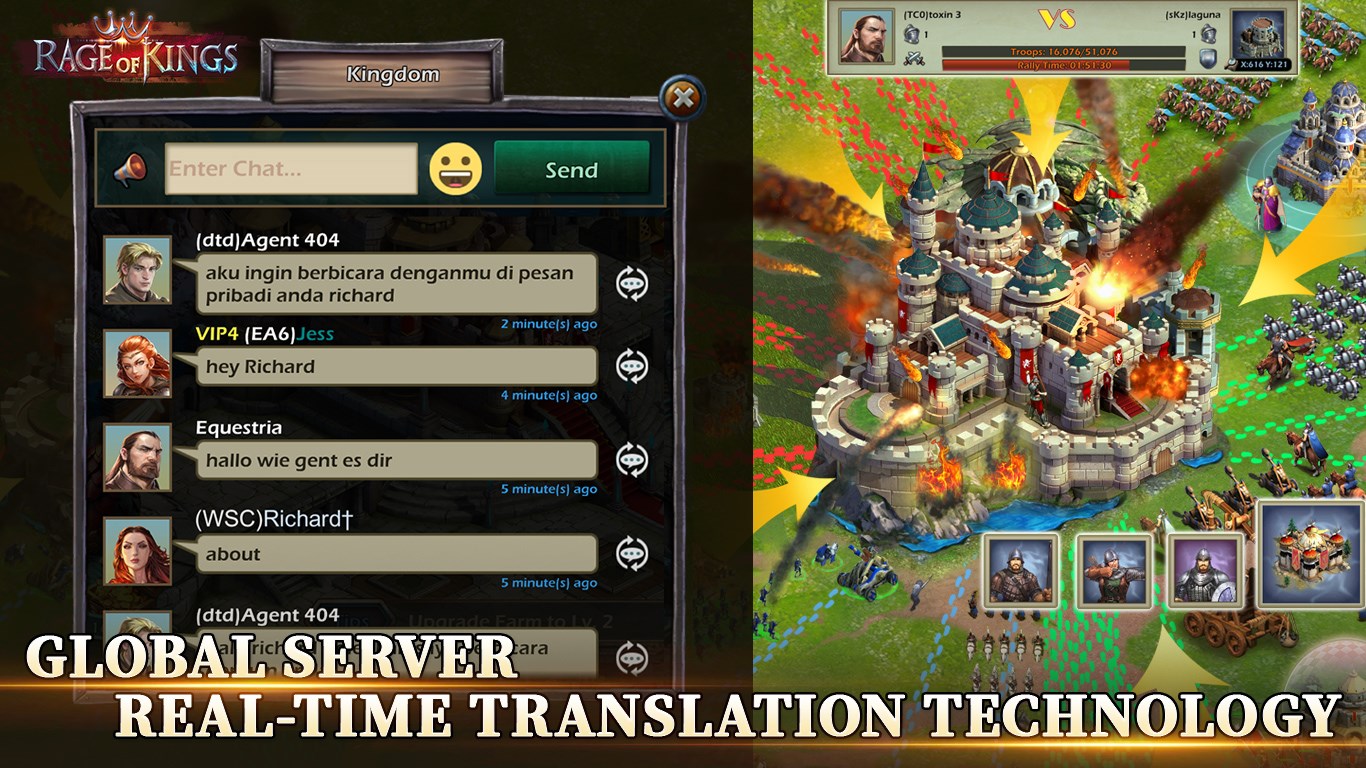
The game's interface is stylish yet functional, with a medieval-inspired theme that immerses players into its fantasy realm. Navigation feels intuitive; menus are logically arranged, and icons are crisp and well-organized, facilitating smooth gameplay. During playtests, the game proved to run fluidly on mid-range PCs, with minimal lag even during intensive battles involving multiple units and effects.
Learning curve wise, Rage of Kings balances accessibility with depth. New players can quickly grasp resource management and basic tactics, while veteran strategists will appreciate the layered complexity of dragon tactics and long-term planning. On-screen tutorials and contextual hints are helpful but unobtrusive, fostering an inviting environment for beginners without driving away seasoned players.
What Sets It Apart from the Crowd
While many strategy games focus heavily on numbers and abstract mechanics, Rage of Kings distinguishes itself through its vivid decision consequence visibility. By clearly outlining the potential outcomes of each move, it enables players to analyze and adapt their strategies proactively—much like a seasoned general assessing battlefield intelligence. Additionally, its adept information overload management ensures players remain engaged without feeling overwhelmed, which is often a barrier in more complex titles.
Furthermore, the seamless integration of dragons as strategic tools provides a fresh narrative hook. These legendary creatures elevate the game's tactical possibilities beyond mere troop deployment, adding a mythical element that enriches the storytelling and gameplay depth.
Final Verdict and Recommendations
Rage of Kings: Dragon Campaign offers a balanced experience for strategy enthusiasts looking for both depth and clarity. Its standout features—particularly the decision transparency and dragon-infused gameplay—make it a notable addition to the genre. Whether you're a casual gamer seeking engaging strategic battles or a veteran seeking nuanced tactical layers, this game has something to offer.
For best experience, I recommend players familiarize themselves with the game's mechanics through the initial tutorials and gradually explore its more advanced options. Given its smooth performance and thoughtful design, it's a worthwhile download for those interested in castle sieges, resource management, and magical creatures. Overall, it's a reliable, thoughtfully crafted strategy game that deserves a try—especially if your battlefield dreams include dragons and legendary struggles.
Pros
- Rich Graphics and Engaging Artwork
- Deep Strategy and Customization Options
- Regular Content Updates
- User-Friendly Interface
- In-Game Events and Rewards
Cons
- Steep Learning Curve
- Occasional Lag in Gameplay
- Limited Free Content
- Battery Consumption is High
- Minor Interface Bugs










