

- Name Spider Solitaire Classic!
- Category Strategy
- Developer Klondike Solitaire Game
- Available on PC, Mobile, Surface Hub, HoloLens
- OS Windows 10 version 10240.0 or higher
- DirectX Version 10
- languages English (United States)
A Cozy Card Game Experience with a Timeless Classic
Spider Solitaire Classic! for Windows brings the age-old card game to your desktop with a straightforward, charming interface and dependable gameplay. Perfect for players seeking a relaxing yet engaging pastime, this app leverages the beloved solitaire mechanics wrapped in a clean visual package.
About the App: Simplicity Meets Classic Elegance
Developed and published by Klondike Solitaire Game, Spider Solitaire Classic! is positioned as a traditional digital rendition of the beloved card game, aiming to provide players with an authentic and accessible experience. Its main highlights include intuitive drag-and-drop gameplay, multiple difficulty levels catering to novices and seasoned players alike, and seamless integration with Windows devices. It's designed primarily for casual gamers, card game enthusiasts, and anyone looking to unwind with a familiar and enjoyable pastime.
Getting into the Game: A Refreshingly Easy Card Solitaire
Imagine shuffling a deck of cards on a quiet Sunday afternoon—this app captures that simple joy and digitalizes it in an app you can carry everywhere. From the first click, you're greeted with a simple, uncluttered layout that invites you to dive into the game without a steep learning curve. Whether you're a newcomer or a seasoned pro, the game's straightforward design and responsive controls make the experience smooth and accessible, almost like laying out your favorite cards on a cozy table and playing at your own pace.
Intuitive Interface and User Experience
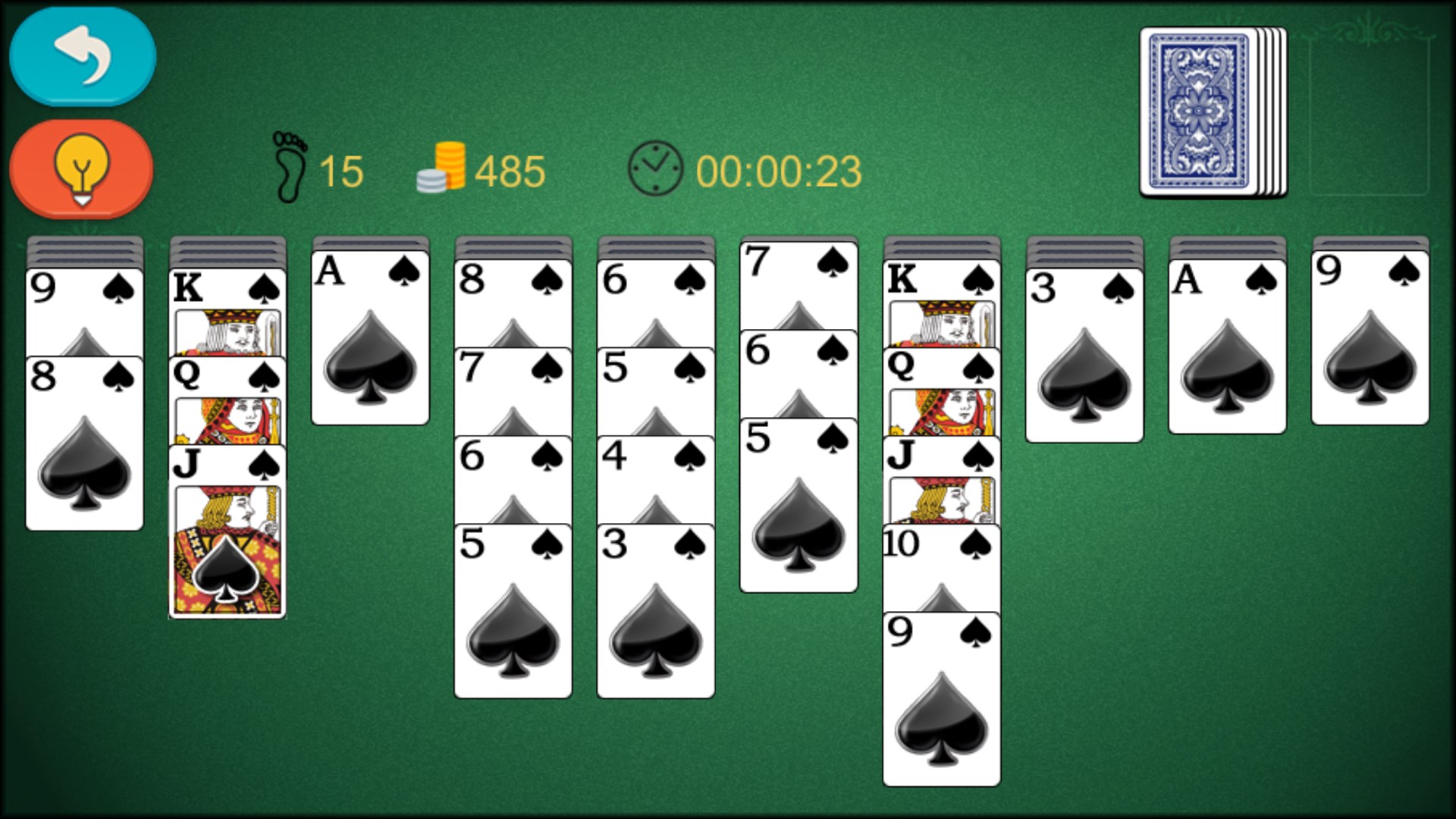
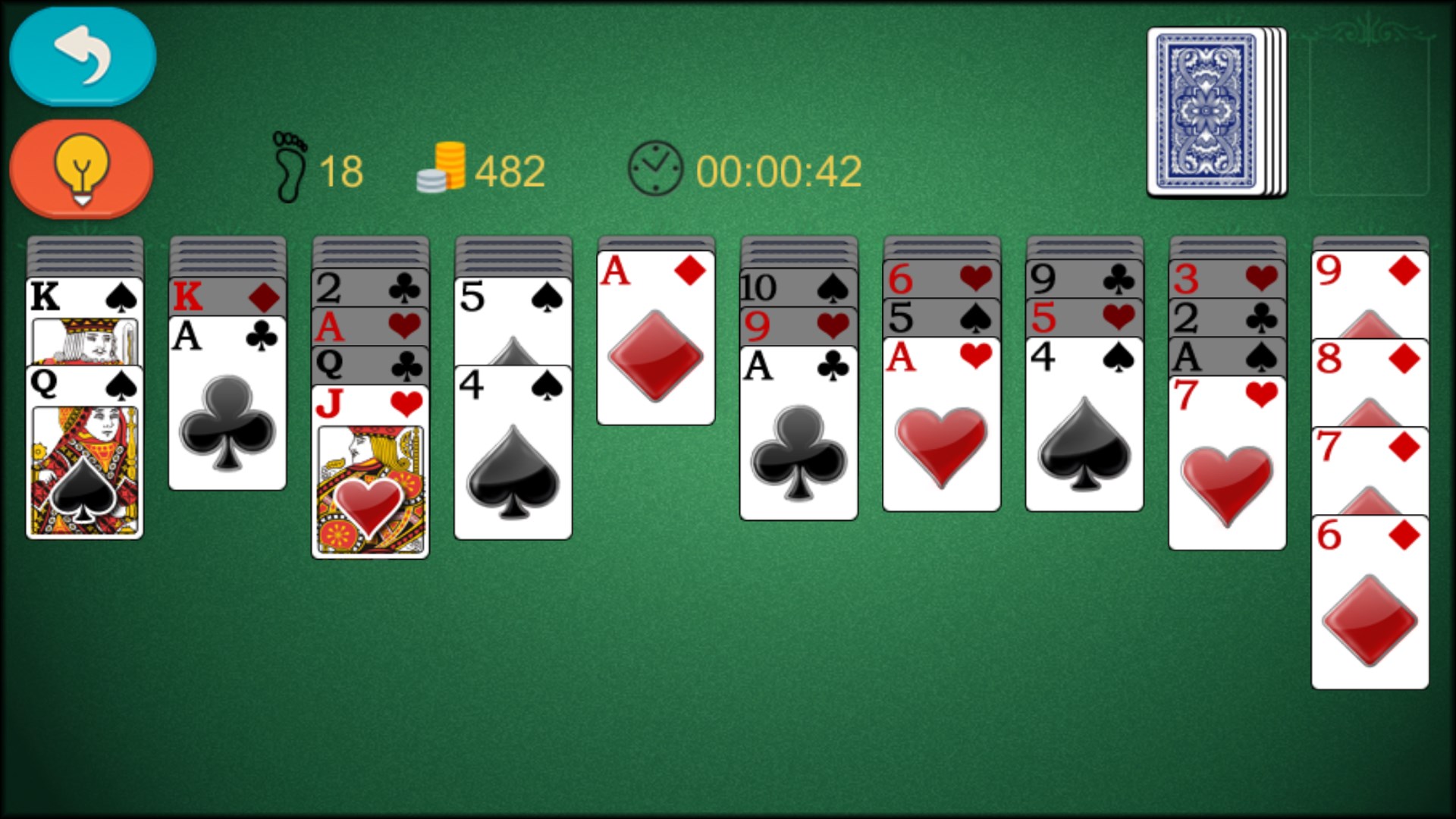
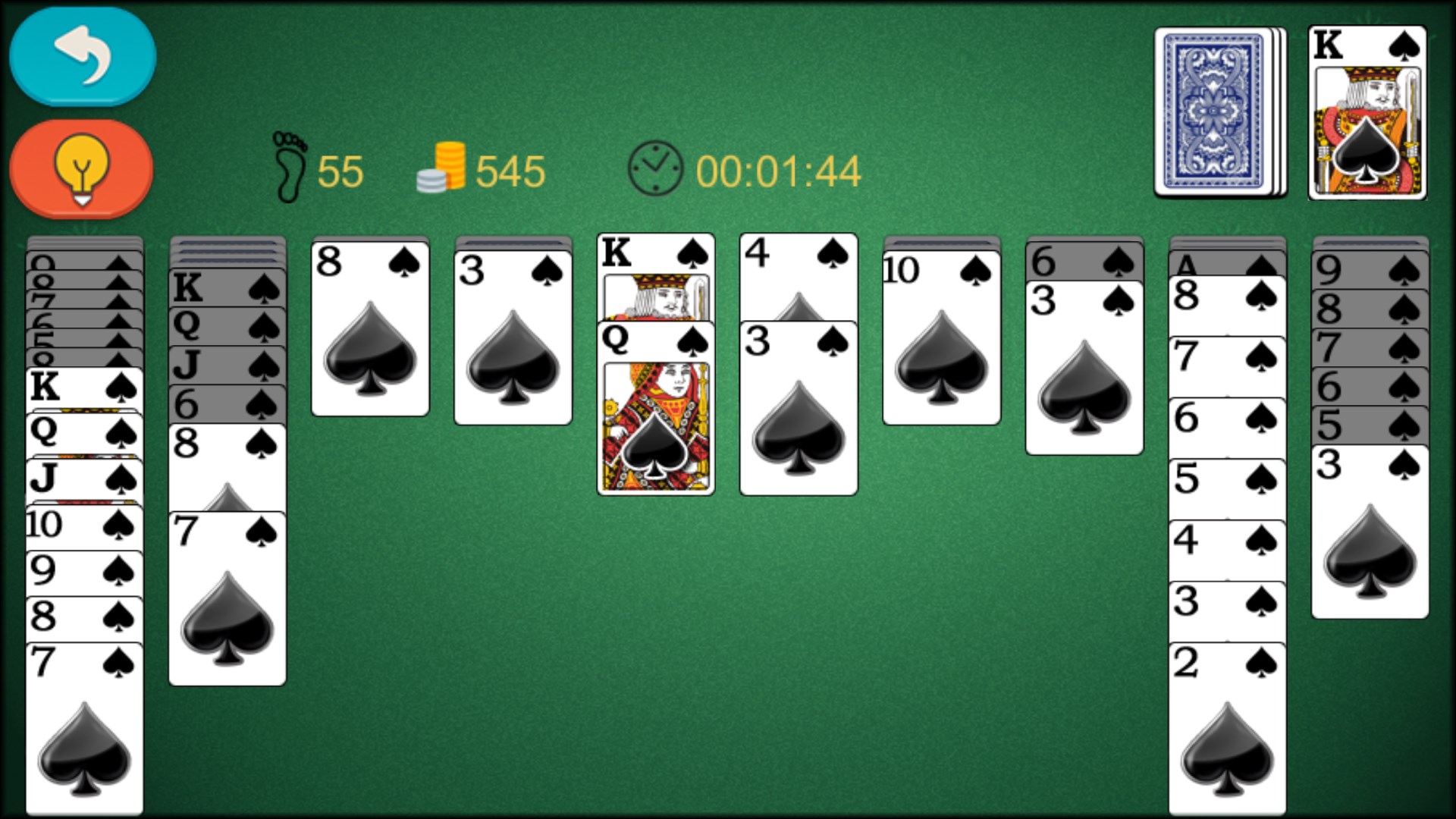
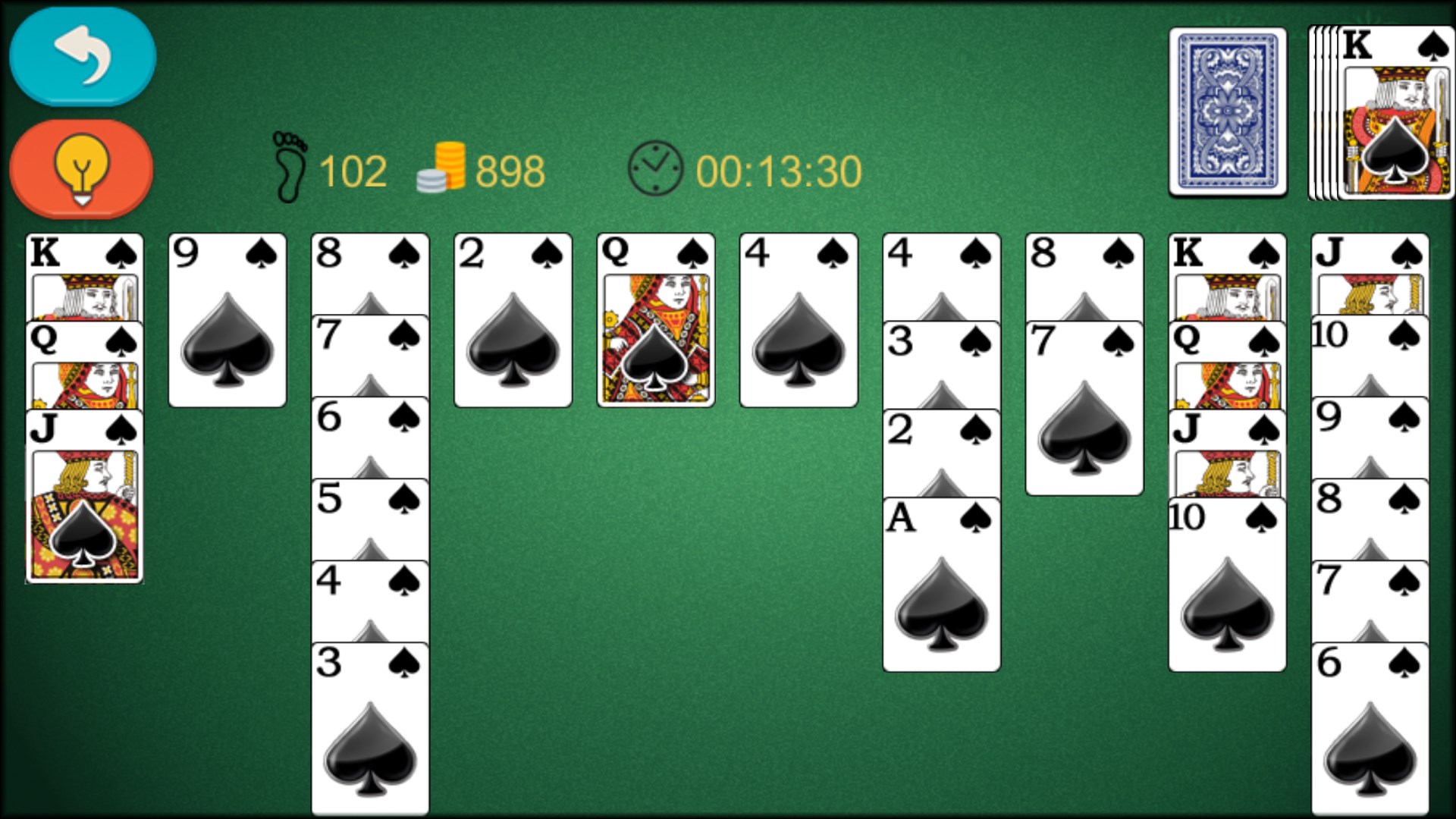
The visual design of Spider Solitaire Classic! is both classic and minimalistic—think of a well-loved deck of cards spread out on a neat wooden table. Its user interface is calm, with well-spaced buttons and clear icons that guide players effortlessly through starting a new game, undoing moves, or adjusting settings. The responsiveness is commendable; dragging cards feels natural, with smooth animations that add a touch of polish without distracting from the gameplay. Newcomers benefit from easy-to-understand menus and optional tutorials, while seasoned players will appreciate the quick access to difficulty settings and game statistics.
Core Features: Focused and Functional
One of the standout features is the app's adaptive difficulty structure. Players can choose between one, two, or four-suit variations, tailoring challenges to their skill levels. This functionality ensures both casual play and more intense, strategic sessions. The other core strength lies in its multiple game modes—solitaire with varying levels of complexity that test your patience and planning. Additionally, the app's decision visibility—showing which moves are possible and potential outcomes—sets it apart from more opaque competitors, helping players develop better strategies and understand the consequences of their actions.
Comparative Edge: Clarity and Decision Management
Compared to similar solitaire apps, this version excels at managing information overload and enhancing decision-making. Its clear visual cues and move suggestions remove guesswork, much like having a friendly guide whispering tips as you play. Unlike many minimalist options that leave players to puzzle out their moves, Spider Solitaire Classic! strikes a fine balance by offering enough guidance to keep the game engaging without undermining the challenge—making it an excellent choice for learners and veterans alike.
Final Verdict: A Trustworthy Classic for Relaxed Play
If you value reliability, simplicity, and a faithful rendition of the timeless spider solitaire, this app deserves a spot on your desktop. Its biggest strengths—intuitive controls combined with smart decision visibility—make it particularly appealing. It's perfect for players who prefer a calm, strategic experience over flashy animations or gimmicks. Whether you have a few minutes to spare or want to immerse yourself in a challenging puzzle, Spider Solitaire Classic! provides a trustworthy, friendly environment to enjoy one of card gaming's most enduring classics. Highly recommended for those looking to unwind with a game that feels as comforting as flipping through a favorite deck of cards.
Pros
- Intuitive User Interface
- Classic Solitaire Experience
- Customization Options
- Smooth Performance
- Free to Play
Cons
- Limited Game Variations
- Minimal Tutorial or Guidance
- Limited Visual Customization
- No Achievements or Leaderboards
- Ads Display Intermittently










