

- Name FreeCell Solitaire Classic.
- Category Strategy
- Developer Poker Card Games
- Available on PC, Mobile, Surface Hub, HoloLens
- OS Windows 10 version 10240.0 or higher
- DirectX Version 10
- languages Chinese (Simplified), English (United States)
A Classic Card Game Reimagined: FreeCell Solitaire Classic for Windows
If you're a fan of timeless card games seasoned with modern polish, FreeCell Solitaire Classic offers a compelling experience that marries simplicity with strategic depth. Developed by Poker Card Games, this app brings the well-loved FreeCell variant to your desktop, designed for both casual players and dedicated solitaire enthusiasts.
About the App: Basic Info at a Glance
FreeCell Solitaire Classic is a digital adaptation of the classic FreeCell solitaire, renowned for its emphasis on strategic planning and open information. Crafted by the developer Poker Card Games, this application aims to deliver a clean, intuitive platform for enjoying the game without distractions.
- Main Features:
- Elegant, minimalistic interface designed for ease of play.
- Multiple game modes and customizable settings to suit different skill levels.
- Ranking and scoring systems to add competitive fun.
- Handy hints and undo options for beginners learning the ropes.
- Target Audience: Casual gamers seeking relaxing solo entertainment, seasoned solitaire players refining their skills, or anyone looking for a straightforward, distraction-free card game experience.
Engaging the Mind: An Entertaining Introduction
Imagine you've just settled into your favorite cozy nook, a warm cup of coffee steaming nearby. The screen lights up with a familiar tableau—cards neatly arranged yet brimming with potential. FreeCell Solitaire Classic invites you into a realm where each move is a tactical puzzle, and every victory feels like a small triumph. Its straightforward design masks a game that rewards patience, foresight, and clever planning, turning a classic pastime into a captivating mental workout.
Core Features Unpacked
Seamless Interface and User Experience
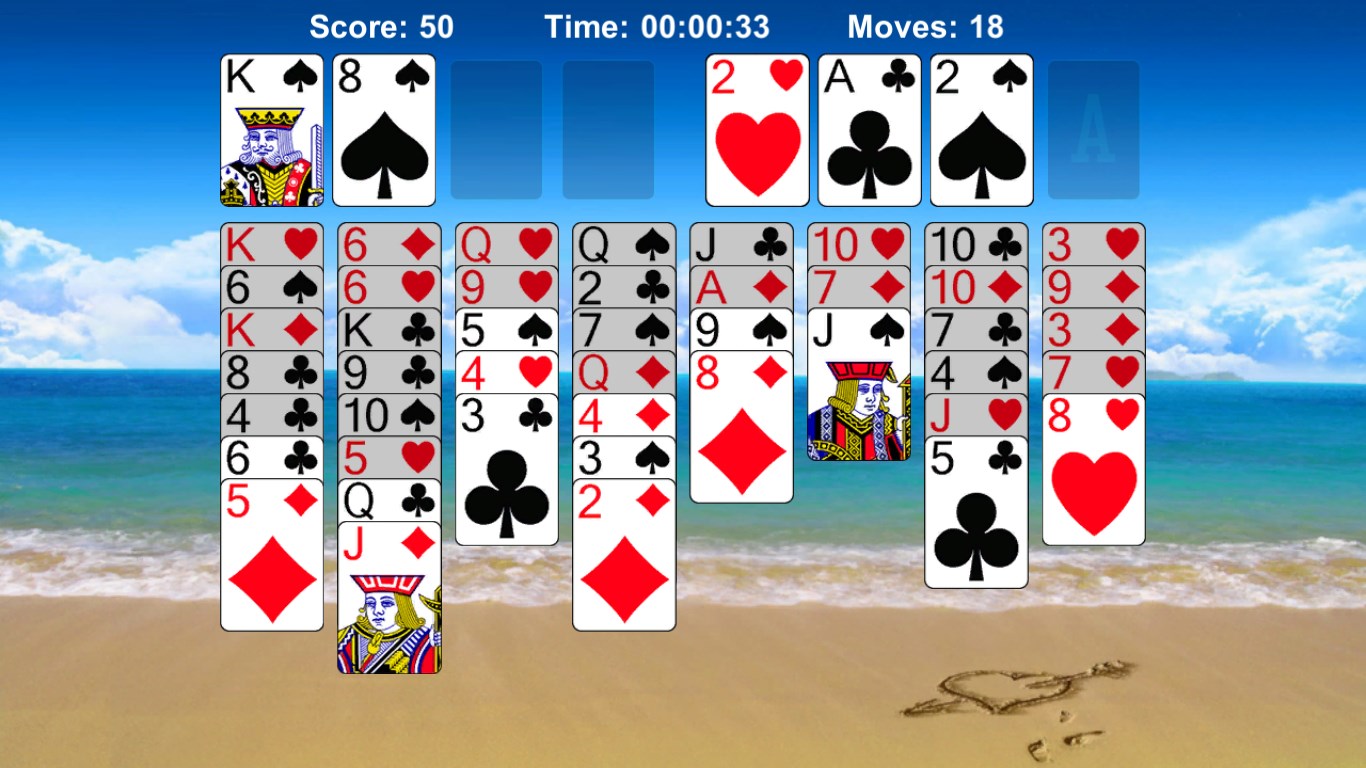
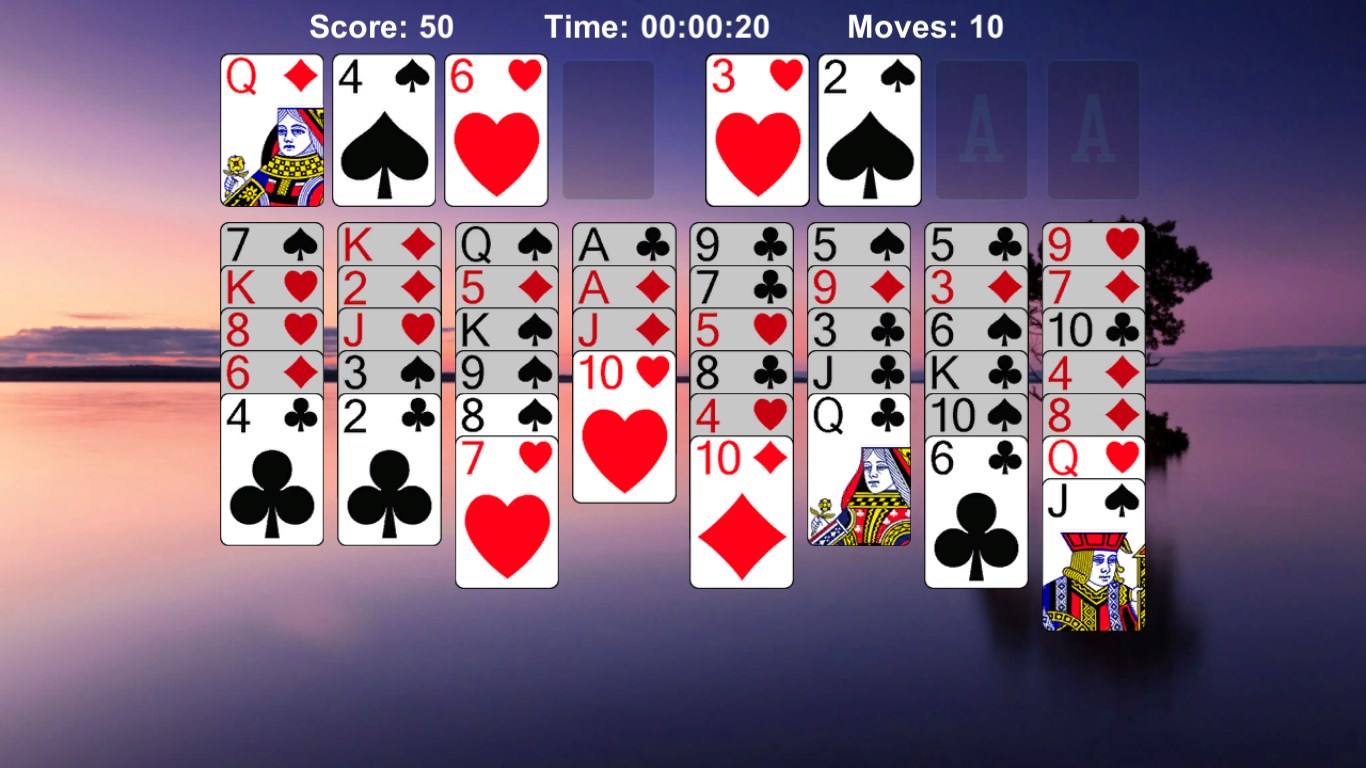
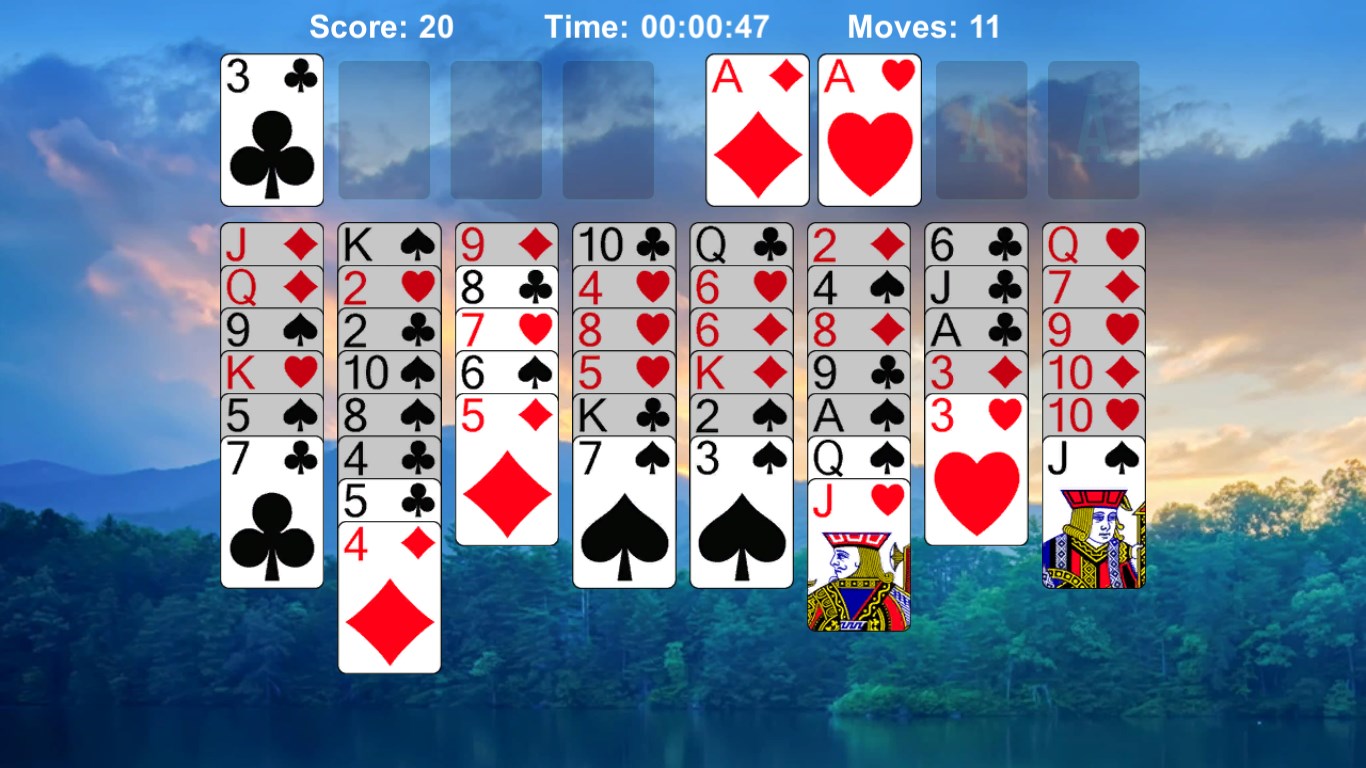
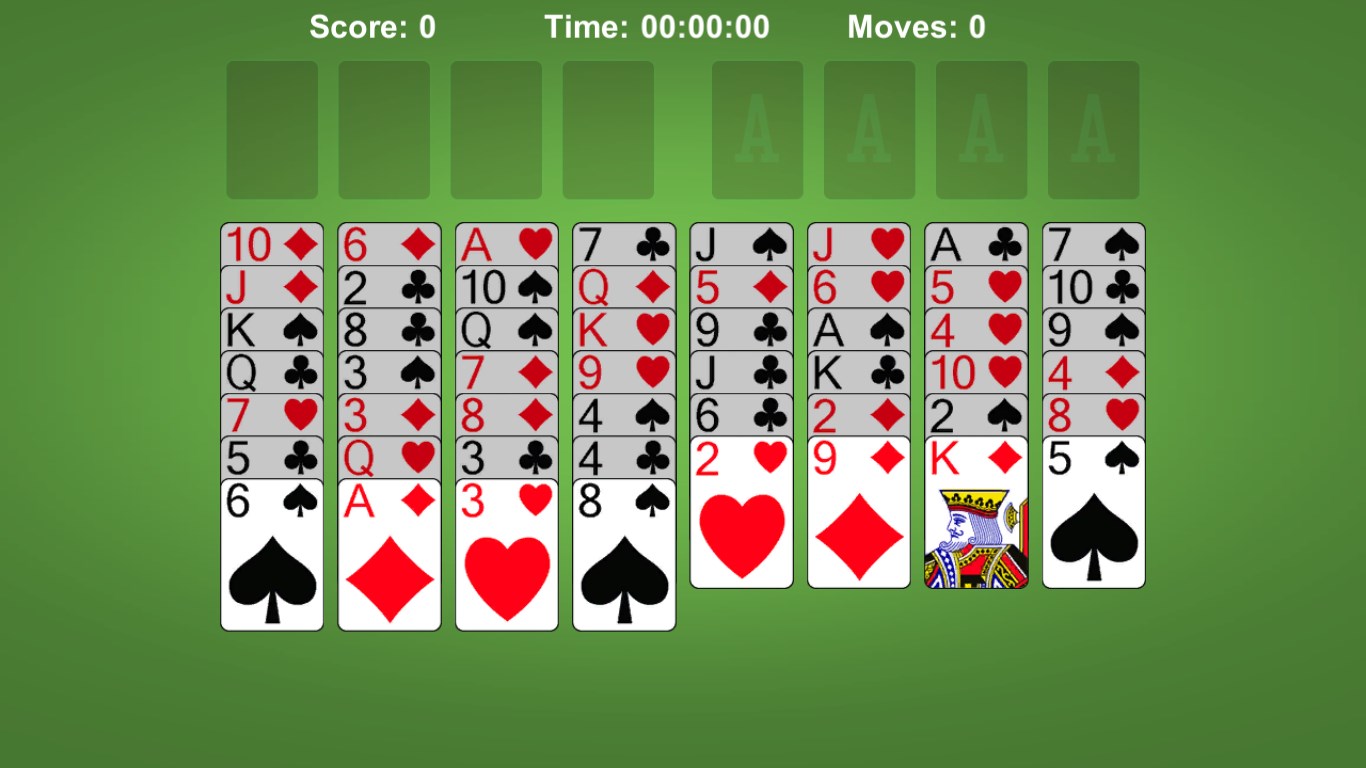
The game's interface strikes a perfect balance between sleek simplicity and functional clarity. The cards are crisp and clear, with intuitive drag-and-drop mechanics that make moving cards feel natural—as if you're shuffling real playing cards on your table. The minimalistic design ensures there are no unnecessary distractions, allowing you to focus solely on solving the puzzle. Loading times are minimal, and the game responds swiftly to user inputs, providing a smooth experience that keeps the mind engaged rather than frustrated.
Strategic Depth with Unique Visibility and Management Tools
One of FreeCell's hallmarks is that the entire deck is visible from the start, giving you a strategic overview akin to a captain navigating through visible weather patterns—every move counts. The app enhances this experience with features like undo and hints, aiding players in evaluating the consequences of their decisions. Unlike more cluttered solitaire apps, this title excels in managing information overload, allowing players to plan several moves ahead confidently without feeling overwhelmed. Its design incorporates a clear view of potential move consequences, empowering players to develop and refine their strategies effectively.
Differentiation and Unique Selling Points
What sets FreeCell Solitaire Classic apart from other strategy card apps is its focus on transparency and manageable complexity. While many digital solitaire variants introduce randomness or hidden information, this app emphasizes analyze-decision-visibility—players can assess the full impact of each move with ease. Additionally, the game's adjustable difficulty levels and customization options mean it can adapt to the novice seeking gentle introduction or the veteran seeking a challenge. Its straightforward yet thoughtful approach ensures that you're not just playing a game but engaging in a mindful exercise of planning and foresight.
Final Verdict: Is It Worth Playing?
Overall, FreeCell Solitaire Classic offers a well-balanced, thoughtfully designed experience that appeals to a broad spectrum of players. Its most exceptional feature—the full visibility of game states combined with strategic management tools—makes it a standout in the realm of digital solitaire. Whether you're looking to chill out with some relaxing play or sharpen your strategic thinking, this app handles both gracefully.
For those who appreciate clarity, clean design, and a strategic challenge, I recommend giving FreeCell Solitaire Classic a try. It's a solid, user-friendly implementation that respects the game's roots while providing all the modern conveniences—you might find yourself returning for just one more game, again and again.
Pros
- Intuitive interface
- Classic gameplay
- Smooth performance
- Minimal ads
- Offline access
Cons
- Limited customization options
- Basic graphics
- Lack of advanced hints system
- No multiplayer options
- No optional sound effects










