

- Name 3D Chess Game Plus
- Category Strategy
- Available on PC, Mobile, Surface Hub, HoloLens
- OS Windows 10 version 10240.0 or higher
- languages English (United States)
Introducing 3D Chess Game Plus for Windows
3D Chess Game Plus for Windows is a comprehensive digital chess experience that brings classic strategy into immersive three-dimensional space, perfect for chess enthusiasts seeking both challenge and visual delight.
Developed by A Trillion Games Ltd
This innovative game is crafted by A Trillion Games Ltd, a company specializing in creating engaging and visually appealing digital board games with a focus on modern user experiences.
Core Features That Shine
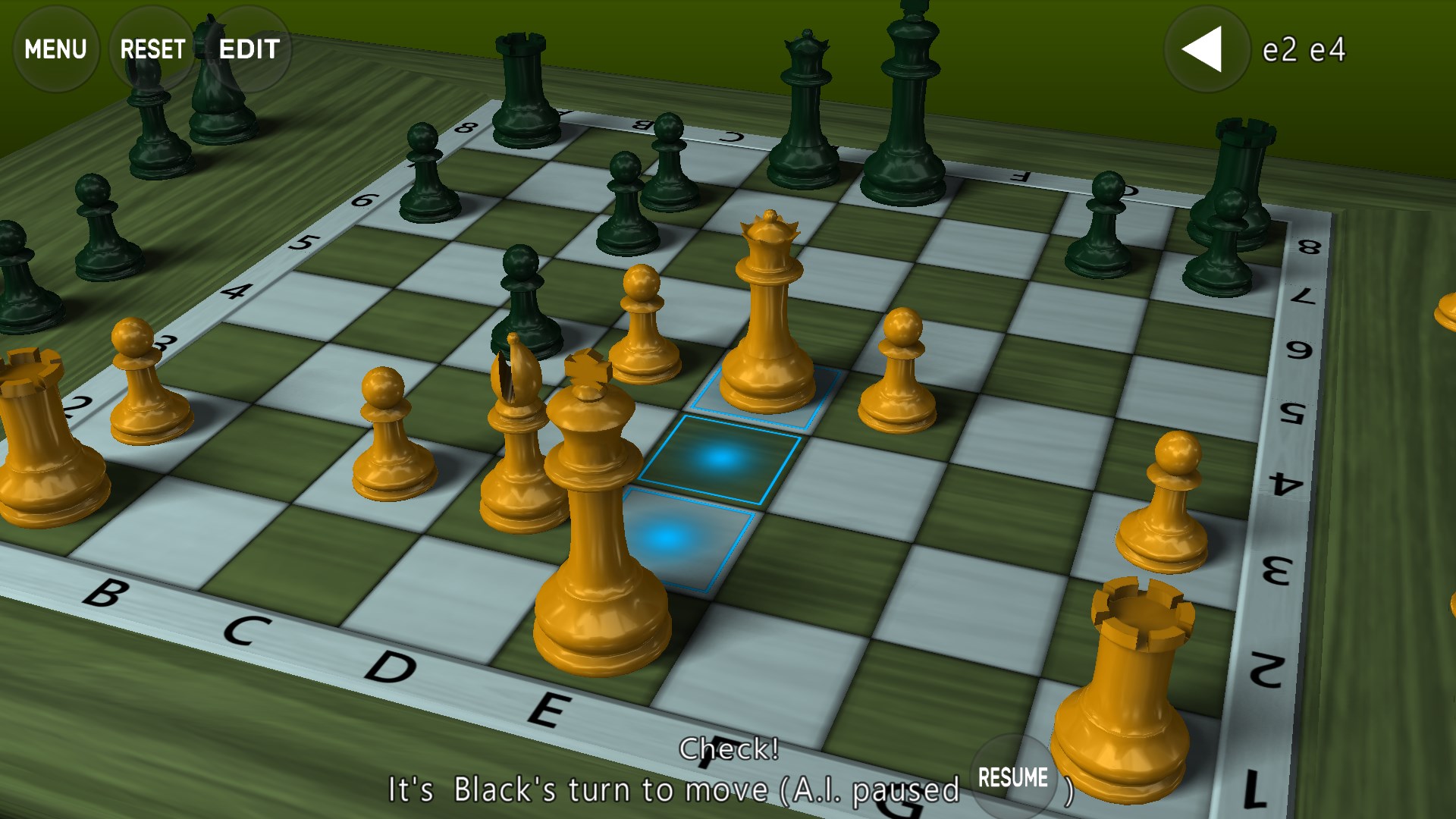
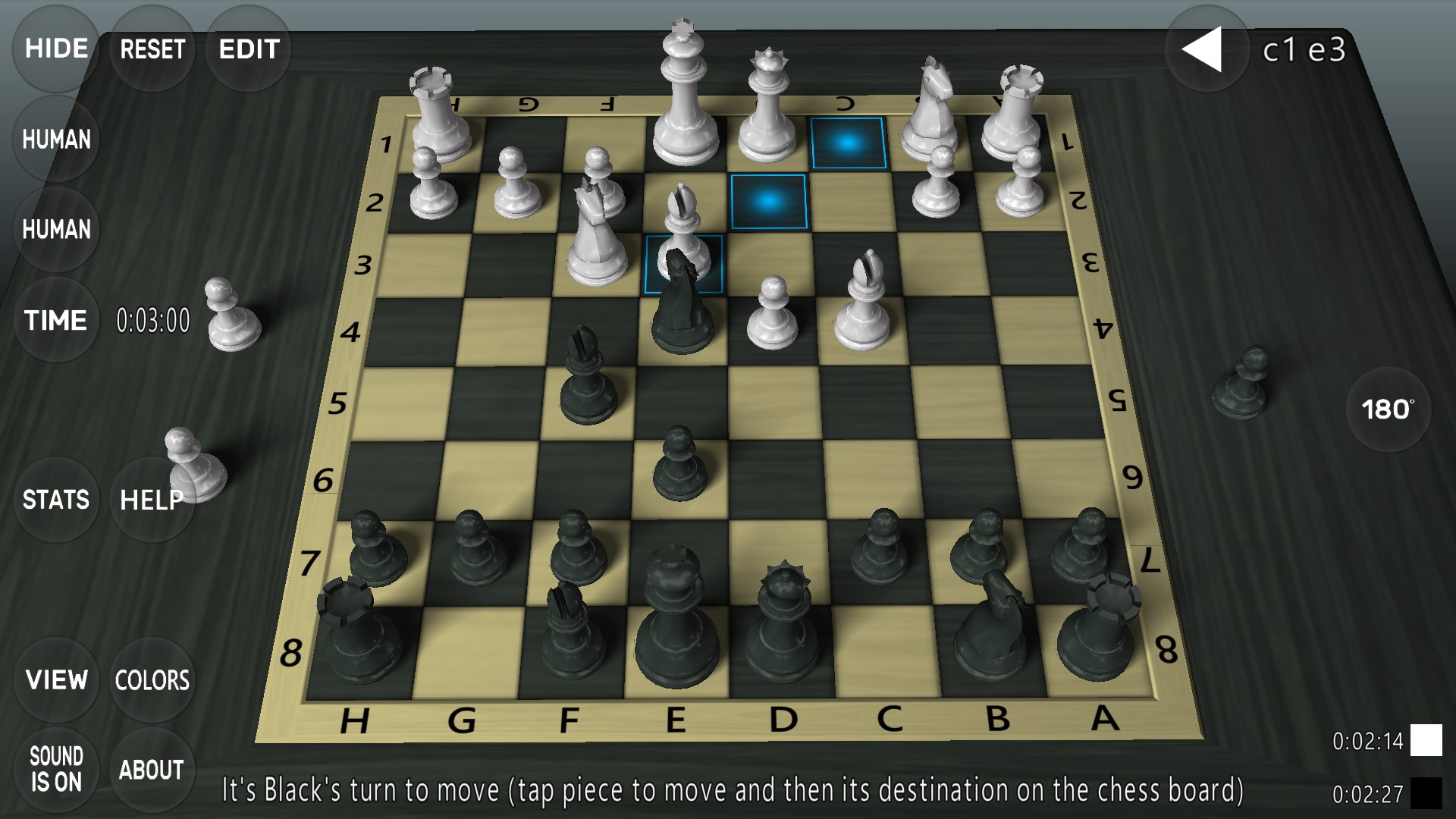
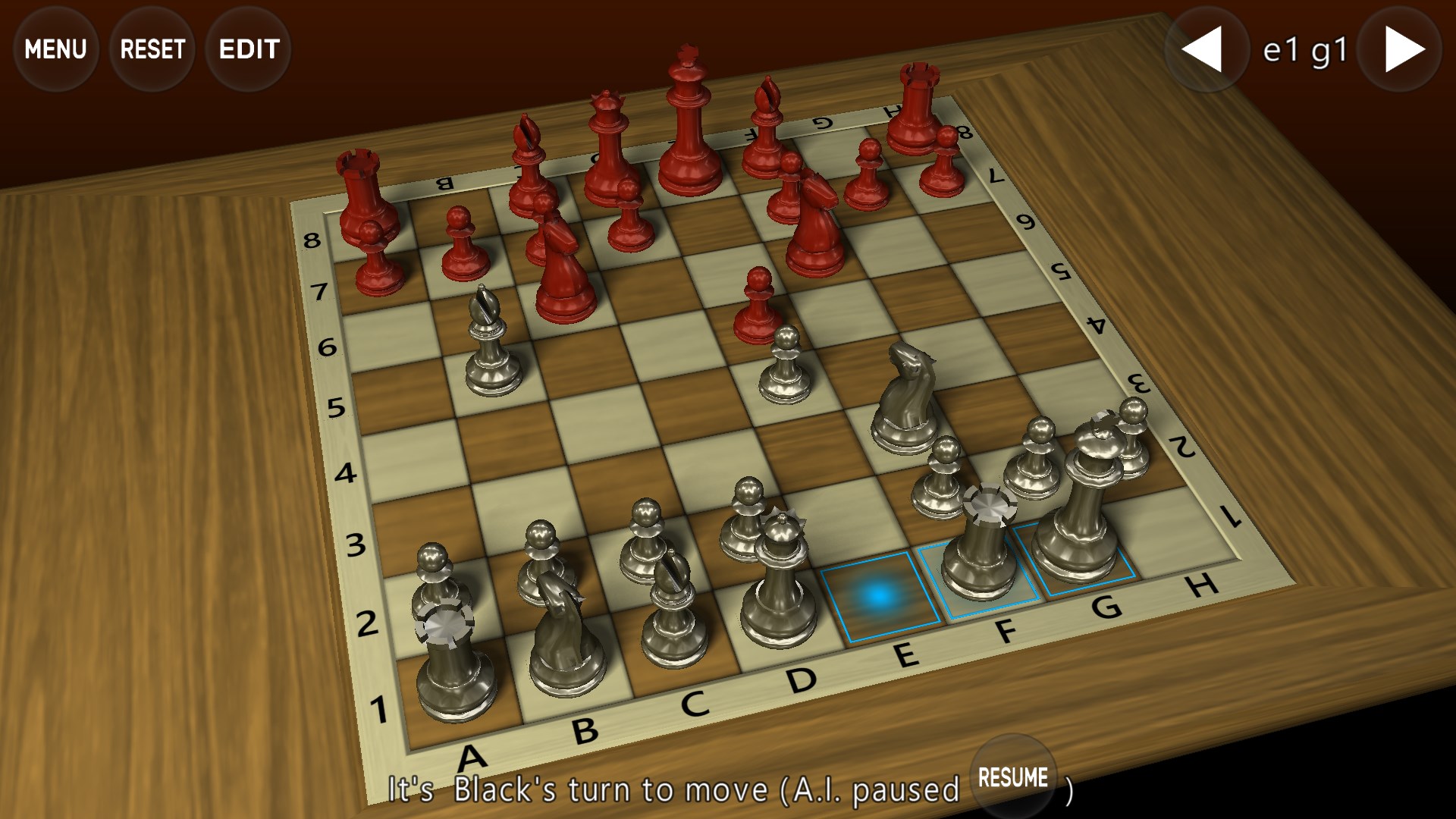
- Realistic 3D Visualization: Offers a fully rotatable 3D chessboard, providing an immersive perspective akin to physical gameplay setups.
- Multiple Game Modes: Supports various gameplay options such as single-player against AI, local multiplayer, and challenging AI difficulty levels.
- Intuitive User Interface: Features a user-friendly interface with smooth controls, simplifying game setup and move execution.
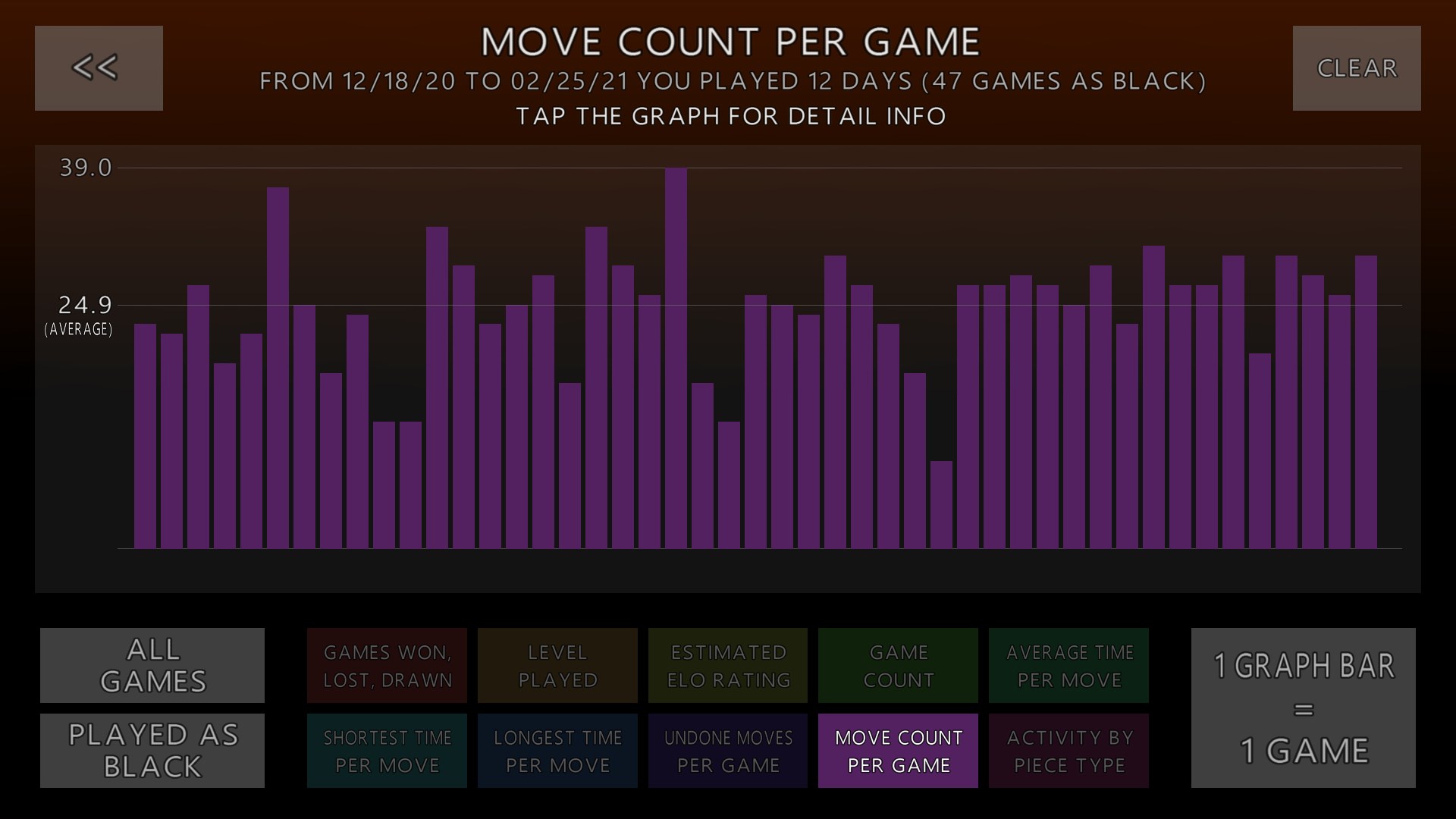
- Smart Decision Feedback: Provides visual cues and feedback to help players analyze the consequences of their moves, elevating strategic planning.
The game targets chess lovers of all ages, from beginners eager to learn to seasoned players seeking a visually enriched experience and strategic challenge.
A Playful Journey into 3D Strategy
Imagine sitting in a cozy corner, the warm glow of your screen illuminating a beautifully rendered 3D chessboard. As your fingers glide effortlessly over the controls, the game transforms the traditional cerebral battle into a lively visual spectacle. Whether you're testing your skills in a quick match or diving deep into complex strategies, 3D Chess Game Plus invites you to explore a new dimension of chess mastery.
Immersive Visual and User Experience
The interface of 3D Chess Game Plus is elegantly designed, balancing aesthetic appeal with functional clarity. The 3D visualization is a standout feature—players can rotate, zoom, and view the board from any angle, almost as if they're peering over a real-life chess table. The controls are responsive, with smooth animations that make moving pieces feel natural and satisfying. Beginners can enjoy guided tutorials and intuitive menus, while advanced players will appreciate the quick access to deeper strategic tools.
Decision Analysis Made Clear
One of the most notable features is the decision consequence visibility—akin to having a mini-heuristics coach by your side. When you make a move, the game highlights potential outcomes and threats, helping you visualize the possible paths ahead without overwhelming you with data. This clarity boosts confidence and strategic planning, distinguishing it from more cluttered or less interactive strategy apps.
Handling Information Overload with Elegance
Unlike some digital board games that bombard players with stats and options, this app manages information overload gracefully. It emphasizes critical insights—like threat levels and move suggestions—without cluttering the interface. As a result, players stay engaged, focusing on strategy rather than being bogged down by extraneous details. This design choice makes the game accessible and enjoyable for all levels.
Final Thoughts and Recommendations
3D Chess Game Plus for Windows stands out with its remarkable 3D visualization and thoughtful decision-support features. Its intuitive interface combined with clear visual cues makes it suitable for casual players and strategic thinkers alike. If you're seeking an engaging way to sharpen your chess skills while enjoying stunning graphics, this app is a solid choice.
We recommend it for users who appreciate visual immersion and strategic clarity, especially those who want to see the immediate impact of their moves without being overwhelmed by complex data. For dedicated chess fans or newcomers eager to learn in a visually appealing environment, this game offers a well-balanced experience worth exploring.
Pros
- Intuitive 3D interface
- Multiple game modes
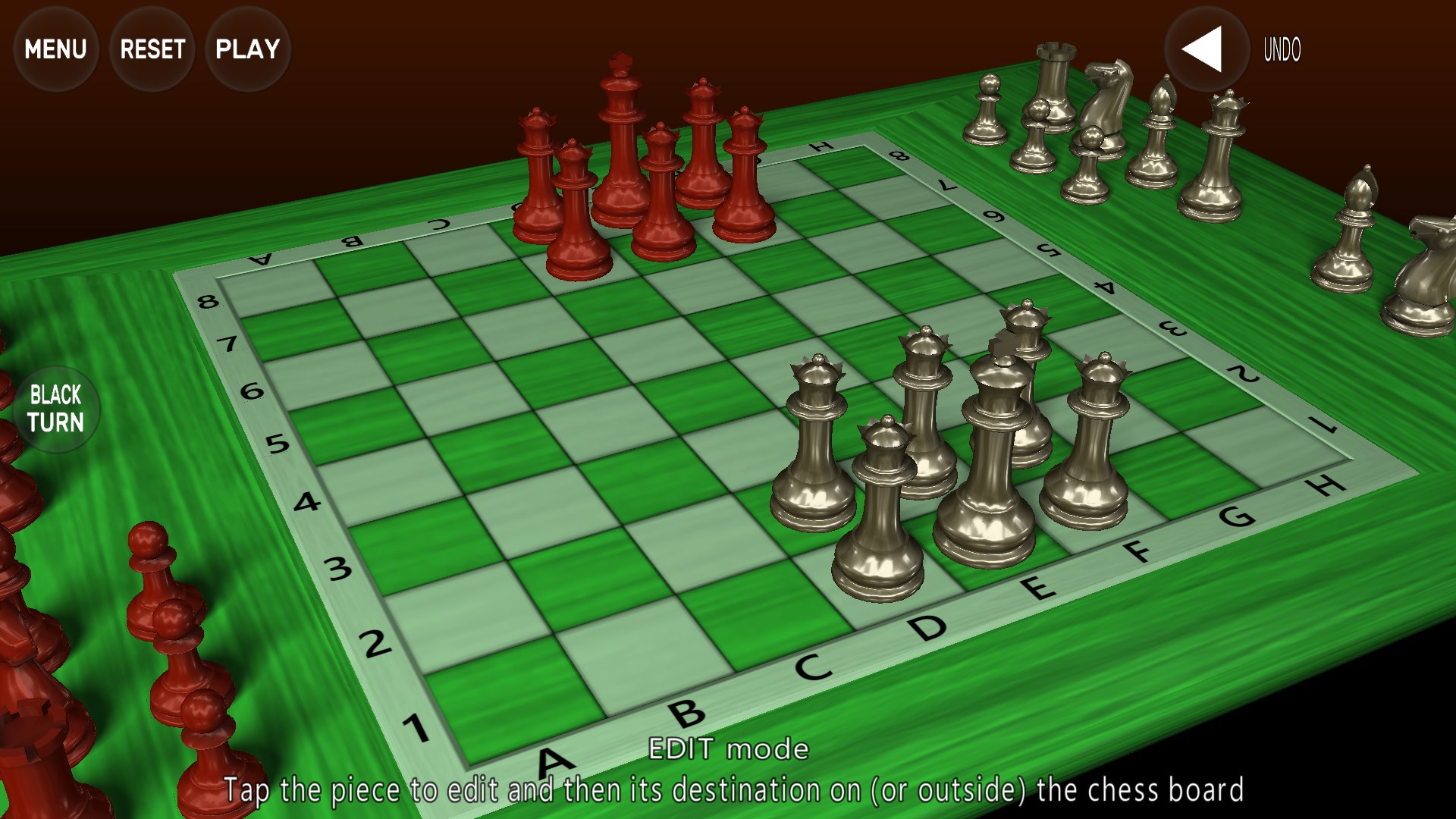
- Customizable chess pieces and boards
- High-quality 3D graphics and animations
- Regular updates and bug fixes
Cons
- Occasional lag during online matches
- Limited tutorial for new players
- Some customization options are locked initially
- Occasional crashes on older devices
- Limited AI difficulty levels










