


- Name Klondike Solitaire Collection Pro
- Category Strategy
- Developer Klondike Solitaire Game
- Available on PC, Mobile, Surface Hub, HoloLens
- OS Windows 10 version 10240.0 or higher
- DirectX Version 10
- languages Chinese (Simplified), English (United States)
Introducing the Klondike Solitaire Collection Pro for Windows
Imagine effortlessly relaxing after a long day while engaging in a timeless classic—this is exactly what Klondike Solitaire Collection Pro aims to deliver on your Windows device. With a sleek design and thoughtful features, it transforms the solitary game into an engaging experience suitable for both casual players and avid solitaires alike.
About the Developer and Core Features
Who's Behind the Game?
Developed and published by Klondike Solitaire Game, this application is a dedicated effort to bring the classic solitaire experience to the Microsoft Store with modern touches. The development team focuses on preserving the charm of traditional card games while integrating refined user interactions.
What Makes It Stand Out?
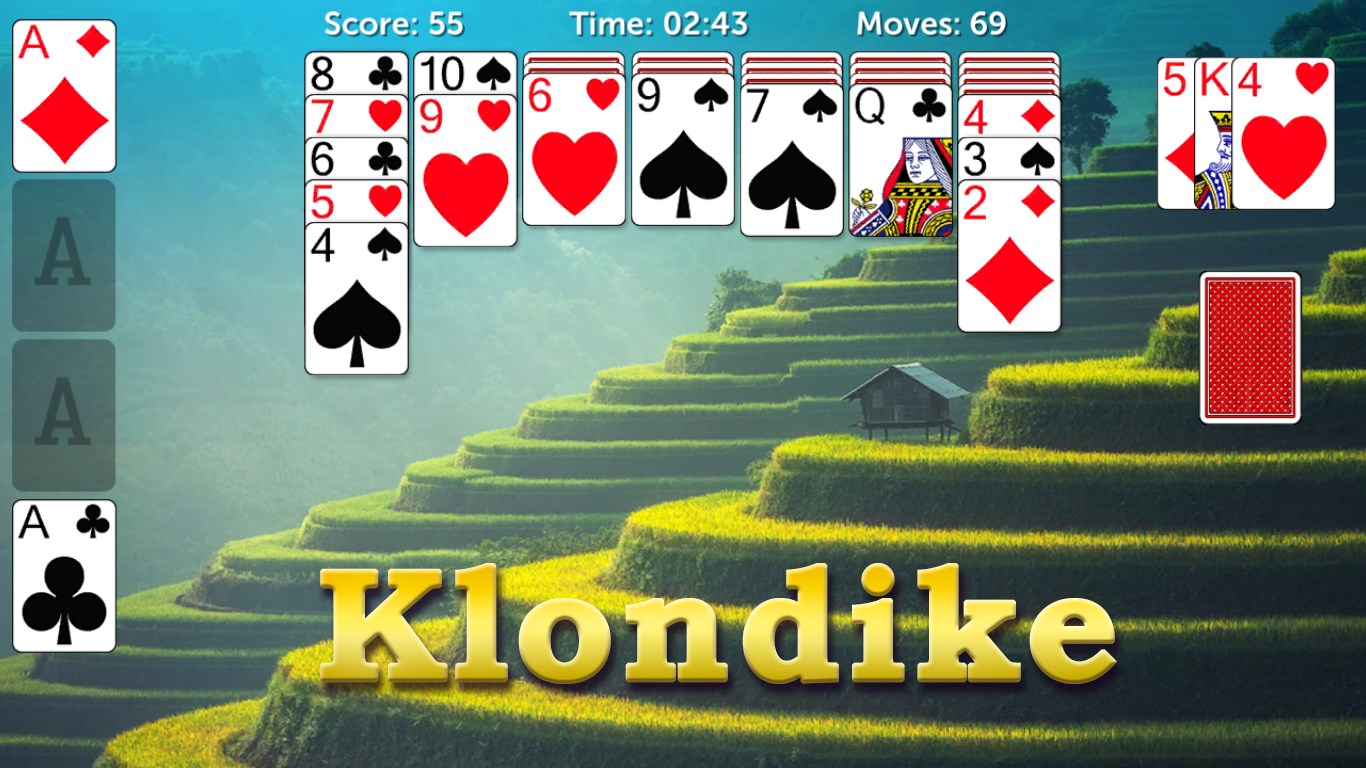
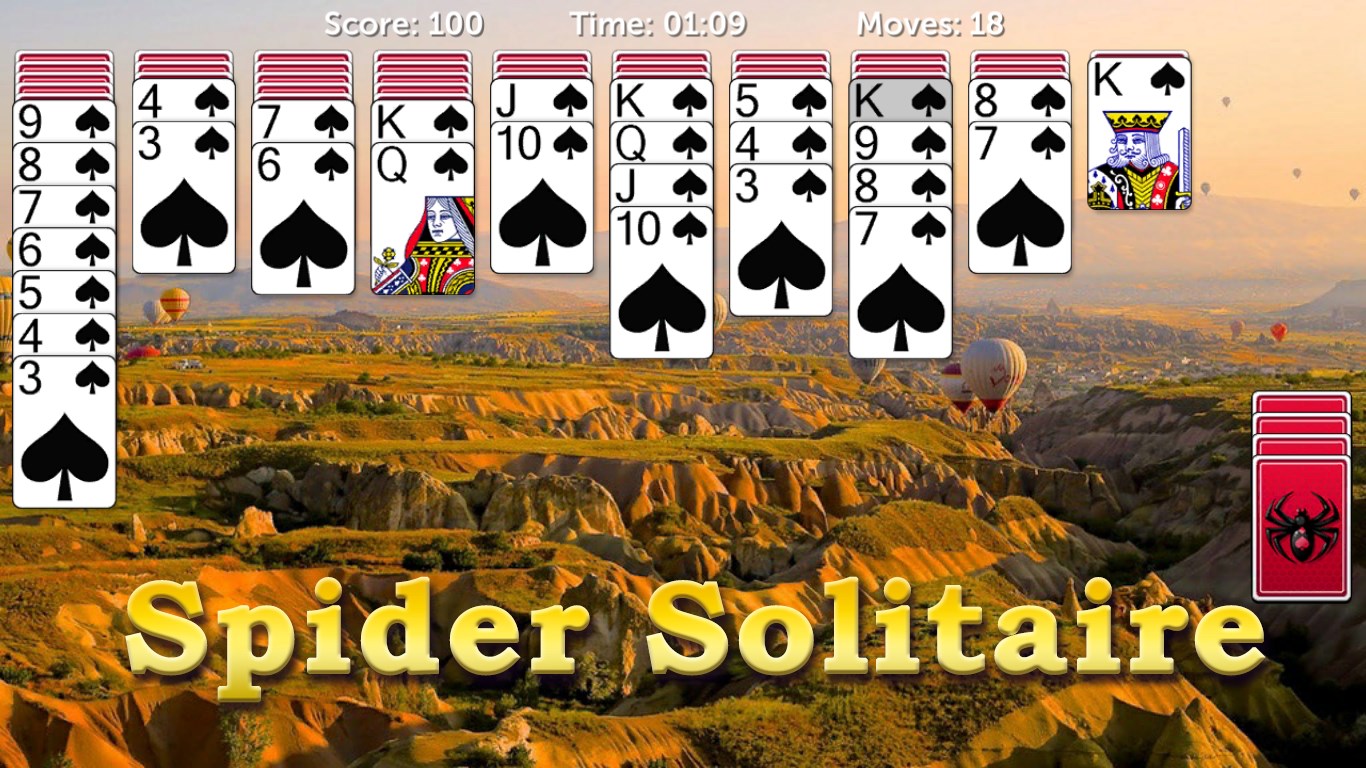
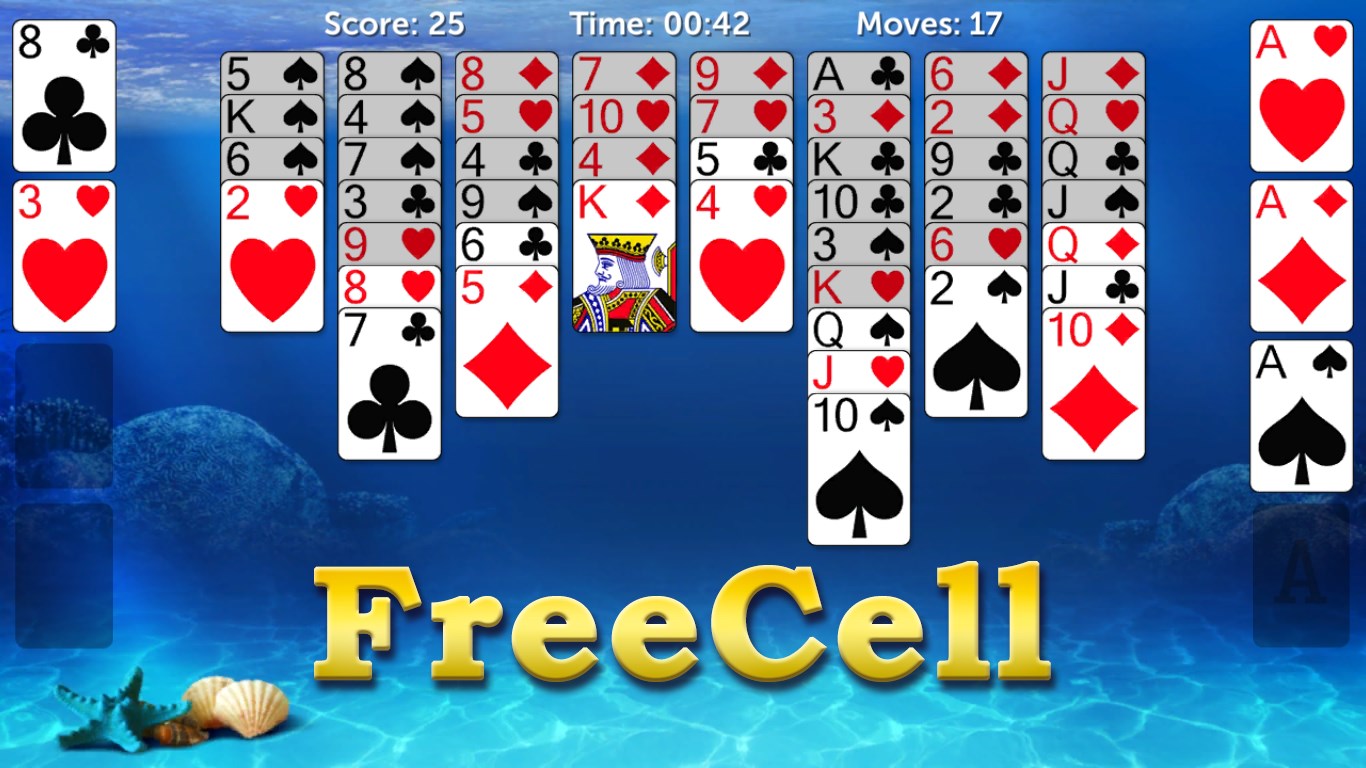
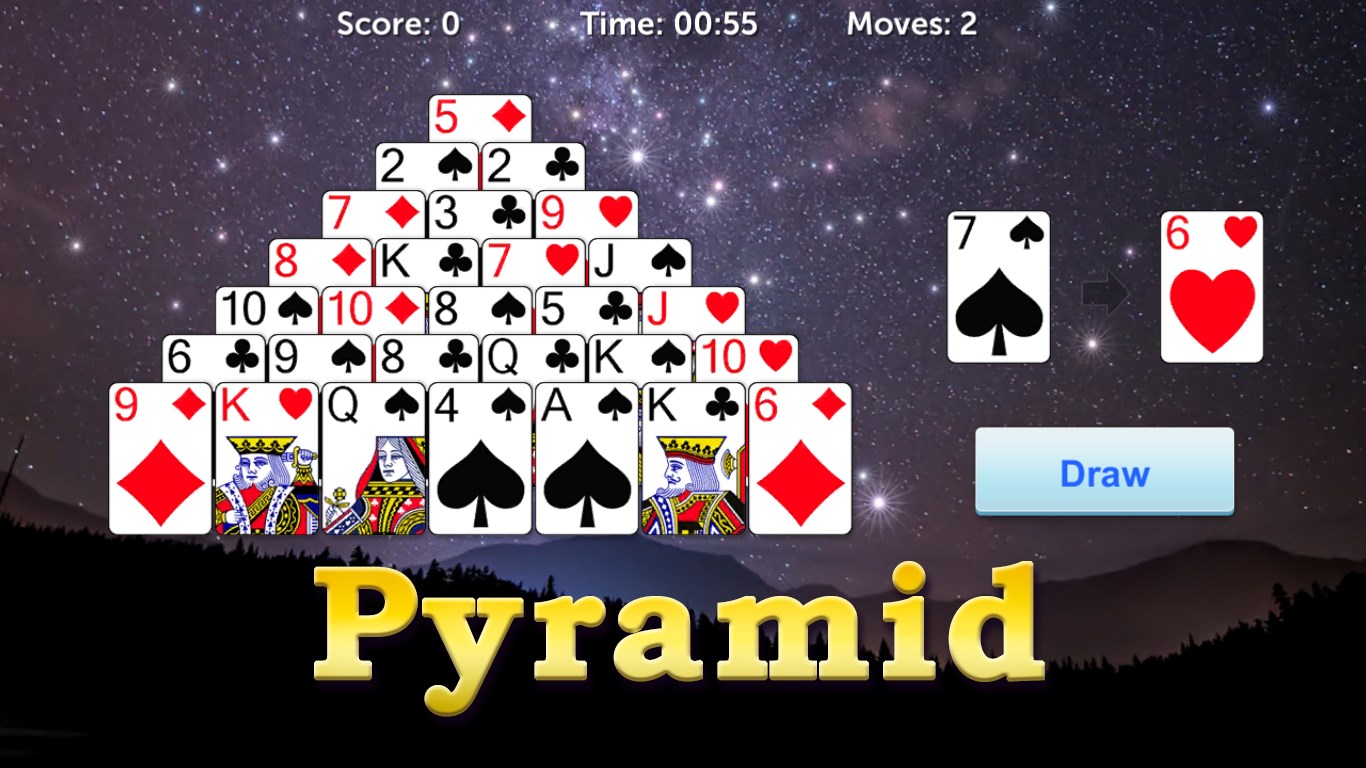
- Multiple Game Modes: The app offers variations beyond classic Klondike, such as FreeCell and Pyramid, catering to diverse preferences.
- Smooth and Intuitive Interface: The layout feels like flipping through a well-organized deck—easy to navigate with minimal fuss.
- Enhanced User Experience: Incorporates customizable themes, adjustable difficulty levels, and an undo feature for strategic reassessment.
- Smart Assistance Tools: Contextual hints and move suggestions help players learn and refine their strategies effortlessly.
Targeted primarily at casual gamers, students, or anyone seeking a quick mental refresh, this collection appeals to users of all ages who enjoy classic card puzzles with a modern twist.
A Playful Journey Through Features
A Visual Feast—Interface and Design
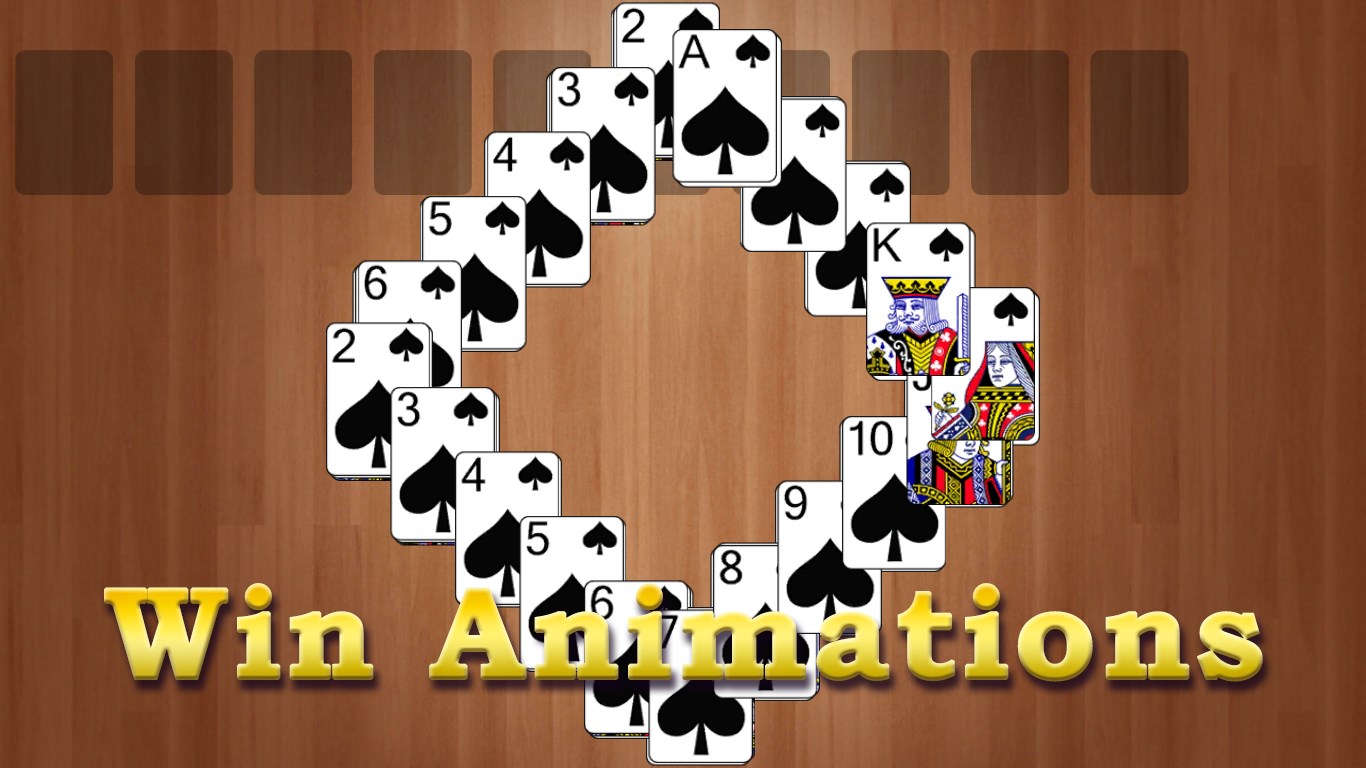
From the moment you launch the game, you're greeted with a clean, crisp interface reminiscent of opening a tidy, well-lit card table. The card graphics are sharp yet unobtrusive, enhancing focus without overwhelming. Customizable themes allow you to personalize your experience—whether you prefer a traditional green felt or a sleek dark mode for late-night sessions. The layout balances simplicity and functionality, making navigation instinctive like flipping through a well-organized deck of playing cards.
Fluid Gameplay—Responsiveness and Learning Curve
The game responds swiftly to input, whether you're dragging cards across the tableau or tapping to auto-move completed stacks. The touch and click controls are finely tuned—no lag, no jitters—making each move feel natural as shuffling a real deck. For newcomers, the interface offers gentle guidance with optional hints that appear without interrupting gameplay, easing the learning curve. Experienced players can disable these aids to challenge themselves further, preserving the classic challenge.
Strategic Clarity—Decision-Making and Information Management
One of the standout features lies in its ability to make decision consequences visible. When contemplating a move, hints highlight the potential payoff, helping players understand the ripple effects of their choices. Unlike some apps that drown users in information overload or obscure strategic options, Klondike Solitaire Collection Pro balances clarity with complexity. It empowers players to evaluate multiple decisions, fostering a deeper appreciation for strategic planning.
What Sets It Apart from the Crowd?
Compared to many strategy games that bombard players with endless stats or convoluted choices, this app excels at making decision visibility its core strength. Its intelligent hint system illuminates the likely outcome of moves, promoting learning and strategic development. Moreover, its interface's simplicity fosters a non-intimidating environment for newcomers yet remains sufficiently sophisticated for seasoned solitaires enthusiasts. The seamless management of game states and the adaptability of difficulty levels create an inviting space for players to refine their skills without feeling overwhelmed.
Final Recommendation and Usage Tips
Overall, Klondike Solitaire Collection Pro for Windows is a well-crafted, thoughtfully designed application that respects the traditional roots of solitaire while integrating modern usability enhancements. I recommend it for anyone seeking a relaxing yet engaging card game experience on their Windows device. Whether you're new to solitaire or a long-time fan looking for a refined version, this app offers a balanced and enjoyable experience.
For optimal enjoyment, I suggest exploring its customization options—try different themes and difficulty levels to find your preferred challenge. Utilize the hints and undo features strategically to gradually improve your skillset. With its engaging interface and strategic clarity, it's a game that can turn a few quiet minutes into a satisfying mental exercise or a leisurely escape.
Pros
- Intuitive user interface
- Smooth gameplay experience
- Multiple game modes and difficulty levels
- Offline access available
- Customizable card skins and backgrounds
Cons
- Limited tutorial for new players
- Occasional minor lag on older devices
- Ads occasionally interrupt gameplay in the free version
- Limited analytics or progress tracking
- Some customization options are locked behind in-app purchases










