- Name MyRadar
- Category News & weather
- Developer ACME AtronOmatic
- Available on PC
- OS Windows 10 version 19041.0 or higher
- languages English (United States), Spanish
Introduction: Your Weather Companion with a Clear, Scientific Approach
MyRadar for Windows, developed by ACME AtronOmatic, positions itself as a reliable and visually engaging weather radar app designed to keep users informed about current and upcoming weather phenomena. Unlike generic weather apps, it emphasizes detailed radar imagery combined with user-friendly features that cater both to weather enthusiasts and everyday users seeking precise updates. Its goal is to transform complex meteorological data into accessible, real-time insights—you'll feel as if you're holding a mini meteorologist right on your desktop.
Key Features That Make MyRadar Stand Out
Live Radar with Visual Clarity and Detail
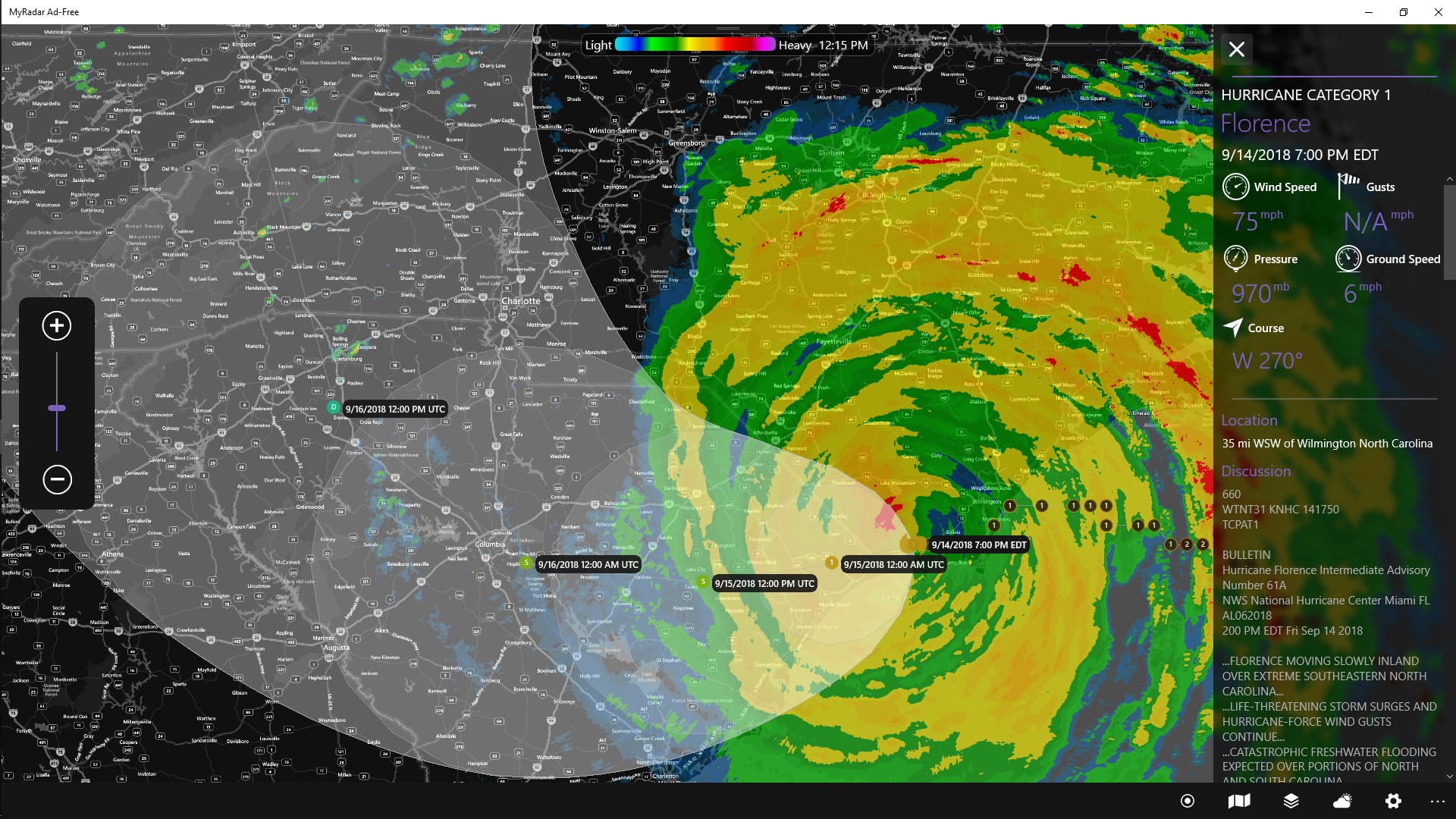
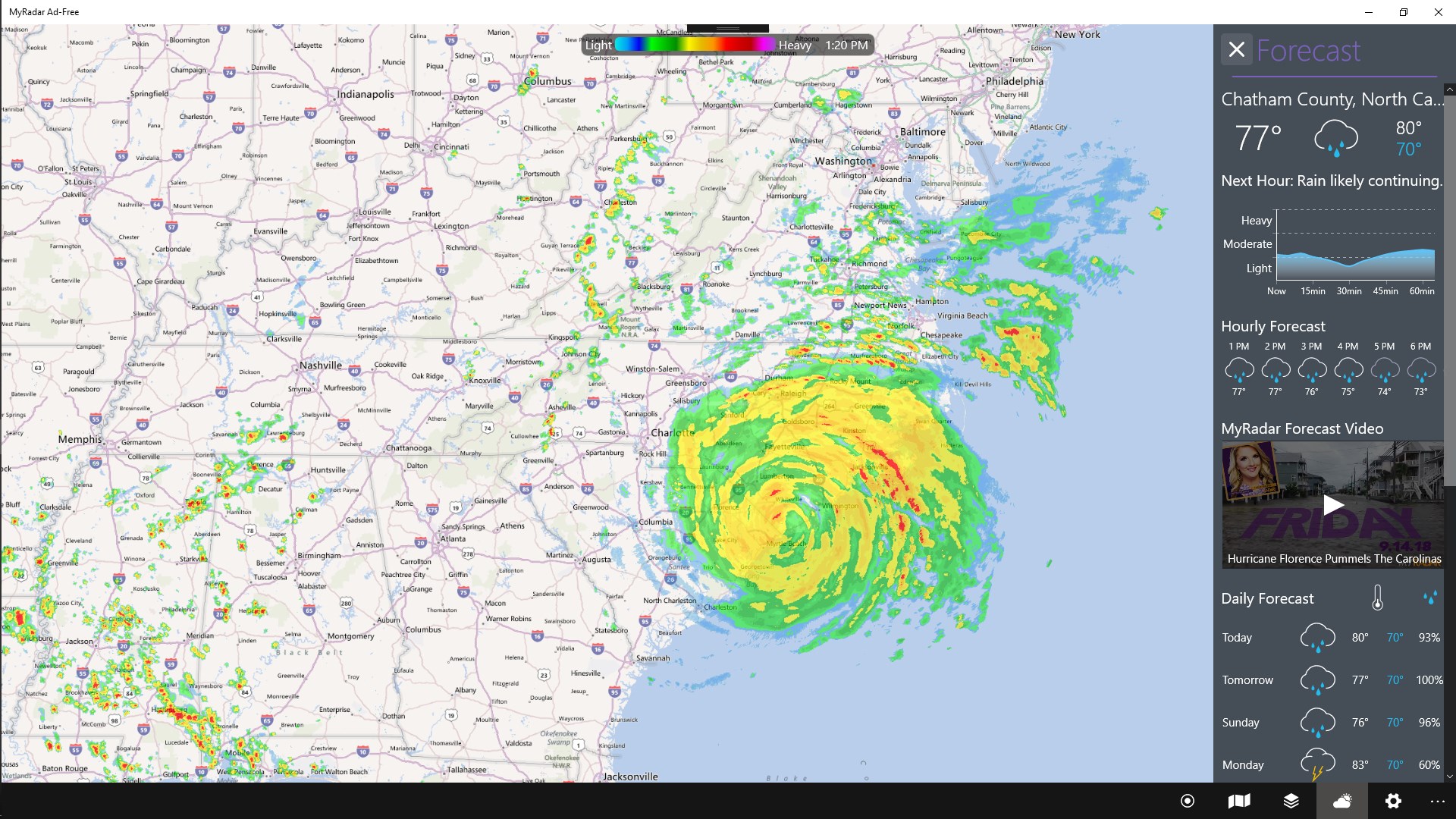
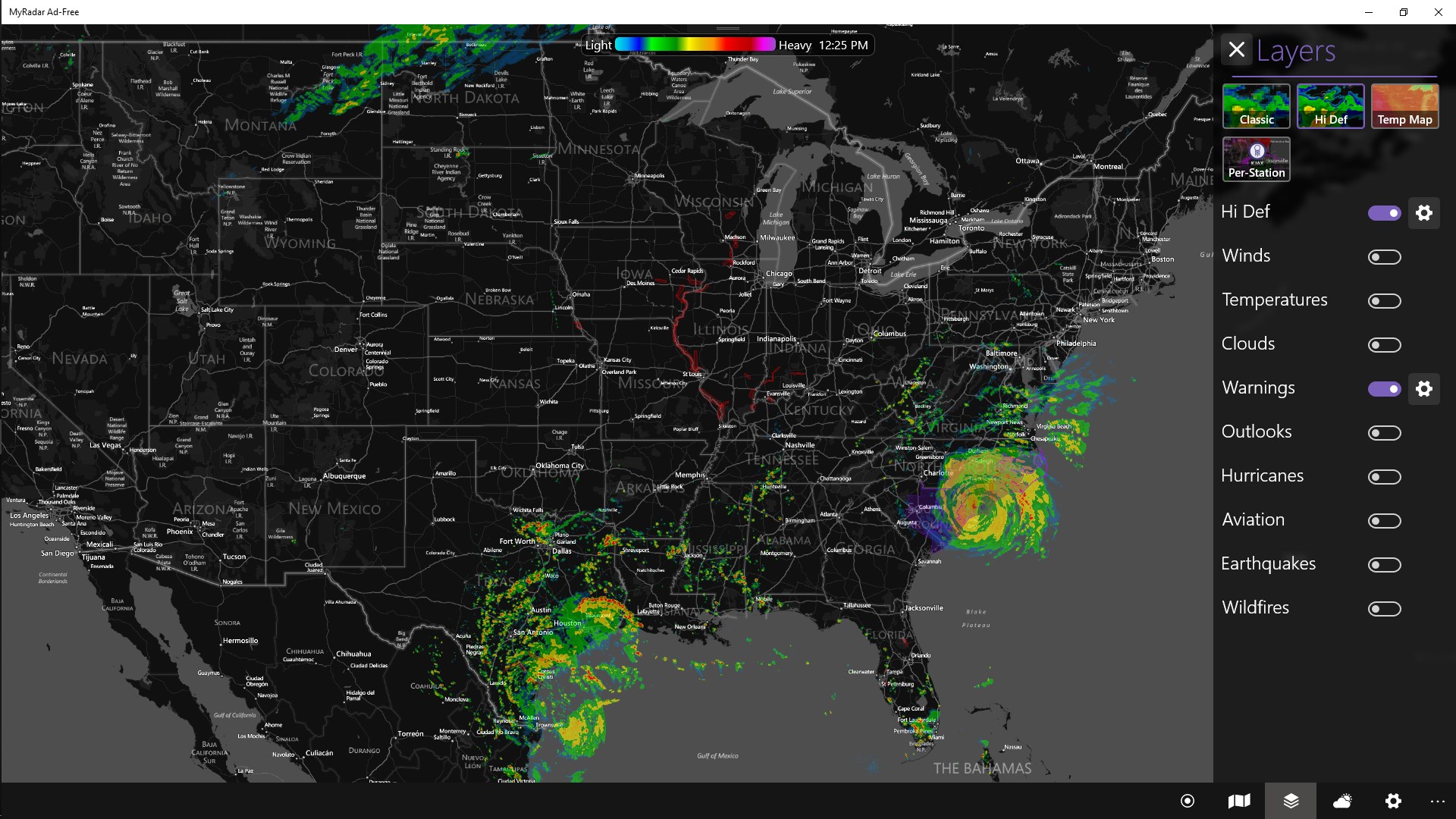
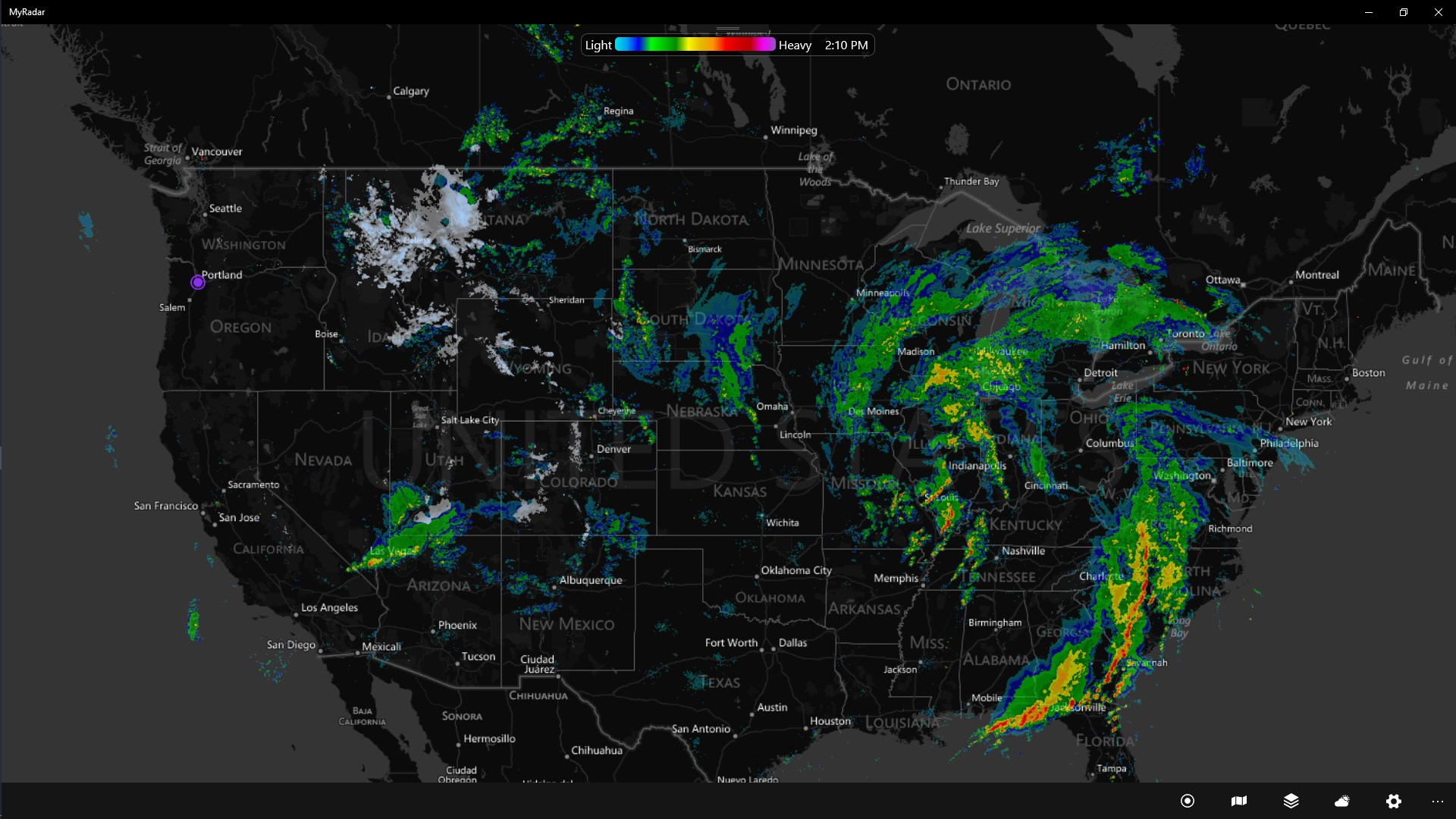
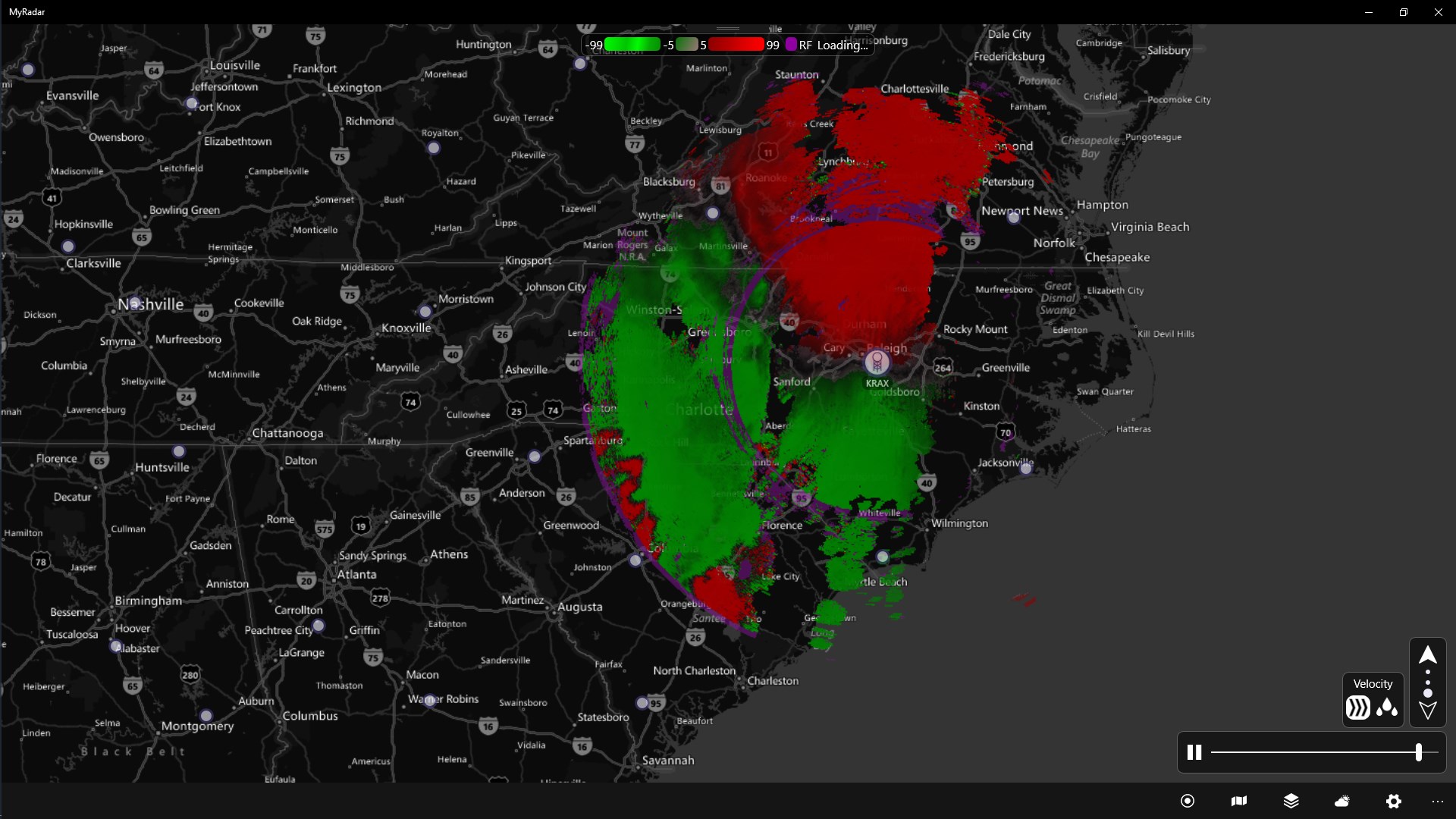
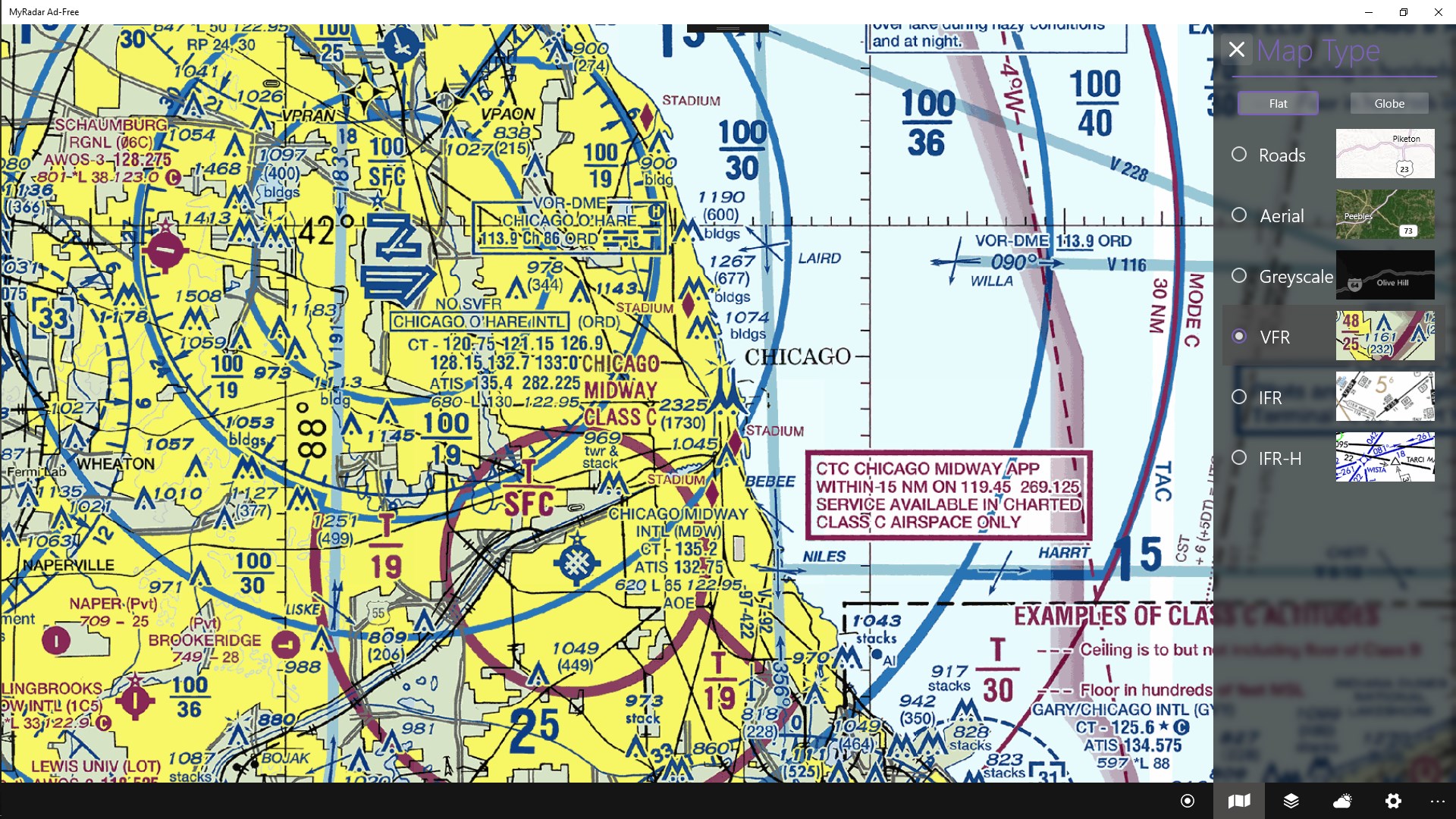
The core strength of MyRadar lies in its high-definition animated radar maps. Users can effortlessly see real-time precipitation patterns, thunderstorms, and even snow or fog formations. The app offers a smooth animation that makes tracking fast-moving weather systems intuitive—it's like watching a live weather movie unfold right on your screen. The radar imagery covers a broad scope, from local streets to expansive national weather systems, making it particularly appealing to outdoor enthusiasts, pilots, or anyone needing precise weather info.
Custom Alerts and Advanced Weather Data Layers
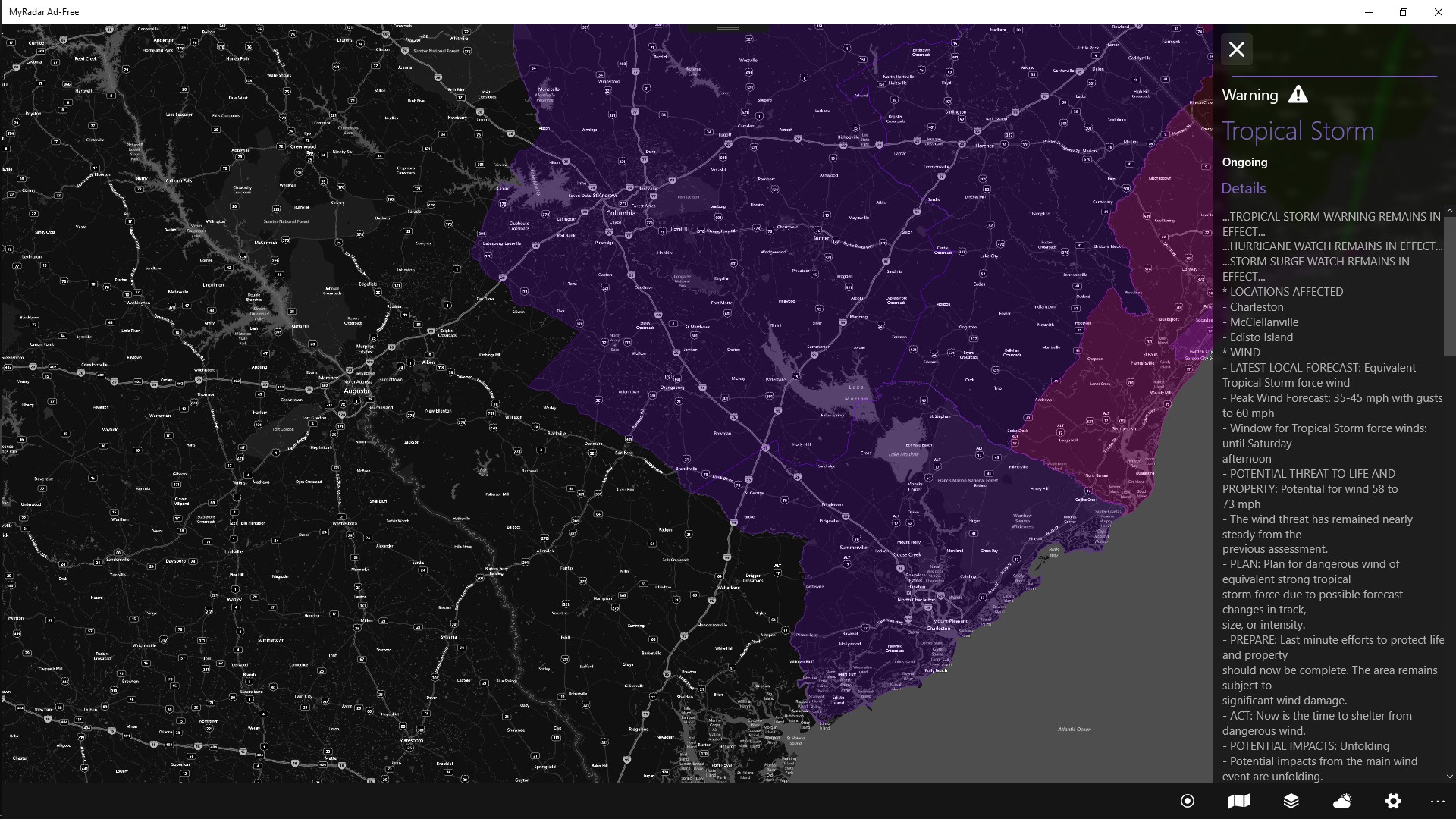
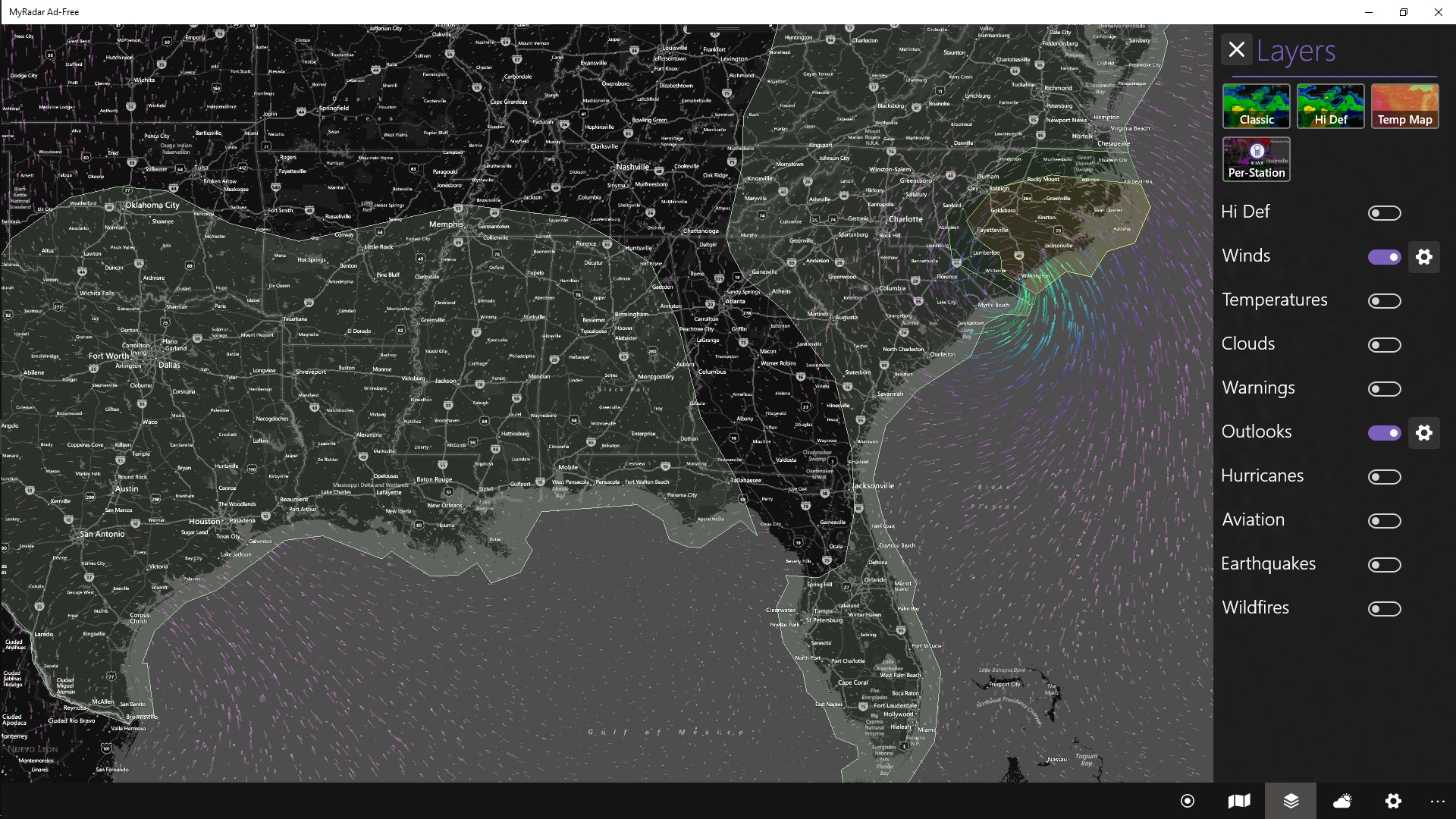
One of MyRadar's most compelling features is its customizable weather alerts. Users can set specific thresholds—say, heavy rain, hail, or wind speeds—and receive timely notifications, ensuring you're never caught off guard. Additionally, the app offers multiple data layers, including lightning strikes, wind visibility, and temperature overlays. These layers can be toggled on and off with ease, allowing users to tailor the map according to their specific interests. This multi-layered approach offers a richer, more comprehensive understanding of weather patterns compared to standard weather apps.
Intuitive Interface and User Experience
The visual design of MyRadar is both modern and streamlined. Clear icons and straightforward navigation make accessing core features a breeze, even for first-time users. The app balances a clean layout with detailed information, avoiding clutter while ensuring critical data is front and center. Operation feels smooth—transitions between different views or layers happen seamlessly, with minimal lag. Thanks to a gentle learning curve, new users will find the app accessible without sacrificing depth for advanced users who want granular control. Overall, it offers a pleasant, almost tactile experience, like flipping through weather maps in a well-organized meteorological workshop.
How MyRadar Differs from Other Weather Apps
While many weather applications provide forecasts and basic radar images, MyRadar's standout feature is its combination of detailed, customizable Radar visuals with a focus on clarity and speed. Its animated radar maps can be previewed in real-time, giving users a dynamic view of impending weather changes. Unlike some competitors that rely heavily on textual data or static images, MyRadar offers an almost cinematic experience—think of it as a weather movie, with real-time updates and control over what layer of data you want to see. Its ability to combine multiple data sources (precipitation, lightning, wind) into a single, easy-to-navigate interface makes it particularly appealing for users who need precise, actionable weather insights without the clutter or complexity often found in professional meteorological software.
Recommendation and Usage Tips
MyRadar for Windows earns a solid recommendation, especially for outdoor lovers, pilots, or anyone who needs rapid and detailed weather updates. Its no-frills yet rich feature set makes it suitable for both casual users and those seeking more technical data. If you appreciate high-quality radar imagery and customizable alerts, you'll find this app invaluable. For best results, take some time initially to explore the layered data options and set your preferred alert thresholds—this will maximize the app's utility tailored to your specific needs. Keep in mind that, while the app is very polished and user-friendly, those seeking hyper-detailed meteorological analysis might want to complement it with specialized tools.
In summary, MyRadar for Windows combines detailed radar visuals, custom alert capabilities, and an elegant interface to deliver a weather app that's both powerful and approachable. It's like having a pocket-sized meteorologist guiding you through the skies—reliable, informative, and ready to serve your weather curiosity.
Pros
- Accurate weather alerts
- Intuitive and user-friendly interface
- Detailed radar maps with real-time updates
- Customizable notifications and settings
- Additional features like severe weather alerts and radar past data
Cons
- Free version ads can be intrusive
- Premium subscription price is relatively high
- Occasional data refresh delays
- Limited features in the free version
- Battery consumption can be high during radar use