- Name RadarScope
- Category News & weather
- Developer DTN
- Available on PC
- OS Windows 10 version 17763.0 or higher
- DirectX DirectX 12 API, Hardware Feature Level 11
- Keyboard Not specified
- Mouse Not specified
- languages English (United States), French, German, Spanish
RadarScope for Windows: A Powerhouse for Weather Enthusiasts
If you're passionate about tracking weather patterns or need accurate radar data for professional purposes, RadarScope for Windows offers a robust solution that transforms complex meteorological data into accessible visuals. Developed by DTN, this application blends technical precision with user-friendly design, making it a valuable tool for both weather hobbyists and professionals alike.
About the App: Basic Information
RadarScope for Windows is a specialized radar viewing application that provides real-time weather radar imagery, catering to those who demand detailed and reliable meteorological data. It's designed to be an intuitive yet powerful tool that offers high-resolution radar imagery directly on your Windows device.
Developer: DTN
Publisher: DTN, LLC
Main Features:
- Real-time, high-resolution radar imagery across North America and other regions
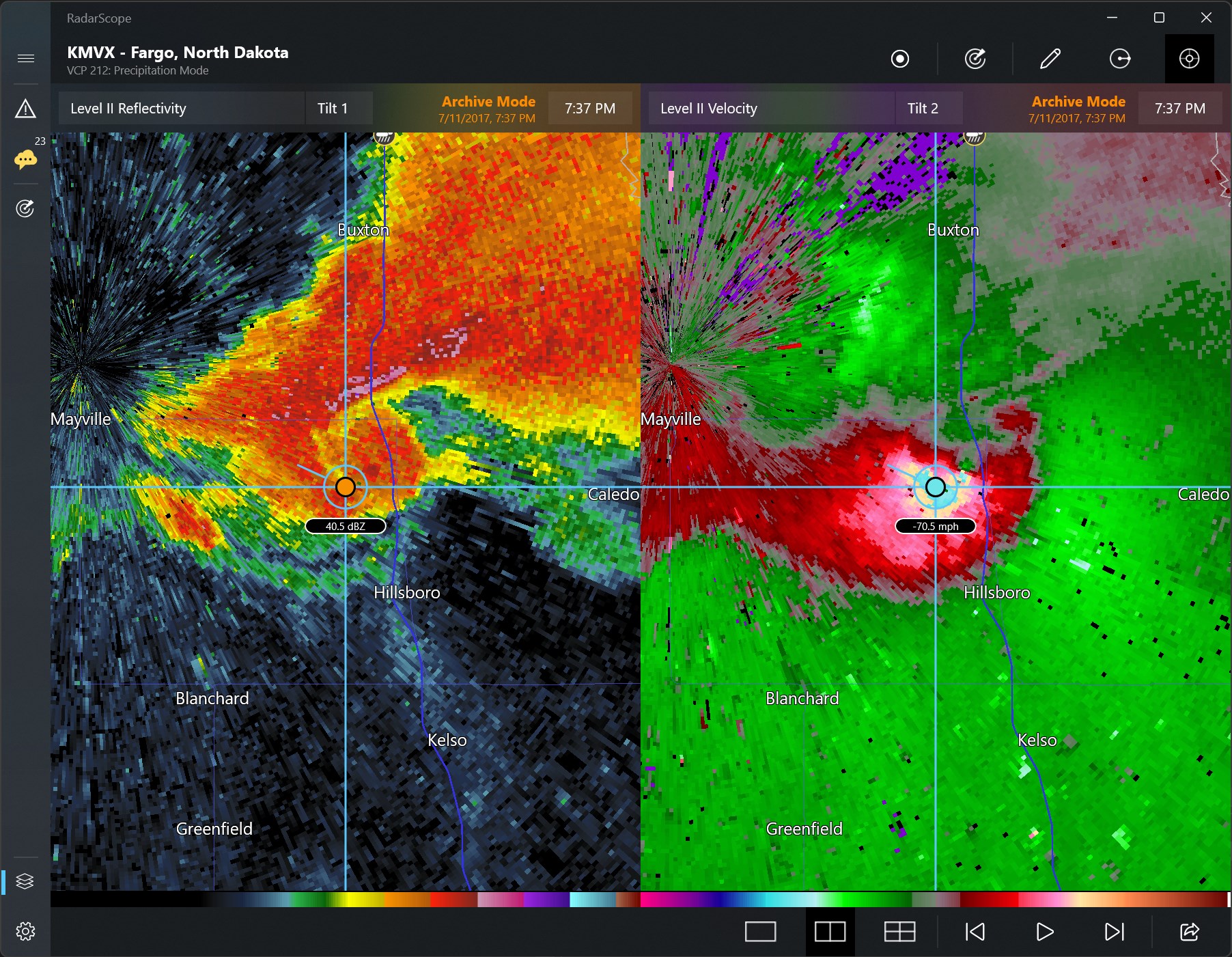
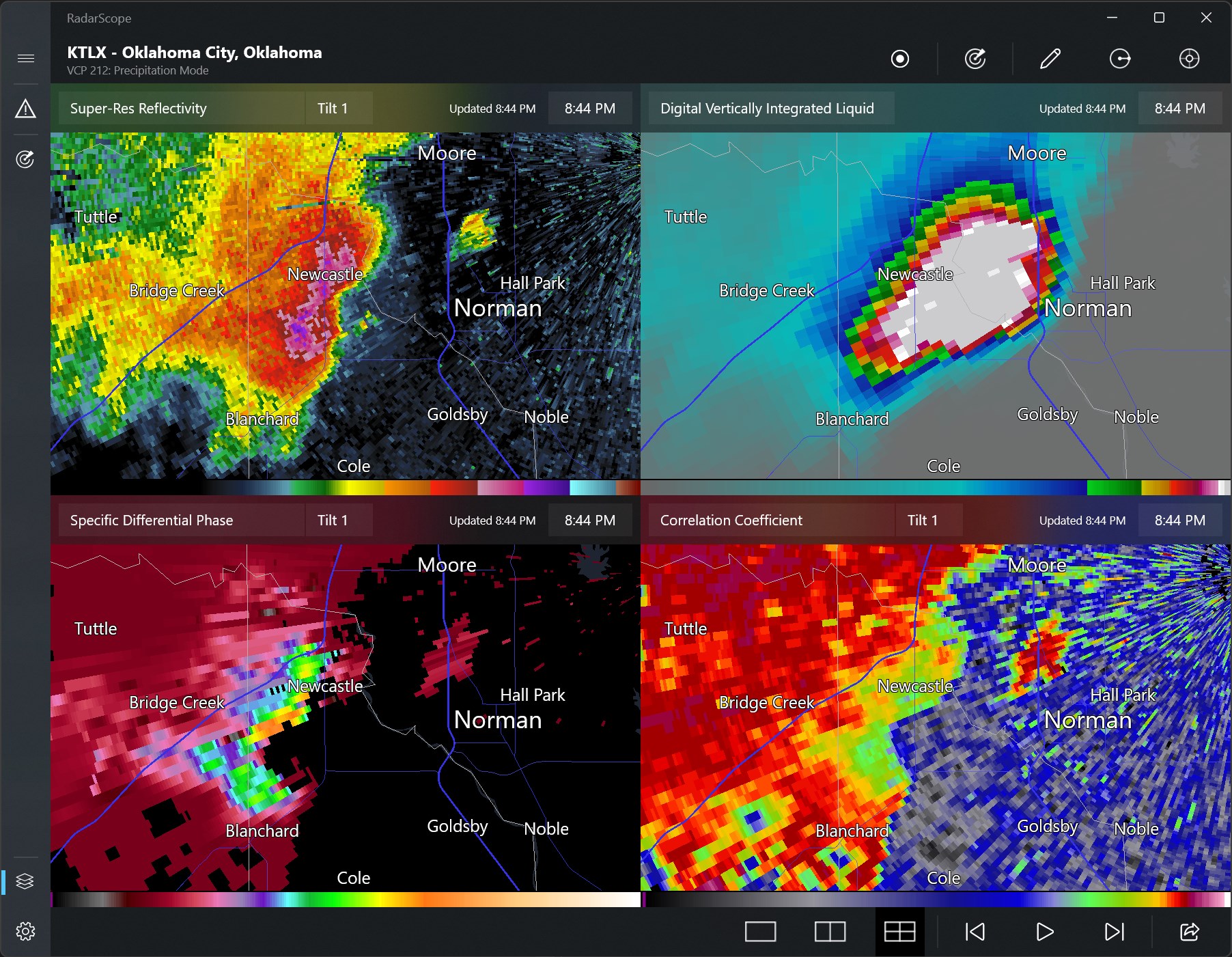
- Extensive range of radar products, including reflectivity, velocity, and precipitation data
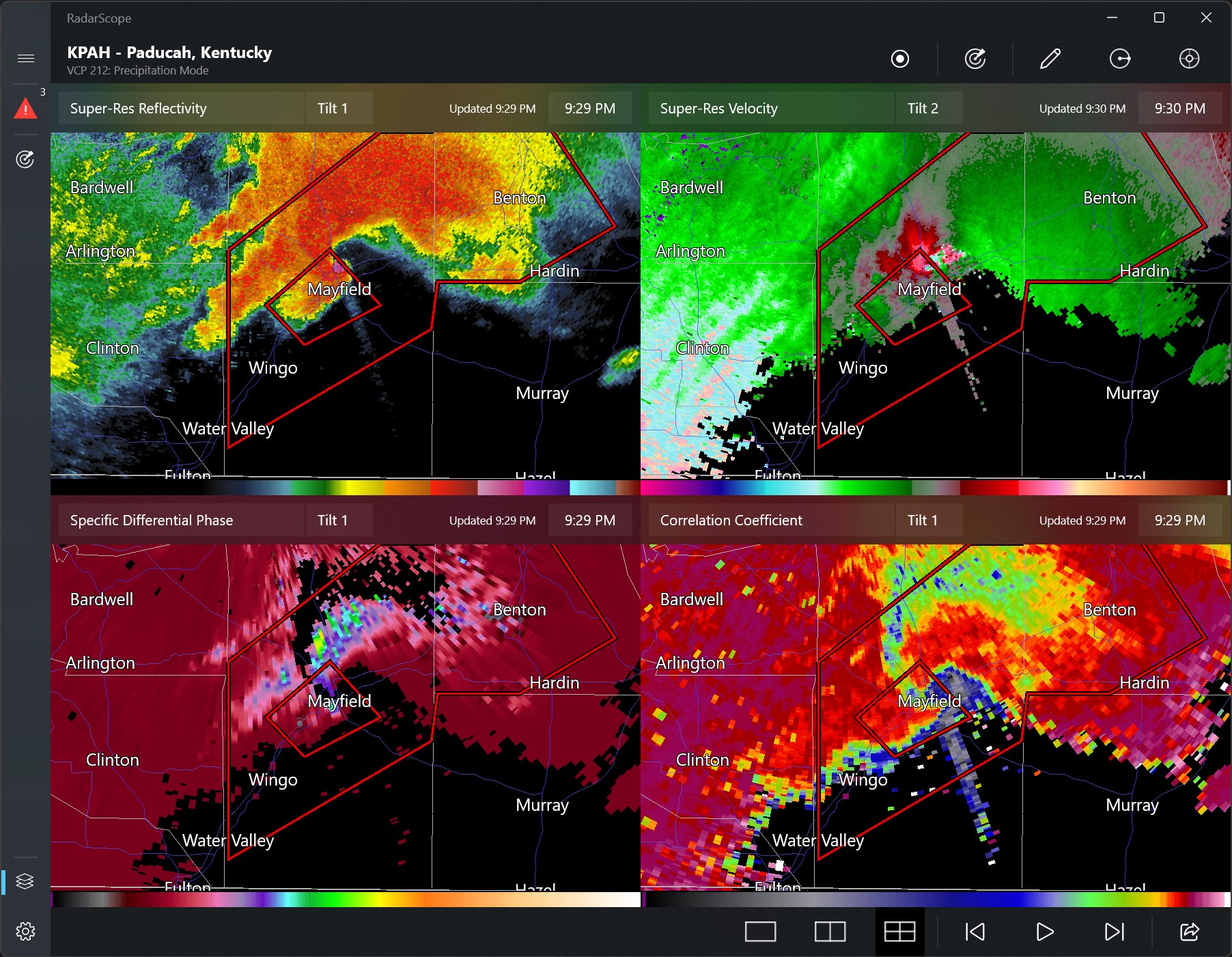
- Customizable views and overlays for enhanced data analysis
- Seamless map navigation with zoom and pan features
Target Audience: Weather enthusiasts, meteorologists, emergency responders, aviation personnel, and anyone needing precise radar data for decision-making or hobbyist tracking.
Vivid Introduction: Why RadarScope Might Become Your Weather Wingman
Imagine standing on your porch, watching ominous clouds swirl in the sky, keen to know if a storm is brewing or just passing by. RadarScope for Windows turns your curiosity into clarity, delivering detailed radar images at your fingertips—like having a meteorologist's toolkit right on your desktop. It's the kind of app that transforms an ordinary weather check into a data-driven adventure, making each radar sweep feel like a scene from a weather-themed movie, where every pixel tells a story of atmospheric movements.
Core Features That Make RadarScope Stand Out
1. Crystal-Clear, High-Resolution Radar Images
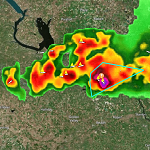
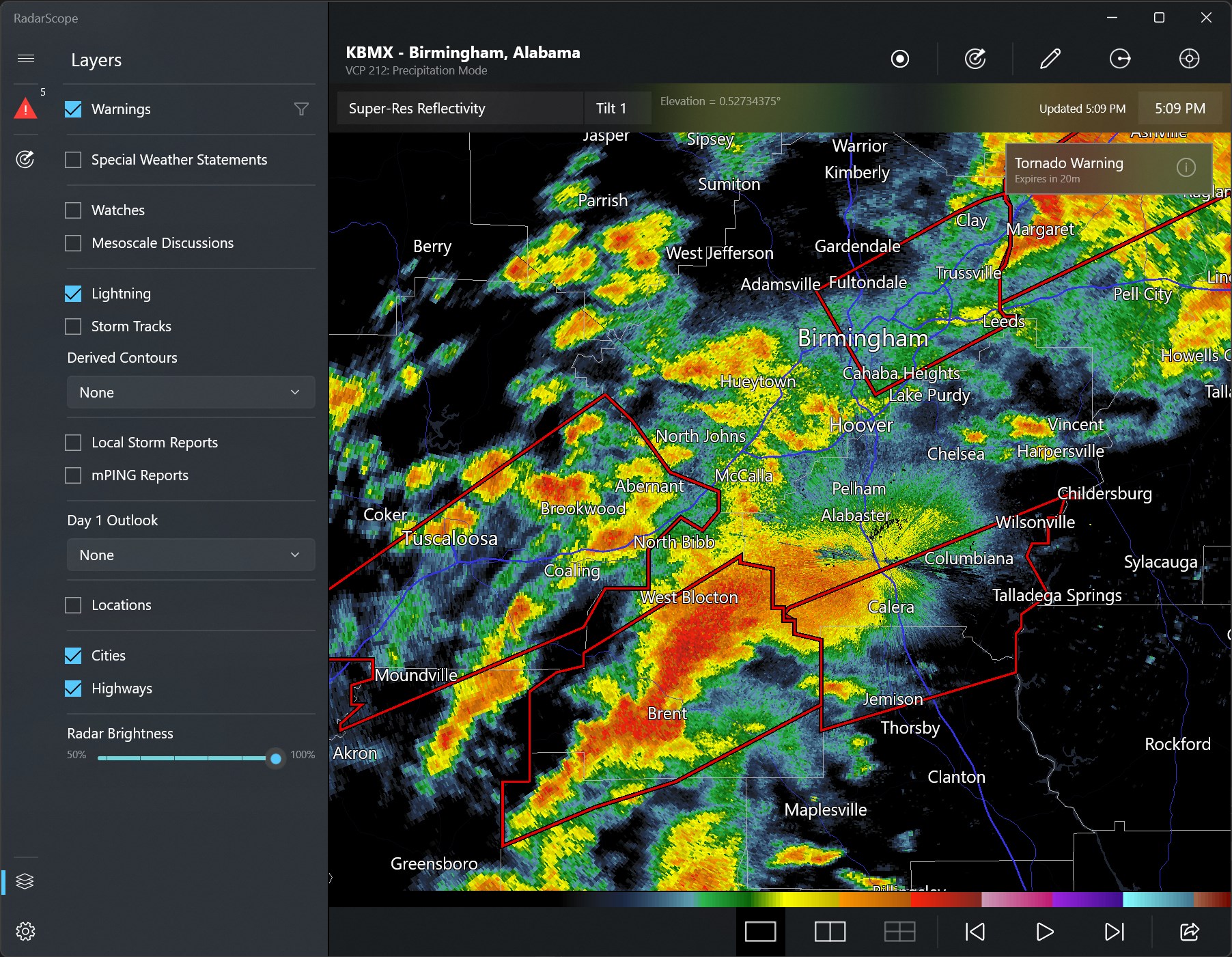
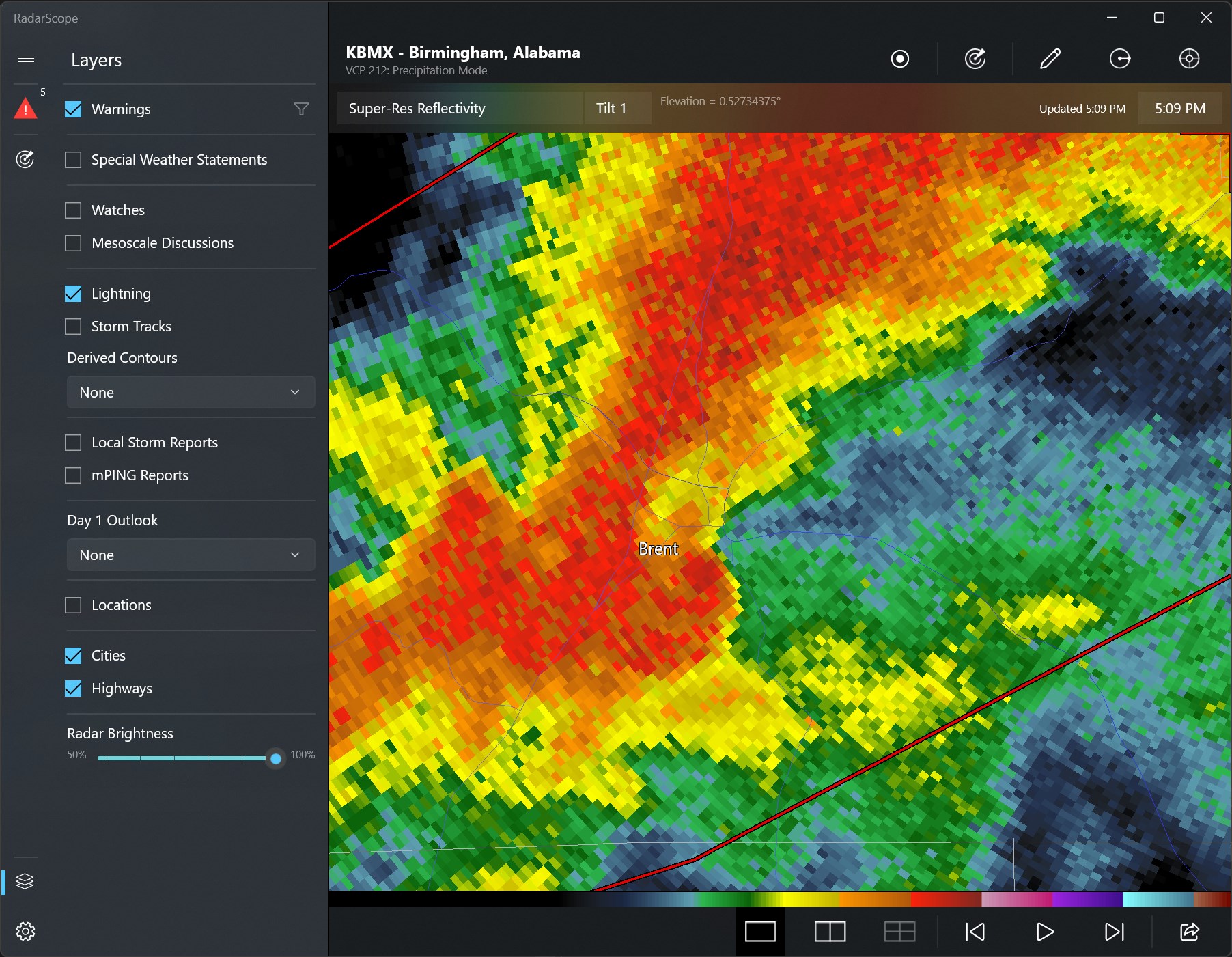
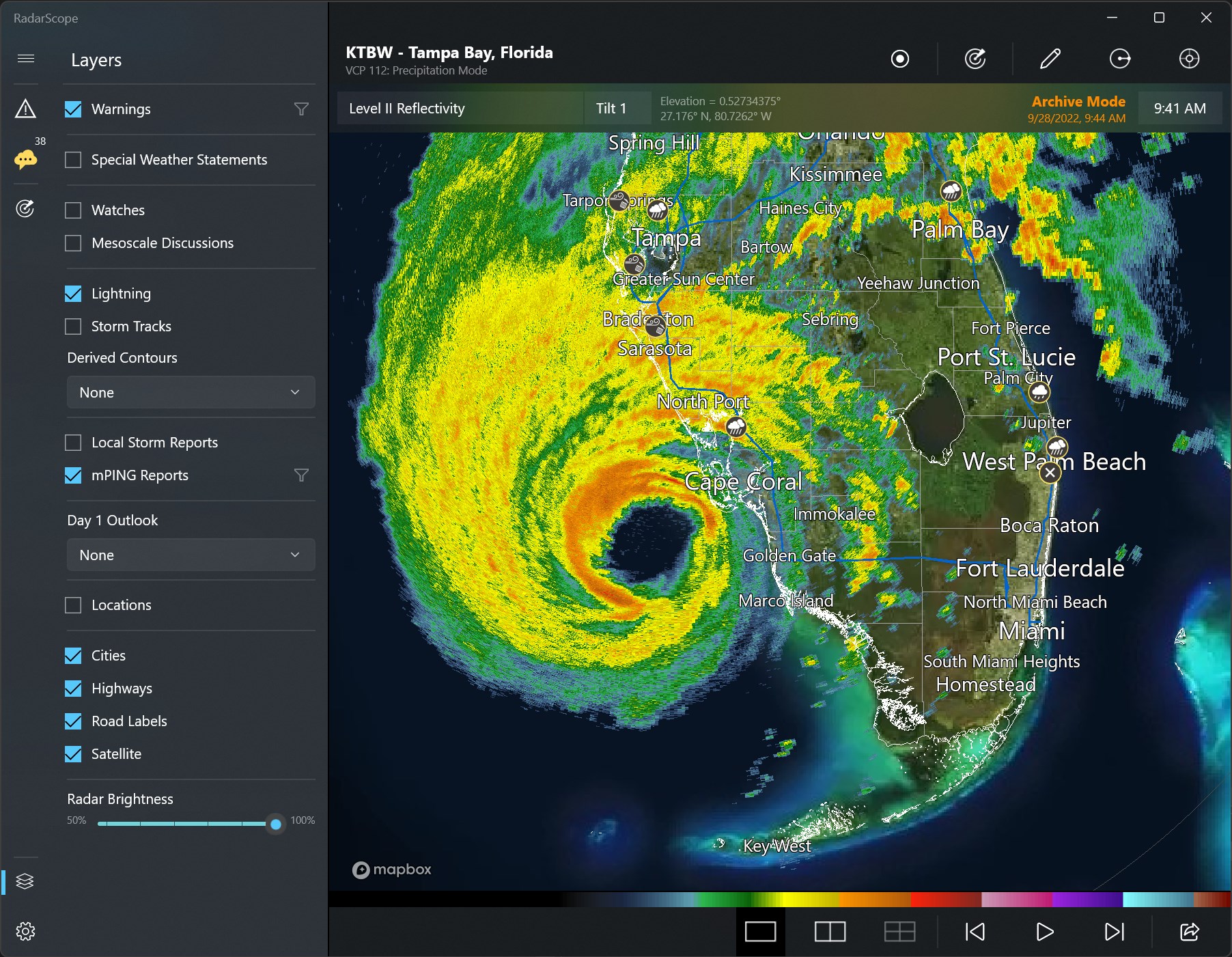
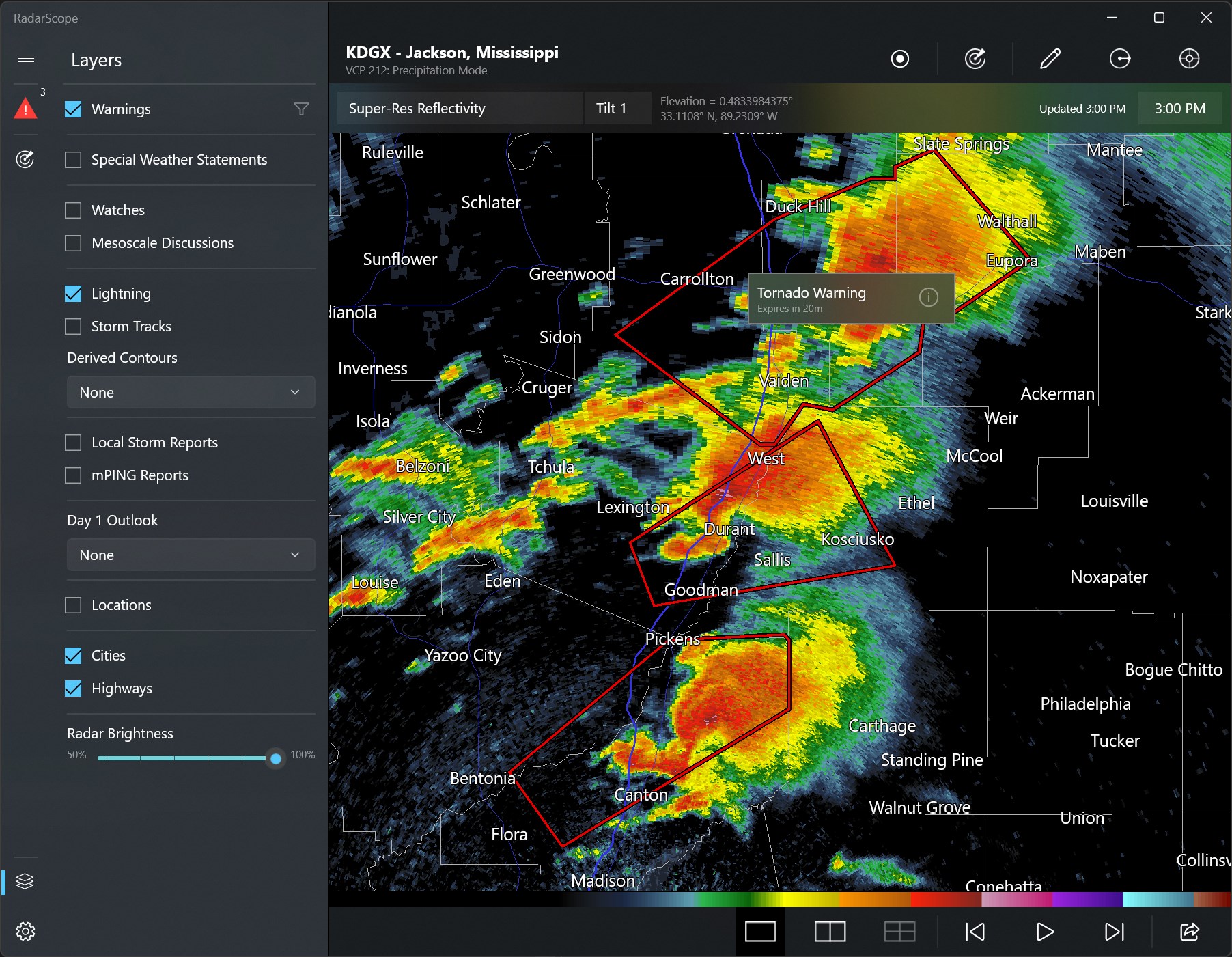
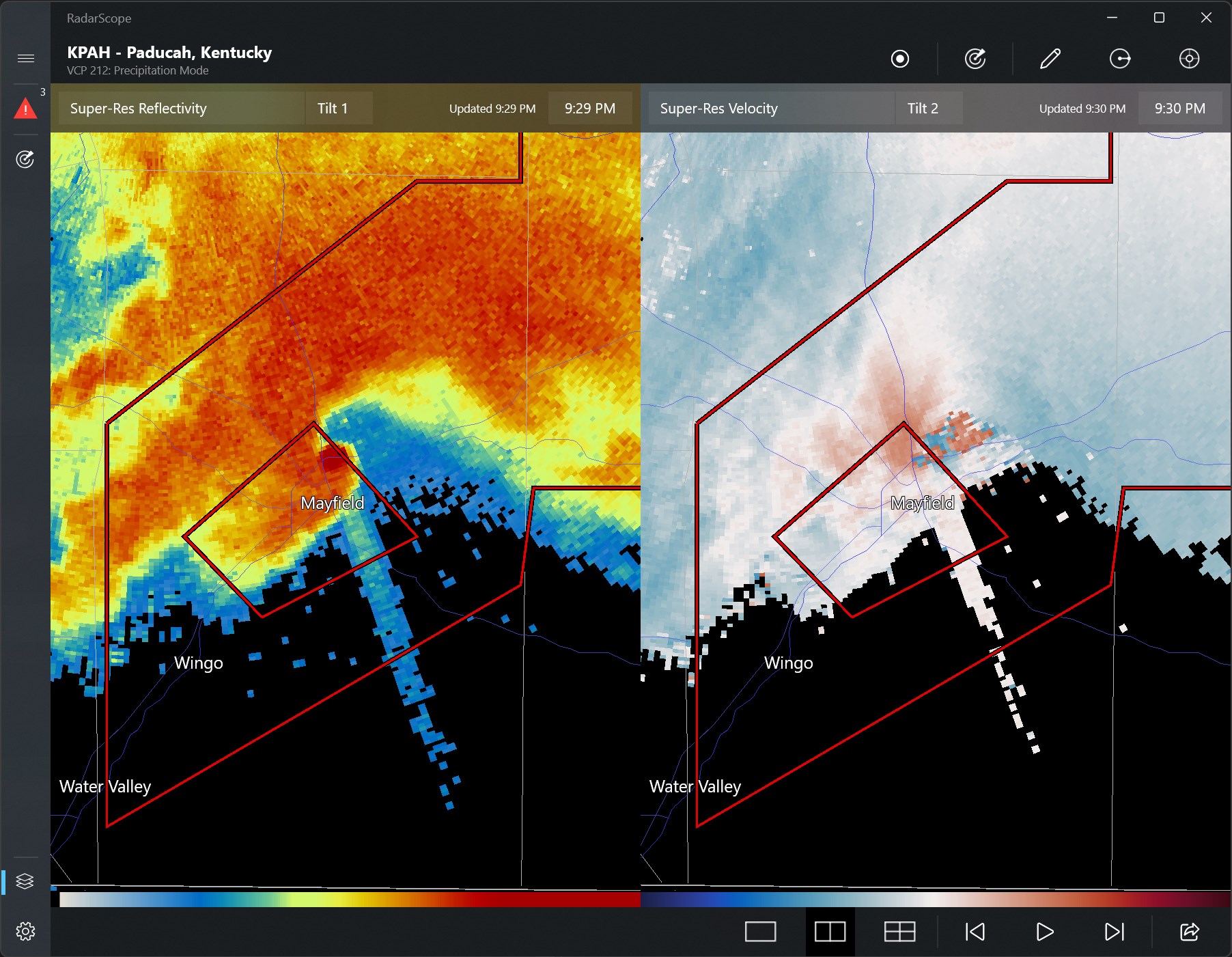
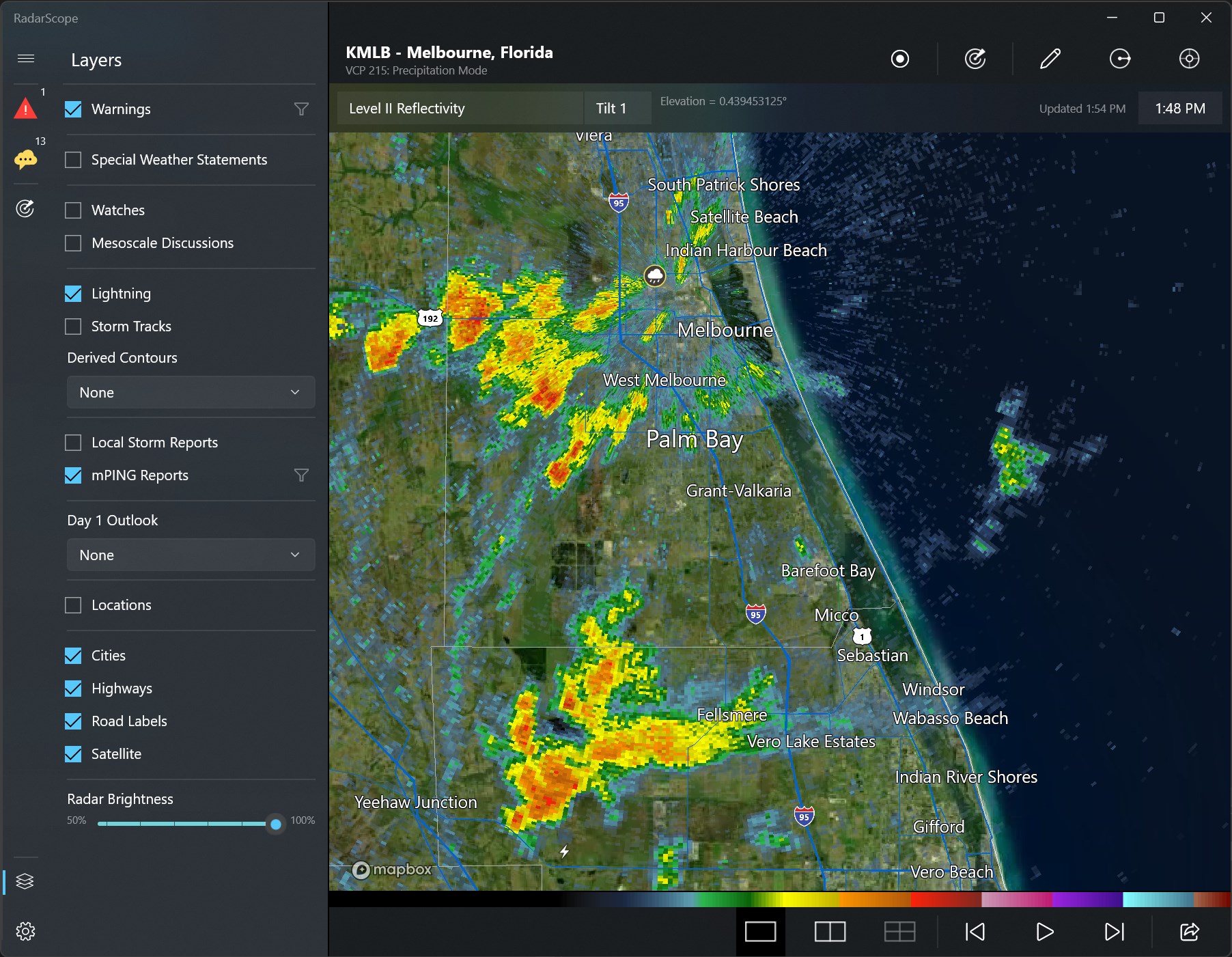
The most striking aspect of RadarScope is its ability to deliver high-resolution radar imagery that brings storms, precipitation, and wind patterns into sharp relief. Unlike typical weather apps that offer vague cloud icons or basic maps, RadarScope grants you detailed images akin to what professionals use, making it invaluable for tracking severe weather events in real time. Whether you're monitoring a fleeting thunderstorm or a distant hurricane, the clarity of the images ensures you're always informed.
2. Diverse Radar Product Offerings and Customization
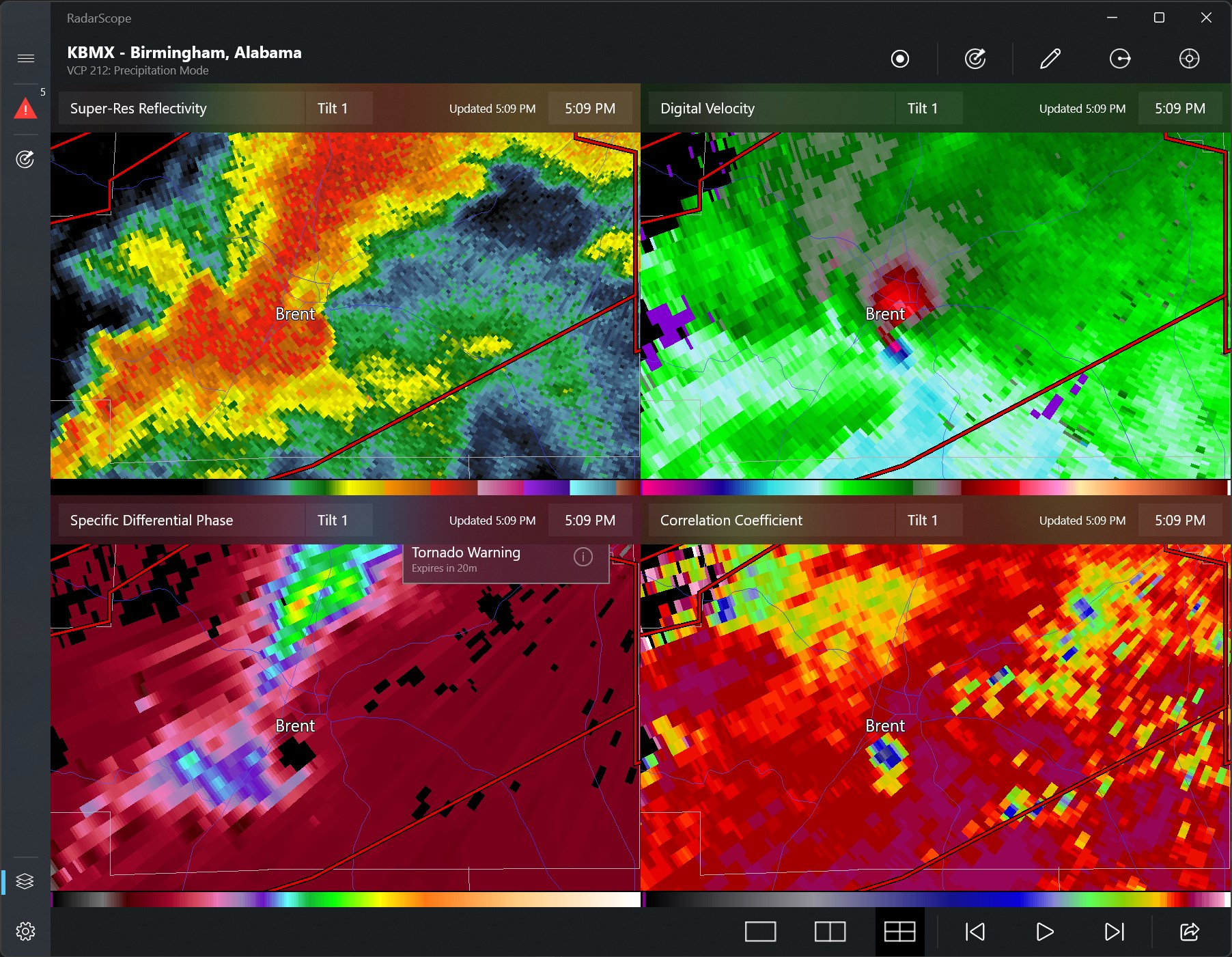
This app doesn't settle for just showing basic reflectivity. Its extensive suite of radar products—including velocity (wind movement), dual-polarization data, and composite overlays—enables users to analyze weather systems from multiple angles. And with customizable overlays, you can tailor views to focus on specific data points, whether it's precipitation intensity or storm rotation, making the app a flexible tool for both casual tracking and in-depth analysis.
3. User Interface and Navigation: Smooth, Intuitive, and Accessible
RadarScope presents a clean, well-organized interface that feels like flipping through the pages of a professional radar manual, but without the intimidating jargon. Navigating the map is seamless—zooming, panning, or switching radar sites is effortless thanks to responsive controls. The learning curve is gentle; even newcomers can get started quickly, while seasoned meteorologists will appreciate the depth of data available at their fingertips. Overall, the experience is polished and designed to minimize frustration, enhancing a sense of confidence in your radar reading skills.
What Sets RadarScope Apart from Other Weather Apps?
While many weather apps provide basic forecasts and radar imagery, RadarScope's true strength lies in its focus on detailed, near-professional quality data presented in an accessible manner. Its high-resolution images and extensive radar product suite outperform typical weather apps that offer only simplified or lower-quality visuals. Additionally, this app caters to a niche audience seeking granular data, making it invaluable for emergency management, aviation, and hobbyists who want more than just surface-level information.
Another distinctive aspect is its focus on data accuracy and timely updates, ensuring users receive current radar images essential during severe weather events. Unlike some competing apps that rely on aggregated data with potential delays, RadarScope's real-time streams make it an essential tool for anyone needing immediate insights.
Final Recommendation and Usage Tips
If you're looking for a weather radar app that combines professional-grade data with user-friendly design, RadarScope for Windows is undoubtedly worth trying. It's not just a casual weather checker but a dedicated tool that caters to those serious about meteorology. For hobbyists, storm chasers, or professionals, it offers a level of detail and customization that most free or standard apps can't match.
For optimal use, start by exploring the various radar overlays and learn how different products — like velocity and composite reflectivity — can inform your understanding of ongoing weather systems. Given its precision and depth, RadarScope can become your go-to app during storm seasons or for detailed weather research. To get the most out of this app, consider familiarizing yourself with radar terminology or consulting additional meteorological resources for interpretation.
In summary, RadarScope for Windows stands out as an advanced, reliable, and highly customizable radar visualization tool—an excellent companion for weather enthusiasts and professionals seeking detailed atmospheric insights. It's not just an app; it's a window into the complex dance of weather patterns, making it a smart choice for anyone eager to see beyond the clouds.
Pros
- Real-time weather radar imagery
- High-resolution visuals
- Intuitive user interface
- Customizable layers
- Location-based alerts
Cons
- Limited support for offline access
- Occasional lag during high traffic
- Some advanced features are behind a paywall
- Customization options could be expanded
- Map accuracy occasionally drifts in remote regions