

- Name Spider Solitaire Free!!
- Category Strategy
- Available on PC, Mobile, Surface Hub, HoloLens
- OS Windows 10 version 10240.0 or higher
- languages English (United States)
A Closer Look at Spider Solitaire Free!! for Windows: A Classic Card Game Reinvented
If you're someone who loves the timeless challenge of patience games, or simply looking for a relaxing yet stimulating way to pass the time, Spider Solitaire Free!! offers a straightforward yet engaging experience. With its clean design and intuitive gameplay, this app aims to bring the classic solitaire variant to your Windows desktop, offering both nostalgia and fresh gameplay twists.
Developer and Core Features
Published by Dots2line, a team known for creating casual, user-friendly mobile and desktop games, Spider Solitaire Free!! caters to players seeking a relaxing card game without unnecessary fuss. The app prominently features a classic spider card game experience, enhanced with several modern touches:
- Multiple Difficulty Levels: Options to play with one, two, or four suits, catering both to beginners and advanced players seeking a true challenge.
- Auto-Complete & Hint System: Helps streamline gameplay, making it more accessible for newcomers without diminishing the challenge for seasoned players.
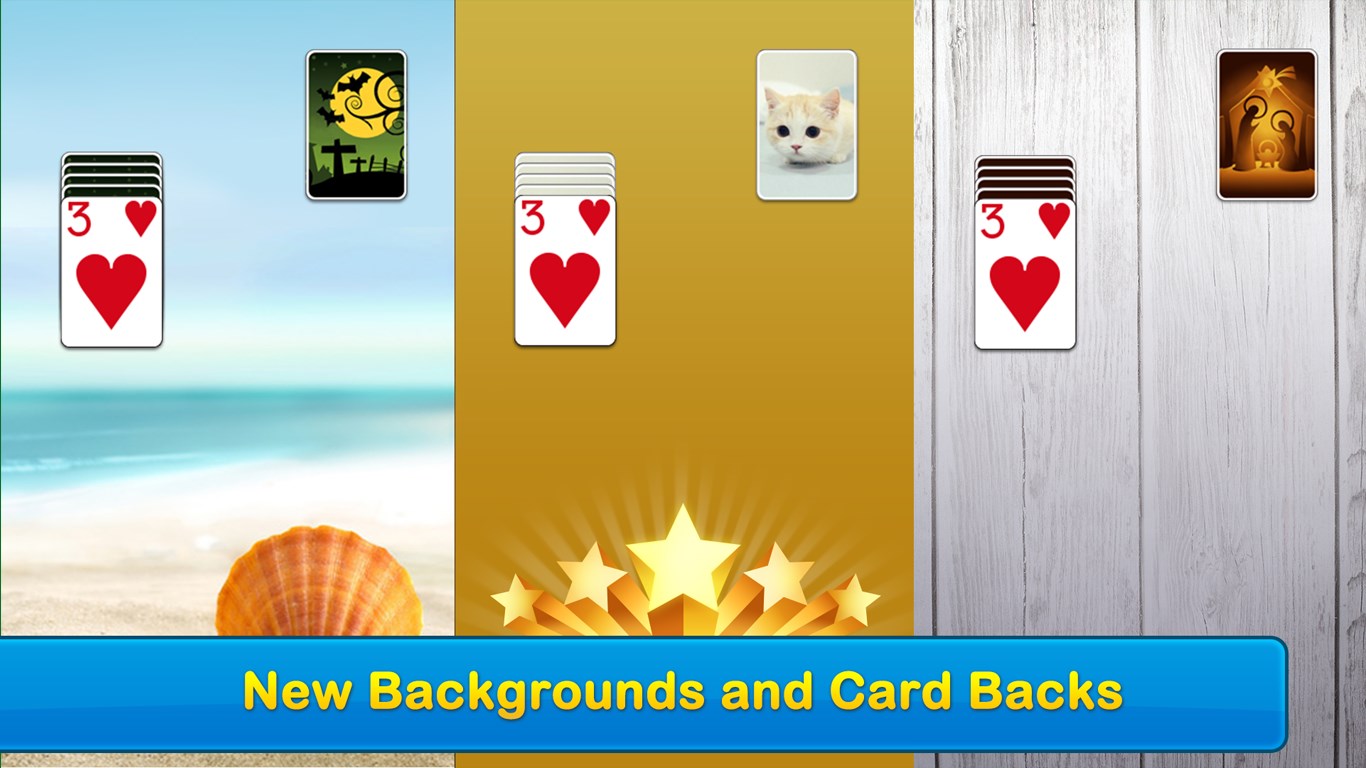
- Customizable Themes and Card Backs: Allows players to personalize their experience, creating a more immersive and visually pleasing environment.
- Seamless Saving and Resuming: Game state is automatically saved, so you can pick up right where you left off—perfect for busy schedules.
Engaging and User-Friendly Gameplay
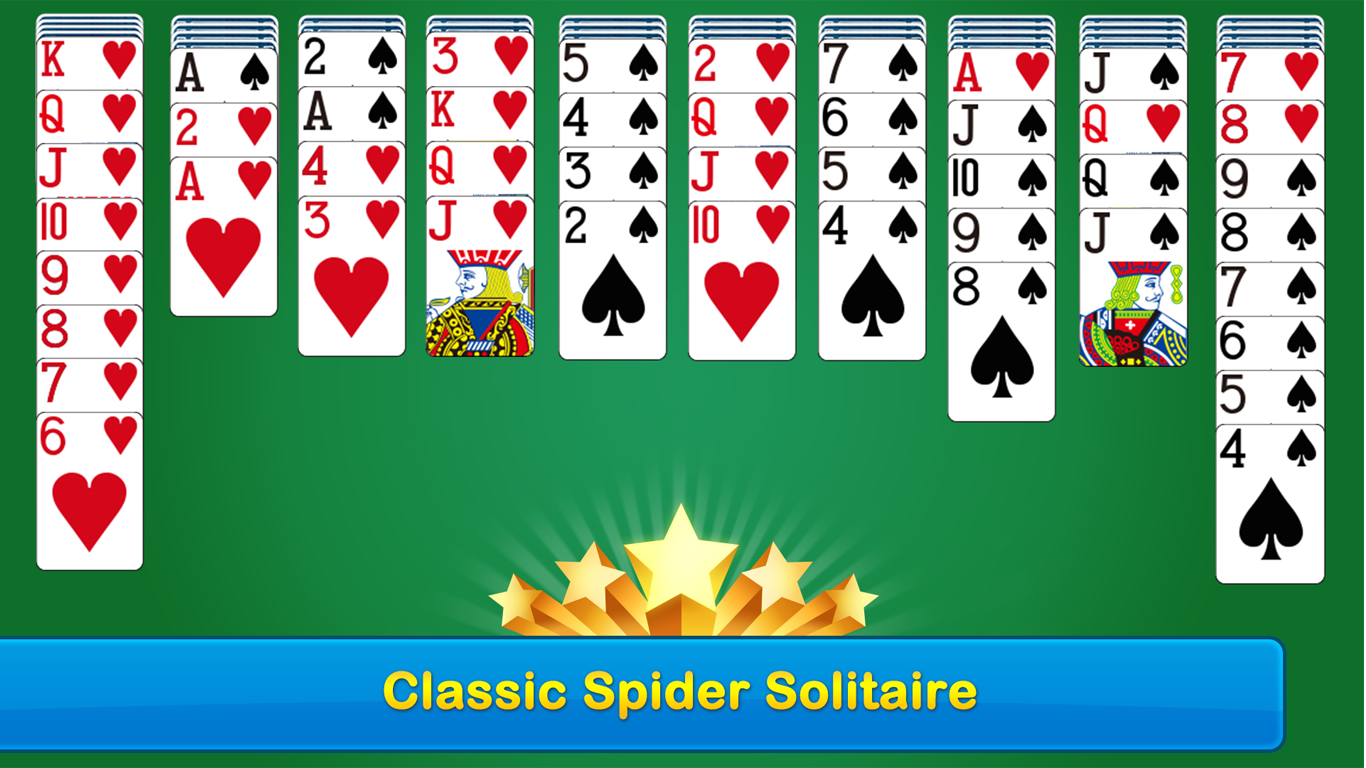
Walking into Spider Solitaire Free!! feels like stepping into a cozy, digitized card room. The interface's sleek, uncluttered design resembles a well-organized playing table, allowing you to focus solely on solving the puzzle at hand. The layout is simple yet elegant, with intuitive touch or mouse controls that make dragging, stacking, and uncovering cards feel natural—like shuffling a real deck on a polished surface.
The game's responsiveness is smooth, with minimal lag—nothing breaks the immersion when your fingers flutter across the screen or mouse. Learning the rules is quick: even beginners can grasp the core mechanics within minutes, thanks to helpful hints and the game's gradual difficulty curve. Once you're accustomed, the challenge ramps up nicely, particularly in the four-suit mode, which demands strategic planning akin to playing chess with cards.
Strategic Depth and Unique Features
What sets Spider Solitaire Free!! apart from other digital solitaire apps isn't just its visual polish but its thoughtful approach to decision-making visibility. The game emphasizes analyze-decision consequences by clearly showing your options and potential moves, effectively reducing guesswork and encouraging strategic thinking. This transparency fosters better planning and helps avoid the frustration of blind moves, making it particularly appealing to those who enjoy analyzing every step.
Additionally, the app excels at managing information overload. Unlike some cluttered card games that bombard players with distractions or unnecessary notifications, Spider Solitaire Free!! maintains a clean interface that highlights only essential elements, enabling you to focus solely on your game. The optional hints and auto-complete features subtly guide you without undermining the satisfaction of solving puzzles unaided.
Final Thoughts and Recommendations
Overall, Spider Solitaire Free!! offers a clear, refined take on a beloved classic, striking a balance between simplicity and depth. Its standout features—especially the transparent decision-making process and customizable aesthetics—make it a worthwhile download for fans of card puzzles or casual gaming in general. Whether you're a beginner eager to learn or a seasoned solitaire veteran seeking a reliable challenge, this app is a respectful and well-crafted choice. I recommend it for anyone looking for a soothing, brain-teasing activity that respects your intelligence as much as your relaxing time.
Pros
- User-friendly interface
- Free to play with no ads interrupting gameplay
- Multiple game modes and customizable options
- Auto-solve and undo features
- Smooth performance and quick load times
Cons
- Limited social features
- Basic graphics and sound effects
- No daily challenges or rewards system
- Limited customization options
- Some users reported occasional minor glitches











