
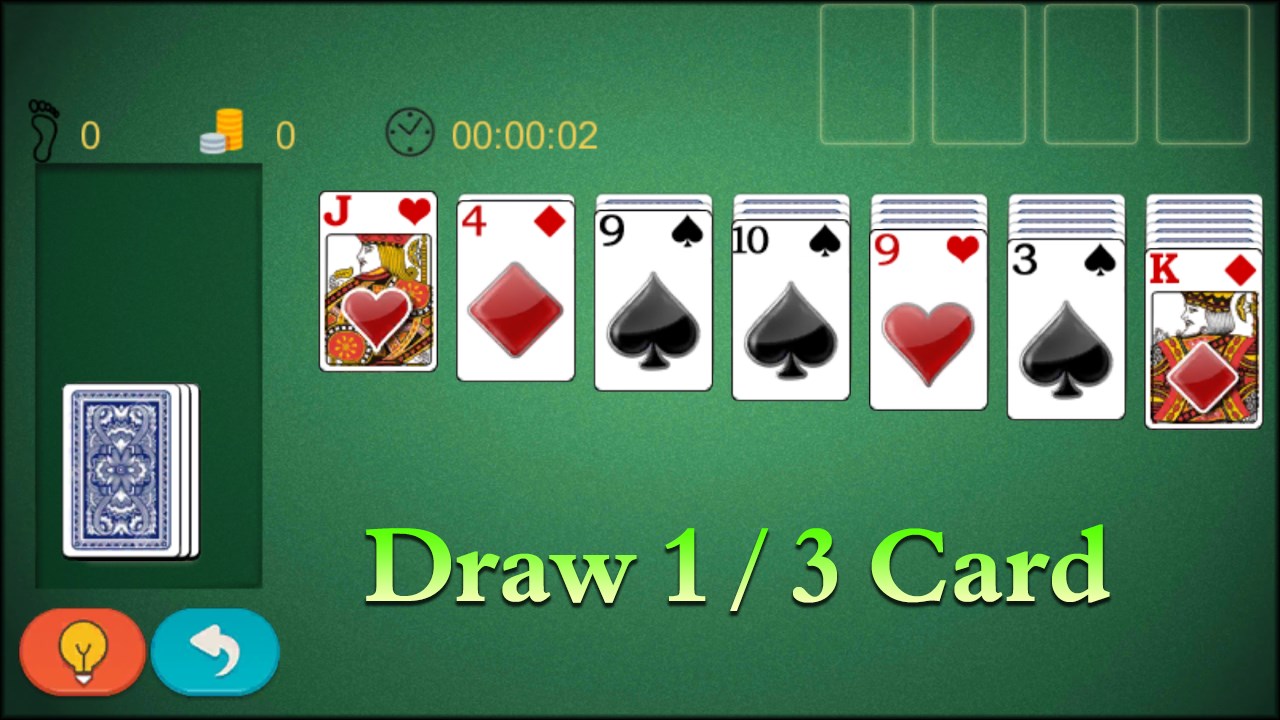
- Name Solitaire Classic 2024
- Category Strategy
- Developer Klondike Solitaire Game
- Available on PC, Mobile, Surface Hub, HoloLens
- OS Windows 10 version 10240.0 or higher
- DirectX Version 10
- languages English (United States)
An Elegant Digital Solitare Experience for Windows
Solitaire Classic 2024 for Windows offers a streamlined and polished digital take on the timeless card game, tailored for both casual players and traditional enthusiasts seeking a seamless gameplay experience.
Developed by Klondike Solitaire Game: A Focused Craftsmanship
This application is crafted by the dedicated team behind Klondike Solitaire Game, signaling a commitment to delivering a refined solitaire experience. The app champions classic gameplay mechanics fused with modern design sensibilities.
Key Highlights That Make Solitaire Classic 2024 Stand Out
- Simplified and intuitive interface: Clean visuals and a user-friendly layout make setup and navigation effortless, reducing the typical clutter often found in digital card games.
- Adaptive difficulty and game customization: The game offers adjustable levels and customizable themes, allowing players to fine-tune their experience according to their skill and mood.
- Smart move hints and undo options: These features assist newcomers without removing the challenge for seasoned players, promoting smooth learning and exploration.
- Enhanced decision visibility: Clear indicators guide players, helping them evaluate move consequences and avoid blind guesses, which is especially appealing for players who enjoy strategic depth without frustration.
Experience Deep Dive: User Interface and Gameplay Flow
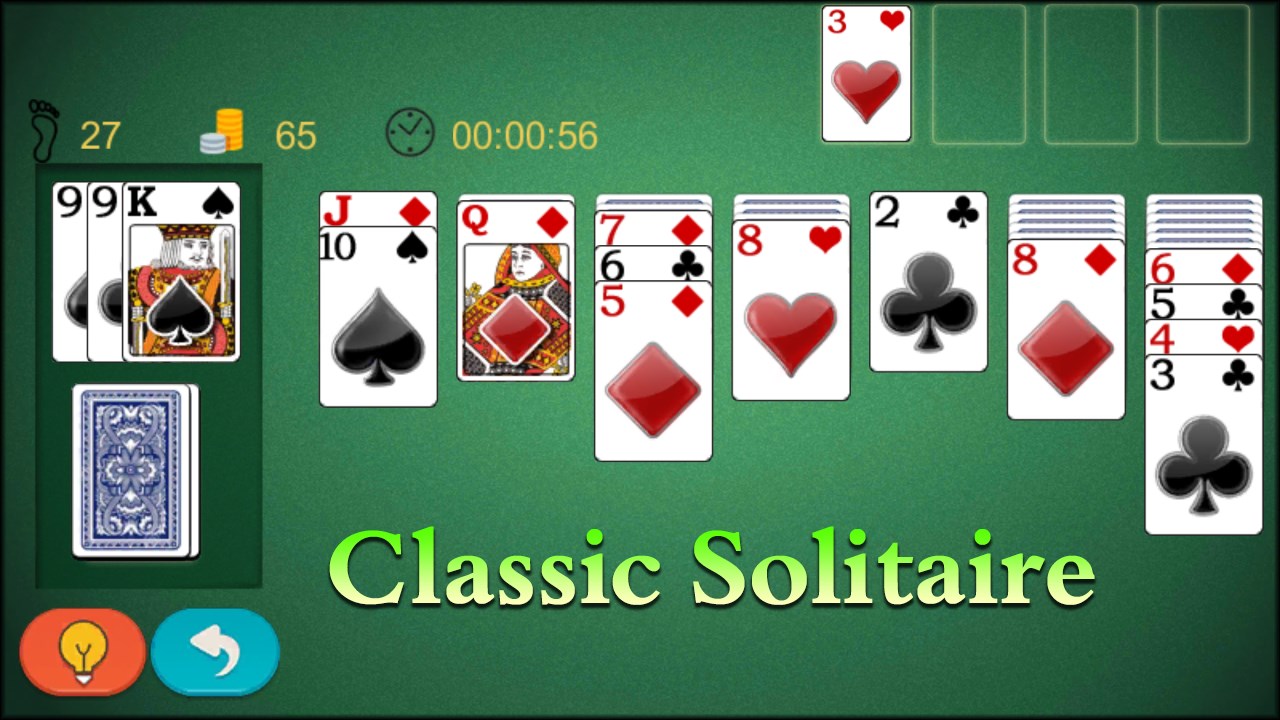
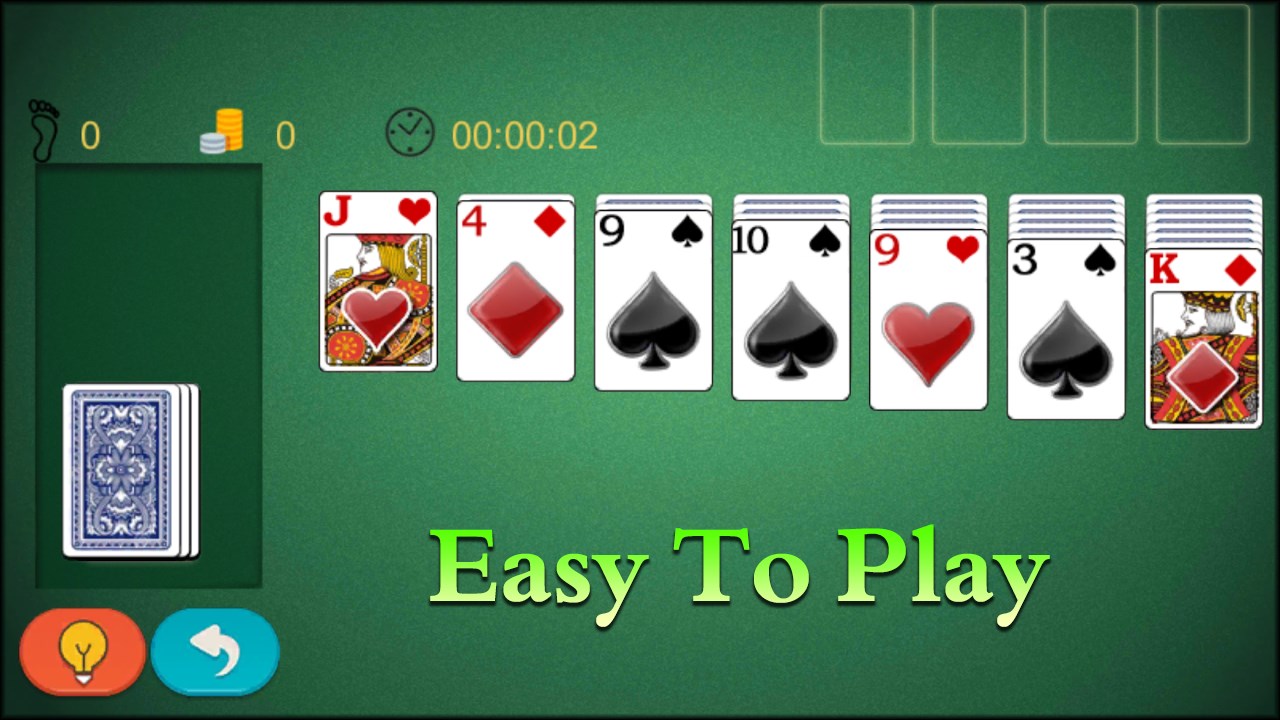
From the moment you launch Solitaire Classic 2024, you're greeted with a crisp, minimalist design that feels like a tidy deck of cards you want to shuffle over and over. The interface eschews unnecessary frills, allowing focus to remain squarely on the cards and their strategic arrangement. Navigating through decks and options is silky smooth; the app responds immediately to touch or mouse clicks, creating a sense of fluidity akin to dealing cards on a well-waxed table.
Learning the game is straightforward, thanks to unobtrusive hints and customizable tutorials. The game's responsiveness and fluid animations make the gameplay flow organically—no lag or stutters—making it suitable for quick sessions or longer strategic bouts. Its controls are intuitive: drag-and-drop works seamlessly, and the undo function breathes confidence into players experimenting with different strategies.
Unique Decision-Making Features and Differentiators
Unlike many traditional solitaire apps, Solitaire Classic 2024 emphasizes decision consequence visibility. It subtly highlights potential moves and visually indicates the outcome of certain deductions, helping players to better understand how their choices influence the game state. This insight offers a strategic edge, transforming solitaire from mere chance into a skillful exercise—perfect for players who enjoy evaluating risks and managing information overload. The app's clean design ensures that these decision cues are noticeable without overwhelming, striking a careful balance often missed in other apps.
Final Thoughts: Should You Play It?
Overall, Solitaire Classic 2024 for Windows stands out as a thoughtfully crafted digital solitaire experience that respects the game's classics while incorporating modern usability features. Whether you're a veteran player looking for a reliable digital recreation or a newcomer eager to sharpen your strategy, this app offers an engaging, accessible, and visually pleasing platform.
We recommend this application for anyone who values clarity, strategic insight, and a clutter-free interface. It's suitable for quick breaks or immersive sessions, making it a versatile addition to your Windows entertainment toolkit. If strategic decision visibility and smooth gameplay are your priorities, Solitaire Classic 2024 is definitely worth exploring.
Pros
- User-Friendly Interface
- Classic Gameplay with Modern Touches
- Multiple Game Variants Included
- Offline Play Accessible
- Customizable Themes and Card Covers
Cons
- Limited Tutorial Features
- Ads Interrupt Gameplay Occasionally
- Limited Sound Options
- Performance Variability on Older Devices
- Minor UI Elements Slightly Small on High-Resolution Screens











