
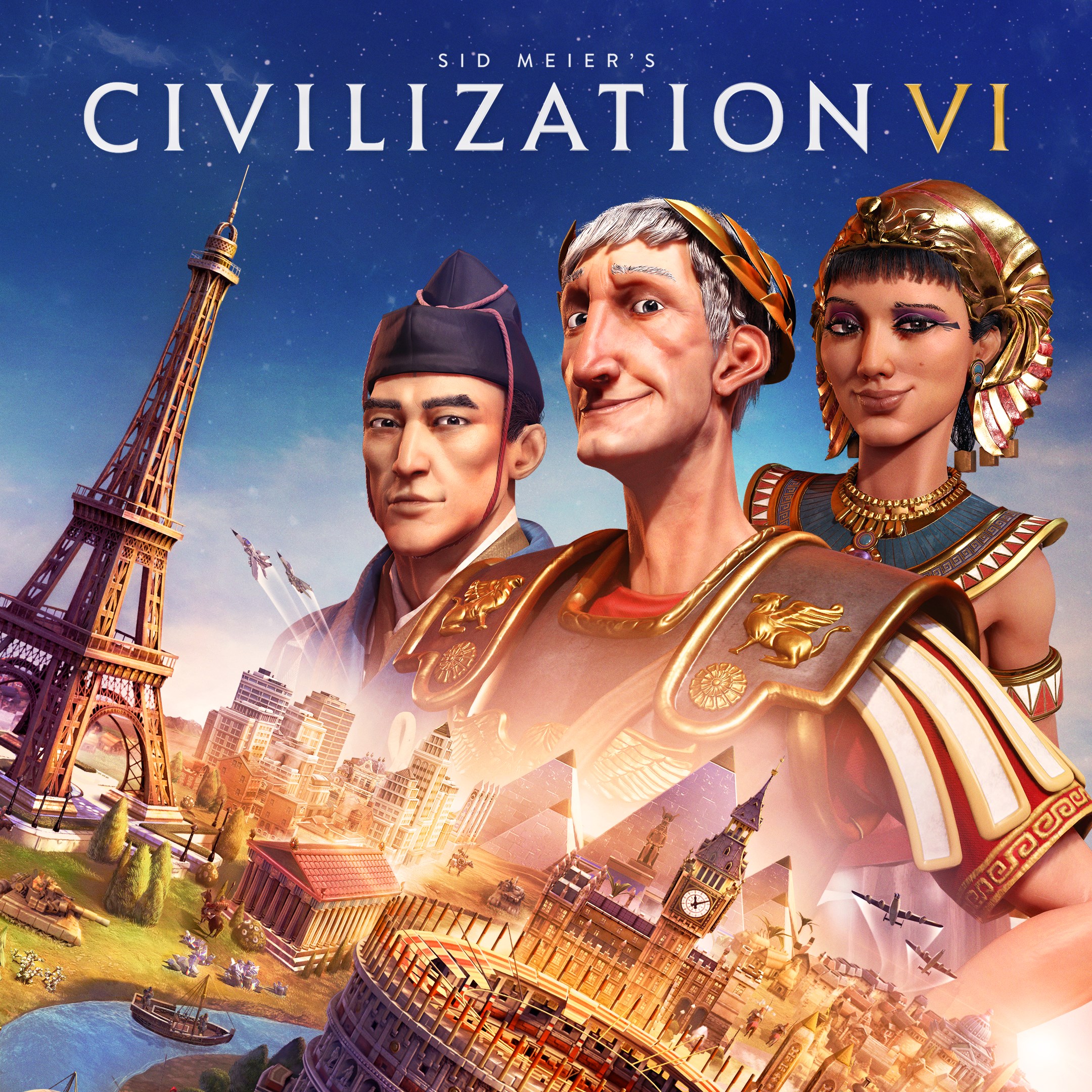
- Name Sid Meier’s Civilization® VI (Windows PC)
- Category Strategy
Unveiling the Ancient World with Sid Meier's Civilization® VI
Sid Meier's Civilization® VI on Windows PC offers a rich, strategic journey through history, allowing players to build and lead civilizations from the ancient era to the modern age. With its deep gameplay mechanics and broad scope, it stands as a cornerstone for strategy enthusiasts eager to shape the future while revisiting the past.
Developer and Core Highlights
Developed by Firaxis Games and published by 2K, Civilization VI is renowned for its intricate gameplay and historical depth. Its main features include:
- Expansive Empire Building: Players can cultivate diverse civilizations, each with unique leaders, units, and abilities, fostering varied strategic approaches.
- Dynamic Diplomacy and Warfare: Engage in complex diplomatic negotiations, alliances, and strategic warfare that respond dynamically to your choices.
- Innovative City-Development System: The “District” mechanic encourages thoughtful urban planning, integrating specialization and resource management into city layouts.
- Rich Cultural and Scientific Progress: Balancing cultural influence, technological advancements, and military strength is key to securing victory.
This title targets history buffs, strategy game veterans, and players seeking a profound and educational gameplay experience.
A Journey Through Strategy: Making Every Decision Count
Imagine embarking on an epic voyage through time, where every decision shapes the destiny of your civilization—Civilization VI feels just like that. From the moment you start, you're greeted with a vibrant world map brimming with possibilities, pulling you into an intricate web of strategic choices. Whether you're debating whether to prioritize military conquest or cultural influence, each move echoes into the future, making every game a unique story.
Deeply Engaging Core Features
The game shines brightest in its core systems. Firstly, the city development mechanics, especially the District system, introduce an innovative layer to urban planning. No longer are cities just about expanding growth; they require strategic placement of districts for science, culture, or military prowess, akin to crafting a carefully balanced ecosystem. This feature elevates gameplay, making each city a personalized hub of specialization.
Secondly, the diplomacy and alliance system stands out. Interactions are nuanced and layered, with decisions that are rarely black or white. Negotiations can sway global politics, and alliances can be fragile yet impactful. This adds a realistic depth that keeps players invested in the political landscape, much like navigating a complex international chessboard.
Lastly, the game's AI decision-making offers surprisingly transparent feedback. When you choose to invest in a particular technology or war effort, the consequences are visible and logically linked, providing a clear cause-and-effect chain that guides strategy without unnecessary guesswork.
Design, Performance, and Learning Curve
The user interface of Civilization VI is intuitive, with a clean, colorful map that makes navigating between cities and units a breeze—think of it as a well-organized command center. The game's performance on modern PCs is smooth, with fast loading times and fluid animations, ensuring that your strategic thoughts aren't interrupted by technical hiccups. For newcomers, the game offers optional tutorials and contextual help, easing the learning curve—though mastering all its depths still feels like an achievement, akin to learning a new language.
What Makes It Unique Among Strategy Titles?
Compared to other strategy games, Civilization VI excels in its decision consequence visibility. Every action you take visibly influences game metrics and diplomatic relations, making the impact of your choices clear. Furthermore, it deftly manages information overload—while packed with details, its interface smartly filters and displays only relevant data, allowing you to focus on what truly matters, similar to having a well-organized dashboard in a complex control room.
These features collectively make Civ VI not just a game of empire-building but a sophisticated simulation of human decision-making, setting it apart from more simplistic or action-oriented strategy titles.
Recommendation and Final Thoughts
Overall, Civilization VI is highly recommended for strategy enthusiasts seeking depth, complexity, and a way to immerse themselves in history's grand narrative. It's particularly suited for those willing to invest time in understanding its systems and enjoy a game that rewards thoughtful planning over rash actions. Its unique emphasis on transparent decision consequences and effective information management makes it a standout in the genre.
If you enjoy games that combine historical education with strategic mastery—think of it as a digital civilization where your decisions echo through time—this title is an excellent choice. Whether you're a veteran looking for a new challenge or a curious newcomer willing to learn, Civilization VI offers a compelling, rewarding experience that keeps you coming back for more.
Pros
- Deep and Strategic Gameplay
- Beautiful and Detailed Graphics
- Rich Content and Civilizations
- Regular Updates and Expansions
- Customizable and Mod-Friendly
Cons
- Steep Learning Curve
- Performance Issues on Lower-End PCs
- Heavy Disk Space Usage
- UI Complexity
- Occasional Bugs and Crashes











