
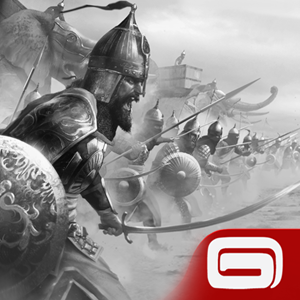

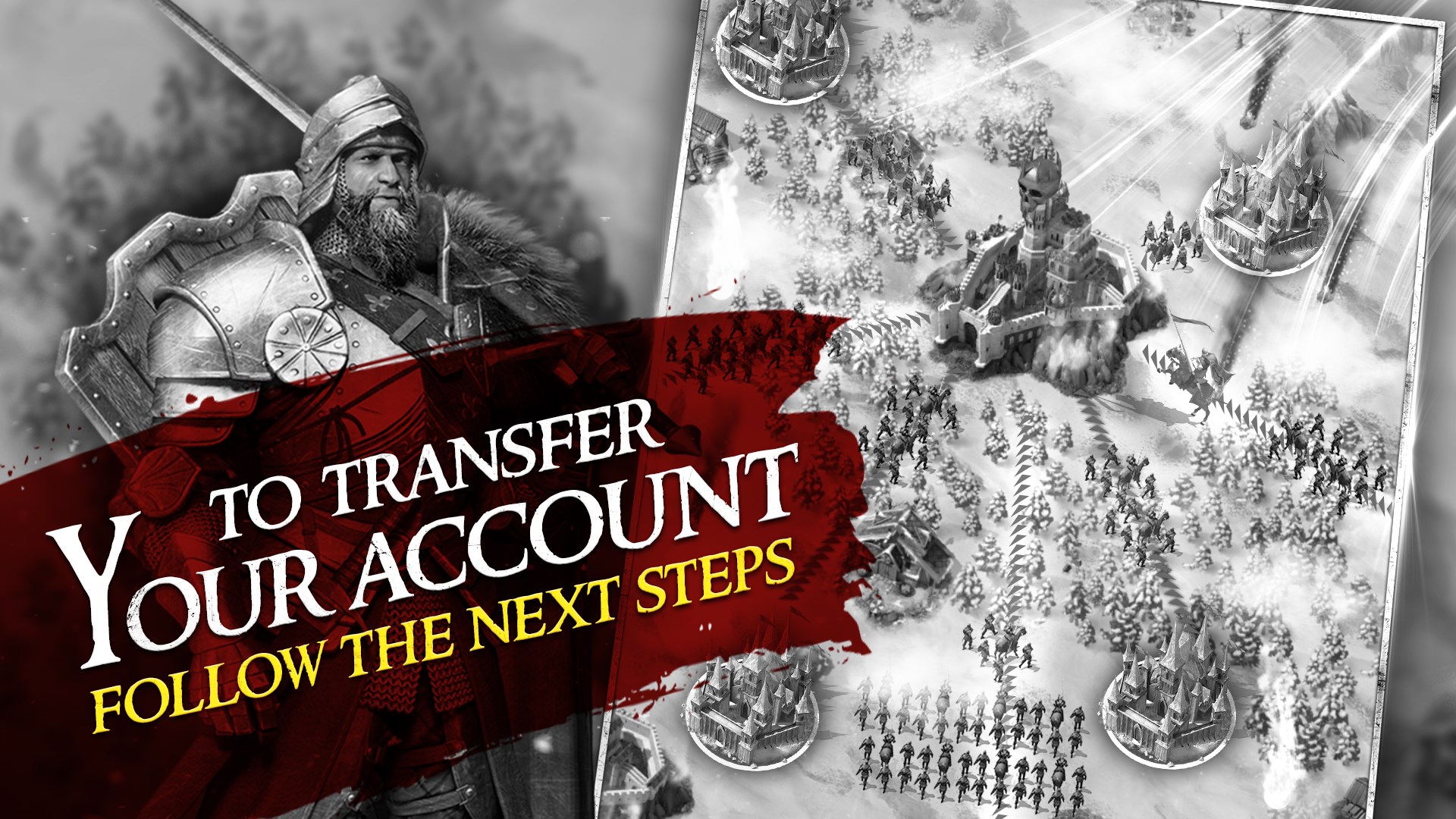
- Name March of Empires: War of Lords
- Category Strategy
- Available on PC, Surface Hub, HoloLens
- OS Windows 10 version 19041.0 or higher
- languages Arabic, Chinese (Simplified), Chinese (Traditional Chinese), English, French, German, Hindi, Indonesian, Italian, Japanese, Korean, Polish, Portuguese, Russian, Spanish, Thai, Turkish
Embedding Strategies in a Medieval World: An Introduction to March of Empires
Imagine wielding the power to build mighty kingdoms, forge alliances, and wage epic battles — all from your desktop. "March of Empires: War of Lords" for Windows positions itself as a robust, strategy-driven game that invites players into a sprawling medieval realm full of diplomacy, conquest, and resource management. Developed by Gameloft SE, a reputable name in mobile gaming, this title aims to bring the grandeur of empire building right to your PC screen, combining classic RTS elements with modern polish.
Core Features that Command Attention
Ultimate Fortress and City Builder
At its core, March of Empires delivers a compelling city-building experience. Players start with a humble settlement and gradually upgrade buildings, develop defenses, and expand territories. The game's emphasis on strategic placement and resource control makes every decision feel consequential, much like laying the bricks of a grand castle that must withstand sieges and time.
Diplomacy and Alliances
Beyond mere conquest, the game emphasizes diplomacy — forming alliances, trading resources, and coordinating joint attacks. The alliance system adds a social dimension, fostering cooperation and strategic planning among players worldwide, much like a medieval council influencing the fate of kingdoms.
Epic Battles and Warfare
The combat mechanics are visually satisfying with a clear focus on tactical deployment. Players muster armies, set strategies, and engage in real-time battles that require swift decision-making. The game's design balances complexity with accessibility, ensuring battles are both engaging and manageable.
User Experience and Interface: A Garden of Clarity
March of Empires features a clean, visually appealing interface that resembles a well-organized royal court: intuitive, with menu options easily accessible, reducing clutter and confusion. Navigating the game feels seamless; transitions between building, battling, and diplomacy are fluid, much like turning the pages of a well-crafted strategy manual. The learning curve is moderate; new players can grasp the basic mechanics quickly, while deeper strategic layers unfold as they progress, rewarding players who enjoy mastering complex systems.
What Sets It Apart: Strategic Clarity and Decision Visibility
One of the most notable strengths of March of Empires lies in its transparent decision-making process. Unlike some strategy games where players are often caught in information overload, this title excels at highlighting the consequences of choices. Whether assigning resources, planning defenses, or engaging in diplomacy, the game offers clear feedback, allowing players to evaluate outcomes and refine their strategies effectively. This visibility fosters a mindset of deliberate planning rather than frantic micro-management, making every move feel meaningful — a key advantage in a genre often criticized for complexity and ambiguity.
Final Verdict and Recommendations
Overall, March of Empires for Windows stands out as a well-crafted strategy game suitable for both casual and dedicated players who enjoy empire-building simulations. Its strong emphasis on clear decision consequences and manageable information flow make it accessible without sacrificing depth. I recommend it for those who appreciate strategic planning, social alliances, and medieval aesthetics. Whether you're looking to build a peaceful kingdom or conquer rivals, this game offers a balanced experience that respects your time and intellect. For strategy enthusiasts seeking a game that combines clarity with engaging content, March of Empires is definitely worth exploring.
Pros
- Engaging real-time strategy gameplay
- Rich graphics and detailed artwork
- Frequent content updates
- Strong social and alliance features
- Free to play with optional in-game purchases
Cons
- Progression can be slow without spending money
- High reliance on internet connection
- In-game events can be time-consuming
- User interface can be cluttered at times
- Some players experience imbalanced matching during PvP











