

- Name Infinity Kingdom
- Category Strategy
- Available on PC
- OS Windows 10 version 17763.0 or higher
- languages Arabic, Chinese (Simplified), Chinese (Traditional Chinese), English (United States), French, German, Indonesian, Italian, Japanese, Korean, Polish, Portuguese, Russian, Spanish, Thai, Turkish, Vietnamese
Discover a New Realm of Strategy with Infinity Kingdom for Windows
If you're a fan of deep, immersive strategy games that combine mythic kingdoms with tactical decision-making, Infinity Kingdom for Windows offers an engaging universe waiting to be explored. Developed by MIRACLE GAMES INC., this game promises not just a playfield but a vibrant world filled with alliances, battles, and empire-building adventures.
Basic Information: Setting the Stage for Epic Conquest
Infinity Kingdom for Windows positions itself as a competitive, grand-scale strategy game set in a mythic universe where players can build, grow, and defend their kingdoms. The game is crafted by MIRACLE GAMES INC., a developer known for their engaging mobile and PC strategy titles, ensuring a polished and feature-rich experience. Its standout features include customizable hero units, resource management intertwined with large-scale battles, and social alliances that foster community engagement.
Designed primarily for strategy enthusiasts, fantasy lovers, and mobile gamers transitioning to PC, its target audience spans from casual players seeking entertainment to hardcore strategists aiming for competitive dominance. Its accessible interface and scalable complexity make it suitable for a broad spectrum of users eager to craft their own legends in an epic fantasy realm.
Engaging Play and Core Features
Embark on a Visual Odyssey
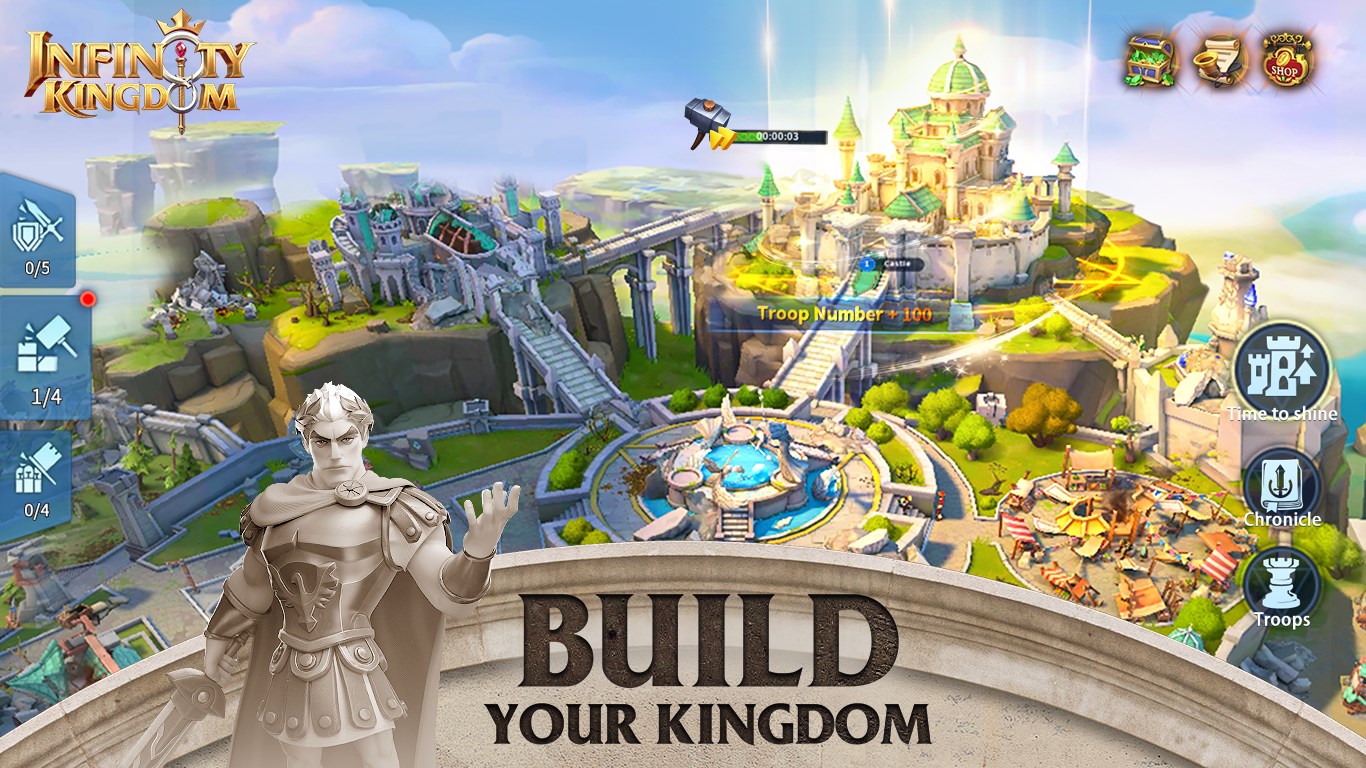
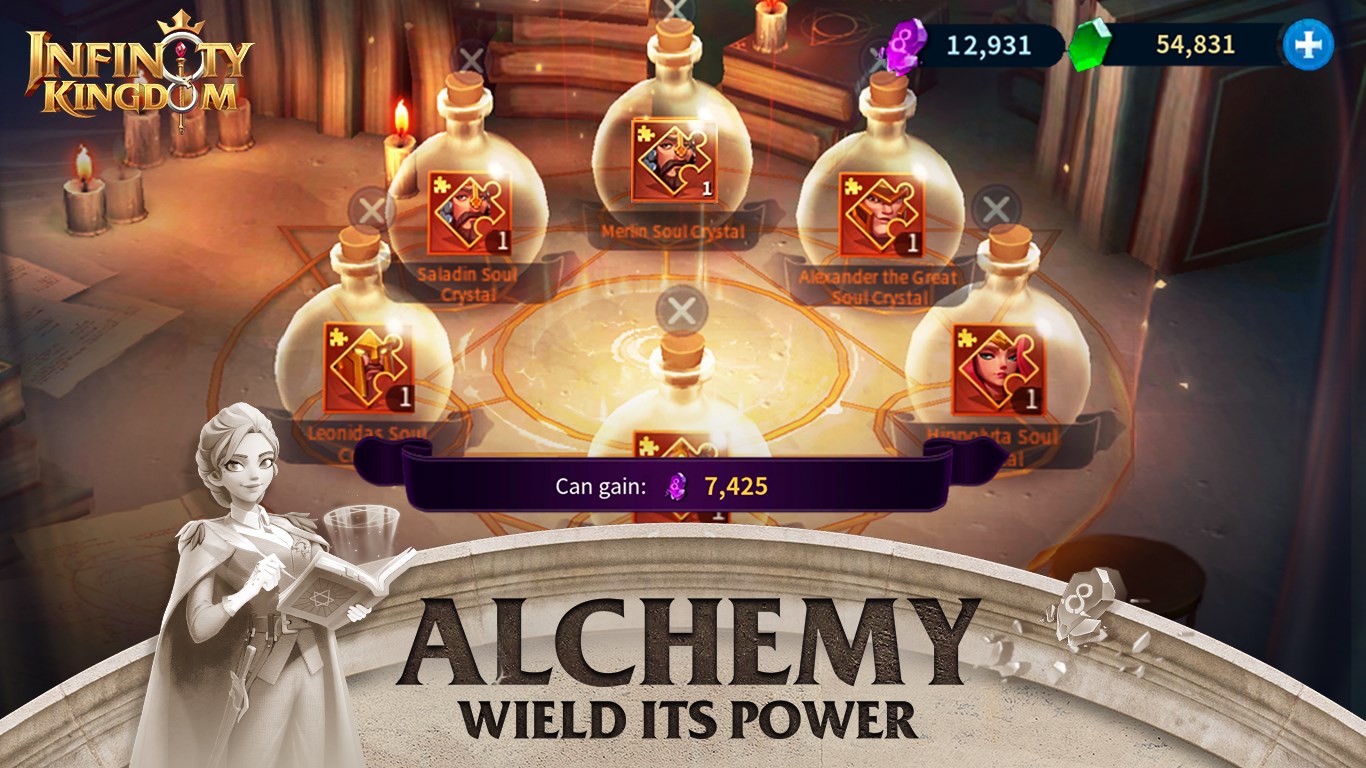
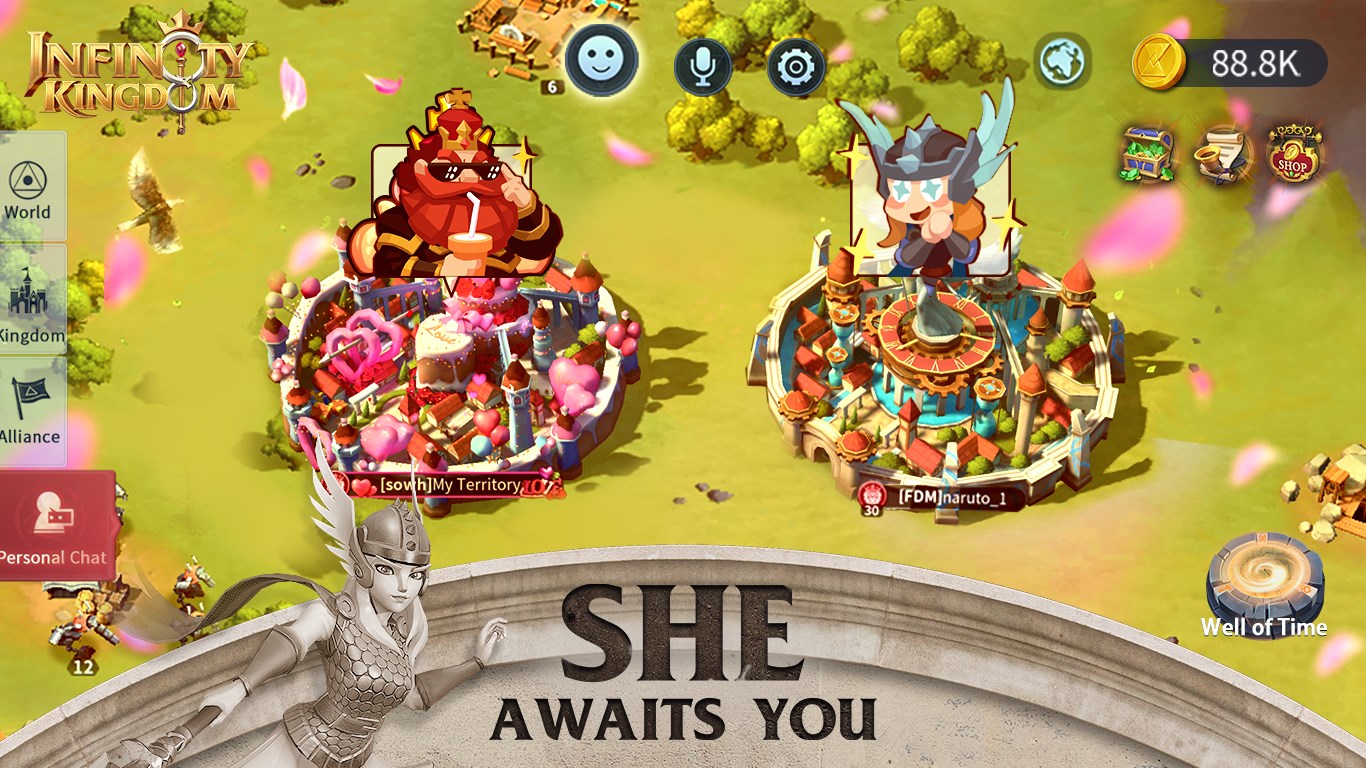
The game's interface immediately immerses players into a mythic landscape, with lush visuals that evoke a sense of wonder and grandeur. The design strikes a fine balance between aesthetic appeal and functional clarity, making navigation intuitive. Whether you're scrolling across expansive terrains or inspecting your hero's strengths, every element feels thoughtfully crafted. The smooth animations and responsive controls contribute to a seamless experience, ensuring you can focus on strategic decisions rather than battling the interface.
Strategic Depth with Hero Customization and Management
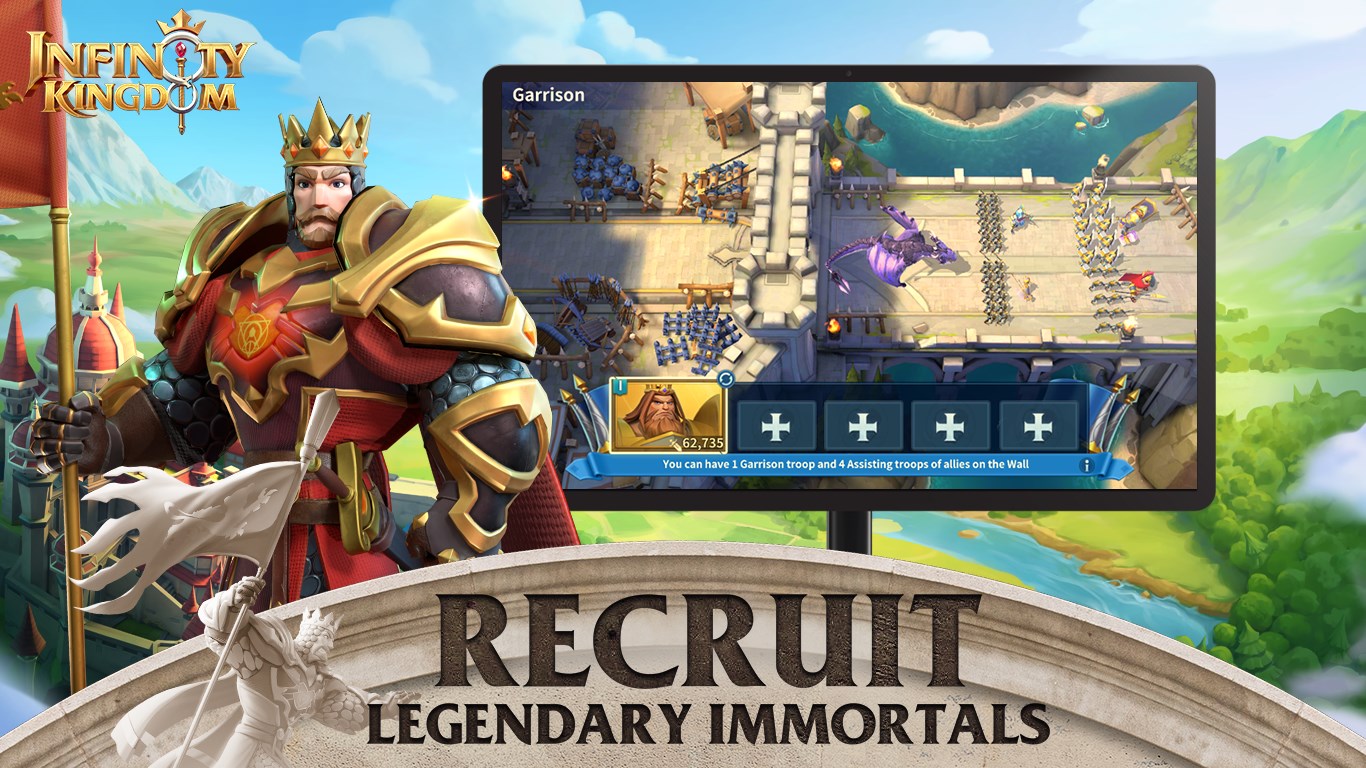
A highlight that sets Infinity Kingdom apart is its hero system. Players can recruit, upgrade, and customize heroes, each wielding unique skills tailored to different playstyles. Managing your heroes involves tactical decisions—choosing the right hero for specific battles, aligning their abilities with your army composition, and strategizing their progression. This layer of personalization adds depth, allowing for varied approaches to conquest and defense.
The game also emphasizes resource management—balancing gold, wood, food, and other materials—mirroring the complexities of actual empire-building. The strategic allocation of resources ensures that players stay engaged, constantly weighing the risks and rewards of their expansion moves.
Alliance System and Large-Scale Conquest
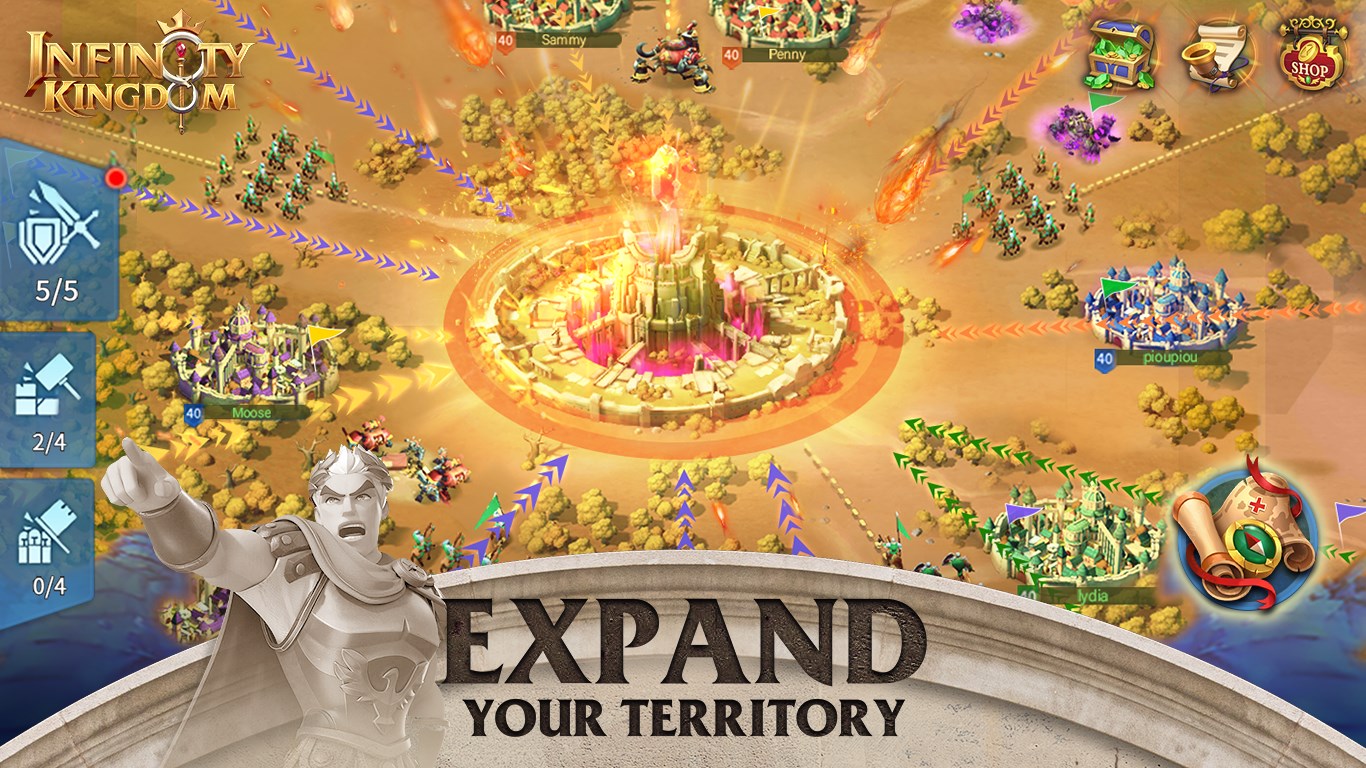
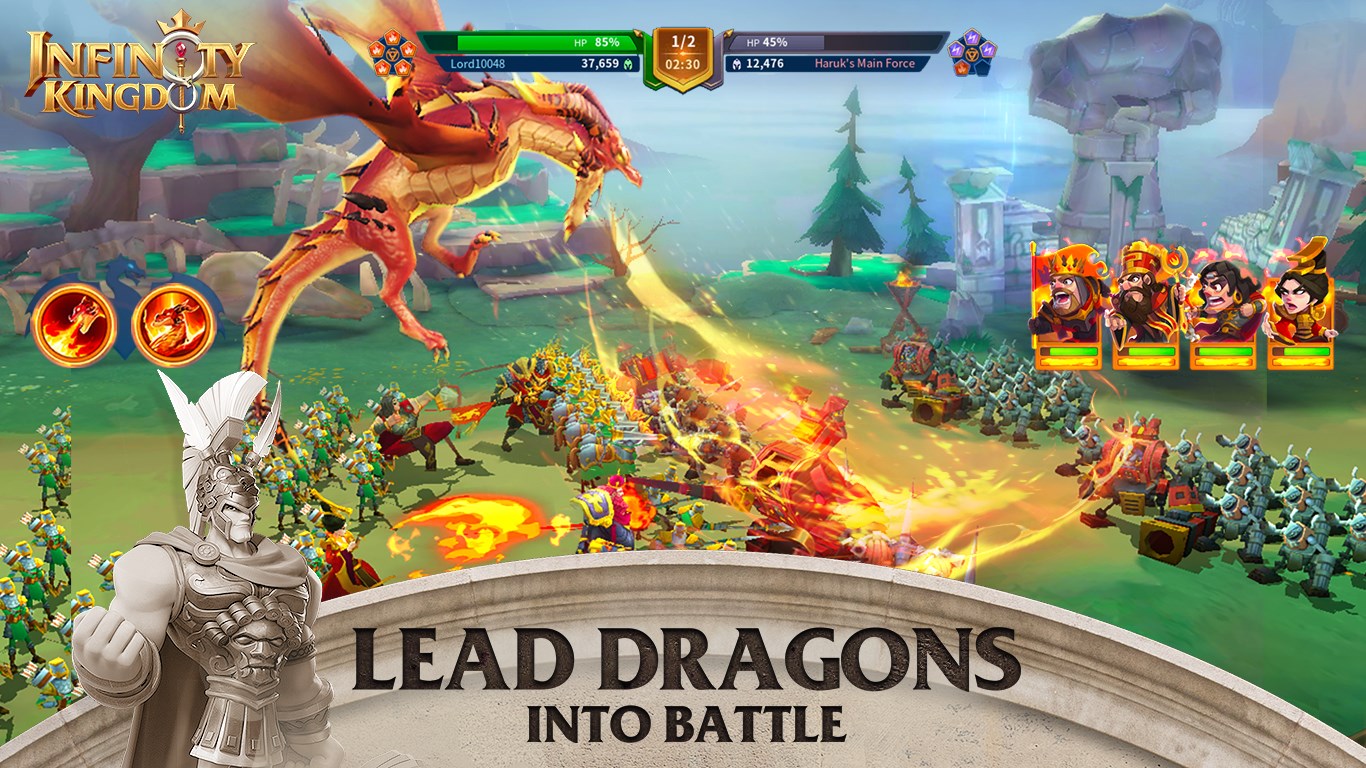
One of Infinity Kingdom's defining features is its social component. Forming alliances offers cooperative gameplay, shared resources, and coordinated attacks against rivals. This fosters a sense of community akin to being part of a united kingdom under siege, with players rallying behind common goals. The game handles large-scale battles efficiently, with clear visual cues and commands, ensuring players feel both the chaos and control of warfare.
The game's decision consequence visibility feature is particularly noteworthy. It displays the impact of your strategic choices transparently, helping you analyze outcomes and learn from missteps— an aspect valuable for both casual learners and serious strategists.
Unique Selling Points and User Experience Insights
Compared to other strategy games, Infinity Kingdom's standout is its ability to manage information overload through intuitive UI design and decision transparency. While many titles bombard players with endless options and cluttered menus, this game intelligently highlights critical information, making complex decisions manageable. Its decision consequence visibility feature acts like a crystal ball—showing potential outcomes of your actions before you commit, which is a game-changer for strategic planning.
The game's learning curve is moderate; it offers sufficient guidance for newcomers but also provides depth for veterans. The tutorial system is friendly yet unobtrusive, allowing players to pick up the mechanics at their own pace. Over time, players will appreciate how the game balances complexity with clarity—an essential trait for long-term engagement.
Should You Dive In?
All in all, Infinity Kingdom for Windows deserves a solid recommendation for strategy enthusiasts looking for a richly layered game that emphasizes decision-making, community, and visual storytelling. Its unique ability to clearly display the consequences of your decisions and manage information flow makes it a standout in the crowded realm of strategy titles. Whether you're forging alliances, planning campaigns, or honing your hero lineup, this game provides the tools and environment to grow your empire thoughtfully and engagingly.
For new players, starting with the guided tutorials is recommended. More experienced strategists can appreciate the game's transparency and detailed control, making it a rewarding challenge rather than a daunting task. Happy conquest!
Pros
- Stunning graphics and detailed artwork
- Engaging real-time strategy gameplay
- Regular updates with new content
- Cross-platform compatibility
- Simple user interface
Cons
- High resource consumption during gameplay
- In-app purchase reliance for faster progress
- Occasional server connectivity issues
- Limited offline capabilities
- Potential for in-game fatigue











