
- Name FreeCell Solitaire Pro!!
- Category Strategy
- Developer Klondike Solitaire Game
- Available on PC, Mobile, Surface Hub, HoloLens
- OS Windows 10 version 10240.0 or higher
- DirectX Version 10
- languages Chinese (Simplified), English (United States)
Introduction: A Sleek Windows Card Solitaire Experience
FreeCell Solitaire Pro!! for Windows emerges as a modern take on a classic card game, offering players a streamlined and engaging Solitaire experience right on their desktops. Crafted by Klondike Solitaire Game, this app bridges traditional gameplay with thoughtful digital design, making it accessible and appealing to casual players and seasoned card enthusiasts alike.
Core Features That Shine Bright
Intuitive Gameplay and Smooth Mechanics
The app's core allure lies in its refined interface and fluid gameplay. Transitioning cards feels natural, with animations that are gentle on the eyes yet responsive enough to keep gameplay snappy. The game minimizes unnecessary clutter, allowing players to focus solely on strategic moves without distraction. This fluidity ensures that even beginners can get into the groove swiftly—think of it as sliding effortlessly across a well-laid table, rather than wrestling with stubborn pieces.
Enhanced Decision-Making Visibility
One of the app's most compelling features is its focus on decision consequence visibility. The game cleverly highlights potential moves and visual cues that make understanding the repercussions of each card placement straightforward. For example, when a move is risky or leads to a dead end, the interface subtly signals this, empowering players to think ahead. This approach significantly reduces guesswork, transforming Solitaire from a game of luck into a true strategic challenge.
Smart Information Overload Management
Unlike some complex strategy games, FreeCell Solitaire Pro!! maintains a balanced flow of information, preventing players from feeling overwhelmed. The app smartly filters options and provides just enough context to guide decision-making without inundating the user. Whether you're a casual player or someone hunting for a mental workout, the app adapts to your skill level, making it both accessible and stimulating.
Design and User Experience: A Seamless Journey
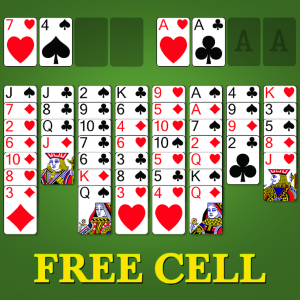
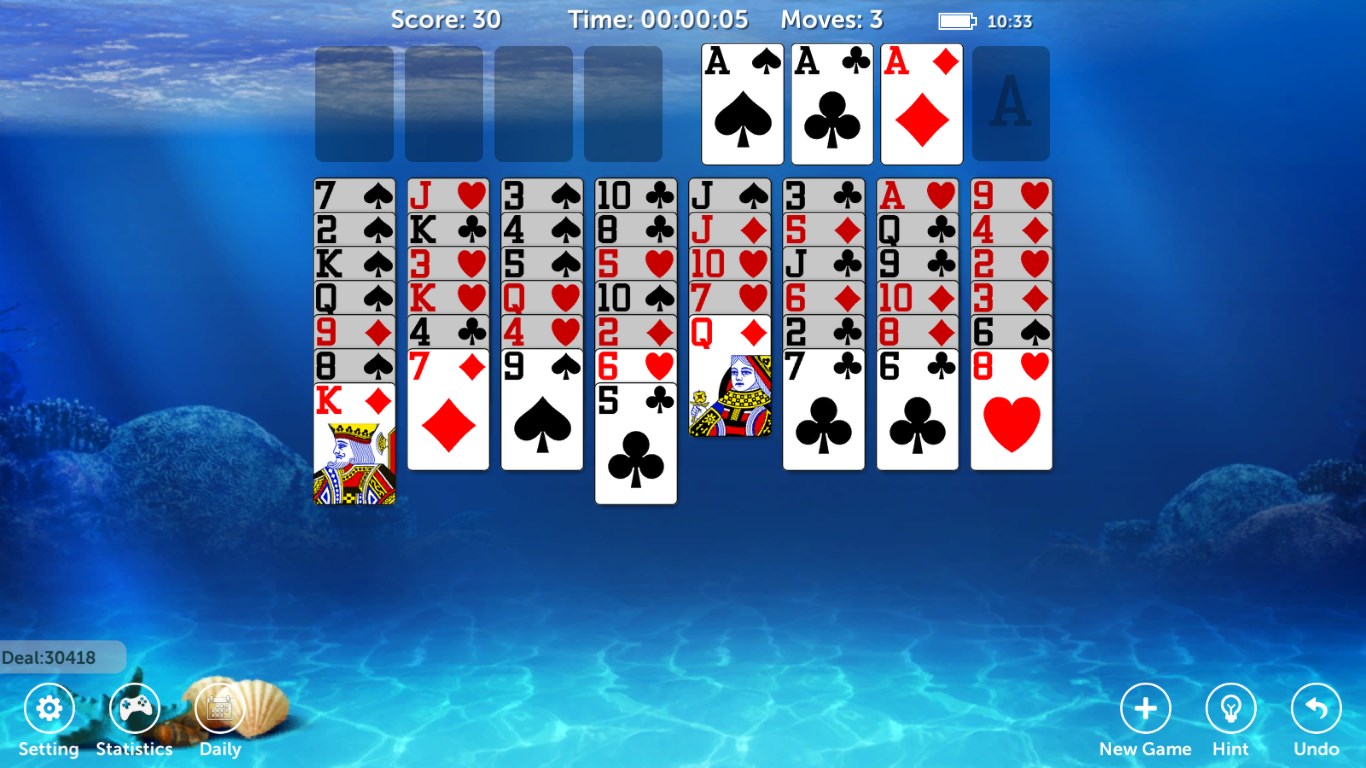
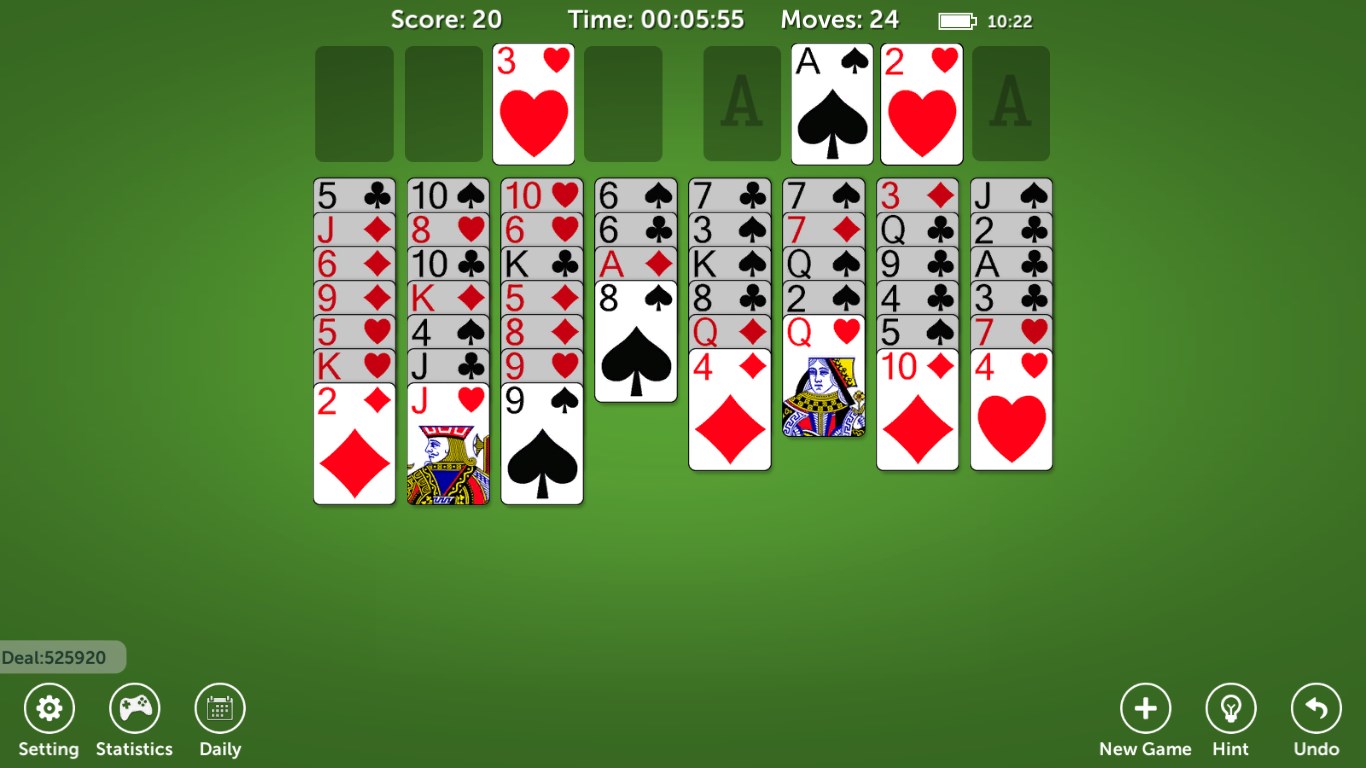
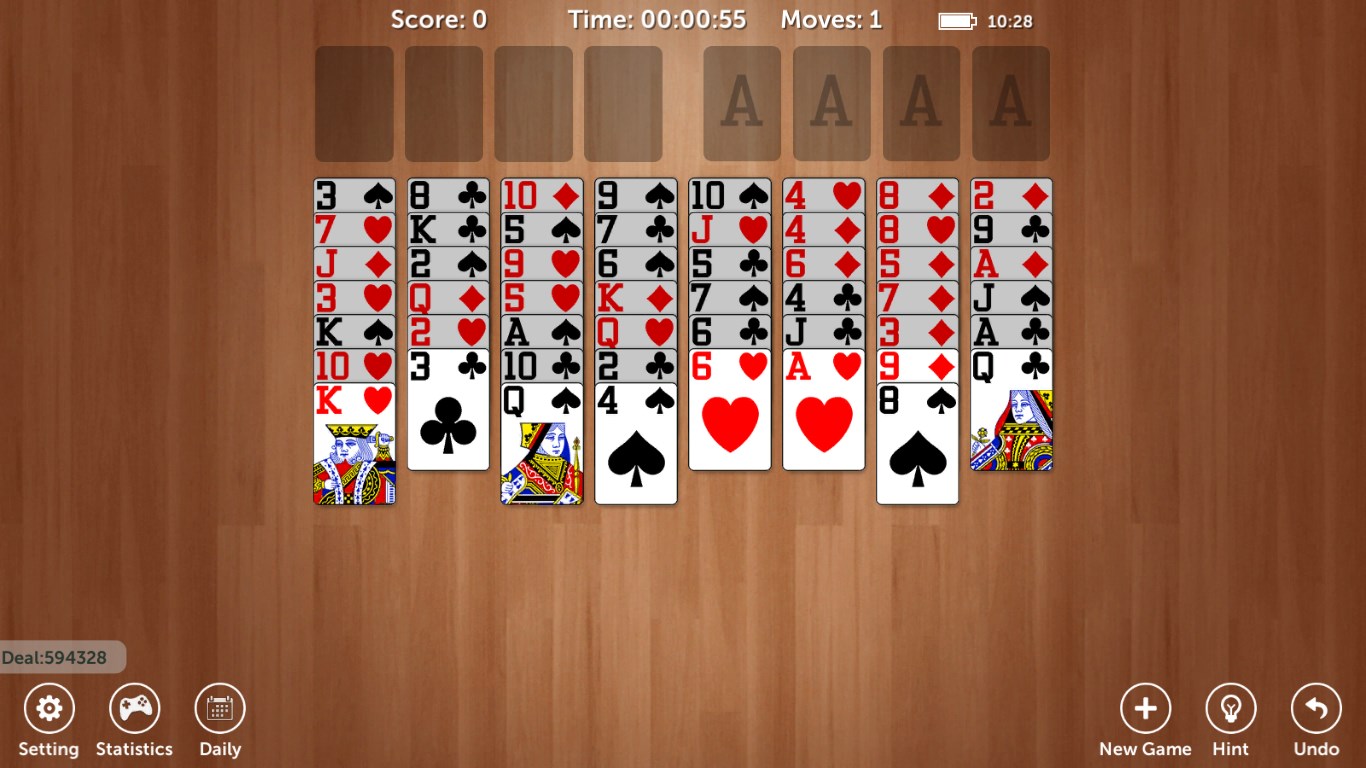
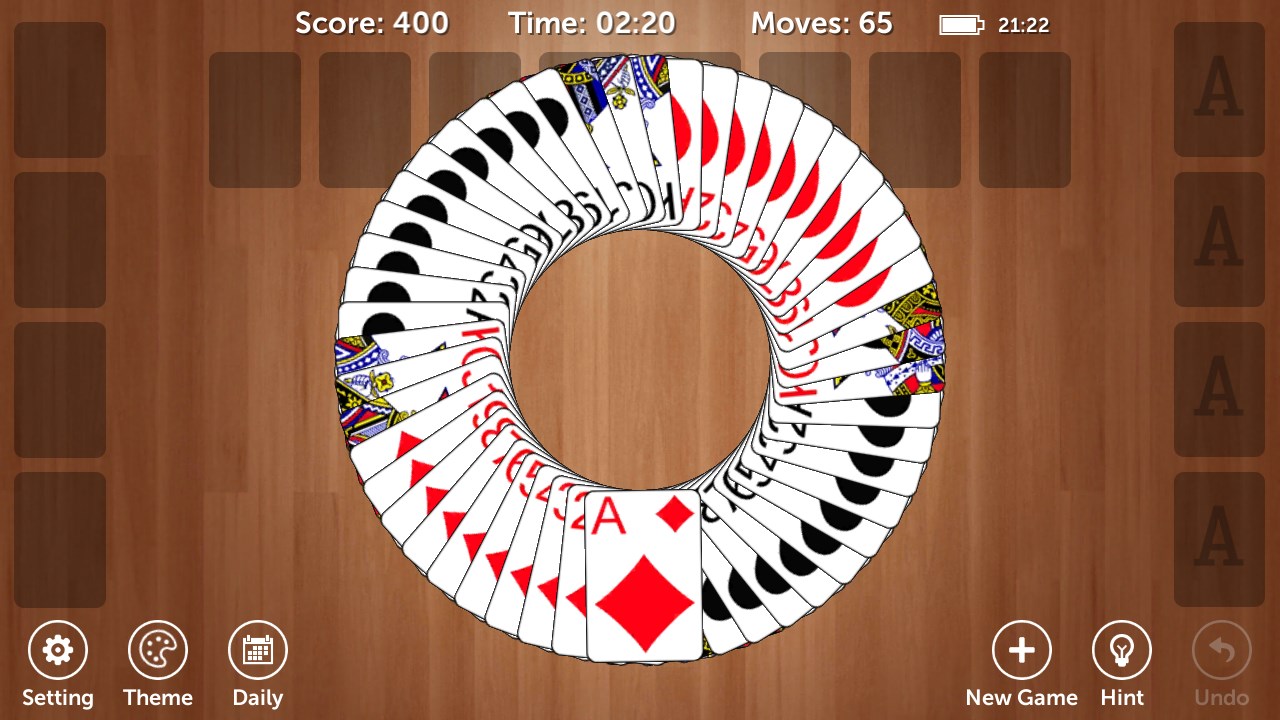
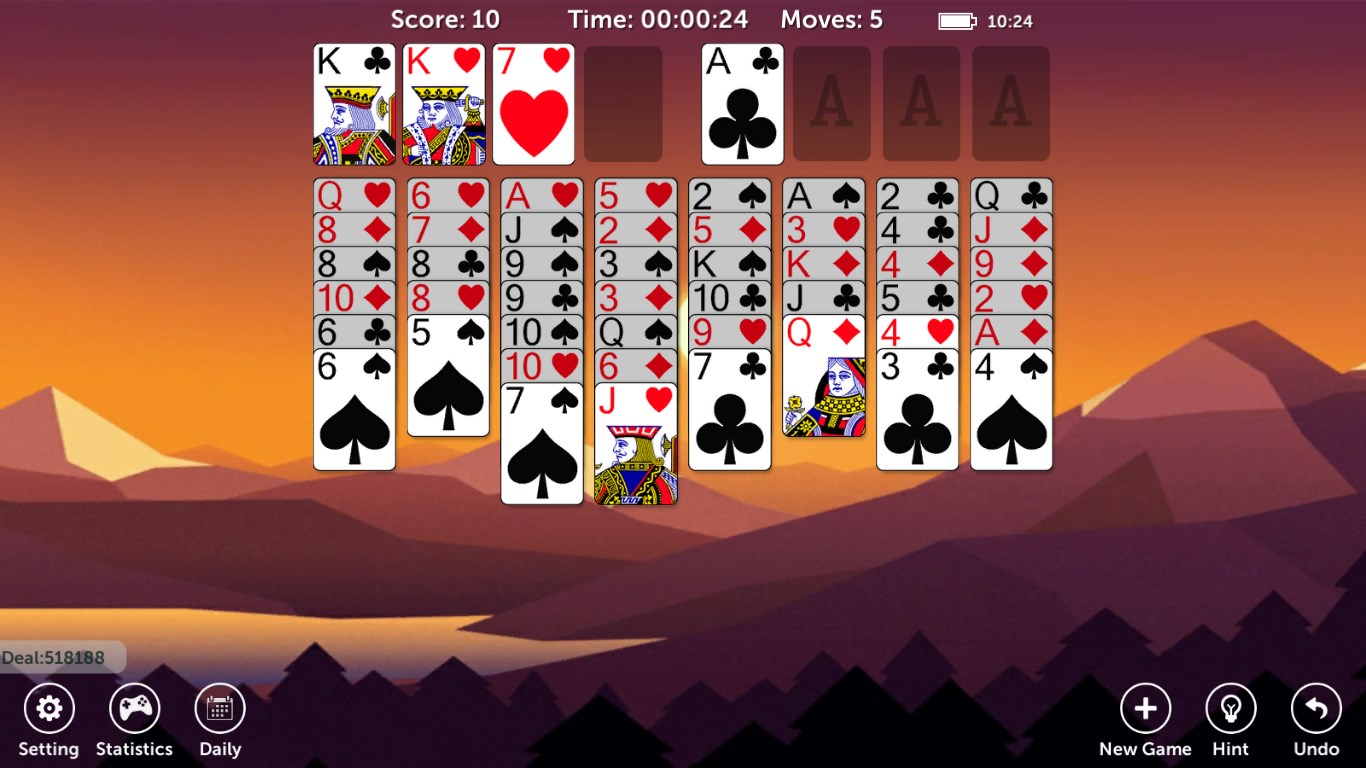
The visual design embraces a clean, modern aesthetic with subtle color schemes that evoke a cozy yet professional atmosphere—imagine playing on a polished wooden table with perfectly shuffled decks. The interface layout is intuitive, with easy access to controls like undo, hints, and resetting the game. Operation feels remarkably smooth; animations are fluid, and interactions are responsive, which minimizes frustration and keeps the game engaging. The learning curve is gentle, thanks to clear, unobtrusive tutorials and straightforward mechanics—making it an excellent choice for players new to Solitaire or those seeking a relaxing digital pastime.
What Sets It Apart? Strategic Depth and Clarity
Compared to other strategy-based card games, FreeCell Solitaire Pro!! distinguishes itself by emphasizing decision consequence visibility and effective overload management. While many solitaire apps focus solely on aesthetics or basic gameplay, this title offers deep strategic tools that reveal the impact of each move upfront, akin to having a transparent map of your options. This transparency transforms the game from a simple patience exercise into a tactical challenge, encouraging players to think several steps ahead. Such clarity not only elevates gameplay quality but also makes it an ideal platform for those looking to sharpen their logical thinking while enjoying familiar comfort.
Final Recommendation and Usage Suggestions
I would confidently recommend FreeCell Solitaire Pro!! to anyone seeking a refined, strategic card game that respects their intelligence and time. Its well-balanced combination of sleek design, smooth mechanics, and insightful decision-making features makes it a top choice for both casual players and strategists alike. For the best experience, I suggest players dive into the game with an intention to analyze their moves carefully—this app rewards thoughtful planning more than quick reflexes, making it an excellent mental exercise. Whether you're relaxing during a break or challenging yourself to improve your skill, this app promises a satisfying, distraction-free gaming session.
Pros
- Intuitive user interface
- Smooth gameplay with minimal lag
- Multiple game modes and difficulty levels
- Customizable card themes and backgrounds
- No ads during gameplay
Cons
- Limited tutorial or guidance for new players
- Lack of online multiplayer mode
- Few customization options for game settings
- Occasional minor UI glitches on certain devices
- Limited free features; some advanced options require purchase











