

- Name Checkers Deluxe
- Category Strategy
- Developer Random Salad Games LLC
- Available on PC, Mobile, Surface Hub, HoloLens
- OS Windows 10 version 10240.0 or higher
- languages Chinese (Simplified), Dutch, English (United States), French, German, Italian, Japanese, Polish, Portuguese, Russian, Spanish, Vietnamese
Discover the Strategic Depth of Checkers Deluxe for Windows
Checkers Deluxe for Windows offers a thoughtfully crafted experience for fans of traditional checkers, combining intuitive gameplay with modern polish. Developed by Random Salad Games LLC, this app aims to revive and modernize the classic board game for the digital age, making it easy for both newcomers and seasoned players to enjoy the challenge anytime, anywhere.
Sleek Interface and Seamless User Experience
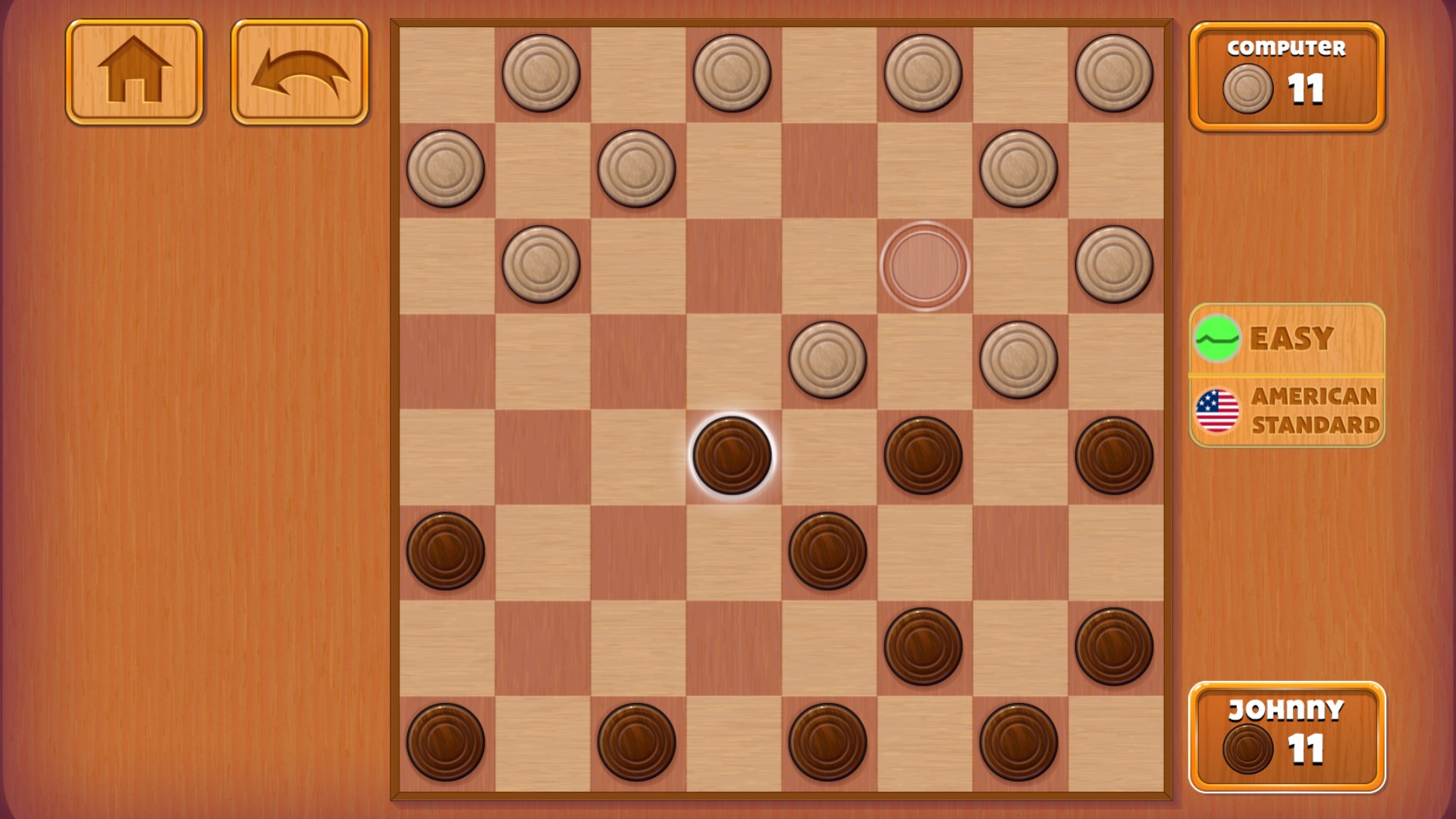
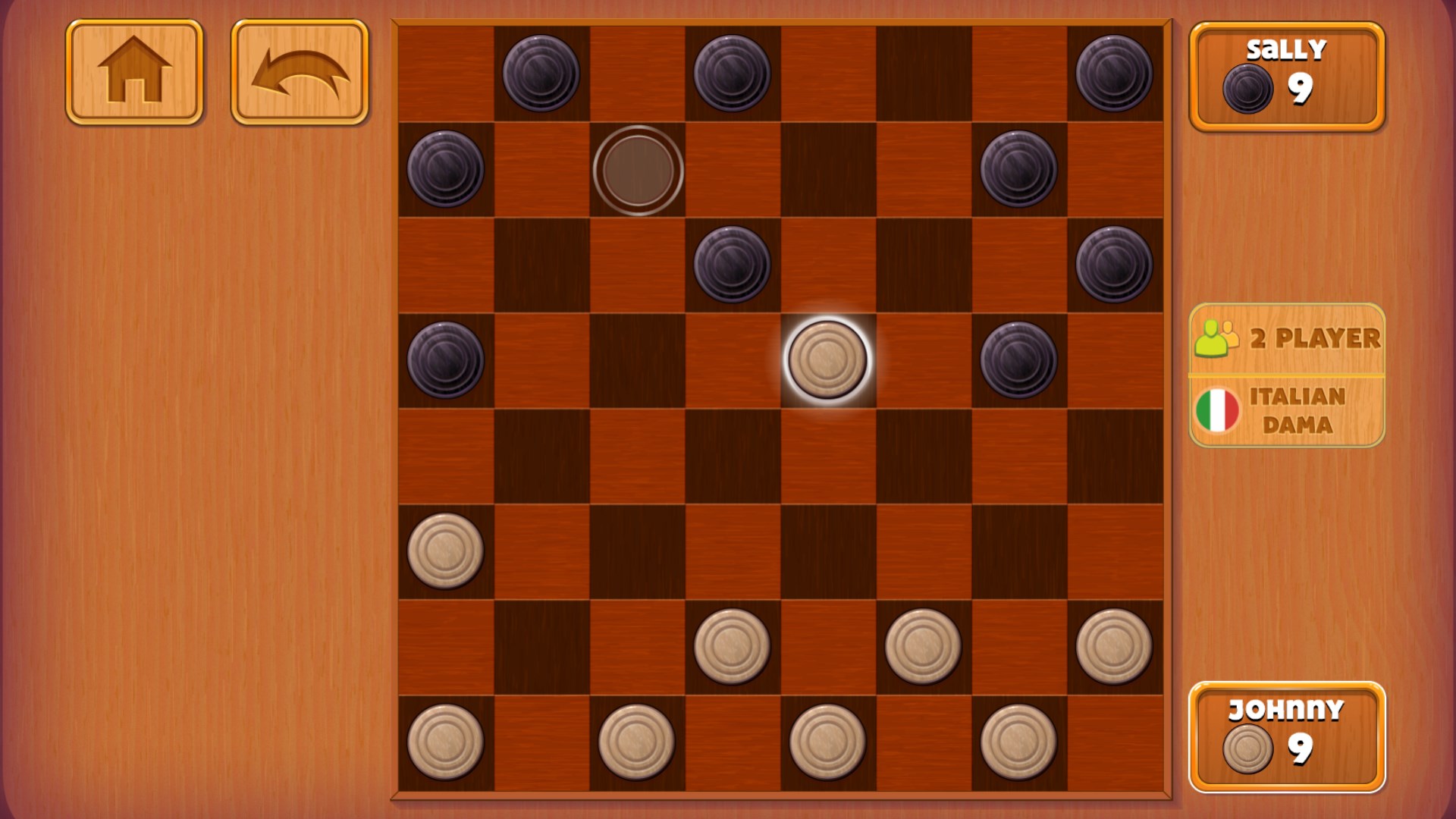
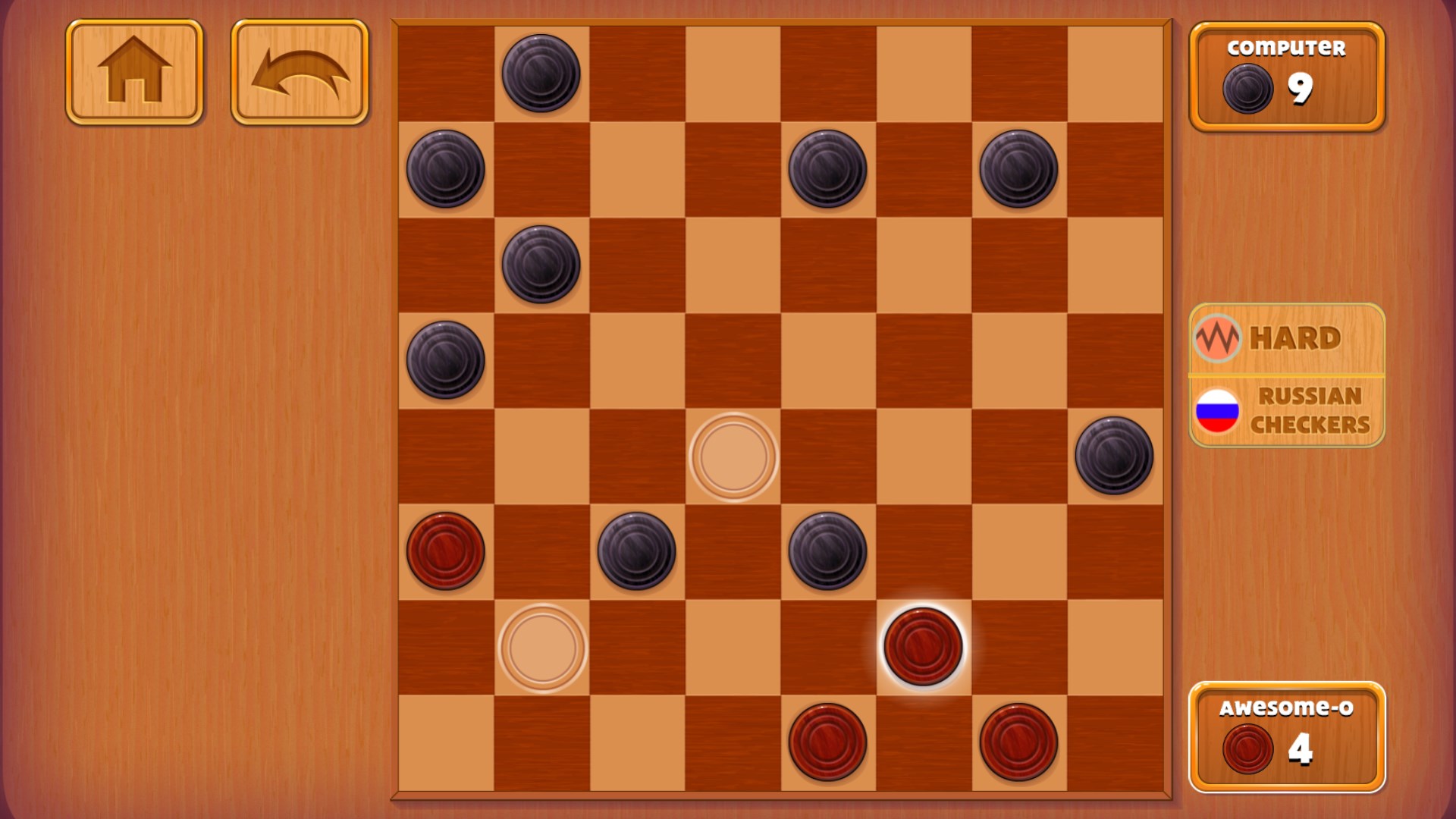
Upon launching Checkers Deluxe, you're greeted by a clean, vibrant board layout that resembles a well-polished wooden table—inviting and easy on the eyes. The user interface is straightforward, with intuitive menus that guide you effortlessly through game setups, difficulty selections, and multiplayer options. Navigation feels smooth, with quick response times that keep the focus on your gameplay rather than waiting. The learning curve is gentle; newcomers quickly grasp the rules thanks to brief tutorials and clear visual cues, while experienced players appreciate the straightforward interface that keeps the game flowing without unnecessary clutter.
Core Features That Elevate the Experience
Adaptive AI with Multiple Difficulty Levels
The game boasts a robust AI system capable of challenging players across a spectrum of skill levels. Whether you're just starting out or looking for a serious mental workout, the difficulty settings adjust intelligently, providing a fair yet stimulating opponent. The AI's decision-making process is transparent enough for players to analyze and learn from, giving an edge to those looking to sharpen their strategies.
Decision Impact Visibility & Overload Management
One of Checkers Deluxe's most notable features is its emphasis on decision consequence visibility. Move options are presented clearly, and after each move, the game illustrates potential future scenarios, helping players understand the ripple effects of their choices. This approach not only aids learning but also fosters strategic thinking. Moreover, the app skillfully manages information overload by highlighting critical moves and filtering out unnecessary data, enabling players to focus on meaningful decisions rather than getting lost in complex details.
Engaging Multiplayer and Export Options
For those who crave competition, Checkers Deluxe offers quick multiplayer matches either locally or online. The game also provides turn-based play, so you can challenge friends or global opponents at your own pace. Additionally, game replays and move logs allow for post-match analysis, perfect for players eager to refine their tactics or simply relive their best moves. These features collectively add depth and replayability beyond casual play.
Comparing with Other Strategy Games: What Sets It Apart?
Unlike many checkers applications that focus solely on gameplay, Checkers Deluxe emphasizes transparency and strategic clarity. Its decision consequence visibility acts like a crystal ball, revealing potential moves' outcomes, similar to analyzing a chessboard but in a more accessible format. The app also excels at managing information overload; critical information is always at your fingertips, eliminating the frustration of cluttered interfaces. These design choices make it more than just a digital version of checkers—they turn it into a strategic learning platform that appeals to casual players and serious strategists alike.
Final Word: Should You Check It Out?
Considering its thoughtful design, smooth performance, and unique focus on clarity and strategic insight, Checkers Deluxe for Windows is a stellar choice for anyone interested in classic board games with a modern touch. It manages to balance accessibility with depth, making it suitable for beginners looking to learn and for veterans honing their skills. I recommend giving it a try for a casual yet mentally engaging experience, especially if you value games that help sharpen your decision-making skills without overwhelming you with data.
Pros
- Intuitive gameplay with simple controls
- Bright and colorful graphics
- Smooth performance on most Windows devices
- Multiple levels and challenging puzzles
- Supports offline play for convenience
Cons
- Limited game modes and customization options
- Lack of detailed tutorials for new players
- Some elements could benefit from UI improvements
- High score and progress data are not synced across devices
- Occasional minor bugs reported, such as graphical glitches











