

- Name Call of War
- Category Strategy
- Developer Bytro Labs
- Available on PC
- OS Windows 10 version 17763.0 or higher
- Keyboard Integrated Keyboard
- Mouse Integrated Mouse
- Memory 300 MB
- languages English (United States)
Unveiling the Strategic Depth of Call of War for Windows
For strategy gaming enthusiasts seeking a compelling blend of diplomacy, military tactics, and resource management, Call of War offers a richly detailed experience set in a semi-historical context. As a brand developed and published by Bytro Labs, this game invites players into a wartime simulation where strategic foresight and decision-making reign supreme.
Basic Information: Setting the Stage for War
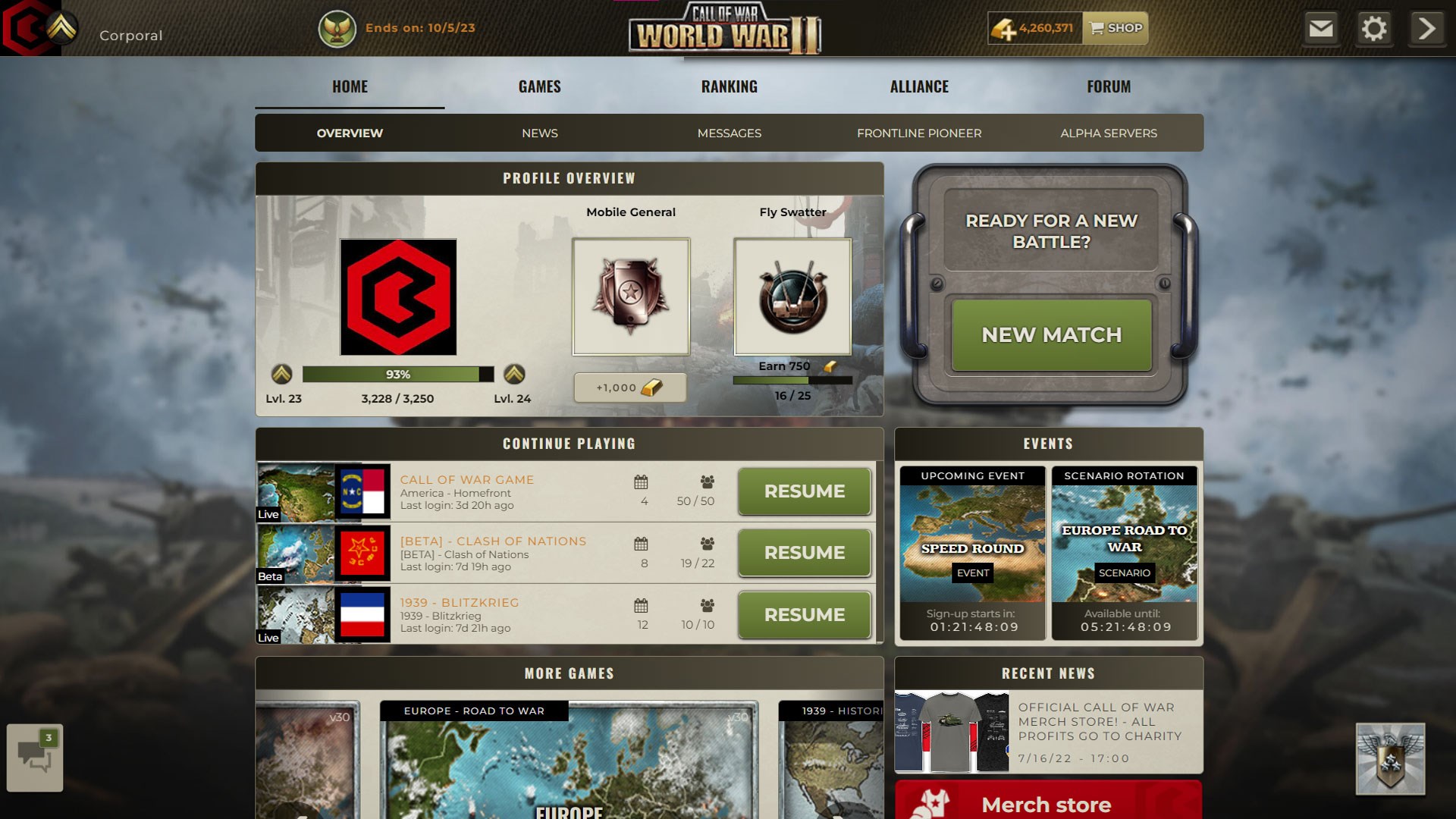
Call of War is a sophisticated real-time strategy game that immerses players in the chaos and complexity of global conflict. Developed and published by Bytro Labs, a well-known name in the strategy game community, the app combines historical themes with modern gameplay mechanics, delivered seamlessly through the Microsoft Store platform.
Core highlights of this application include:
- Deep diplomatic and alliance systems allowing for complex geopolitical interactions
- Comprehensive resource and unit management to simulate wartime logistics
- Realistic battle mechanics that emphasize strategic positioning and timing
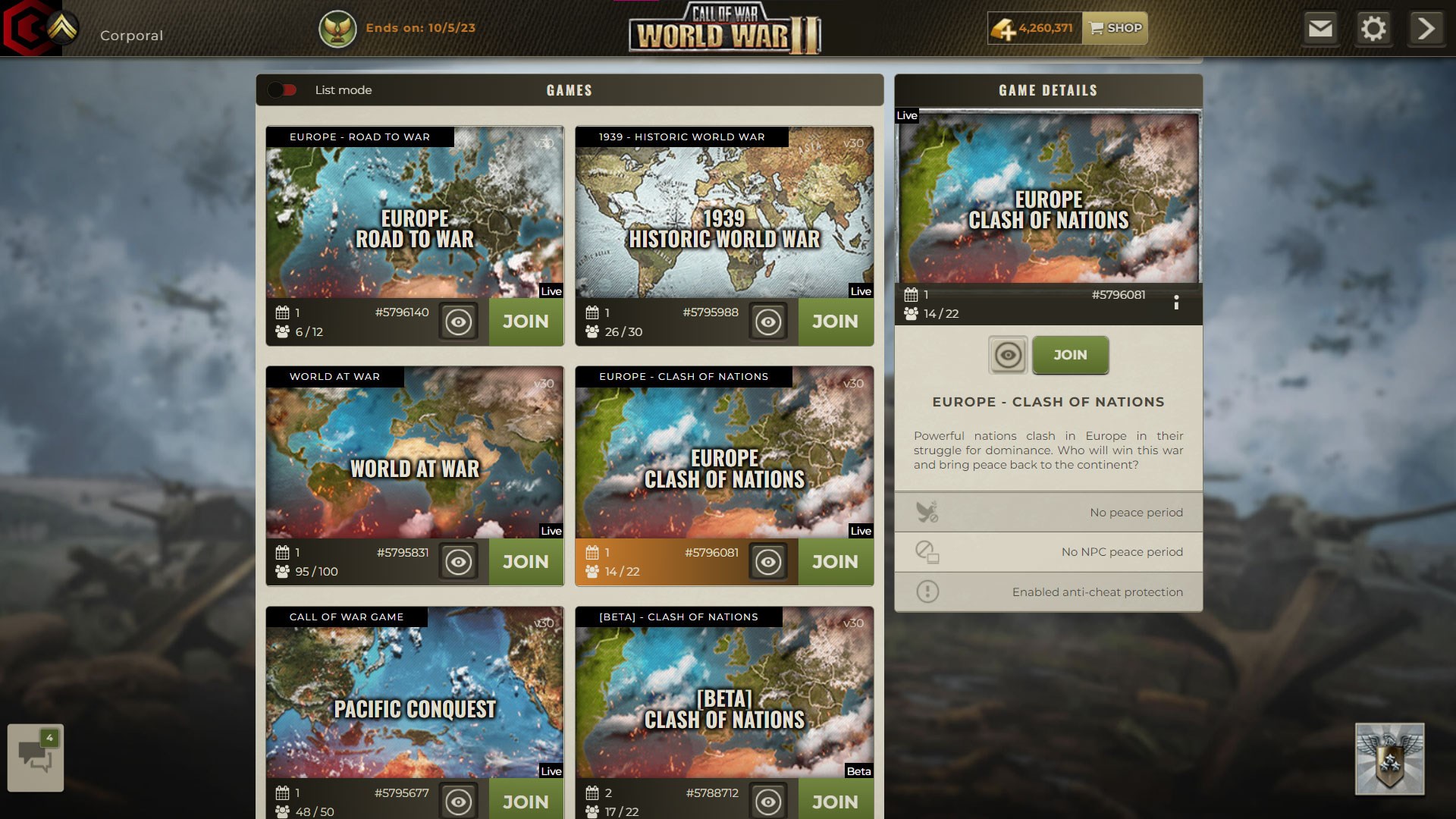
- Multiplayer mode fostering competitive and cooperative gameplay across continents
Call of War primarily targets strategy gamers who appreciate detailed planning, historical themes, and multiplayer interactions, ranging from casual players to dedicated tacticians.
A Strategic Journey: Exploring Core Features
Engaging World Map and Dynamic Gameplay
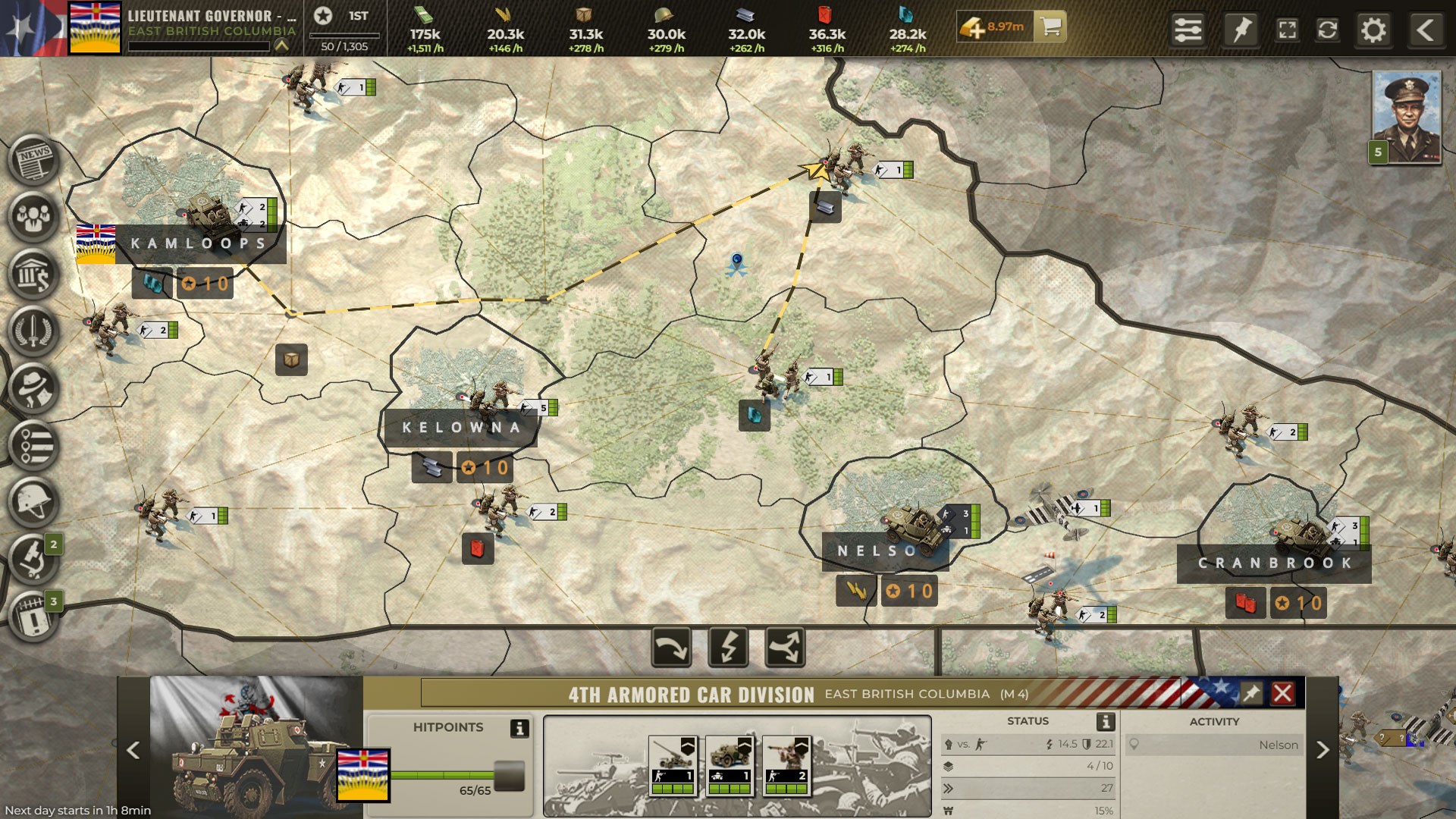
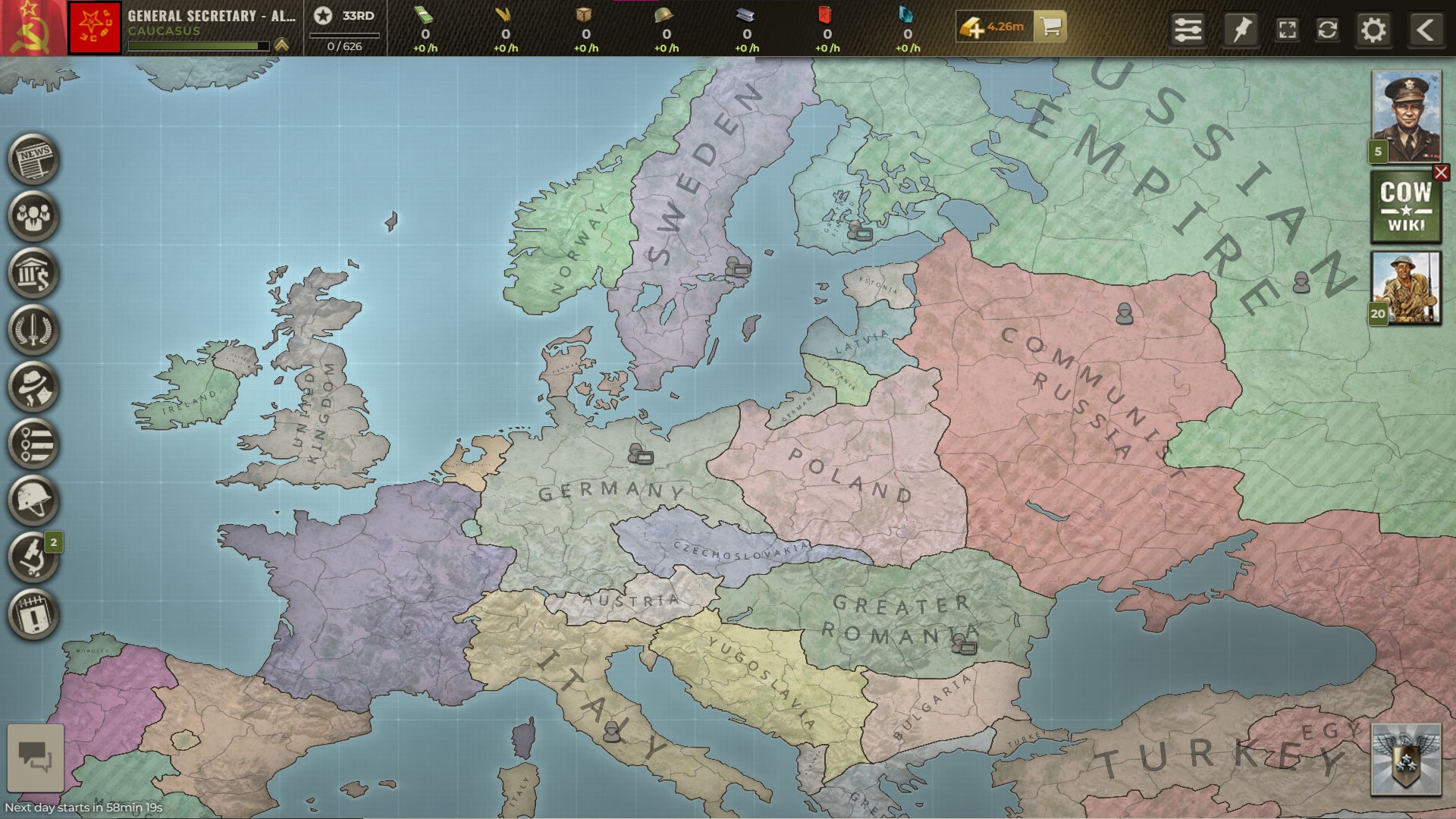
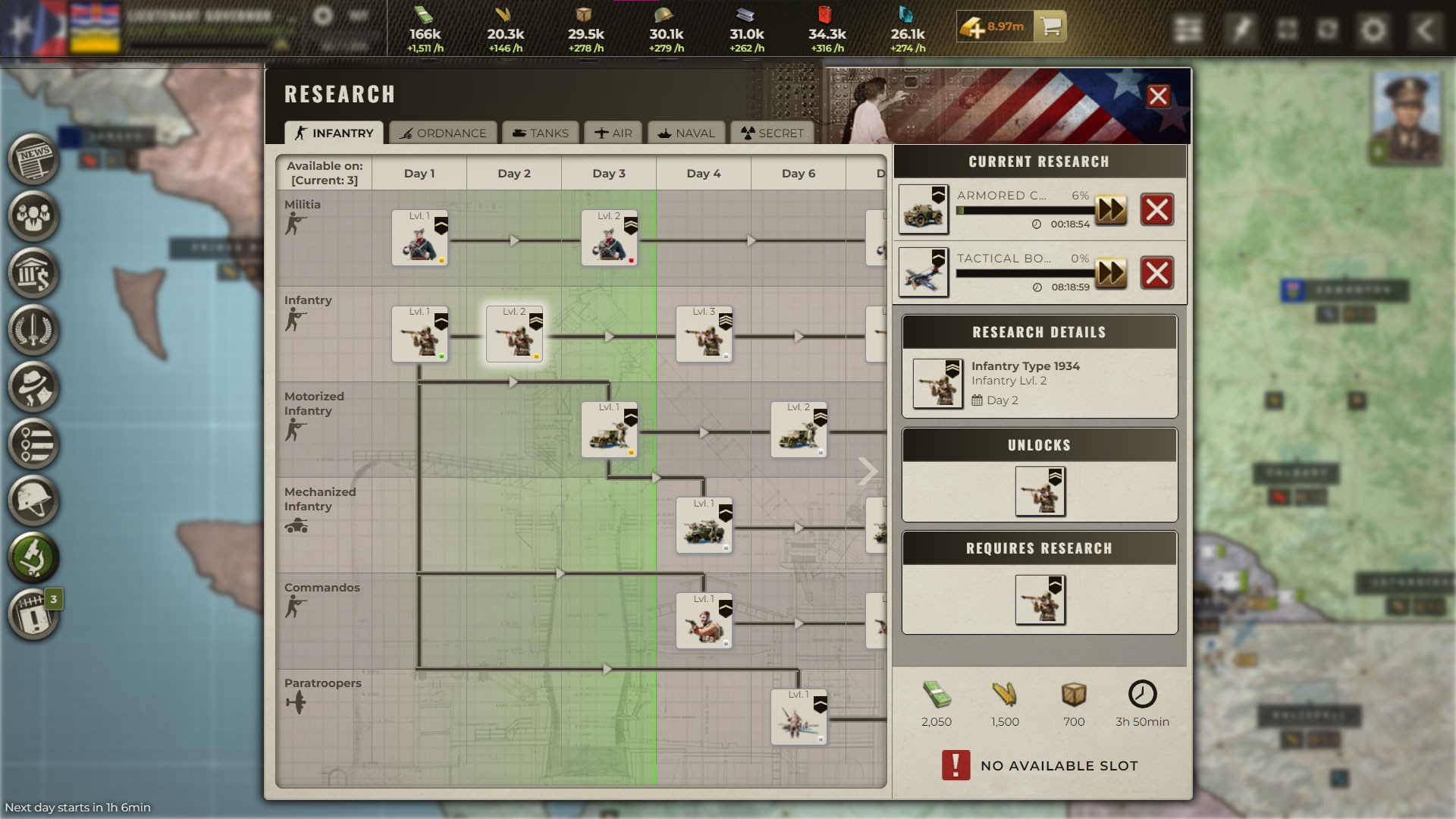
The game features a richly detailed world map, where players navigate through a variety of terrains, from sprawling cities to rugged mountains. The visual design employs a mixture of historical aesthetics and modern UI, making each decision feel palpable—like commanding armies from a grand war room. The map's interactivity inspires a sense of exploration and consequence, where each move shapes the geopolitical landscape.
Diplomacy, Alliances, and Decision-Making
Call of War excels in its diplomacy system. It allows players to forge alliances, negotiate truces, or declare wars, with a clear visibility of potential repercussions. This transparency aids strategic planning by simulating a realistic decision-consequence ecosystem. The interface for diplomatic decisions is intuitive, keeping players engaged without overwhelming them with options, thus managing information overload effectively.
Resource and Unit Management Dynamics
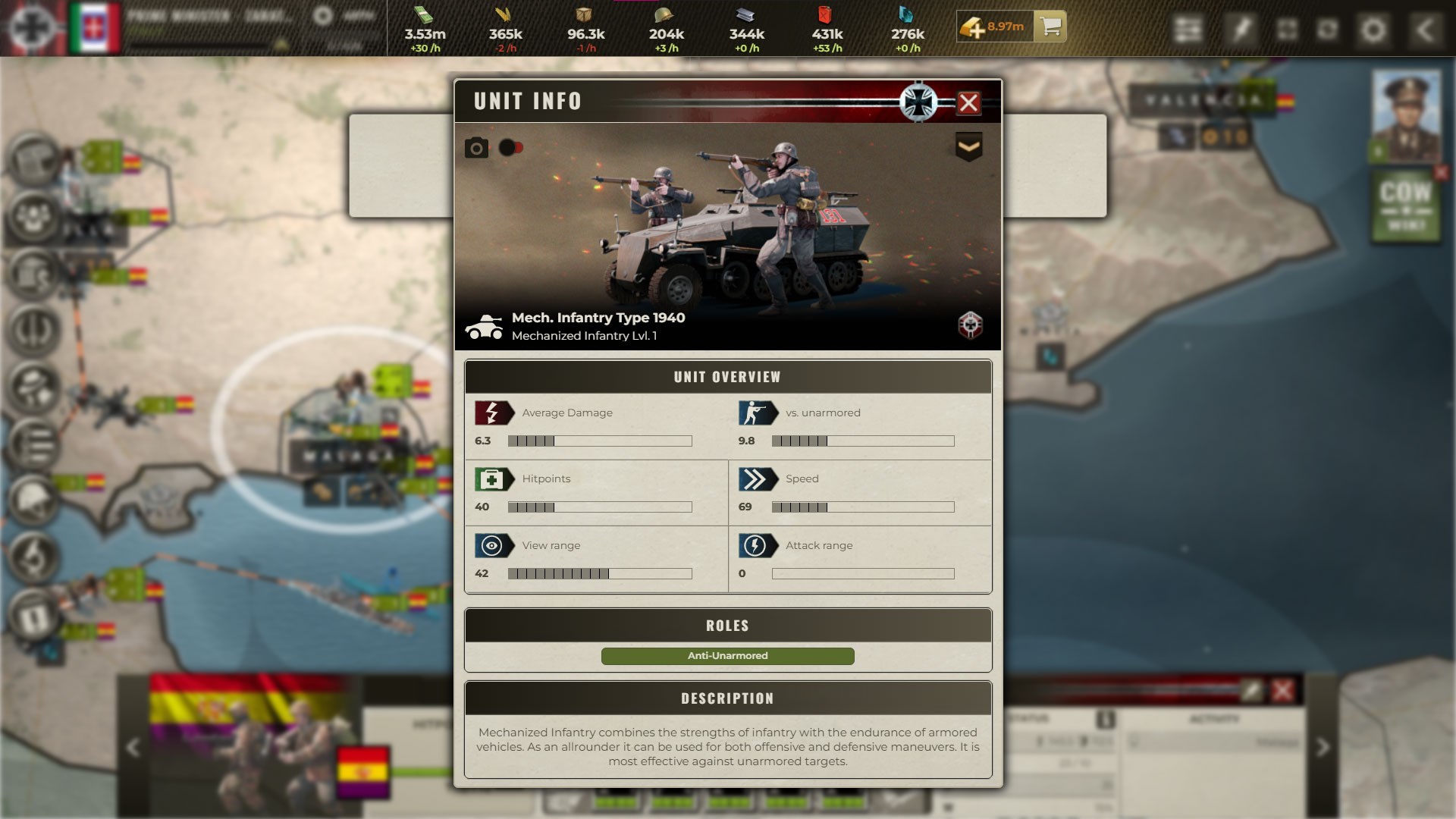
Resource management is at the heart of strategic success. From oil and steel to rare materials, players must balance resource production, consumption, and strategic reserves. The game's mechanics reward foresight—well-laid plans for resource allocation can turn the tide of warfare. Military units, varying from infantry to advanced aircraft, can be upgraded and strategically deployed. The interface simplifies complex logistics, making it accessible without sacrificing depth.
Exceptional Experience and Unique Selling Points
What truly sets Call of War apart from its peers is its sophisticated decision transparency and balanced complexity. Unlike many strategy titles that can drown players in information, Call of War excels at highlighting the potential consequences of each action, akin to a chess game that visibly shows the ripple effects of each move. This decision consequence visibility empowers players to anticipate potential outcomes without resorting to trial-and-error, leading to more insightful gameplay.
Furthermore, the game manages information overload masterfully. The interface presents vital data clearly and allows players to drill down into specifics or view high-level summaries—similar to a well-organized command center. This approach ensures players aren't lost in a sea of data but are instead guided through nuanced strategic choices.
Graphics, Usability, and Learning Curve
The visual design of Call of War strikes a balance between realism and clarity. While it does not aim for cutting-edge graphics, its interface is thoughtfully designed for ease of navigation. Transitioning between menus and executing commands feels smooth, akin to commanding a fleet from a well-structured war room. For new players, the learning curve might feel steep at first, but intuitive tutorials and contextual hints ease the onboarding process, gradually revealing deeper strategic layers.
Overall, the user experience is robust, with responsive controls and logical layout. The game's design ensures players remain engaged without feeling overwhelmed—a delicate dance that many strategy titles struggle to perfect.
Final Verdict: A Thoughtful and Strategic Choice
Call of War distinguishes itself through its combination of comprehensive diplomatic systems, clear visibility of decision consequences, and balanced complexity management. It is particularly recommended for players who value depth and strategic clarity over sheer flashiness. While it may require some patience to master, its thoughtfully designed interface and meaningful decision-making frameworks make it a compelling option for seasoned strategists and newcomers alike.
If you're seeking a serious war simulation with a clear focus on strategic foresight and consequence management, Call of War is certainly worth exploring—especially if you enjoy the thrill of guiding nations through turbulent times with a well-organized and transparent decision environment.
Pros
- Strategic depth
- Rich graphics and interface
- Multiplayer capabilities
- Regular updates
- Tutorial guidance
Cons
- High learning curve
- Battery consumption
- Occasional connectivity issues
- Limited offline functionality
- In-app purchase reliance











