

- Name Bloons TD5
- Category Strategy
- Available on PC
- OS Windows 8.1 or higher
- DirectX Version 9
- languages English (United States)
Bloons TD5 for Windows: A Tower Defense Classic Reimagined
As a dedicated strategy game enthusiast, I've found Bloons TD5 for Windows to be a compelling blend of classic tower defense mechanics infused with modern polish, making it a must-try for both newcomers and seasoned strategists alike.
Basic Information: What Makes It Stand Out
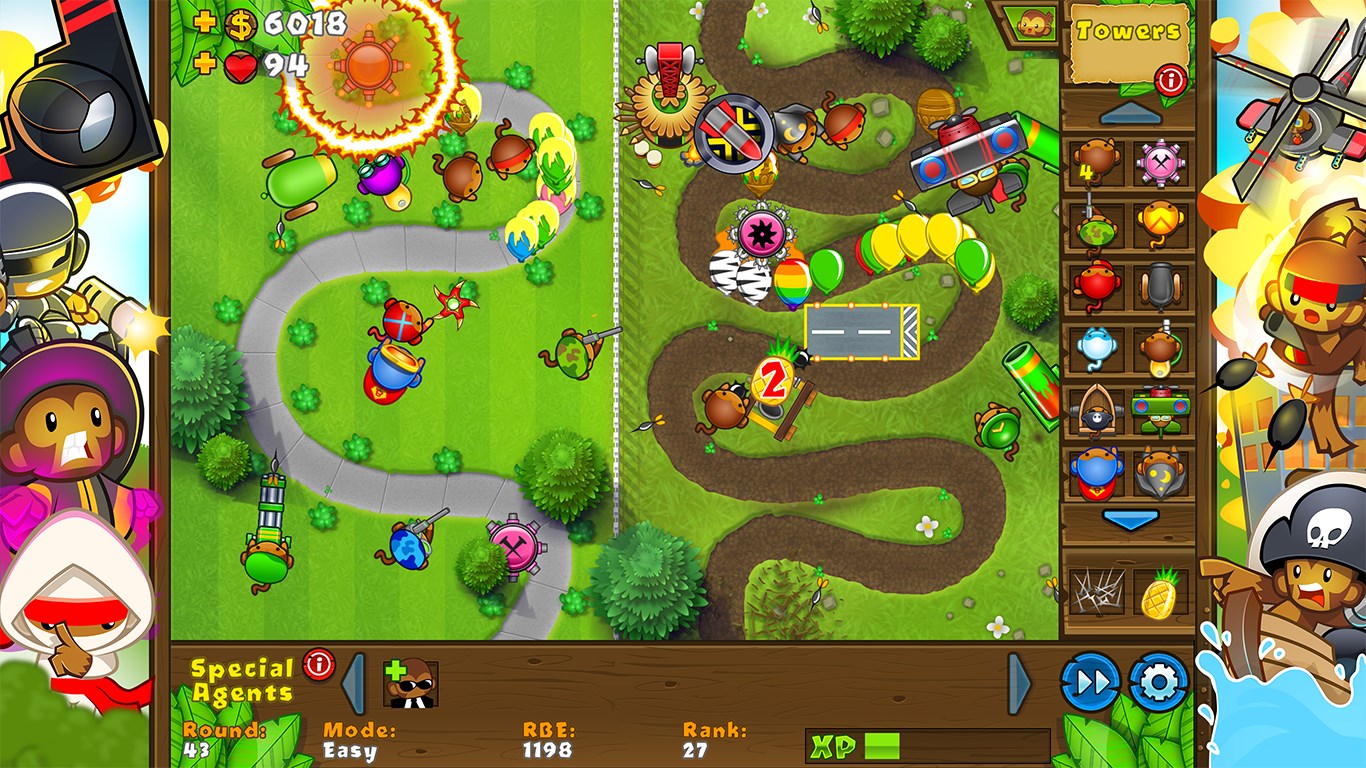
Positioned as a vibrant and engaging tower defense game, Bloons TD5 offers players a colorful battlefield where they must strategically place monkey towers to pop endless waves of mischievous balloons. Developed by Ninja Kiwi, a renowned name in tower defense gaming, this title continues their legacy of accessible yet challenging gameplay.
- Developer: Ninja Kiwi
- Main Features Highlights:
- Variety of Tower Types and Upgrades—each with unique abilities that can be combined for powerful synergies.
- Multiple Maps and Difficulty Levels—offering fresh challenges and increased replayability.
- Challenging Special Missions and Boss Levels—adding layers of tactical depth beyond standard waves.
- Innovative Game Modes—such as the Monkey Lane, where strategic placement becomes crucial.
- Target Audience: Casual gamers seeking a fun challenge, strategy enthusiasts interested in complex decision-making, and fans of tower defense games eager to test their planning skills.
Intuitive Gameplay with a Splash of Fun
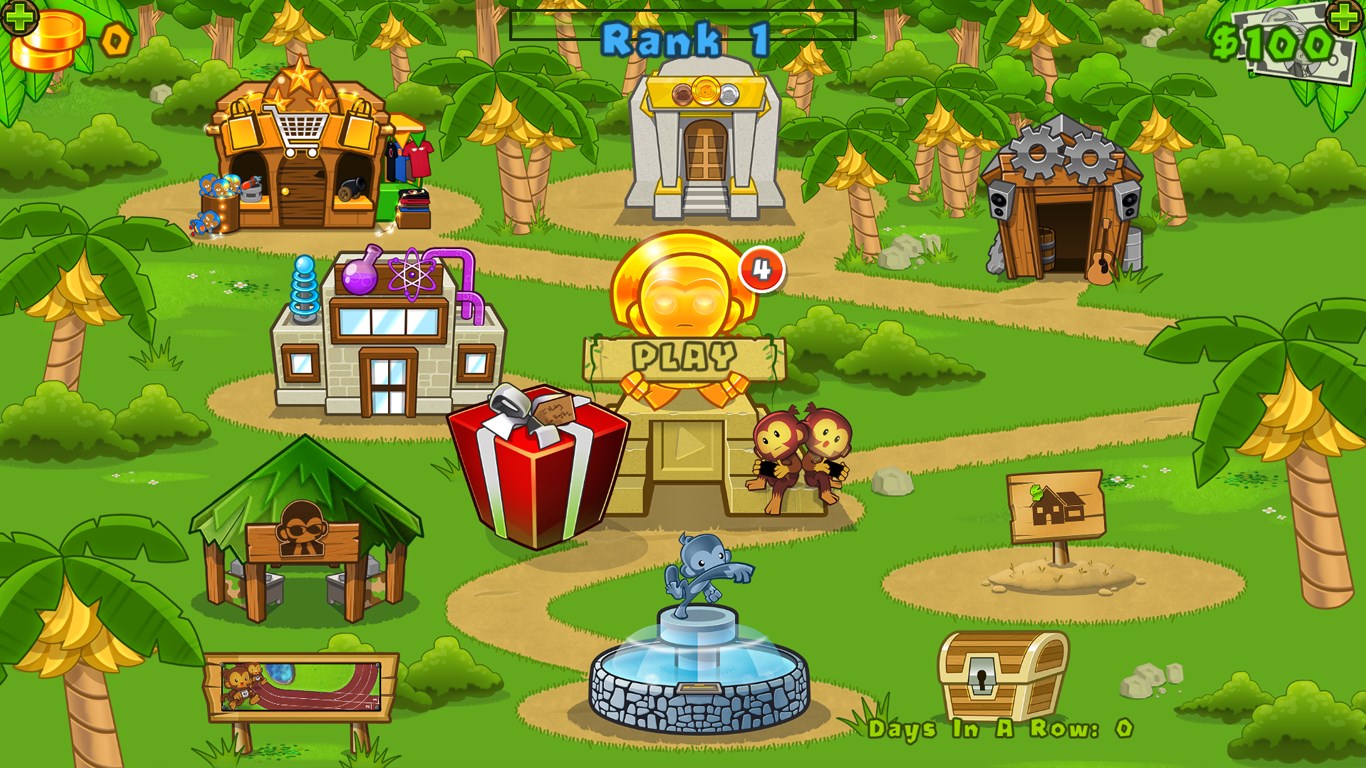
Jumping into Bloons TD5 feels like stepping into a vibrant amusement park. The colorful balloons dance across the screen, while the playful graphics and cheerful sound effects create an inviting atmosphere. The game's user interface strikes an excellent balance—clutter-free, with intuitive controls that make setup and adjustments feel effortless. The learning curve is gentle enough for beginners to grasp core mechanics but layered with enough depth to keep veterans engaged. The game smoothly guides players from simple initial stages to more complex scenarios, ensuring that each victory feels rewarding while every mistake offers an insightful lesson.
Core Features that Elevate the Experience
Strategic Tower Placement and Upgrades
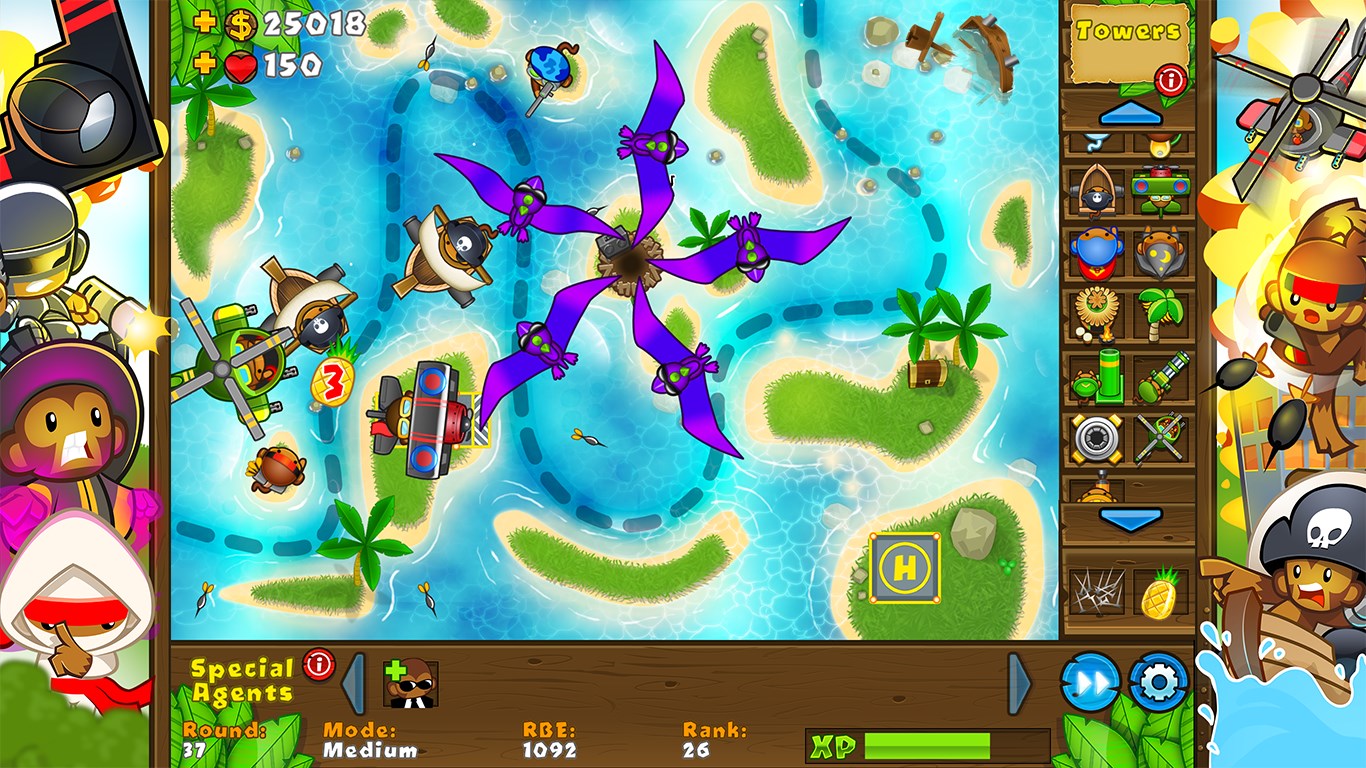
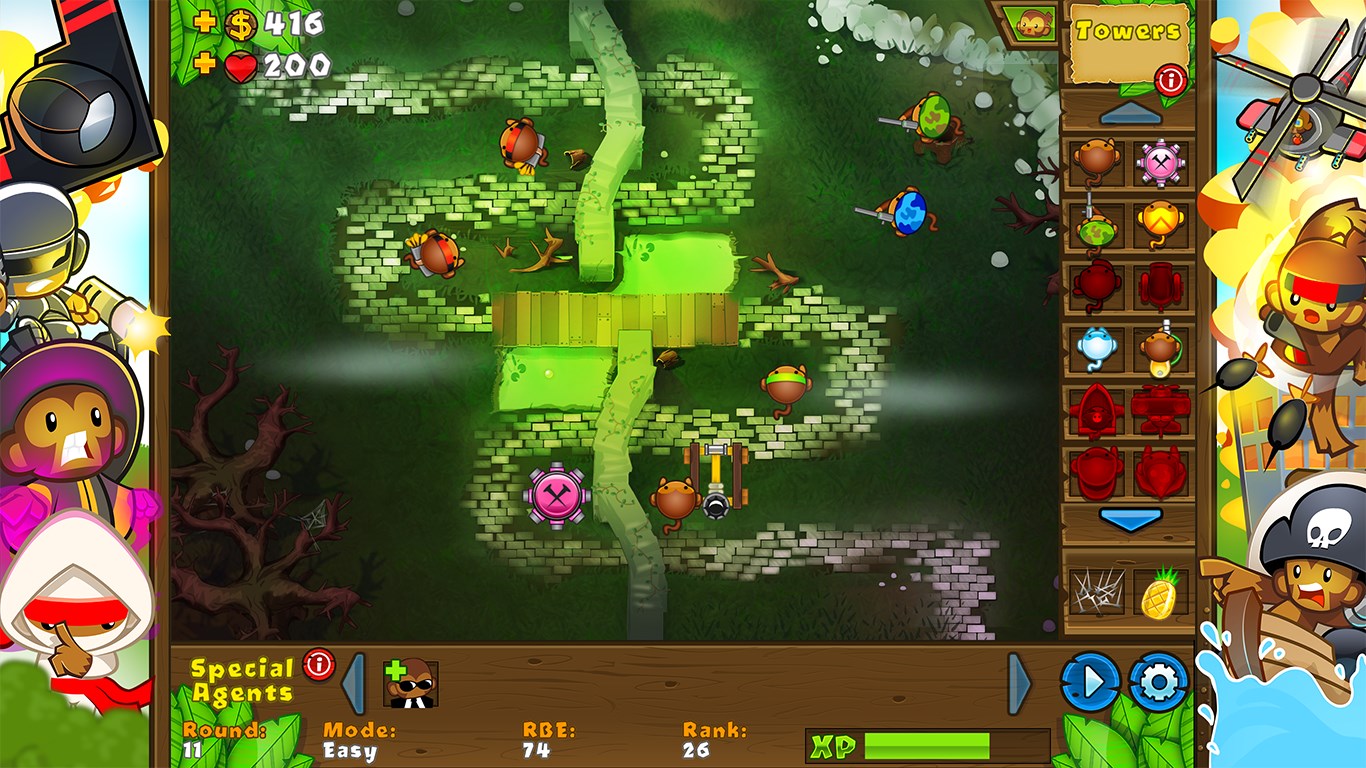
At the heart of Bloons TD5 lies its emphasis on strategic placement. Players must decide where to position towers on a dynamic map, considering the balloon paths and tower range. The upgrade system allows for tactical evolution—transforming modest monkey towers into formidable defenses capable of dealing with even the most relentless balloon hordes. The variety of towers, from dart-throwing monkeys to artillery cannons, offers endless combinations, enabling players to craft personalized defensive strategies.
Engaging Missions and Challenge Modes
The game offers a multitude of maps, each with unique terrain features and balloon routes, supporting multiple difficulty levels. Special missions and boss encounters push players to adapt their strategies on the fly, testing their decision-making under pressure. These modes distinguish Bloons TD5 from more straightforward tower defense titles, providing a richer, more engaging experience that rewards tactical foresight and adaptability.
Unique Strengths: Decision Visibility and Overload Management
One of the stand-out features of Bloons TD5 is its exceptional decision consequence visibility. The game design ensures that players can clearly see how each placement and upgrade influences future outcomes—like having a tactical map that subtly shades the battlefield, revealing the potential impact of each move. This transparency helps players learn from their choices swiftly, fostering a deeper understanding of strategic depth. Additionally, the game manages information overload effectively—offering detailed info when needed but avoiding clutter that can overwhelm the player. The interface smartly layers data, allowing seamless decision-making without jarring sensory input, which is a critical differentiator compared to some strategy games where information chaos hampers gameplay clarity.
Final Verdict and Recommendations
Overall, Bloons TD5 for Windows stands out as a thoughtfully crafted tower defense experience. Its blend of intuitive gameplay, strategic depth, and colorful presentation make it accessible yet challenging—perfect for players seeking both fun and mental stimulation. The game's emphasis on transparent decision visibility and overload management enhances usability, setting it apart from many peers in the genre.
I would recommend this game to strategy fans who enjoy meticulous planning complemented by lively visuals and engaging soundscapes. Its diverse modes and wide array of upgrade options ensure hours of entertainment. Whether you're new to tower defense or a seasoned veteran, Bloons TD5 offers enough layers of complexity to keep your strategic juices flowing without feeling overwhelming.
Pros
- Engaging Gameplay Mechanics
- High Replay Value
- Excellent Graphics and Animations
- Regular Updates and Content Expansion
- User-Friendly Interface
Cons
- In-App Purchases Can Be Overwhelming
- High Difficulty in Later Levels
- Limited Multiplayer Options
- Battery Consumption is Relatively High
- Occasional Performance Lags on Older Devices











