

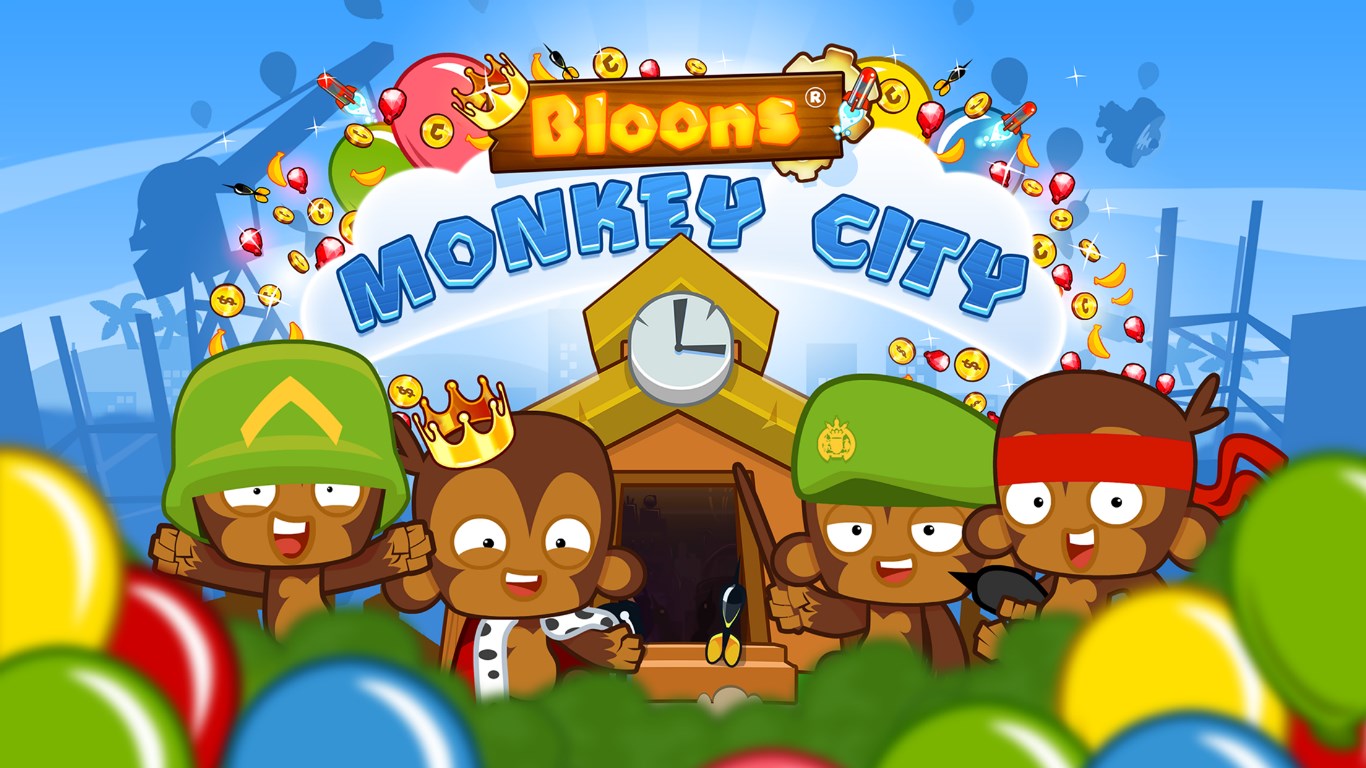
- Name Bloons Monkey City
- Category Strategy
- Available on Mobile, PC
- OS Windows 8.1 or higher
- languages English (United States)
Introducing Bloons Monkey City for Windows
Bloons Monkey City is a captivating tower defense and city-building hybrid developed by Ninja Kiwi, offering players a unique blend of strategic combat and urban planning within a colorful, vibrant universe.
Developer and Core Features
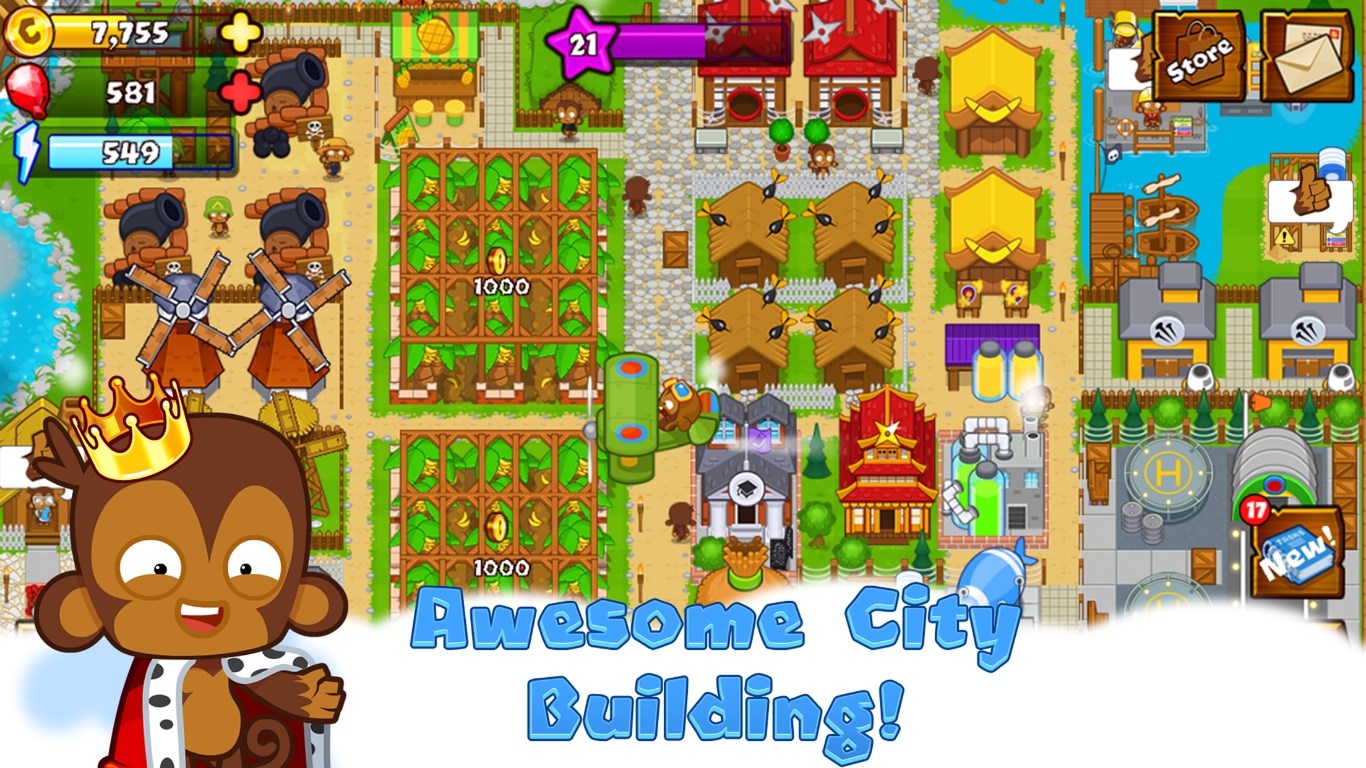
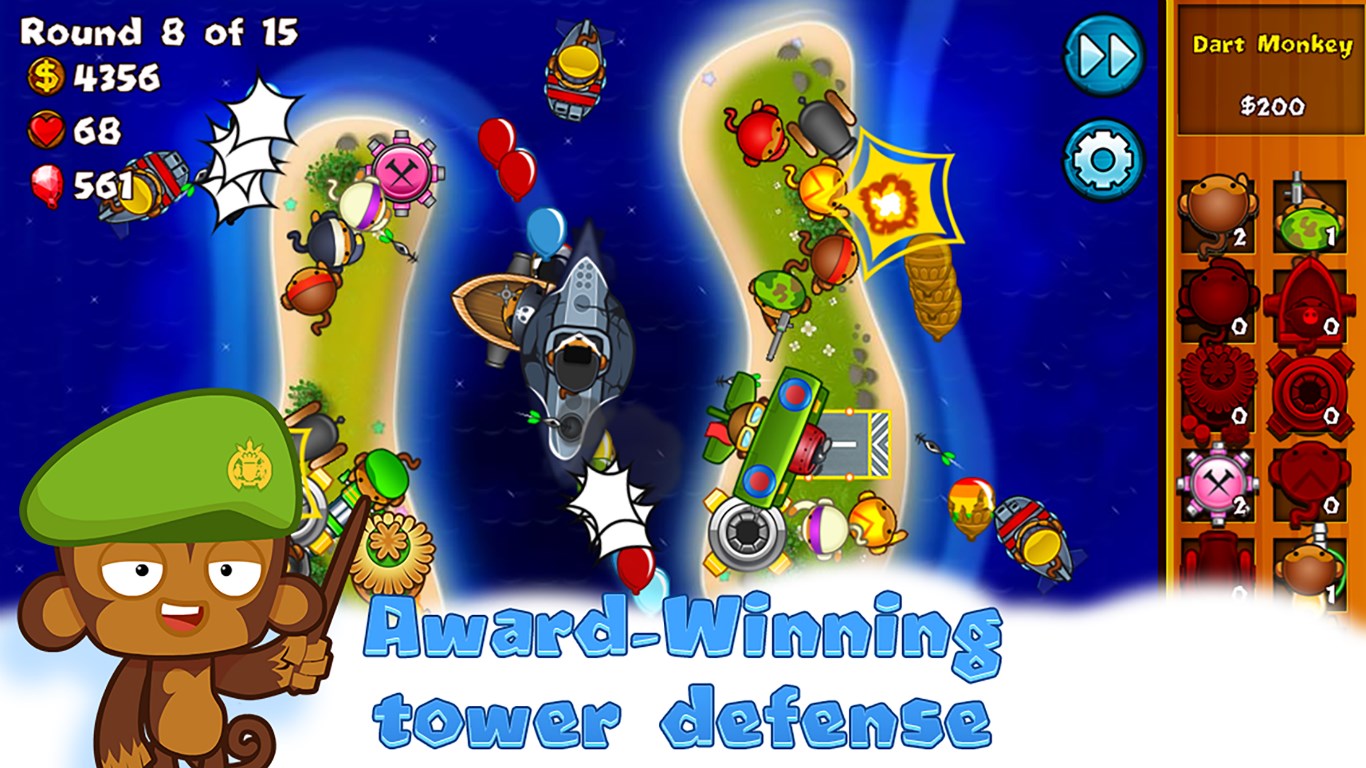
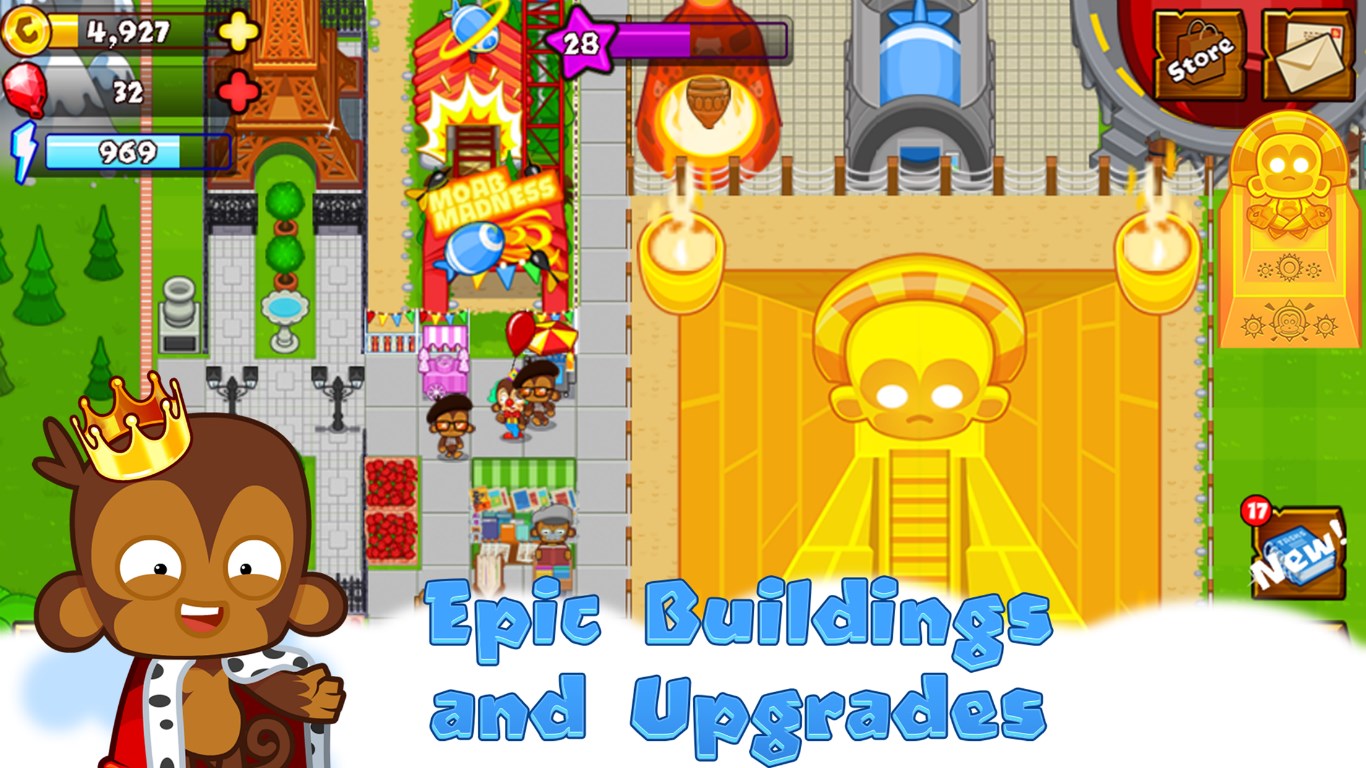
Produced by Ninja Kiwi, renowned for their engaging casual games, Bloons Monkey City combines strategic gameplay with city management. Its main features include a dynamic tower defense system where monkeys throw darts at balloons, the opportunity to build and expand your own city amidst the chaos, and a variety of upgrades and unlockables to customize your gameplay style. The game stands out with its charming pixel art aesthetic and layered gameplay mechanics, catering to players who appreciate both strategic depth and creative control.
Target Audience
This game is ideally suited for casual strategy gamers, balloon-attack enthusiasts, and players who enjoy city-building elements. Its accessible interface and manageable complexity make it attractive to a diverse audience, including those new to tower defense games and seasoned strategists looking for a light yet engaging experience.
A Playful, Yet Strategic Experience
From the moment you launch Bloons Monkey City, you're greeted with a vibrant world brimming with colorful visuals and cheerful sound effects—think of stepping into a lively cartoon universe where your strategic prowess has the power to shape and defend a bustling city. The game elegantly balances the thrill of defending your territory from waves of balloons with the satisfying task of building and customizing your cityscape, delivering a layered experience that keeps you engaged without overwhelming your senses.
Core Gameplay: Tower Defense with a City-Building Twist
The core gameplay revolves around deploying monkeys equipped with various towers to pop incoming balloons before they reach your city. What makes this particularly appealing is the integration of city-building elements—every successful defense contributes to the growth and development of your city. You place buildings, gather resources, and unlock new monkey troops, creating a cycle of strategic investment that directly impacts your defensive capabilities. This dual-layer approach ensures each decision—not just in battle, but also in city planning—has tangible consequences, fostering a sense of progression and mastery.
User Interface and Experience
Navigation through Bloons Monkey City is smooth and intuitive. The interface sports cheerful, colorful visuals that are easy on the eyes, with clear icons and menus that make resource management straightforward. The game's learning curve is gentle; tutorials guide new players intuitively, while seasoned strategists can deep dive into upgrading troops and optimizing defenses. The game runs seamlessly on Windows, with quick response times that preserve the game's pace, keeping frustration at bay and immersion intact. Its thoughtful design ensures players spend more time strategizing and enjoying the game rather than wrestling with controls or menus.
Unique Differentiators and Strategic Depth
One of the standout features of Bloons Monkey City is its capacity for analyzing decision consequences with clear visibility—every change, be it placing a new building or upgrading a tower, impacts not only your immediate defense but also your city's future potential. Unlike many strategy games that drown players in information overload, this game excels at managing complexity—priorities are presented clearly, and feedback is immediate, allowing for informed decisions. This approach offers a more transparent and satisfying strategic experience, helping players understand the cause-and-effect of their actions, akin to peeling back layers of a puzzle and watching it come together logically.
Final Thoughts and Recommendations
Bloons Monkey City is a thoughtfully crafted blend of tower defense action and city management, wrapped in a cheerful, accessible package. Its most distinctive feature—integrating strategic decision-making with transparent cause-and-effect analysis—sets it apart from many of its peers. For casual players who enjoy a mix of defense and creation, or strategists looking for a game that rewards planning and foresight, this title offers substantial entertainment. While it's easy to pick up and play, it also provides depth for those who wish to delve deeper into strategies and upgrades.
Overall, I recommend Bloons Monkey City for Windows to fans of strategic puzzle games seeking a colorful, friendly challenge. Whether you're defending your city from a balloon invasion or expanding your urban domain, this game delivers a satisfying, well-balanced experience worth exploring.
Pros
- Engaging gameplay with city-building combined with tower defense
- Variety of upgrade options for towers and buildings
- Colorful and appealing graphics suitable for all ages
- Regular updates with new towers and levels
- Optional in-app purchases that can enhance progression
Cons
- Limited in-game tutorial for new players
- Resource balancing can be a bit slow at higher levels
- Occasional lag during intense gameplay moments
- Ads may interrupt gameplay if the free version is used
- Certain advanced features or towers may require in-app purchases











