
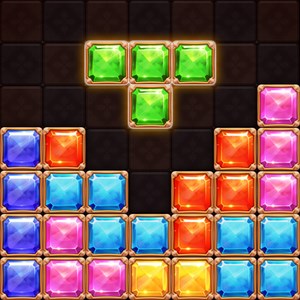
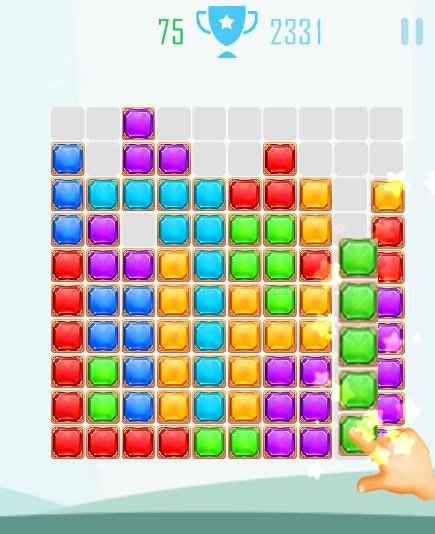
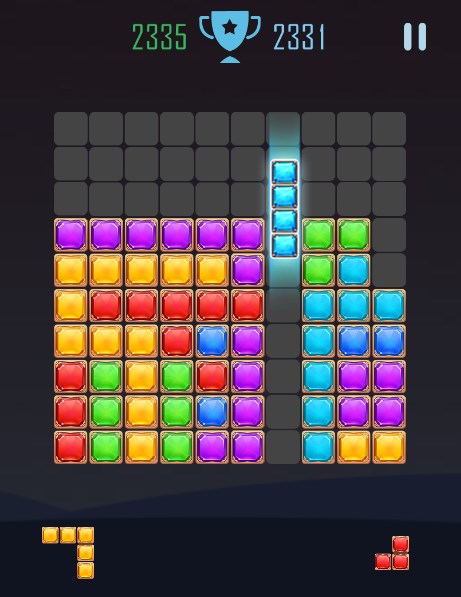
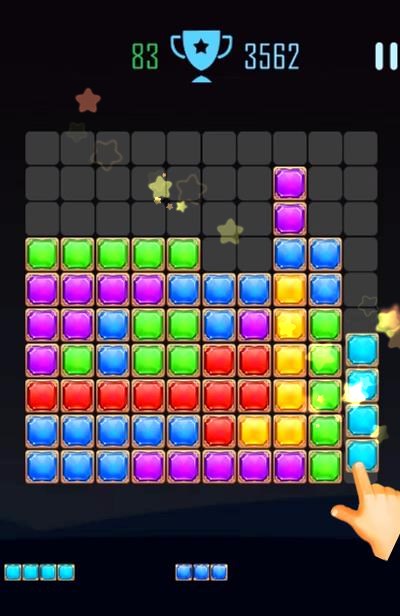
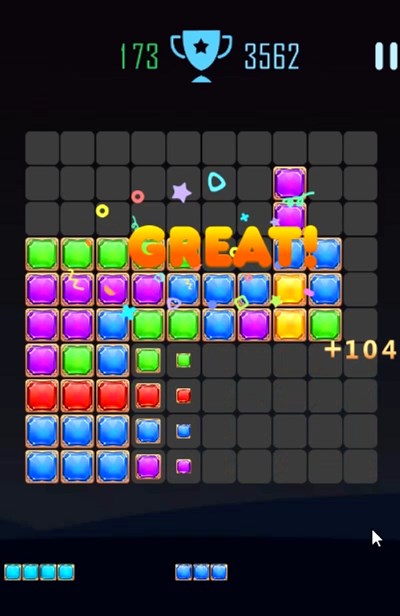
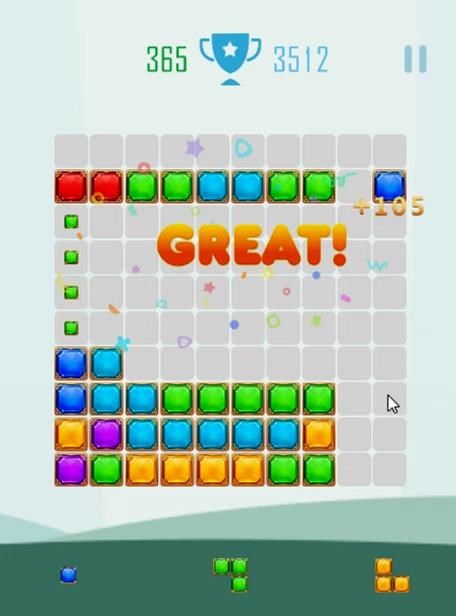
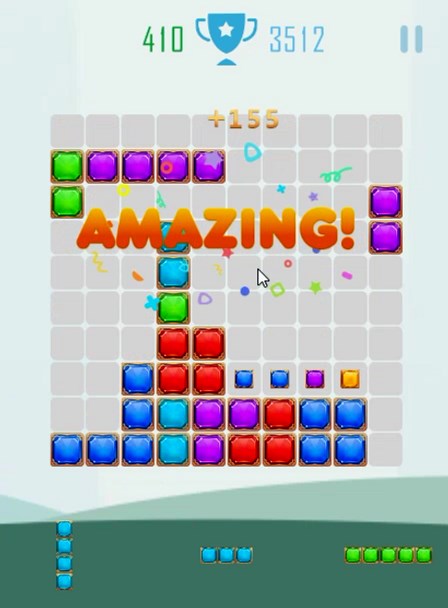
- Name Block Puzzle Jewels
- Category Strategy
- Available on PC, Mobile, Surface Hub, HoloLens
- OS Windows 10 version 10240.0 or higher
- languages English (United States)
Introducing Block Puzzle Jewels for Windows
Block Puzzle Jewels is a captivating destructive puzzle game that challenges players to fit various jewel-shaped blocks into a grid, creating a satisfying and strategic gameplay experience. Designed with simple mechanics yet addictive replayability, it's perfect for casual gamers seeking a relaxing yet engaging pastime.
Developed by King Game Club
Produced by King Game Club, a team known for creating engaging and accessible casual games, this application emphasizes user engagement through intuitive design and smooth performance across Windows devices.
Key Highlights of the App
- Intuitive and Relaxing Gameplay: Emphasizes a relaxed puzzle experience where players drag and drop jewel blocks to clear lines and earn points.
- Variety of Block Shapes: Features diverse jewel pieces that require strategic placement, boosting the game's challenge and replay value.
- Beautiful Visuals and Sound Effects: Combines colorful jewel graphics with pleasant sound cues, creating an engaging sensory environment.
- Progressive Difficulty and Leaderboards: Offers increasing challenges with rankings that motivate continuous play and improvement.
Engaging and Vibrant Puzzle Experience
Step into a glittering world of jewels with Block Puzzle Jewels, where each shift and placement sparks a little thrill—like arranging gems in a treasure chest. The game's vibrant interface, with sparkling gems and smooth animations, makes every move feel rewarding. The introductory tutorial is straightforward and user-friendly, making it easy for newcomers to pick up and start matching within moments. Even after hours of play, the game's calming tempo and neat design ensure it remains a delightful escape rather than a frustrating challenge.
Core Functionalities in Detail
Dynamic Block Placement and Line Clearing
This is the heart of Block Puzzle Jewels. The game presents various jewel-shaped blocks that players knead to fit onto a grid, much like a colorful Tetris. The real mastery lies in managing limited space—deciding when and where to place each piece to clear multiple lines. This mechanic motivates strategic planning, encouraging players to think ahead, like a jeweler arranging gems to maximize brilliance.
Visuals and User Interface Design
The visual design is one of the app's standout features. Soft, radiant colors coupled with elegant gem animations create an inviting environment reminiscent of a treasure trove. The interface is clean and responsive; buttons are intuitively placed, and navigation is seamless. The game scales well across different Windows devices, ensuring an enjoyable experience whether on a tablet or desktop. This thoughtful design minimizes learning curves and keeps players immersed in the jewel-themed world.
Performance and User Experience
Operation feels fluid—imagine sliding gems across a velvet background without a hint of lag. The game's responsiveness allows for precise control, which is crucial during intense moments where quick thinking is required. It also features adaptive difficulty, gradually increasing challenge levels to keep players engaged without overwhelming them—a delicate balance akin to tuning a fine instrument. This steady flow of gameplay ensures the user experience remains smooth and satisfying, even during extended sessions.
Unique Features and Differentiation
What sets Block Puzzle Jewels apart from other puzzle games are its strategic decision-making framework and its clarity in displaying consequences. Unlike many casual puzzles that flood players with excessive information, this app excels at providing a clean interface that emphasizes decision visibility—players can easily see the impact of each placement and anticipate future moves. This transparency makes planning more engaging and reduces frustration, akin to a jeweler clearly seeing how each gem fits into the overall design.
Additionally, the game manages information overload effectively. Its straightforward layout and minimal clutter ensure players are focused solely on the puzzle, rather than being distracted by unnecessary features. It masterfully balances challenge and accessibility, making it appealing to both casual players and puzzle enthusiasts seeking a relaxing yet meaningful gaming experience.
Recommendation and Usage Tips
I would recommend Block Puzzle Jewels to anyone looking for a calming, visually delightful puzzle game that also offers subtle strategic depth. It's perfect for quick breaks or longer sessions where you want to unwind while exercising your brain. As a friendly suggestion, start with an open mind—don't rush; enjoy the sparkle and satisfaction of each well-placed jewel. For best results, try to plan ahead, and don't forget to challenge yourself by aiming for higher scores and competing on leaderboards. Its combination of beautiful design, smooth performance, and clever mechanics makes it a recommended choice in the casual puzzle category.
Pros
- Intuitive and colorful interface
- Smooth and responsive gameplay
- Varied difficulty levels to suit all players
- Incorporates rewarding visual and sound effects
- Supports offline play after initial download
Cons
- Limited puzzle variety in later levels
- No undo option available
- In-app advertisements may disrupt gameplay
- Limited customization options
- Occasional app crashes on some devices











