
- Name Block Puzzle - Classic
- Category Strategy
- Developer Mini Puzzle Game Studio
- Available on PC, Mobile, Surface Hub, HoloLens
- OS Windows 10 version 16299.0 or higher
- DirectX Version 10
- Mouse Integrated Mouse
- Memory 300 MB
- languages English (United States)
A Classic Puzzle Reinvented: An Honest Look at Block Puzzle - Classic for Windows
If you're seeking a timeless yet thoughtfully crafted tile-matching experience, Block Puzzle - Classic for Windows offers a straightforward yet engaging pastime, much like settling into a cozy corner with a familiar puzzle game that keeps your mind gently occupied.
About the App: Simplicity Meets Challenge
Developed and published by Mini Puzzle Game Studio, Block Puzzle - Classic for Windows is designed to deliver a classic block puzzle game with a clean interface and smooth gameplay. Its main goal is to provide players a relaxing yet stimulating activity, perfect for quick breaks or deeper mental workouts. The app features intuitive drag-and-drop mechanics, various difficulty levels, and a minimalist aesthetic that appeals to casual gamers and puzzle enthusiasts alike.
Core Highlights That Make It Stand Out
- Scoring Strategy & Progression: The game encourages strategic placement to maximize space and score, offering a gentle cognitive challenge that keeps players improving over time.
- Easy to Play, Hard to Master: Its straightforward interface hides complex decision-making, rewarding players who plan ahead and adapt to the cascading blocks.
- Lightweight & Seamless: Minimal loading times and a clutter-free design ensure attention stays on gameplay without distractions.
- Cross-Device Compatibility: While optimized for Windows, its simple mechanics make it accessible across devices, appealing to a broad audience.
Vivid Gameplay and User Experience
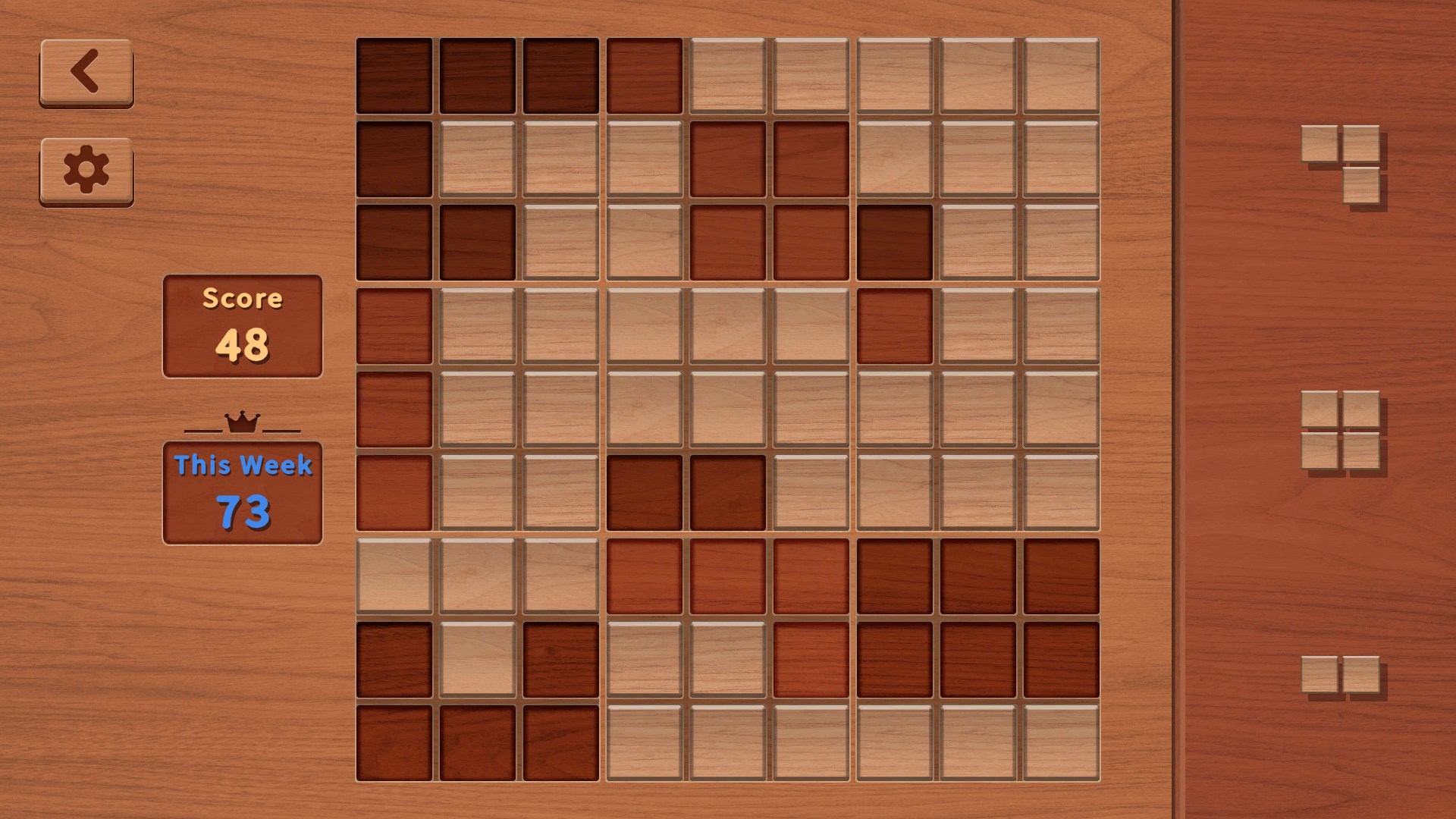
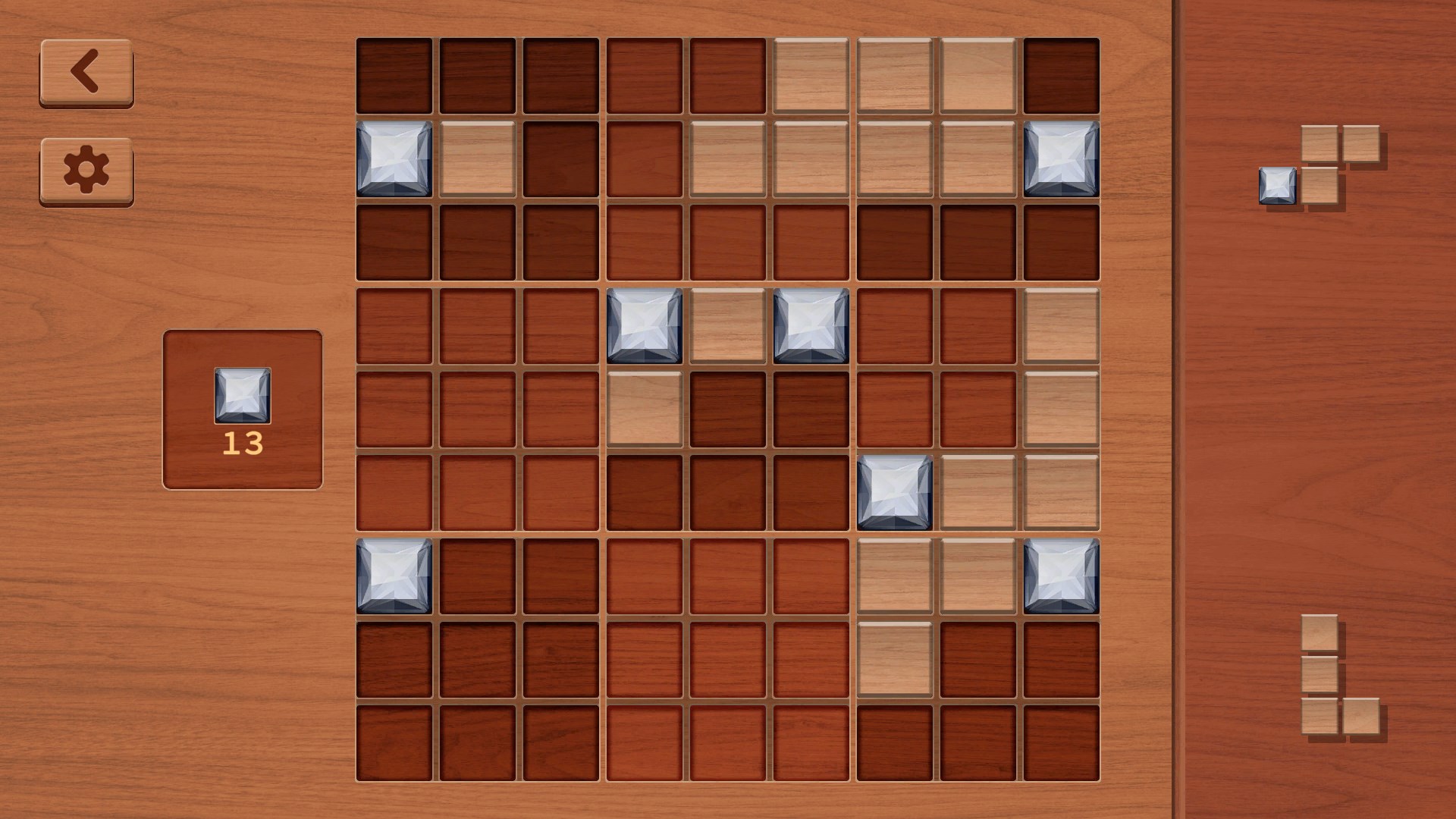
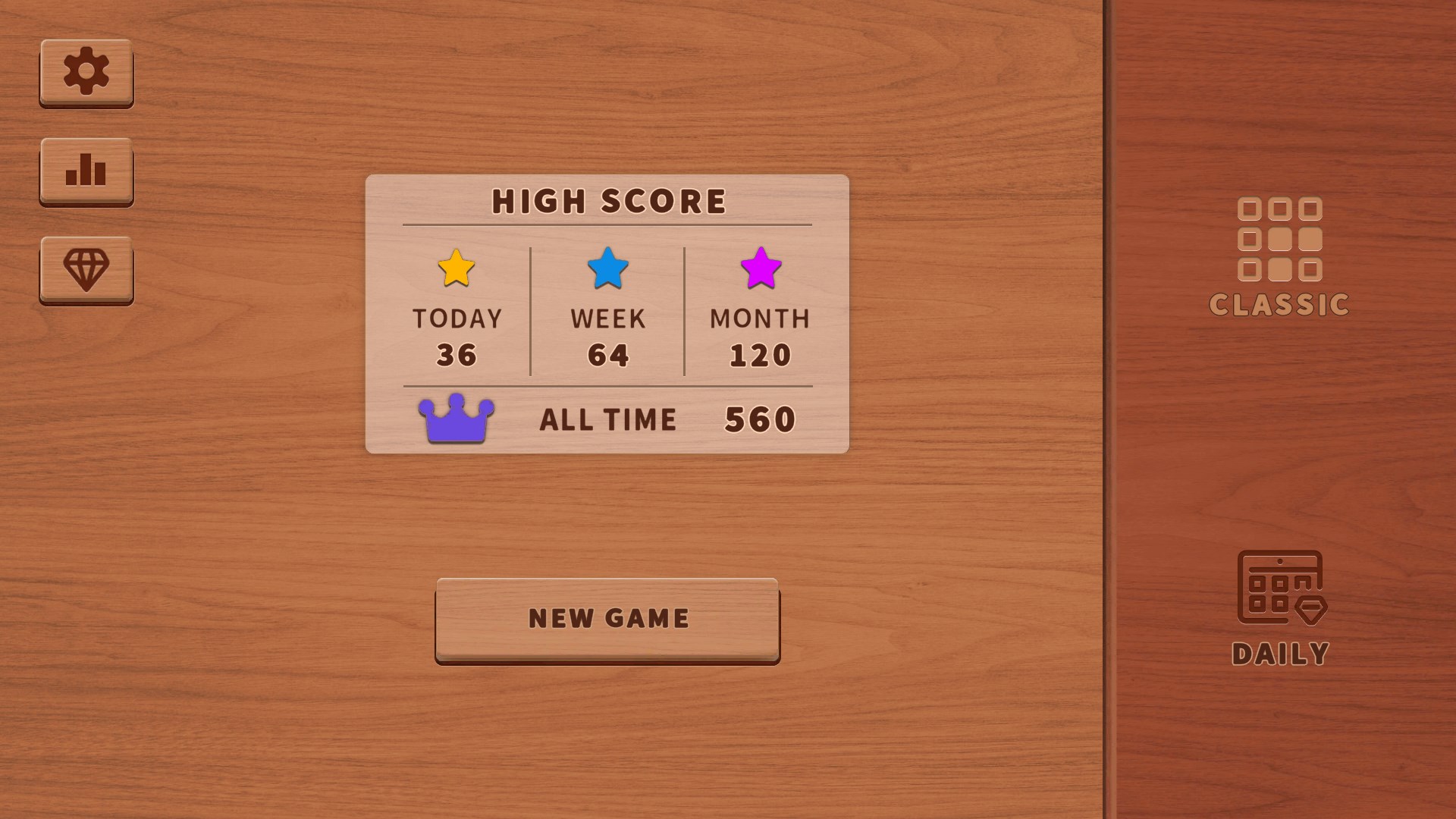
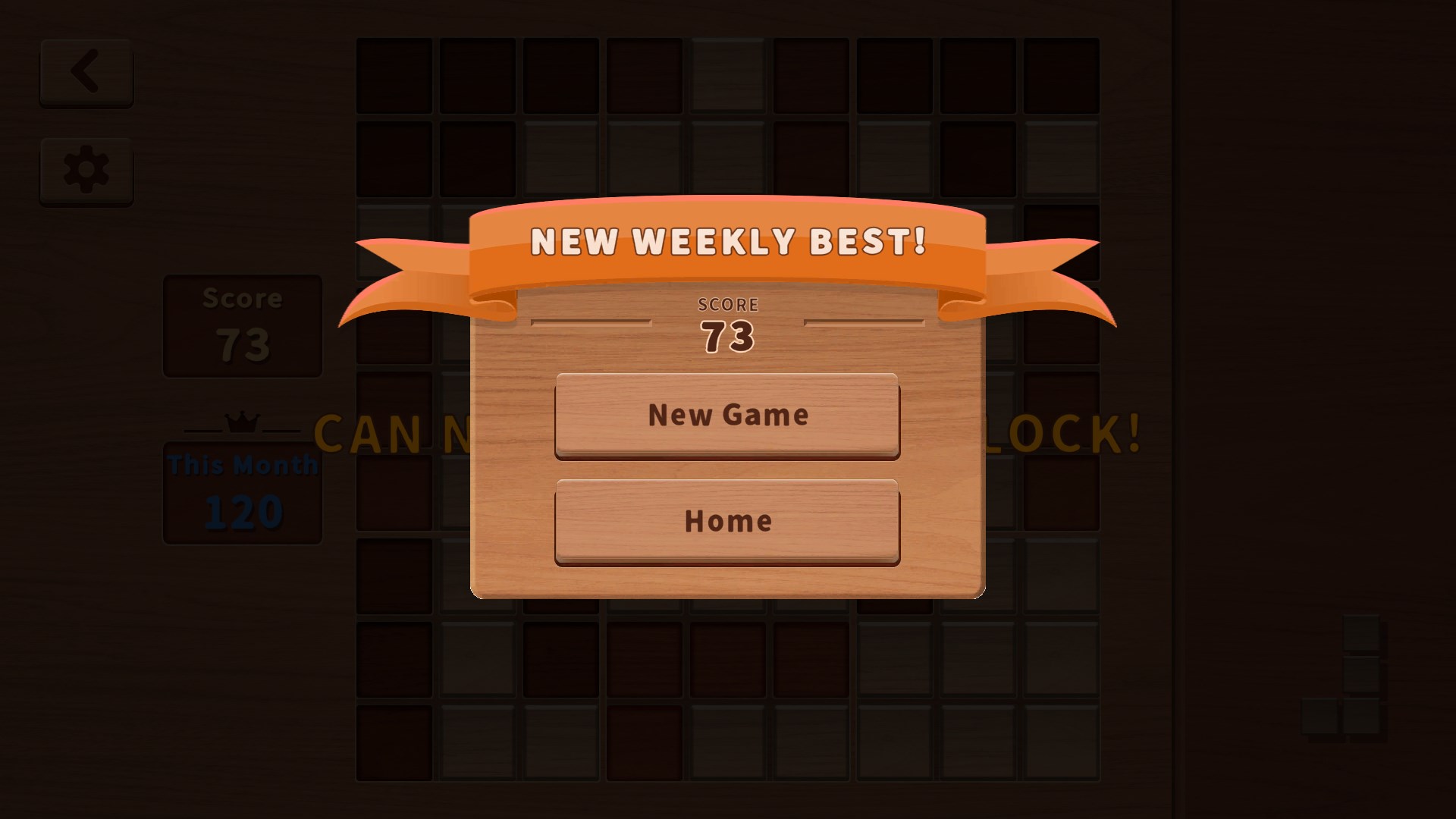
Step into the game's digital realm, and you're greeted with a crisp, uncluttered interface reminiscent of a neat tabletop ready for blocks. The visual design strikes a balance between simplicity and elegance—soft colors, clear lines, and unobtrusive controls. The gameplay itself resembles a satisfying game of Tetris but with a twist: instead of falling blocks, you place static shapes into a grid, making every move feel like a strategic puzzle piece fitting perfectly into a larger picture.
Intuitive Interface & Now-You-See-It Feel
The UI design is deliberately minimalistic, allowing players to focus solely on the game. Dragging and placing blocks feels responsive and natural, akin to fitting puzzle pieces on a board. The game's flow is fluid, with no lag or interruptions, which is critical for maintaining immersion during intense scoring sessions. While the learning curve is gentle—new players grasp the mechanics within moments—mastering the art of maximizing space offers ongoing challenge and satisfaction.
Simplified yet Rich Decision-Making
One of this app's clever features is how it manages information overload. Unlike some puzzle games overwhelmed with flashy effects or complex scoring systems, Block Puzzle - Classic keeps things straightforward, nearly like a calm game of chess—each move counts, but the interface doesn't clutter your view. Players can evaluate options at their own pace, with clear visual cues guiding placements and scoring opportunities. This clarity supports decision consequence visibility — you see exactly how each placement affects your overall progress and can plan ahead accordingly.
Distinctive Advantages: Why It Differs
Compared to other tile-matching apps, this game's standout feature is its focus on strategic placement and consequence visibility. Rather than rushing or overloading players with extraneous information, it promotes mindful decision-making. Additionally, the game excels at managing information overload—everyone from casual gamers to experienced puzzlers can appreciate how the interface gently guides without restricting creativity. This aligned focus on relaxed strategy makes it a unique offering in the crowded puzzle genre, standing out through its calm yet challenging design philosophy.
Final Thoughts & Recommendations
All in all, Block Puzzle - Classic for Windows earns a solid recommendation from me, especially for those who enjoy classic puzzles with a modern touch. It's perfect as a quick refresher or a calming, focused challenge. I suggest giving it a try if you appreciate games that honor simplicity but reward thoughtful planning. Its ability to manage complexity with clarity makes it a dependable go-to for puzzle lovers seeking a peaceful, engaging experience.
Pros
- Intuitive Gameplay
- Classic Puzzle Appeal
- Minimalist Design
- Smooth Performance
- Offline Mode Available
Cons
- Limited Game Modes
- Basic Graphics
- No Leaderboards or Challenges
- Progression System Missing
- Ads Interrupt Gameplay











