

- Name Backgammon Deluxe
- Category Strategy
- Available on PC, Mobile, Surface Hub, HoloLens
- OS Windows 10 version 10586.0 or higher
- DirectX Version 10
- languages Dutch, English (United States), French, German, Italian, Polish, Polish , Portuguese, Portuguese (Brazil), Portuguese (Portugal), Russian, Spanish, Spanish (Spain), Swedish
Backgammon Deluxe for Windows: Classic Strategy Meets Modern Design
Backgammon Deluxe for Windows offers a digital twist on the ancient game, blending nostalgic gameplay with contemporary features, making it a compelling choice for both casual players and seasoned strategists alike.
About the Developer and Core Features
Developed by Random Salad Games LLC, a team dedicated to creating accessible and engaging tabletop experiences in the digital space, Backgammon Deluxe stands out with its elegant design and thoughtful gameplay mechanics.
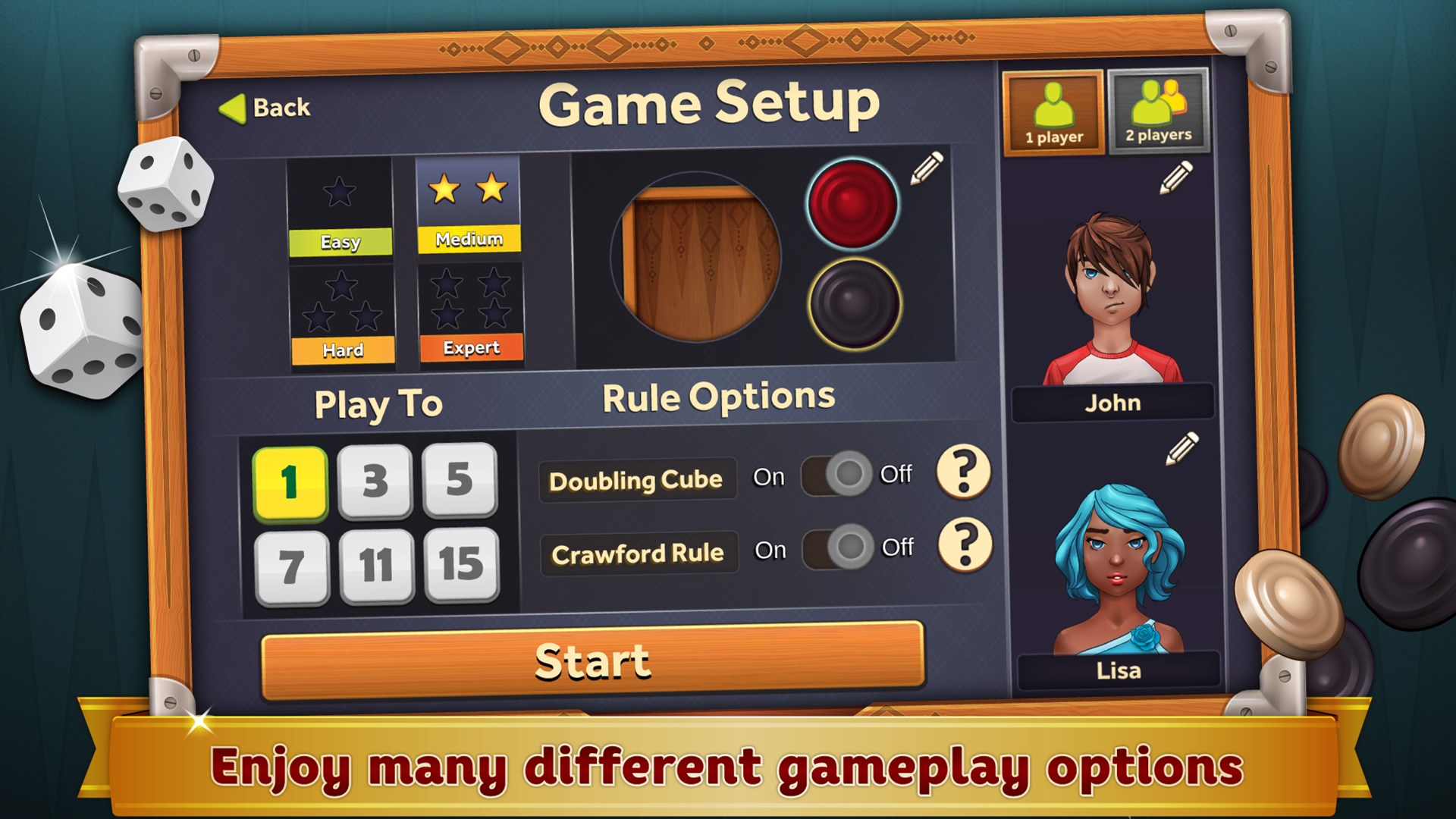
- Multiple Game Modes: From traditional face-to-face play to customizable quick matches, the app accommodates various play styles and experience levels.
- Intuitive User Interface: A clean, well-organized interface ensures smooth navigation, even for newcomers—think of it as a well-paved road guiding you effortlessly through the game.
- AI Opponents with Adaptive Difficulty: Whether you're aiming for a casual challenge or a tough competitive match, the AI adjusts to your skill level, providing suitable challenges without feeling overwhelming.
- Game Statistics and Progress Tracking: Keep tabs on your wins, losses, and strategic improvements, making growth as a player both measurable and motivating.
Engaging Gameplay and User Experience
Imagine sitting at a cozy café, a cup of coffee steaming beside you, as you engage in a timeless game that tests your wit and tactics—this is the essence of Backgammon Deluxe. The game elegantly combines familiarity with finesse, ensuring each match feels like a strategic dance.
Visual Design and Interface
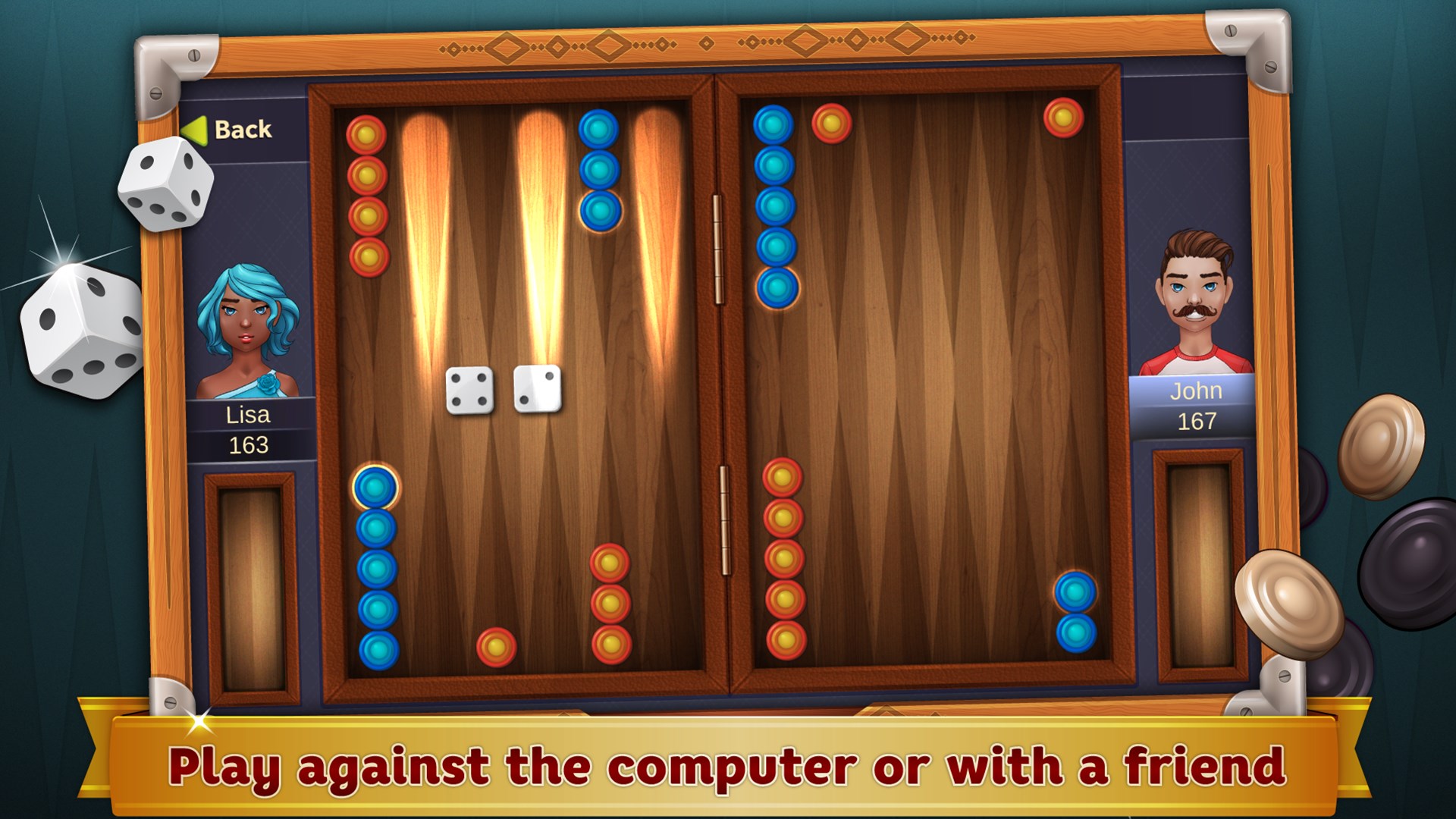
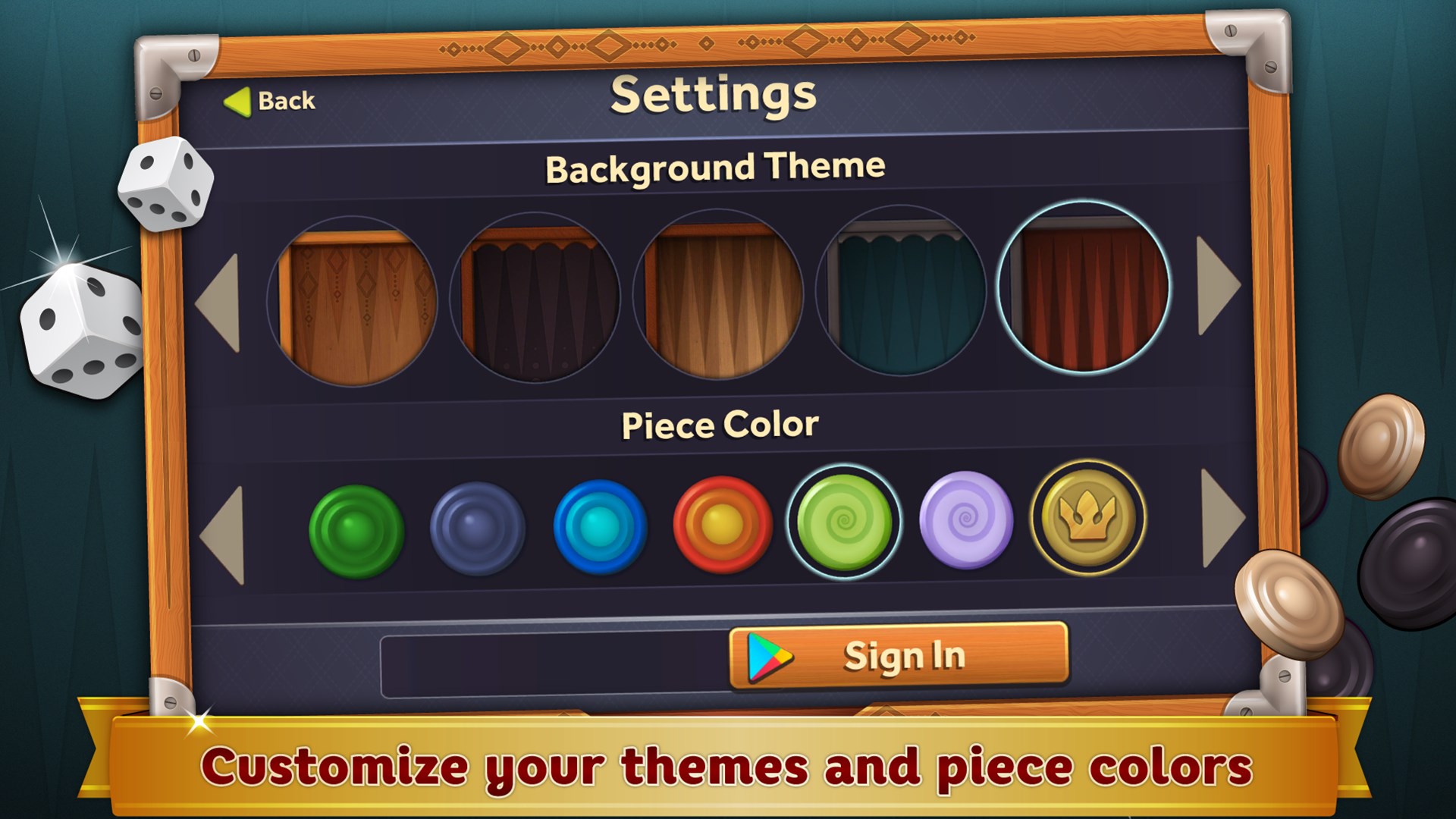
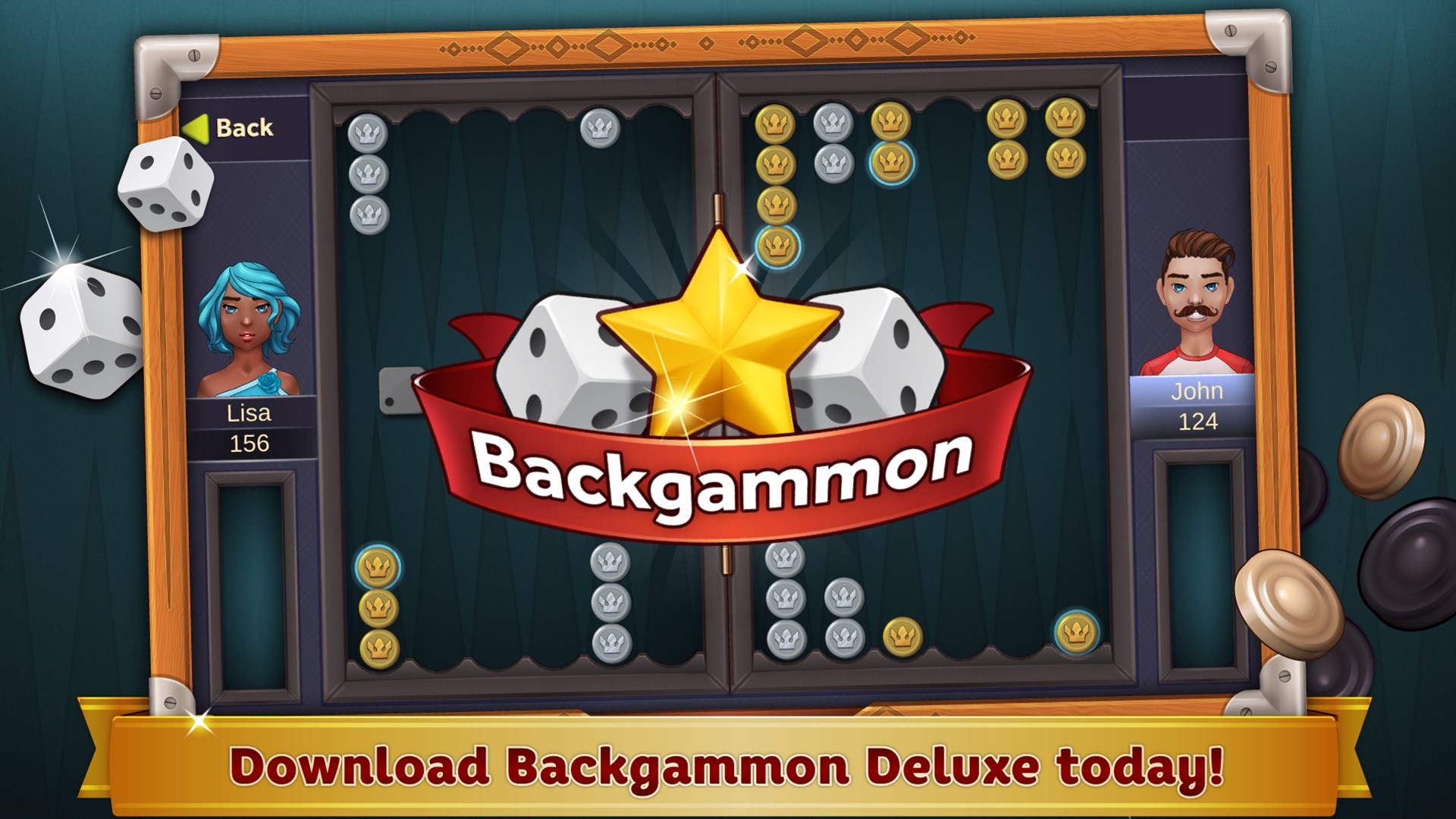
The visual aesthetics embrace classic backgammon motifs with a modern polish. The boards are beautifully rendered, with subtle textures and clear markings, making gameplay visually pleasing without overwhelming the senses. Clear icons and concise menus reduce clutter, allowing gameplay to remain the star of the show.
Gameplay Flow and Learning Curve
Playing Backgammon Deluxe is akin to learning to ride a bike: initially, it might seem slightly tricky, especially with the rules, but the app's guided tutorials and intuitive controls help ease beginners into the game. For seasoned players, the seamless operation and quick match options encourage rapid rounds, maintaining engagement without unnecessary delays.
What Sets It Apart? Strategic Clarity and Information Management
Unlike many strategy apps cluttered with complex data overloads, Backgammon Deluxe shines in its clarity of decision-making visibility. The game vividly displays the potential consequences of each move, helping players understand how a single roll or position can ripple through the entire strategy. Its design ensures players are not lost in a fog of information; instead, they're empowered with just the right insights to make confident choices.
Furthermore, the app excels at managing information overload, presenting only relevant data at each turn—think of it as having a smart assistant that whispers strategic hints, rather than shouting extraneous details. This balance fosters better decision-making and a more enjoyable experience, regardless of skill level.
Final Recommendations
Overall, Backgammon Deluxe for Windows is a thoughtfully crafted digital rendition that respects the game's origins while infusing it with modern conveniences. It's particularly recommended for players who appreciate strategic clarity and a clean, user-friendly interface. Beginners will find the learning curve gentle, while veterans can enjoy the depth and AI variability. For anyone looking to enjoy a classic game with a contemporary touch, this app is a worthwhile download—and it might just become your new favorite way to relax and challenge your mind.
Pros
- Intuitive user interface
- Multiple game modes
- Visually appealing graphics
- Offline mode available
- Achievements and leaderboards
Cons
- Limited tutorial features
- Minor UI glitches
- In-game ads in free version
- Sound effects could be more customizable
- Performance issues on older devices











