

- Name Airport City
- Category Strategy
- Available on PC
- OS Windows 10 version 16299.0 or higher
- DirectX Version 10
- languages English (United States)
A Creative Sky-High Experience: Airport City for Windows
Imagine building your own bustling metropolis in the skies—this is exactly what Airport City delivers, blending city management with aviation strategy in a seamless and engaging package.
About the App: The Basics
Airport City for Windows is a meticulously crafted city-building and management simulation game, allowing players to construct and expand their own airports and surrounding cities.
- Publisher: GAME INSIGHT UAB
- Main features highlights:
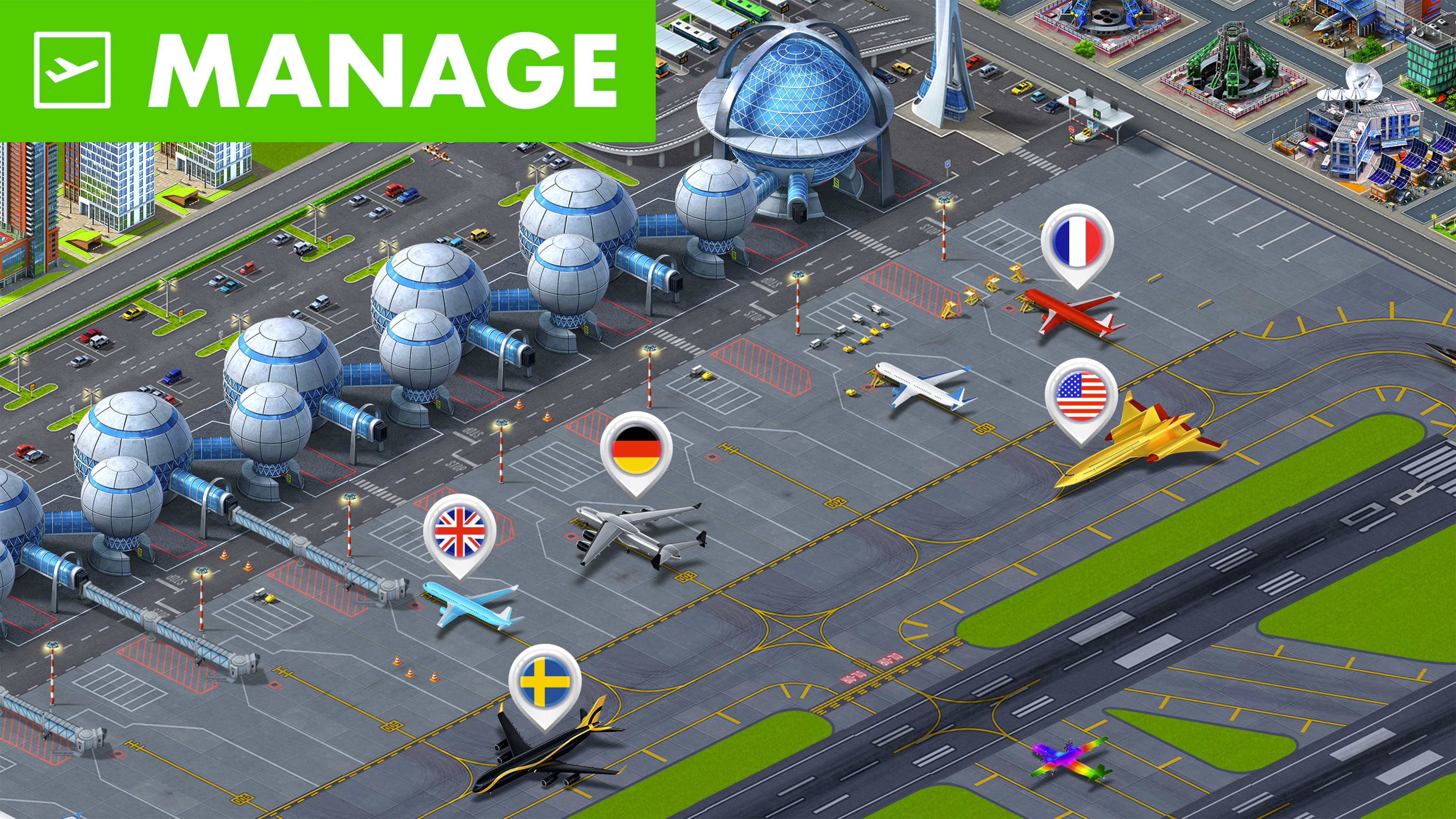
- Build and upgrade runways, terminals, and city structures to attract travelers and expand your airport empire.
- Manage airline routes, schedules, and cargo logistics with strategic precision.
- Design scenic cityscapes around your airport, integrating entertainment, hospitality, and transport hubs.
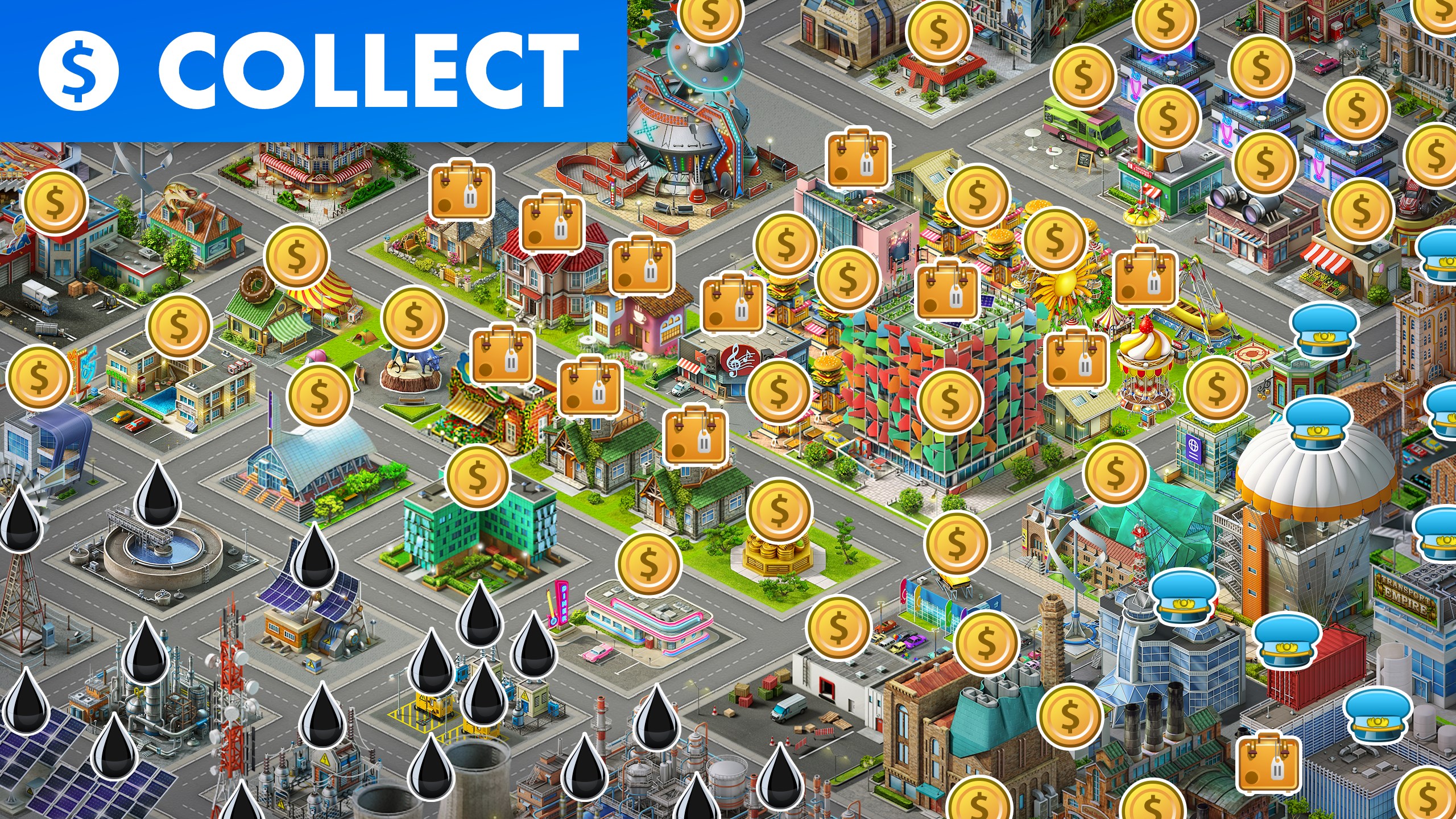
- Engage in regular events and missions to generate rewards and enhance city prosperity.
- Target Audience: Fans of city-building simulations, aviation enthusiasts, casual gamers seeking an immersive management experience, and players interested in visualizing the interconnectedness of transportation and urban growth.
An Inviting and Dynamic Journey Begins
Stepping into Airport City is like boarding a vibrant, bustling aircraft that promises adventure from the moment you load the game. The interface greets you with colorful airport scenes, lively animations, and an inviting atmosphere—imagine yourself as the master of a sprawling aerial metropolis. Whether you're a seasoned strategist or a newcomer eager to take off into simulation, this game provides a compelling blend of creativity and management precision. As you tap and swipe through the menus, it becomes clear that your airport isn't just about planes—it's a living, breathing ecosystem designed to keep your interest soaring.
Core Functional Modules: Takeoff and Expansion
Airport Construction and Upgrades: From Runway to Royalty
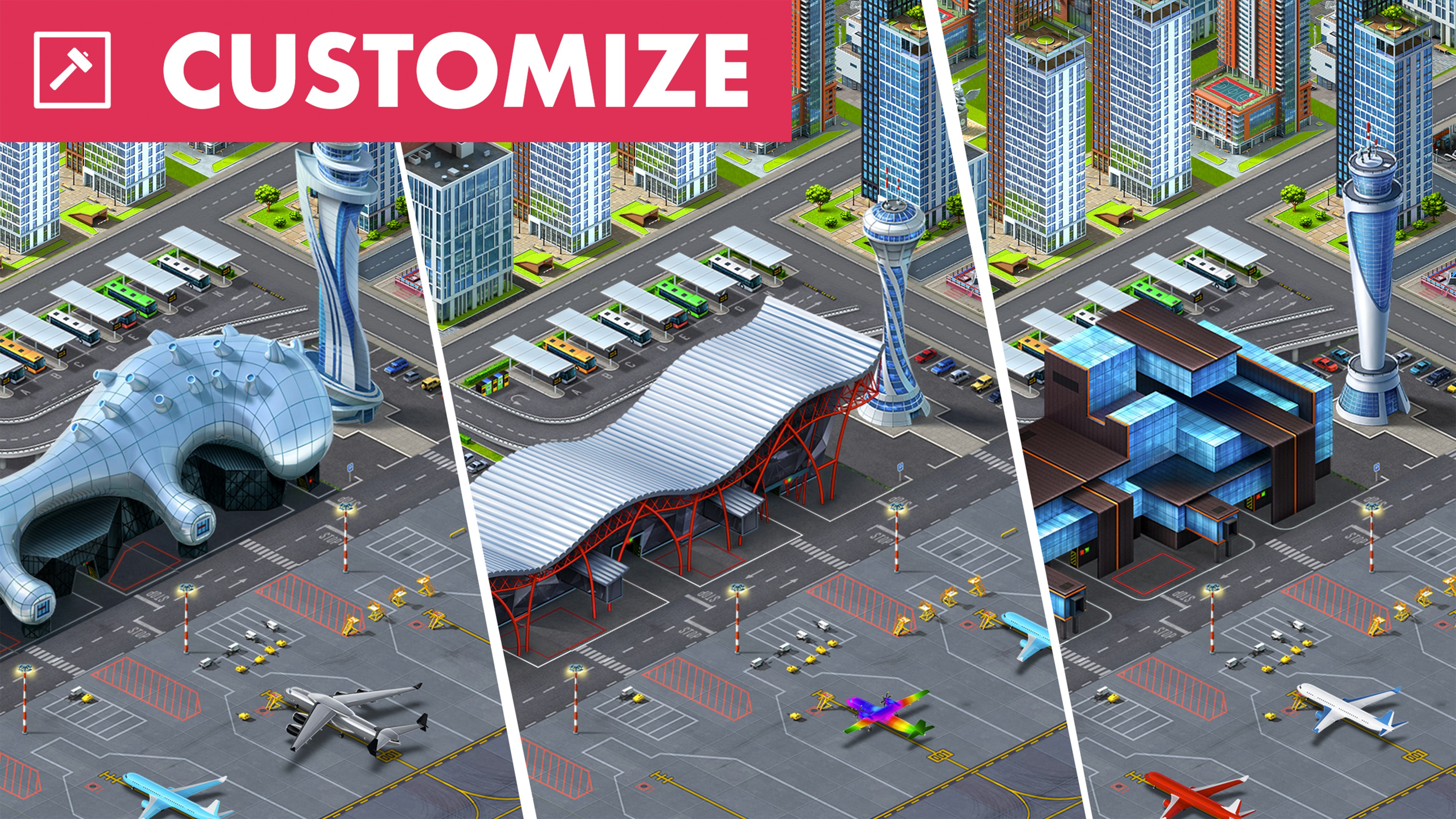
The heart of Airport City lies in its construction system. Building your airport starts simple—lay a runway, add a terminal, and watch your operations take flight. As you progress, the game offers a plethora of upgrade options—unlock new aircraft, expand runways for bigger planes, and customize terminal aesthetics. These enhancements aren't just cosmetic; they directly affect capacity, efficiency, and the cost of operations, turning your airport into a thriving hub of activity. The process is intuitive, with drag-and-drop mechanics that make designing your airport feel like sculpting a miniature skyline in the clouds.
Airline Management and Route Planning: Navigating the Skies Efficiently
Beyond physical construction, Airport City challenges players with airline management—deciding which routes to open, scheduling flights, and handling cargo flow. Each decision influences passenger influx, revenue, and city growth. The game offers clear visual indicators—aircraft icons showcasing route success, fulfillment bars, and profitability metrics—helping players analyze consequences without feeling overwhelmed. This balanced approach makes strategic planning accessible while rewarding thoughtful decision-making, akin to being a seasoned pilot adjusting the flight path for optimal performance.
City Design and Community Engagement
The surrounding cityscape isn't just a backdrop; it's an integral part of gameplay. Constructing hotels, entertainment venues, and transportation links enhances passenger experience and boosts income. The game features seasonal events and community challenges that encourage sharing progress with friends, fostering a social dimension. Its aesthetic is vibrant yet not cluttered, allowing players to appreciate the visual harmony of urban planning and airport logistics. The smooth-flowing interface and minimal learning curve make city-building feel more like water flowing downstream—natural and enjoyable.
Unique Strengths and Strategic Benefits
Unlike many city-builders or aviation sims, Airport City excels at overlaying decision consequences onto a clear visual canvas. Its design truly emphasizes "analyze decision consequence visibility," letting players see immediate and long-term effects—whether from expanding runways, adding new routes, or upgrading facilities. Simultaneously, the game excels at "evaluate information overload management"; complex logistics are presented through intuitive dashboards and progress indicators, avoiding overwhelm and keeping gameplay accessible. These thoughtful features help players make smarter moves, balancing growth with resource management, all while maintaining a user-friendly experience that encourages experimentation.
Final Verdict and Recommendations
Airport City for Windows is a well-crafted simulation that combines strategic depth with a friendly interface. Its standout features—the comprehensive airport management system and its transparent handling of decision impacts—distinguish it from typical city builders. For casual gamers or aviation aficionados alike, this game offers an engaging yet manageable way to explore urban and airline management concepts.
Highly recommended for those seeking a relaxing yet strategic experience, I suggest new players start with basic expansions, gradually exploring its layered features. Regular stakeholders will appreciate its ongoing events and community features, keeping the gameplay fresh and rewarding. If you're looking for a simulation that combines planning, creativity, and a high-flying sense of achievement, Airport City is definitely worth taking off with.
Pros
- Engaging gameplay with city-building mechanics
- Frequent updates with new content
- User-friendly interface
- High-quality graphics and visual effects
- In-game social features and multiplayer options
Cons
- In-app purchases can be intrusive
- Energy system limits gameplay sessions
- Ads can appear unexpectedly
- Game progression can be slow at higher levels
- Some users report occasional app crashes











