
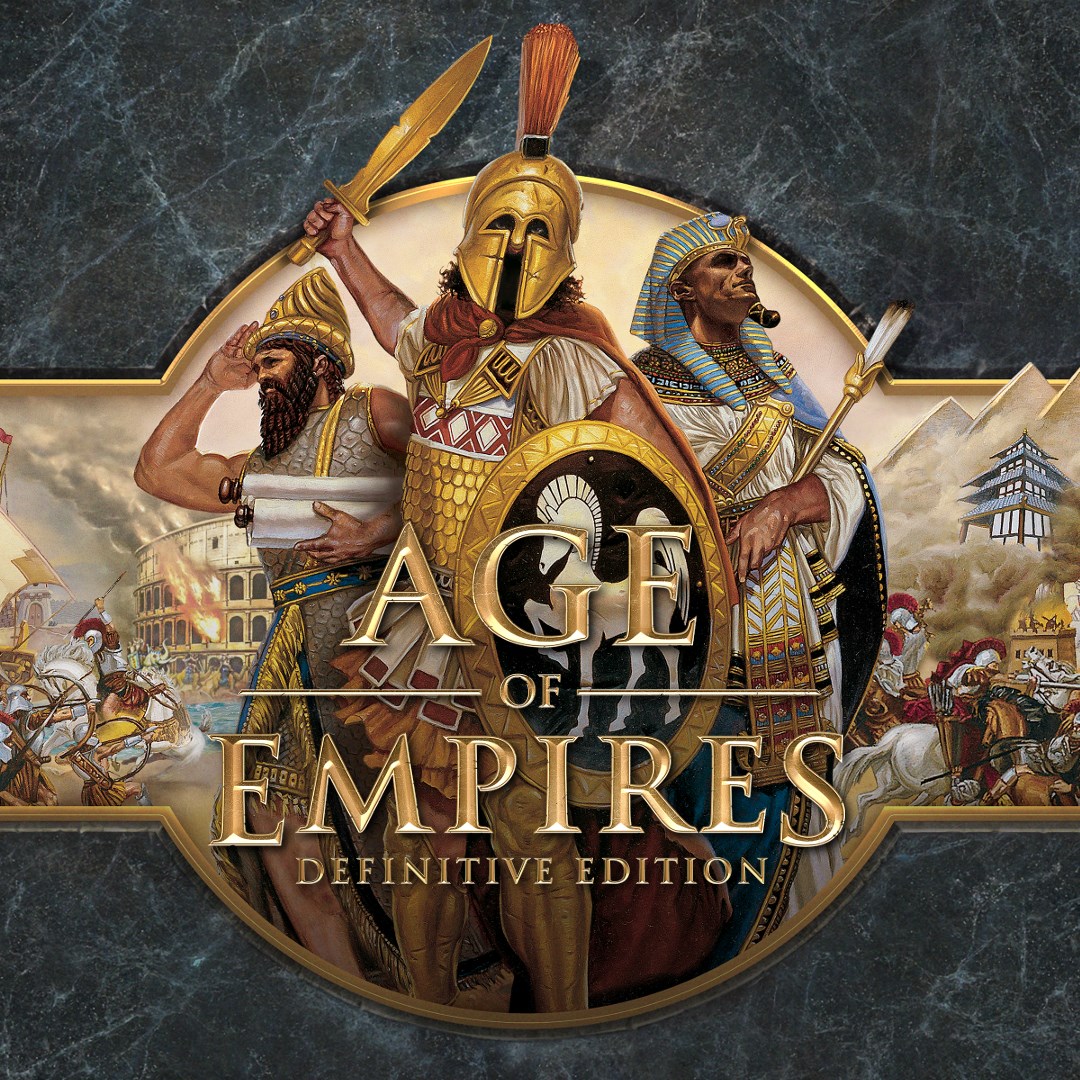
- Name Age of Empires Definitive Edition
- Category Strategy
A Timeless Strategy Journey Reimagined: Age of Empires Definitive Edition for Windows
Embark on a nostalgic yet refreshed trek through ancient civilizations with Age of Empires Definitive Edition, a meticulously crafted remake that brings classic RTS gameplay into modern clarity. This title promises both a trip down memory lane and a vibrant, accessible experience for new explorers of the realm of real-time strategy.
Who Stands Behind the Battle: Developer and Key Features
Developed and published by Xbox Game Studios, Age of Empires Definitive Edition has been lovingly rebuilt to honor its legendary roots while enhancing visual fidelity and gameplay fluidity. The game's highlights include:
- Visual Overhaul: A full high-definition remaster with stunning, meticulously detailed landscapes and unit models, transforming pixelated classics into vivid, lifelike scenarios.
- Enhanced User Interface: Modernized menus and controls that streamline gameplay without sacrificing depth, making complex strategies more accessible.
- Extended Content & Campaigns: Reintroducing the original campaigns along with new scenarios, enriching the historical experience for both newcomers and veterans.
- Multiplayer & Co-op Experience: Improved online multiplayer capabilities supporting larger player counts and cloud saves, fostering a robust community for strategic battles.
This remaster perfectly targets fans of classic RTS games, history buffs, and newcomers eager to dip into strategic gaming with a polished, user-friendly interface.
Unveiling the Essence: A Deep Dive into the Core Features
Stunning Visuals and Immersive Environments
Compared to its early 2000s predecessor, the Definitive Edition elevates the game's aesthetic with lush landscapes, intricate architecture, and animated units bursting with personality. This visual upgrade transforms the game from a nostalgic pixel art into a lively battleground that feels alive and real, much like stepping into a living tapestry of history. The detailed terrain and easily distinguishable unit designs make strategic planning not only intuitive but also visually satisfying—turning complex battles into eye candy.
Streamlined Gameplay and Intuitive Learning Curve
One of the most notable improvements lies in the cleaner, more responsive UI. Menus now feel like a well-organized toolbox—everything within reach without overwhelming the player. The game's control mechanics respond smoothly, whether you're maneuvering armies or managing resources, making for seamless gameplay sessions. For newcomers, a gentle tutorial mode and clearer indicators expedite learning, while veterans can appreciate the refined interface that fuels quick decision-making—like having a strategic dashboard at your fingertips.
Smart Decision-Making & Managing Information Overload
Age of Empires' brilliance is in its clarity of decision impact: every strategic move has visible consequences, thanks to better highlighted actions and clear, real-time feedback. Unlike some strategy games where critical information can drown in a sea of icons, this iteration emphasizes a balanced display—allowing players to evaluate their decisions swiftly without mental fatigue. Such design choices make the game stand out in its class, especially among titles where managing overload can be overwhelming. Think of it as a well-organized command center—providing just the right amount of information without forcing you to memorize vast data points.
Recommendation and Final Thoughts
Overall, Age of Empires Definitive Edition is a thoughtfully polished game that respects its roots while moving forward with modern sensibilities. It's particularly recommended if you're seeking an RTS experience that combines visual appeal, strategic depth, and user-friendly design. For players looking for a real-world thinker's game with a manageable learning curve and excellent historical content, this title is a worthy choice.
Whether you're a seasoned strategist or a newcomer keen to explore ancient civilizations through a clear and engaging lens, Age of Empires Definitive Edition offers a compelling and dependable experience. I'd say it's most suitable for those ready to immerse themselves in the grand tapestry of history and warfare—an accessible yet profound strategy adventure.
Pros
- Rich nostalgic gameplay
- Enhanced graphics and audio effects
- Support for widescreen resolutions
- Multiplayer matchmaking improvements
- Intuitive user interface and controls
Cons
- High system requirements
- Occasional bugs in multiplayer mode
- Limited mod support compared to original versions
- Loading times can be lengthy on some systems
- Lack of some original game features like certain custom maps











