

Revolutionize Your Teamwork with Zoom Workplace
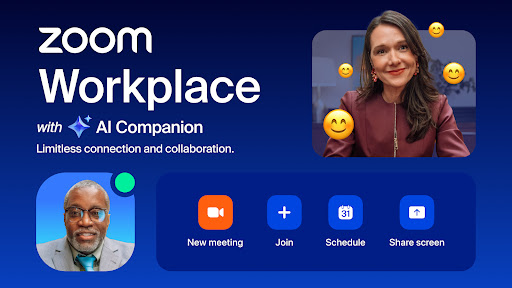
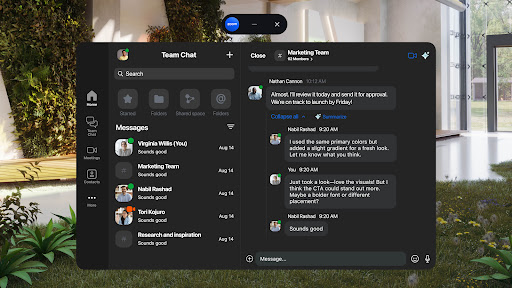
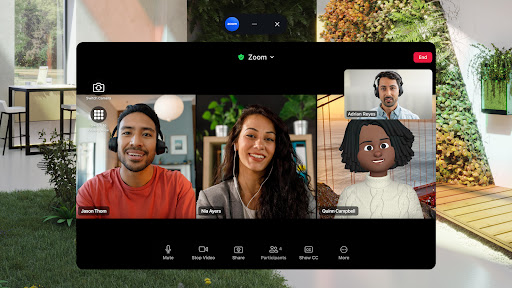
Imagine a single platform that seamlessly combines all your essential communication and collaboration tools. Zoom Workplace is an innovative, AI-first open collaboration platform designed to enhance productivity and streamline teamwork. Whether you're using a mobile device or desktop, Zoom Workplace integrates team chat, video meetings, phone calls, whiteboard, calendar, mail, and documents into one intuitive interface. This all-in-one solution is perfect for teams seeking flexibility, efficiency, and a modern approach to work collaboration.
By leveraging AI capabilities, especially with your paid Zoom license, Zoom Workplace empowers users to stay organized, save time, and focus on what truly matters. From quick message summaries to drafting content, the integrated AI Companion acts as your personal assistant, available at no extra cost and accessible anywhere—from your mobile device to desktop. The platform supports both Android and other operating systems, making it a versatile choice for dynamic, remote, or hybrid teams.
Key Features of Zoom Workplace
Enhanced Productivity with AI Companion
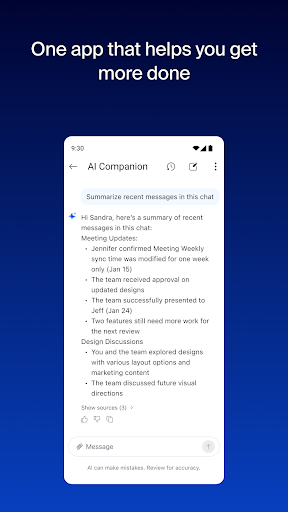
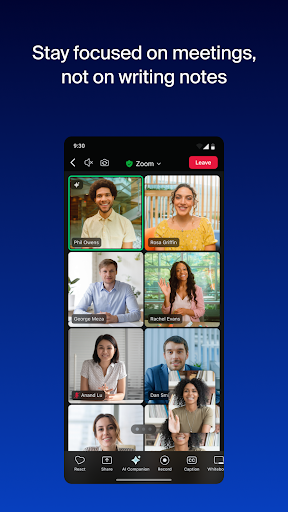
One of the standout features is the AI Companion that helps you get ready for meetings by generating summaries and key points from your unread messages. Need a quick draft? Let the AI assist you in creating content. It can also provide concise overviews of your team chat messages, ensuring you stay organized and informed. Whether you're on the go or at your desk, AI Companion makes your workflow smoother and more efficient.
Unified Communication App
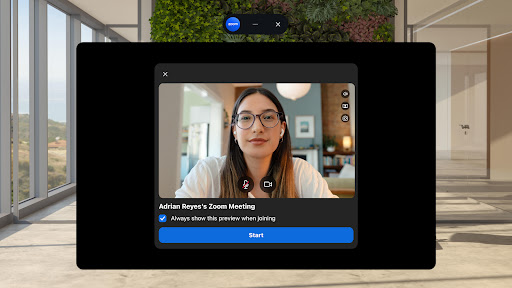
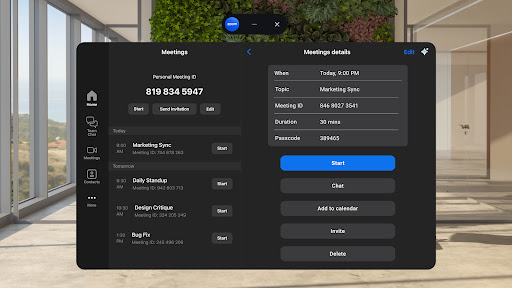
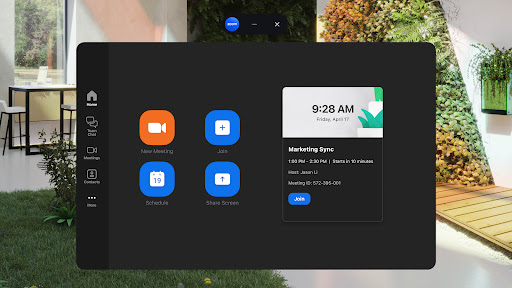
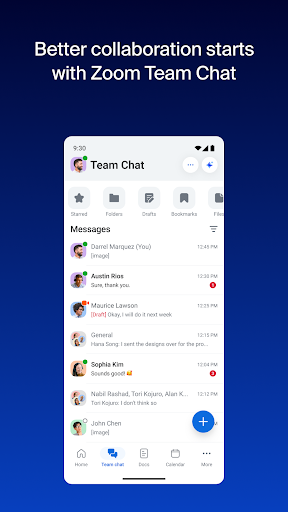
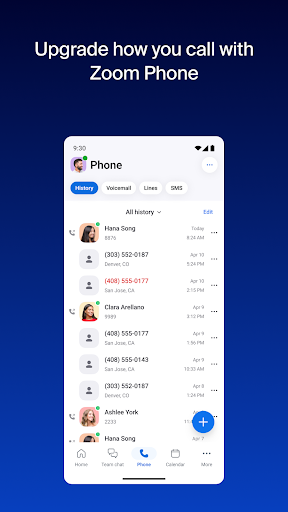
Say goodbye to juggling multiple apps. With Zoom Workplace, you can schedule or join video meetings with just a tap, chat securely with colleagues both internally and externally, and manage calls or SMS messages effortlessly. The platform simplifies communications by consolidating essential tools into one user-friendly interface, boosting overall team productivity.
Collaborative Workflows
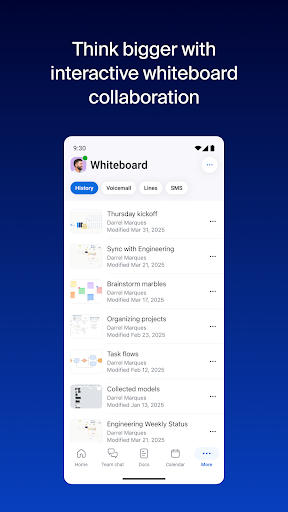
The app is equipped with robust collaboration features, including real-time editing of documents, virtual whiteboards for brainstorming, and shared information management at scale. Your team can annotate during meetings, share content in Zoom Rooms, and seamlessly switch between devices—moving from your tablet to your PC or smartphone with just a tap.
Multi-location Flexibility
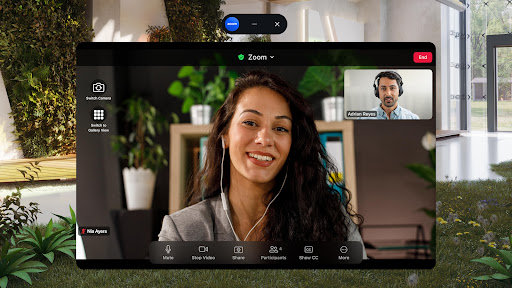
Whether you're working from the office, home, or on the move, Zoom Workplace supports multi-tasking with features like Picture in Picture and Split Screen. You can start or join meetings from any device, share content easily, and maintain connectivity across locations—all while remaining secure thanks to enterprise-grade security protocols and Single Sign-On (SSO).
Mobile-First Experience & Voice Commands
Designed for mobility, the platform encourages productivity on the go with voice commands like "Hey Google" for hands-free control. This ensures you stay connected and productive, no matter where you are.
Upgrade to Zoom Workplace Pro for Unlimited Meetings
Interested in unlocking more features? With a Zoom Workplace Pro subscription, you can host unlimited meetings up to 30 hours each, record sessions to the cloud, and assign meeting co-hosts and schedulers. This professional tier enhances your collaboration capabilities, making remote teamwork more effective than ever.
Subscription management is straightforward through the Google Play app, with transparent pricing shown before purchase. Plus, your subscription renews automatically unless canceled in advance, ensuring continuous access to all premium features.
Join the Zoom Community and Learn More
Zoom is committed to connecting teams worldwide. To learn more or get support, you can visit their community forums or contact their support team. Remember to review their Terms of Service and Privacy Statement to understand how your data is protected.
Pros
- High-quality video conferencing
- Seamless calendar integration
- User-friendly interface
- Wide array of collaboration tools
- Efficient screen sharing capabilities
Cons
- Data privacy security concerns
- Occasional connectivity problems
- Limited features in the free version
- Needs a stable internet connection
- Complex setup process for beginners











