






Discover the Power of Microsoft Teams for Seamless Collaboration
Unmatched Integration and Connectivity Features
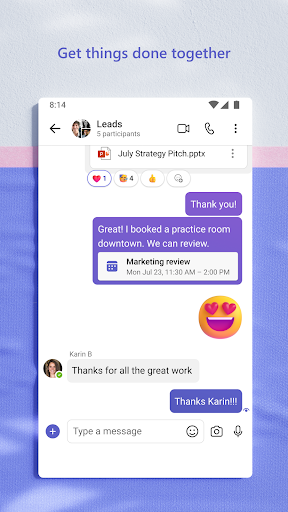
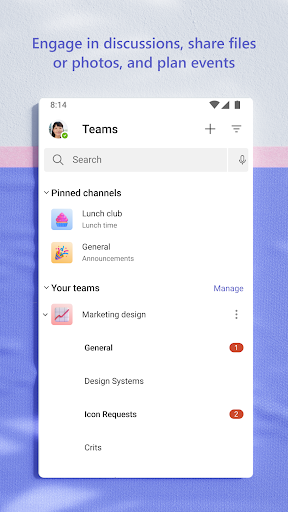
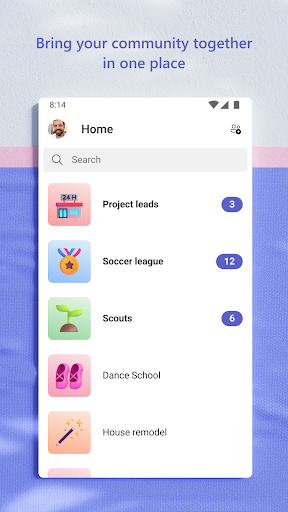
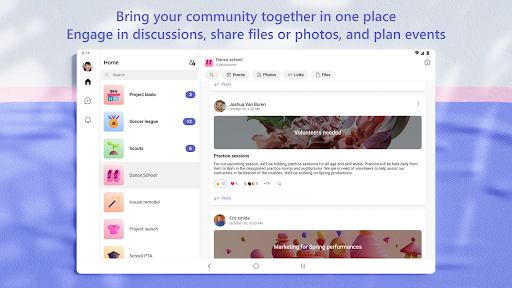
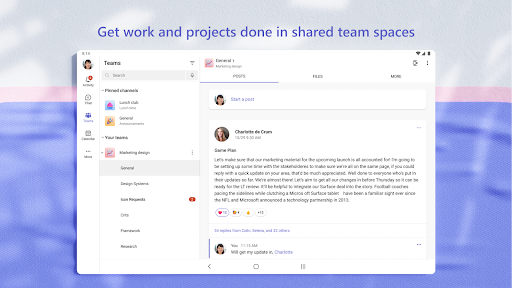
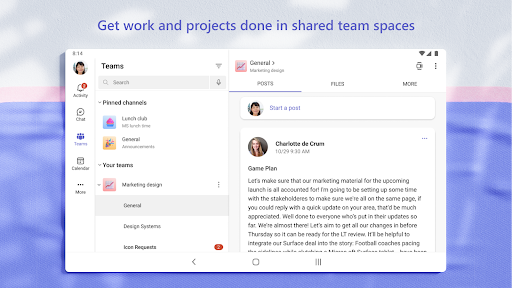
You can engage in chat 1-on-1 or broadcast to your entire community, using @mentions to get someone's attention. Communities can be dedicated to specific topics, facilitating focused discussions and plans. Keep conversations organized with teams and channels for different projects or interests.
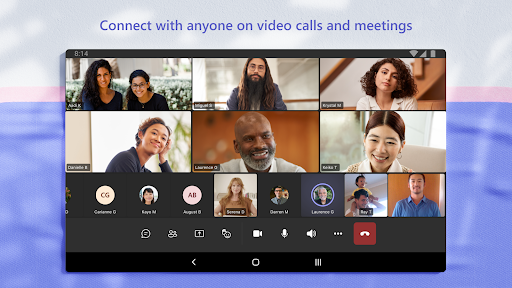
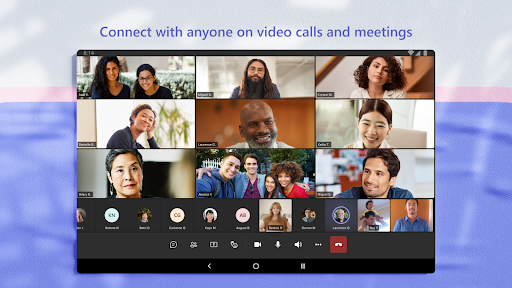
Need to speak directly? You can initiate video or audio calls instantly, even convert group chats into calls. Express yourself with fun features like GIFs, emojis, and message animations for a more lively communication experience.
Collaborate Effectively on Plans and Projects
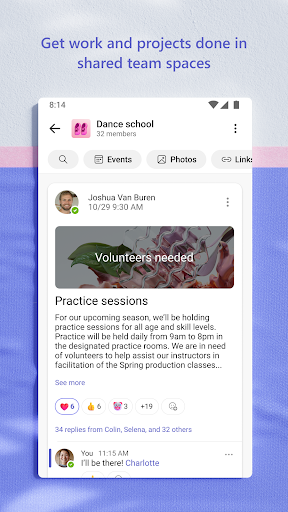
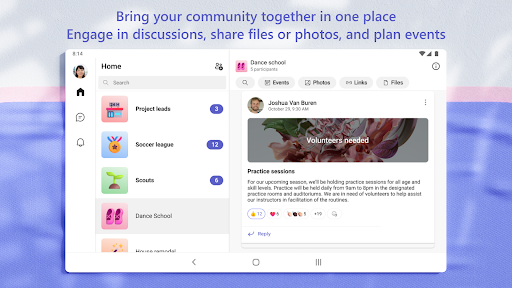
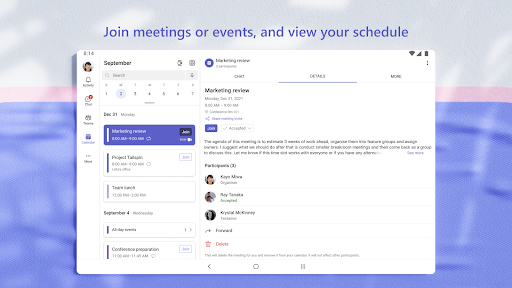
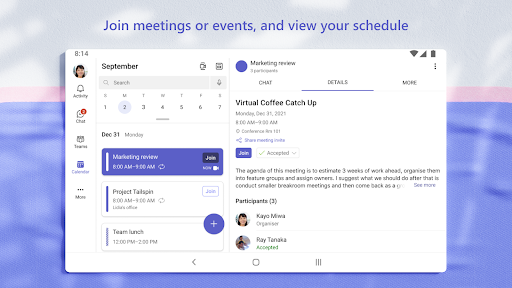
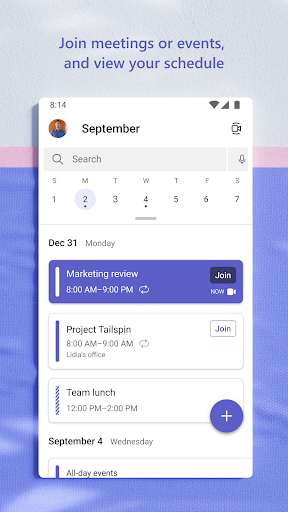
Stay organized by managing content within a community: schedule events, collect photos, share links, and store files — all in a centralized space, eliminating the hassle of searching across different apps.
Enhance your meetings with features like screen sharing, whiteboard, and breakout rooms for collaborative sessions. Manage access to sensitive information, ensuring that everyone has appropriate permissions even as team members join or leave projects. Keep everyone on track by using task lists: assign tasks, set deadlines, and track progress to ensure smooth collaboration and project success.
Security and Control for Peace of Mind
Rest assured knowing that the app adheres to enterprise-level security and compliance standards associated with Microsoft 365.
Getting Started with Microsoft Teams
Why Choose Microsoft Teams for Your Collaboration Needs
Additionally, the app’s video conferencing capabilities support crystal-clear calls, perfect for remote teams or virtual meetings. Screen sharing and virtual whiteboards facilitate presentations and brainstorming sessions, making remote collaboration feel more interactive.
What truly sets Microsoft Teams apart is its all-in-one approach: it consolidates communication, file sharing, task management, and security into a single, easy-to-use platform. Whether you’re coordinating a small project, managing a department, or organizing a community event, Teams adapts to your workflow.
Conclusion
Pros
- Seamless integration with Office 365 suite.
- High-quality video and audio calls.
- Customizable team channels.
- Strong security and compliance features.
- Real-time collaboration on documents.
Cons
- Complex setup for non-technical users.
- Occasional notification delays.
- Limited customization options for the user interface.
- Requires a stable internet connection.
- Storage limitations on the free plan.










