

Google Chat: The Ultimate Team Collaboration Tool
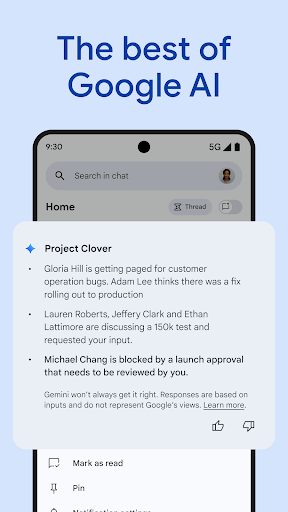
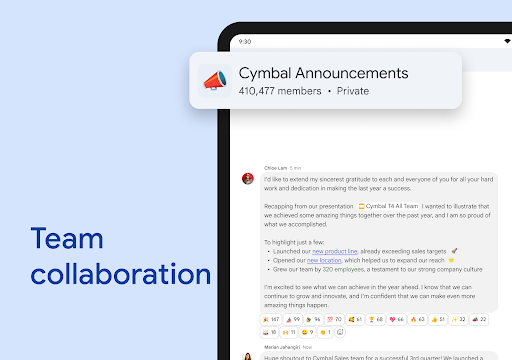
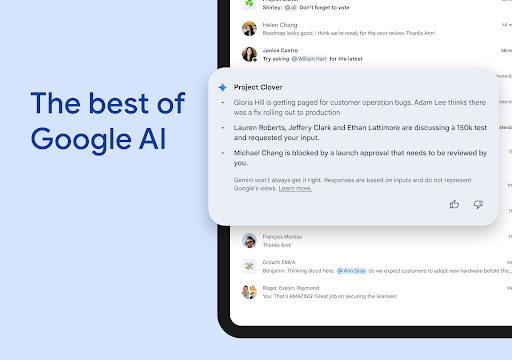
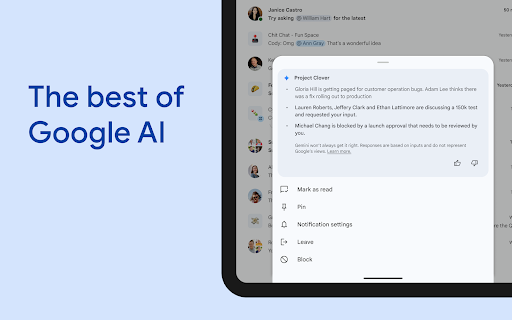
Google Chat is the premier messaging and collaboration platform designed for teams using Workspace. It offers AI-first messaging capabilities that revolutionize the way teams connect, communicate, and complete tasks efficiently. Powered by advanced technologies like Gemini, Google Chat provides an integrated experience that keeps your entire team aligned and productive.
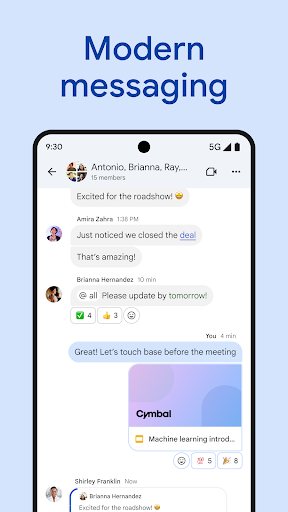
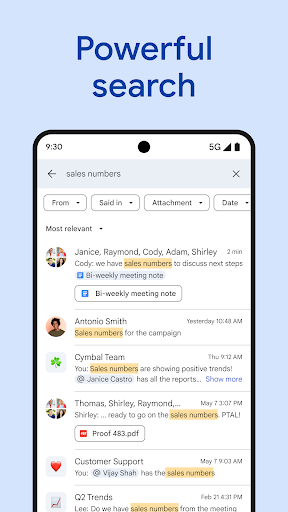
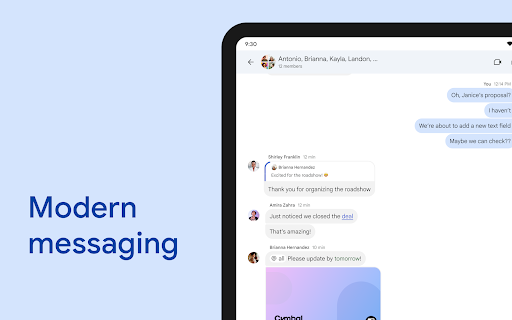
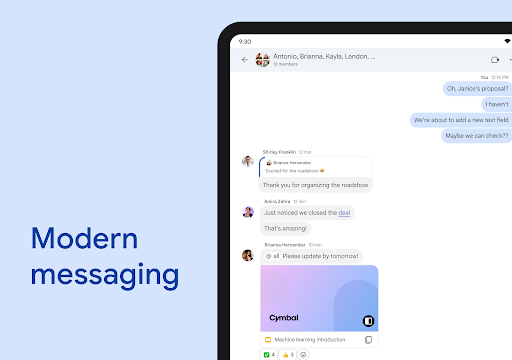
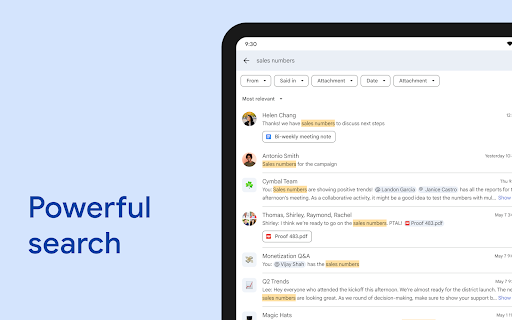
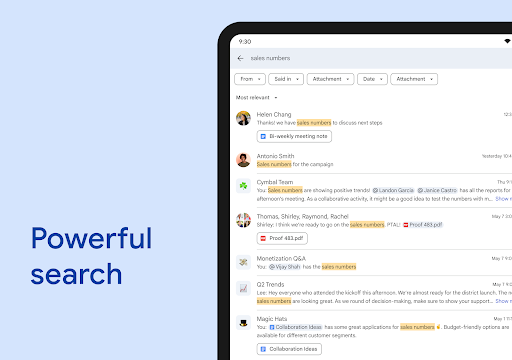
With features such as conversation summaries, automatic translation across more than 120 languages, and AI-enhanced search, Google Chat transforms standard communication into a seamless collaboration experience. It allows users to capture action items effortlessly, ensuring everyone stays on the same page. Whether you’re starting a quick chat with a colleague, a group discussion, or a team-wide conversation, Google Chat streamlines your workflow.
Stay updated with personalized status updates indicating when you're **heads-down** or available to connect. Share rich updates using audio and video messages, and hold real-time conversations with huddles. These features ensure that remote and hybrid teams can maintain spontaneous and effective communication throughout the workday.
Transforming Teamwork with Google Workspace Integration
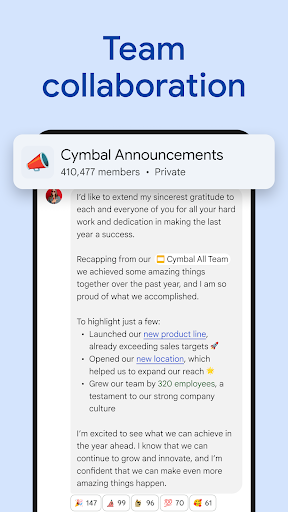
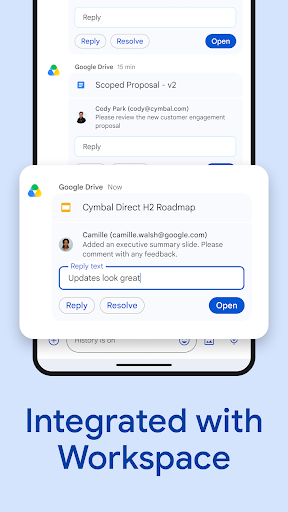
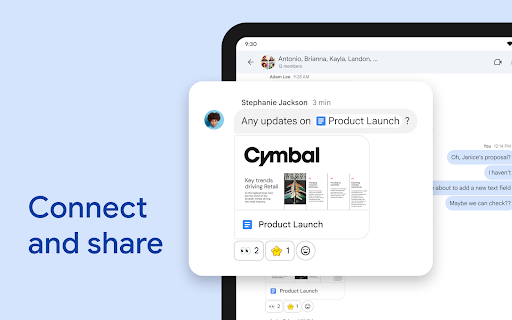
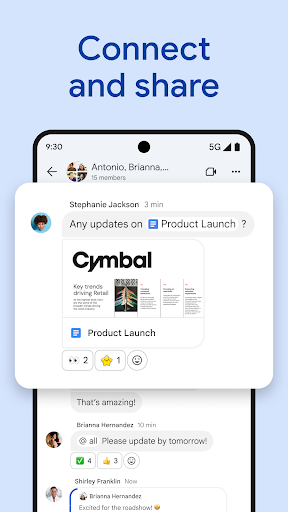
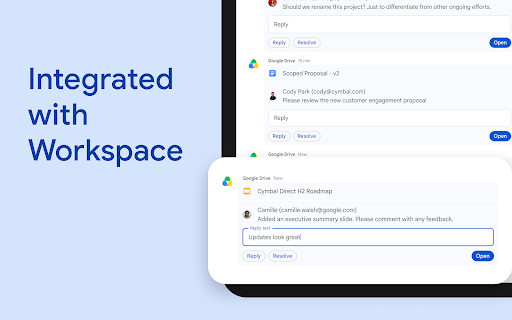
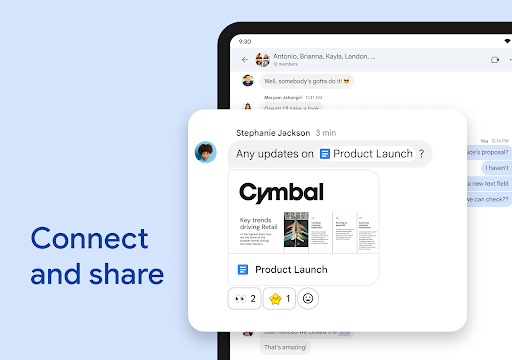
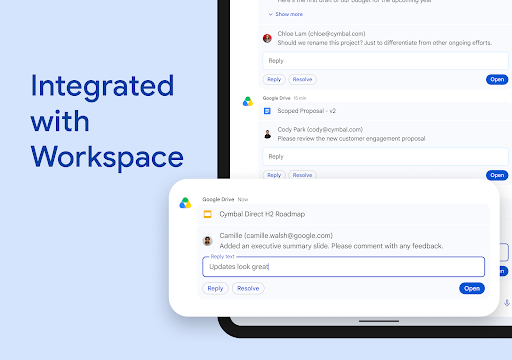
Google Chat harnesses the full power of Workspace to enhance team collaboration. It seamlessly integrates with popular Google apps like Gmail, Calendar, Drive, Tasks, and Meet. This integration simplifies workflows by allowing users to link files, people, and spaces directly within conversations using smart chips.
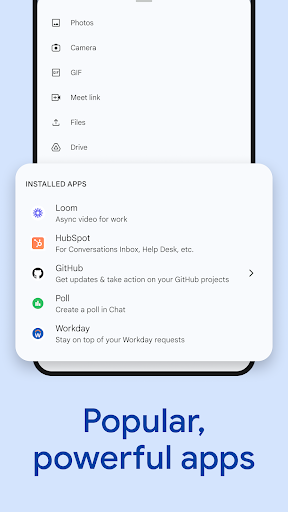
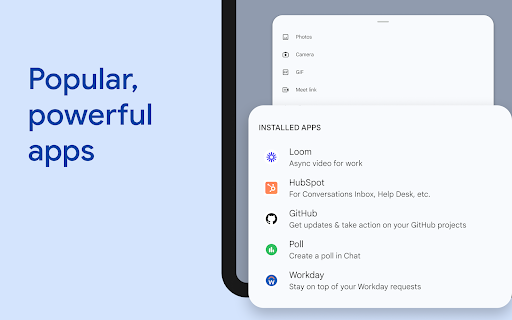
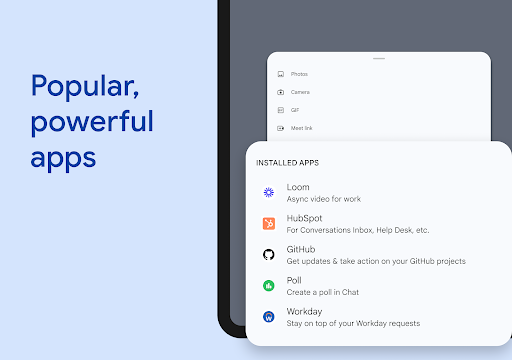
Managing requests, comments, and approvals becomes effortless with the Google Drive app for Chat. Plus, you can extend the platform's capabilities by installing third-party apps such as PagerDuty, Jira, GitHub, and Workday. For developers, Google Chat offers APIs that enable you to build no-code, low-code, or pro-code apps tailored to your team’s specific needs.
Security and Compliance You Can Trust
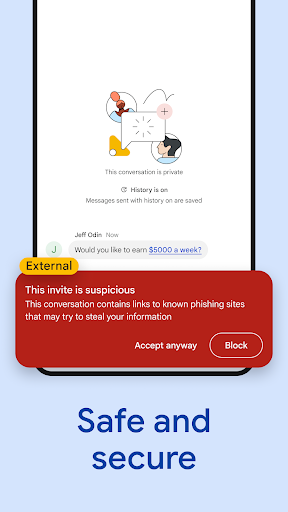
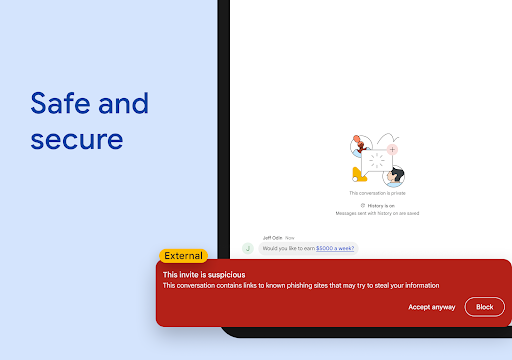
Security is a top priority for Google Chat. It is protected by Google's cloud-native, zero-trust architecture, ensuring your data remains safe. Unlike traditional messaging platforms, Google Chat requires no desktop app patches, and no data is stored on end-user devices, minimizing risks associated with local data storage.
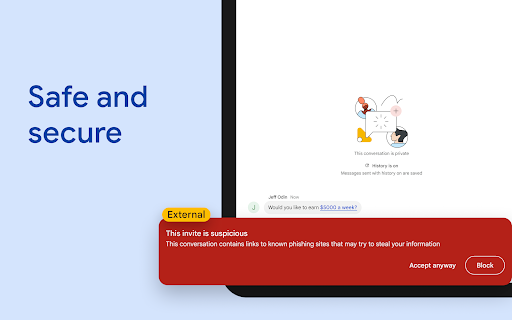
Additionally, Google Chat employs AI-powered data loss prevention (DLP), along with phishing and malware detection, to safeguard sensitive information. For organizations aiming to migrate from less secure legacy platforms, Google Chat offers a secure and reliable communication environment that meets enterprise standards.
Who Can Use Google Chat?
Google Chat is available as part of Google Workspace for consumer, education, and business customers. While many features are accessible at no extra cost, some premium functionalities require a paid subscription. You can explore options and start a free 14-day trial by visiting Google Workspace Pricing.
Conclusion: Why Choose Google Chat?
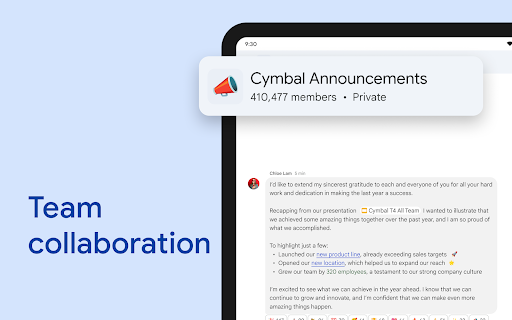
If you're already immersed in the Google ecosystem, Google Chat becomes an indispensable tool to streamline your communication and teamwork. Its deep integration with Google apps boosts productivity, enhances collaboration, and simplifies communication workflows. From managing projects to facilitating spontaneous team huddles, Google Chat is a versatile platform designed to keep your team connected and productive.
Moreover, its robust security features and ability to integrate with a wide range of third-party applications make it suitable for organizations of all sizes. Whether for professional teams, educational institutions, or personal use, Google Chat offers a dynamic and secure environment for modern digital communication.
So, if you're looking for a collaboration platform that combines ease of use, powerful features, and enterprise-grade security, give Google Chat a try and experience how it can elevate your teamwork to the next level.
Pros
- Smooth integration with Google Workspace.
- Intuitive interface and easy navigation.
- Features for real-time teamwork.
- Supports both individual and group messaging.
- Highly customizable notifications.
Cons
- Limited connections with non-Google applications.
- Sometimes encounters syncing problems.
- Does not include advanced project management features.
- Necessary to have a Google account to use.
- Mobile version lacks some functionalities present on desktop.










