

Discover the Power of Resume - Intelligent CV Maker
If you've ever faced the daunting task of creating a professional resume from scratch, Resume - Intelligent CV Maker is here to transform your experience. This innovative application acts as your personal career coach, guiding you through every step of building a polished, impactful resume with ease. Designed for job seekers at all levels, from students to seasoned professionals, this app packs a wealth of features tailored to meet the demands of a competitive job market.
Key Features of the Resume - Intelligent CV Maker App
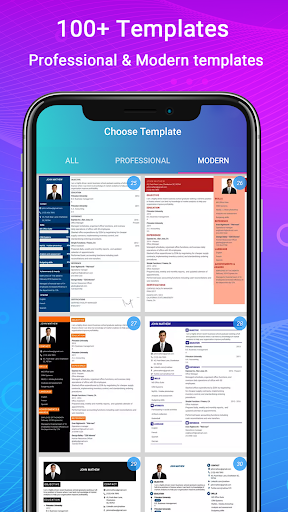
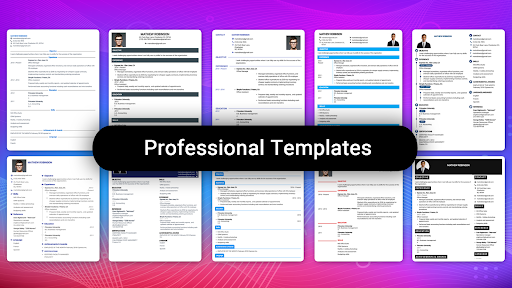
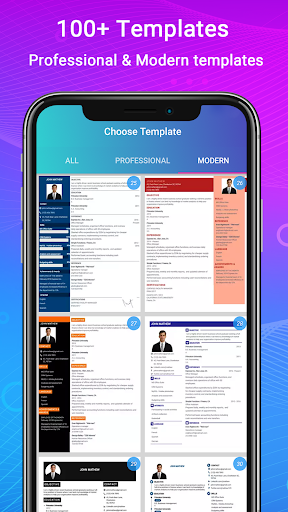
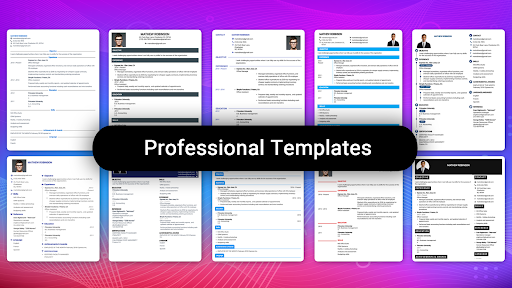
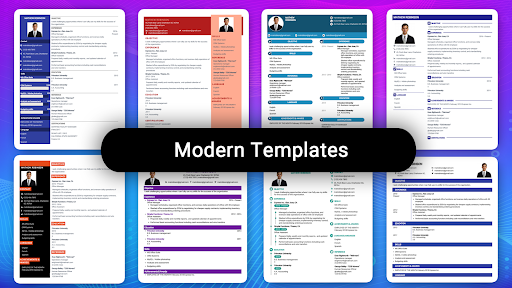
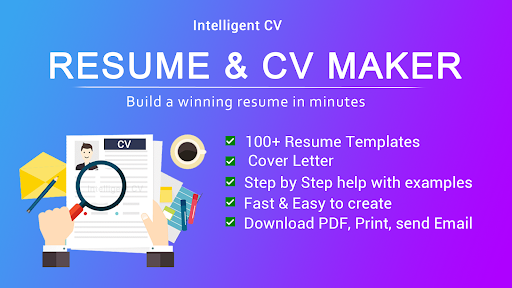
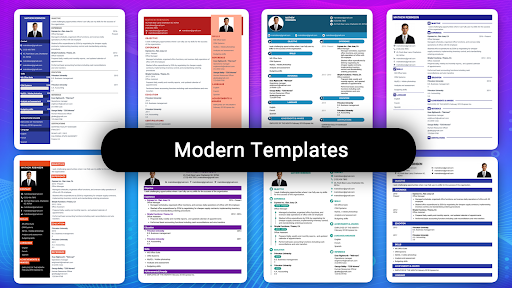
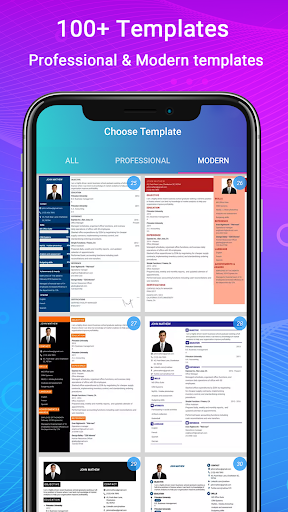
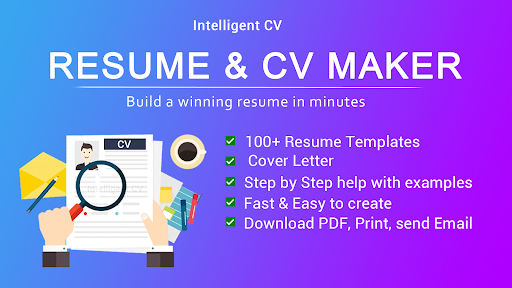
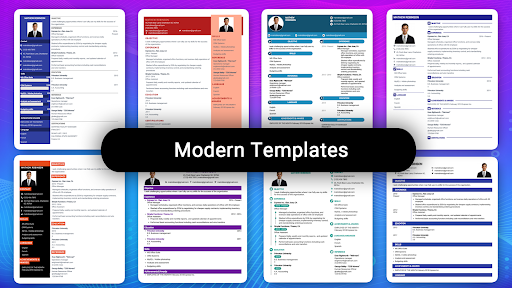
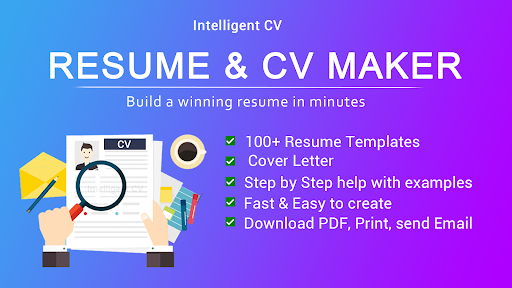
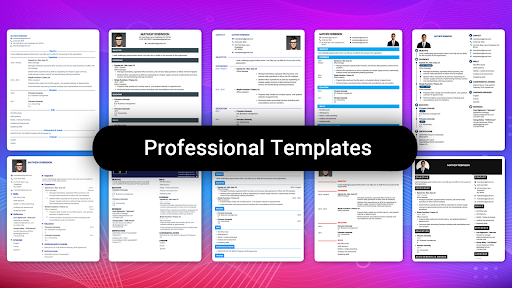
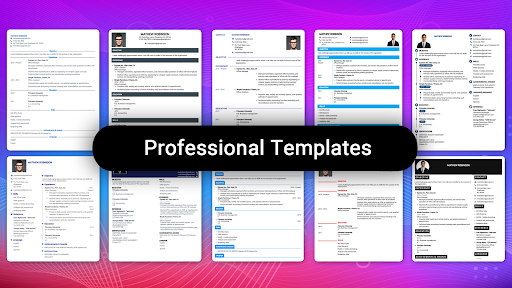
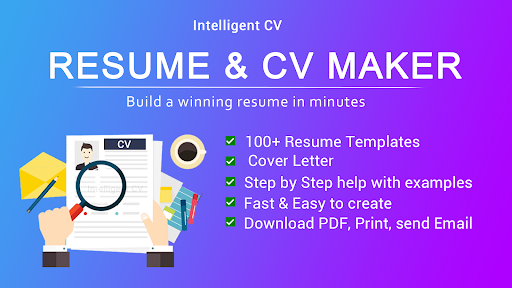
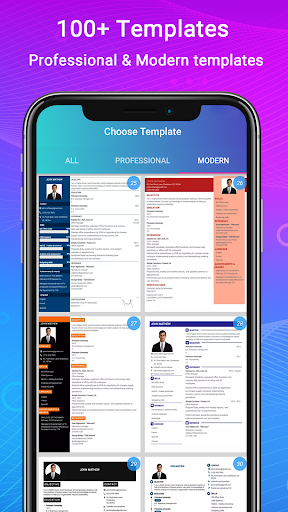
The app stands out with a comprehensive suite of tools aimed at simplifying resume creation. It offers more than 500 professional resume templates and 42 perfect resume formats, ensuring you find the ideal layout for your industry and experience level. Whether you need a chronological, functional, or a combination CV, this app has you covered with versatile options such as United States resume formats, biodata, CV portfolio, and job application CVs.
Intuitive Guidance and Customization
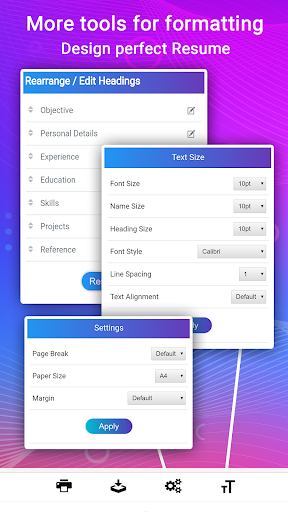
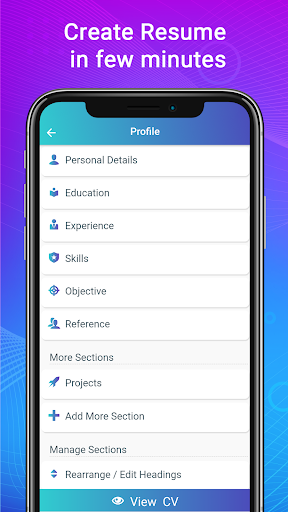
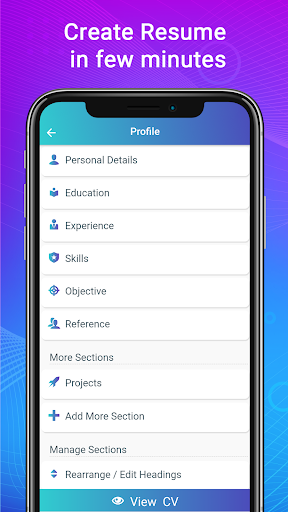
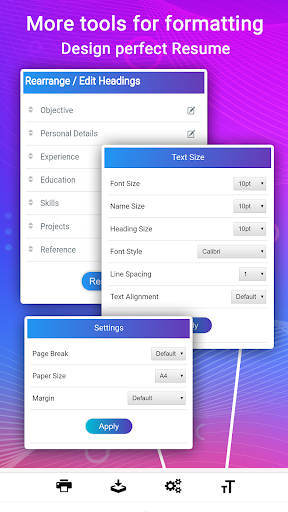
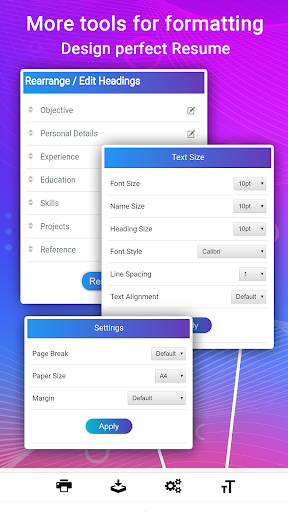
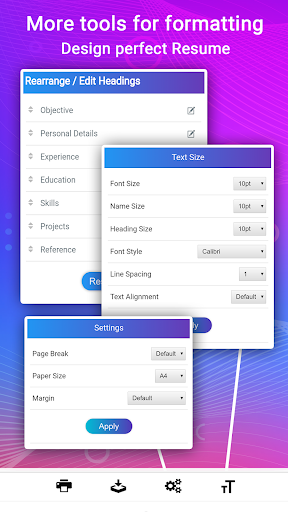
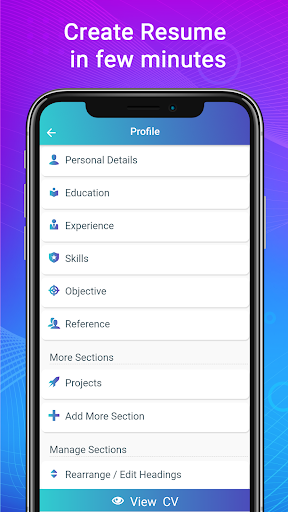
One of the standout features is the step-by-step guidance that walks you through each section, providing examples to help craft compelling content. The advanced resume editor includes special CV writing tools for customizing paragraphs, lists, and section titles. This flexibility allows you to change the order of sections, add new sections, or modify content at any time, giving you full control over your resume’s appearance and structure.
Design and Formatting
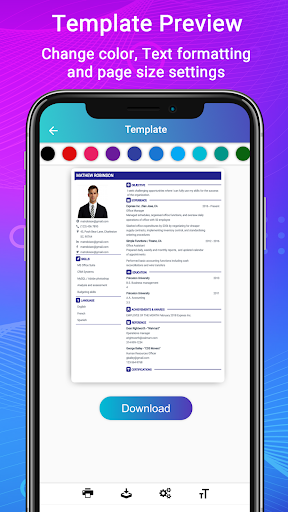
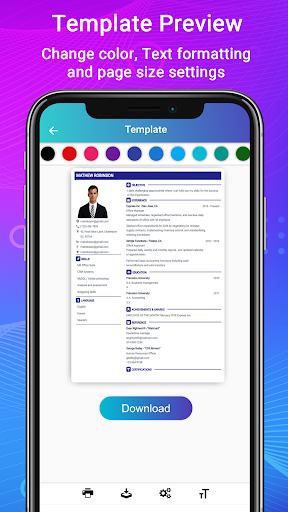
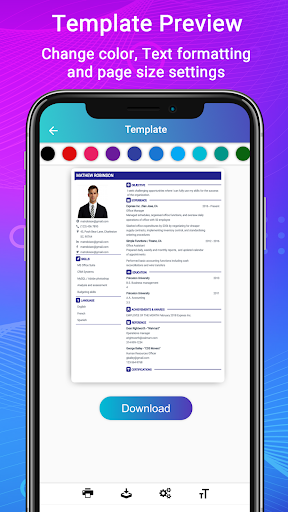
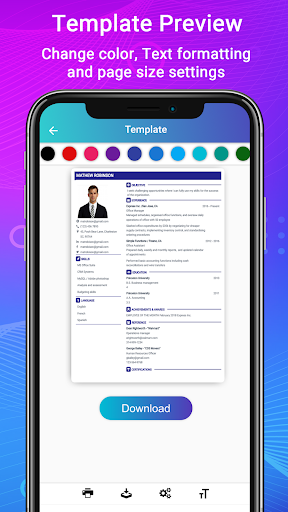
With numerous font size, color, and margin settings, you can tailor your resume’s look to match your personal style or industry standards. The app provides live format preview so you can see changes in real time, ensuring your resume looks professional and visually appealing. Additionally, the templates support adding profile photos, making your application more personalized.
Export, Share, and Support
Once your resume is ready, you can download in PDF format or print or share directly from the app. Its compatibility with applicant tracking systems (ATS) ensures that your resume remains optimized for automated screening—an essential advantage in today’s hiring process. The app also offers full support for resume writing in English, helping you craft a document that resonates with international hiring managers.
Versatile Resume Types and Templates
Whether you need a single-page or two-page resume, or prefer formats like functional, reverse-chronological, or combination CVs, this app provides ready-to-use templates to suit your needs. It’s particularly effective for fresh graduates, entry-level candidates, or professionals seeking full-time or part-time work from home jobs. The inclusion of ATS-optimized templates makes your resume stand out during automated processing, increasing your chances of securing interviews.
Additional Tools for Comprehensive Job Applications
Beyond resumes, the app enables you to create biodata and portfolios, adding depth to your job applications. You can generate cover letters that match your resume templates, available in various formats suitable for fields like engineering, IT, healthcare, education, finance, and more. Optional profile photos enhance your personal branding, making your applications more memorable.
Ease of Use for Everyone
Designed with user-friendliness in mind, anyone who knows how to operate an Android device can create a high-quality curriculum vitae in PDF format. The simple interface guides even beginners to fill in their biodata, education, experience, skills, and upload photos effortlessly. The app’s resume helper includes sample sections and tips, making it perfect for students, interns, and entry-level job seekers.
Bottom Line: Why Choose Resume - Intelligent CV Maker?
If you’re seeking a stress-free and professional way to craft impactful resumes, this app offers a comprehensive solution. Its array of customizable templates, step-by-step guidance, and compatibility with various resume formats make it an invaluable tool for boosting your career prospects. Whether you're aiming for your first job, switching industries, or applying for remote roles, Resume - Intelligent CV Maker can help you stand out in a crowded job market.
Pros
- User-friendly interface for quick resume creation.
- A wide selection of templates available.
- Supports exporting resumes in multiple formats, including PDF.
- Customizable sections for creating personalized resumes.
- Provides tips and examples to enhance resume quality.
Cons
- Fewer free features compared to premium version.
- Some templates appear outdated.
- Reports of occasional app crashes.
- Advertisements in the free version can be distracting.
- Limited options for customer support.










