

All Document Reader: PDF Viewer — Your Ultimate Document Handling App
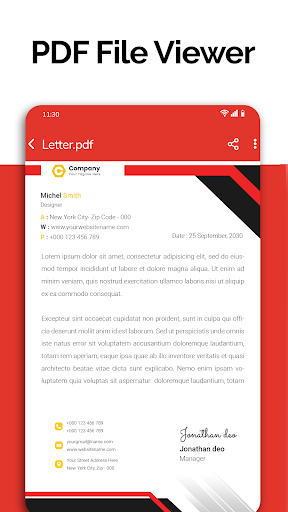
Are you tired of juggling multiple applications to open and manage various document formats on your mobile device? If so, All Document Reader: PDF Viewer is designed to be your comprehensive solution for seamlessly viewing, editing, and sharing all kinds of documents. Supporting a wide array of formats such as Word, PDF, Excel, PowerPoint, and plain text files, this versatile app consolidates your document needs into one user-friendly platform, making it perfect for students, professionals, and everyday users alike.
Intuitive Interface and Easy Navigation
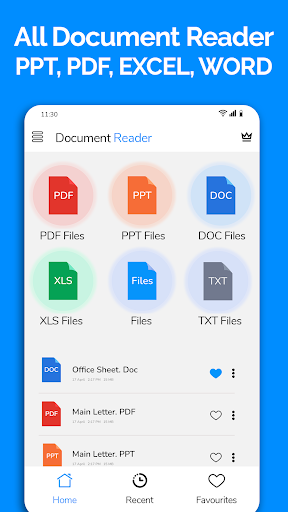
When launching All Document Reader: PDF Viewer for the first time, users are greeted with a clean, intuitive interface that simplifies the process of managing your files. The home screen is neatly organized, providing quick access to recent documents, which helps save time especially during urgent tasks. This user-centered design eliminates the typical clutter found in many similar apps, ensuring that even non-tech-savvy users can easily navigate and operate the app without frustration. The straightforward layout and clear icons make opening files, switching between formats, and accessing enhanced features simply a matter of taps.
Powerful Features for Comprehensive Document Management
Broad Format Support and File Management
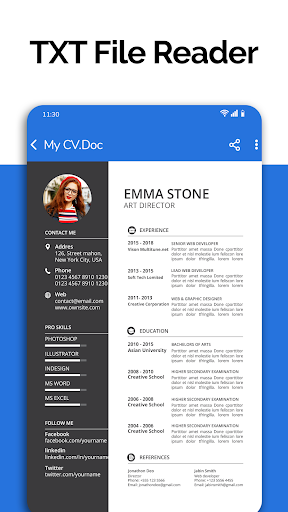
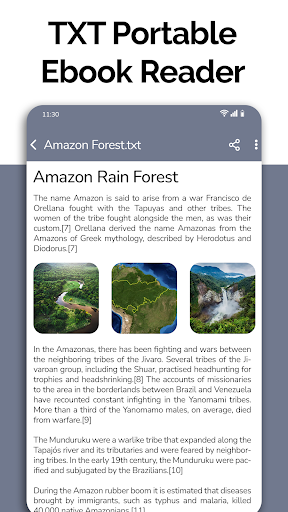
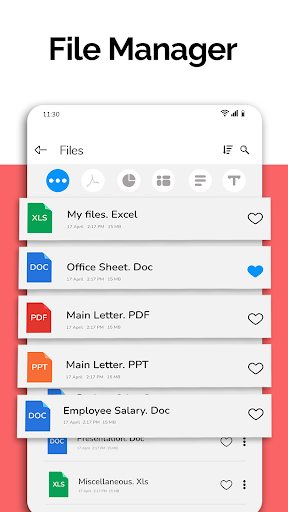
All Document Reader: PDF Viewer supports a wide range of document formats including •DOC, •XLSX, •PPT, •PDF, •CSV, and plain text files. This extensive compatibility means you can open any document without switching between multiple apps, making it your one-stop tool for office and personal files. The integrated file manager allows you to view, organize, delete, rename, or share files effortlessly, all from one consolidated interface.
Document Viewing & Editing
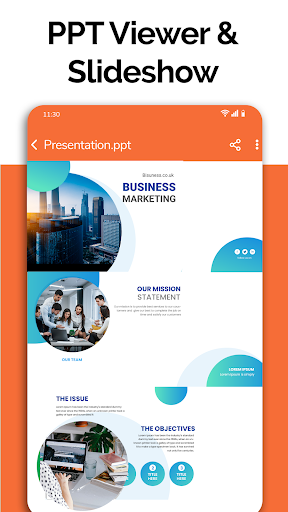
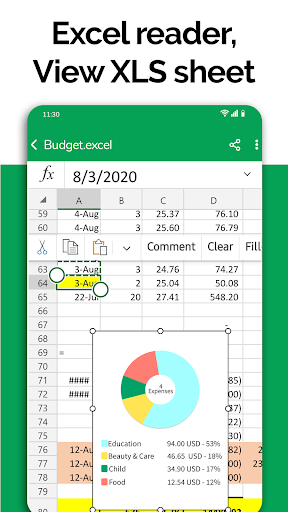
The app provides high-quality rendering of documents, whether you’re reviewing an Excel spreadsheet, editing a Word document, or browsing through PowerPoint slides. It also offers basic editing features, enabling you to modify documents directly within the app. For example, you can prepare presentation slides, make annotations, and even doodle on documents, making it versatile for various workflows.
Search, Bookmark, and Night Mode
A robust search function allows you to quickly find specific text within any document, which is ideal for research or study purposes. The bookmark feature lets you mark important pages for easy access later, enhancing your reading experience. Additionally, the upcoming dark mode feature reduces eye strain during long reading sessions, creating a more comfortable environment for users who prefer low-light conditions.
Additional Tools and Features
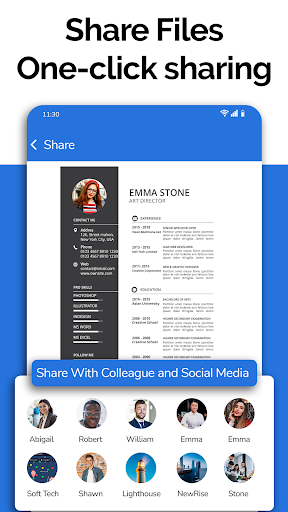
The app includes a document scanner that enables you to convert physical documents or images into high-quality PDFs directly on your phone. This eliminates the need for multiple apps; everything you need is within one platform. Moreover, supporting features like file info display (file path, size, last modification date) and easy sharing options make document management efficient and practical.
Future Updates and Exciting Additions
Looking ahead, All Document Reader: PDF Viewer plans to introduce features such as •Dark mode, •Voice Search for files, •Image to PDF conversion, •Create new documents, and •Search text within all documents. These enhancements aim to provide even more convenience, flexibility, and productivity boosts, ensuring the app remains your top choice for mobile document management.
Conclusion: Your All-in-One Document Companion
In summary, All Document Reader: PDF Viewer emerges as a powerful, easy-to-use app that consolidates all your document needs into one streamlined platform. Whether you’re reading important PDFs, editing Word files, reviewing Excel spreadsheets, or preparing presentations, this application has you covered. Its efficient performance, user-friendly interface, and extensive feature set make it an invaluable tool for anyone seeking to manage their digital documents effectively. Best of all, it’s free! Download All Document Reader: PDF Viewer today and experience hassle-free document handling on your mobile device.
Pros
- Supports multiple file formats such as PDF, Word, and Excel
- Intuitive interface for easy navigation
- Enables direct file sharing from within the app
- Offline access to documents
- Fast loading times for large files
Cons
- Contains ads that may be disruptive
- Limited capabilities for document editing
- Can crash occasionally on older devices
- Free version offers restricted features
- Premium features require in-app purchases










