


Discover the Power of QuickBooks Online Accounting
If you're a self-employed professional or a growing small business owner, managing your finances can sometimes feel overwhelming. That’s where QuickBooks Online Accounting comes in as a comprehensive, user-friendly solution designed to keep your business finances organized, accessible, and under control. With its robust features and seamless integration, this app is your new financial partner that helps streamline your bookkeeping processes and drives your business towards growth.
Getting Started with QuickBooks Online Accounting
Setting up QuickBooks Online Accounting is quick and straightforward. The intuitive onboarding guides you step-by-step, from linking your bank accounts to creating your business profile—making complex financial organization simple, even for non-accountants. Whether you're managing expenses, invoicing clients, or tracking cash flow, the app’s user-friendly interface ensures you can navigate effortlessly to get tasks done efficiently.
Intuitive User Interface and Experience
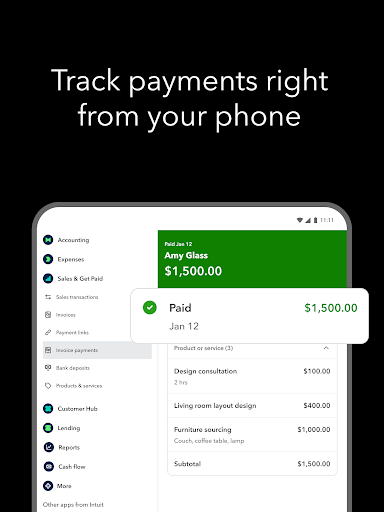
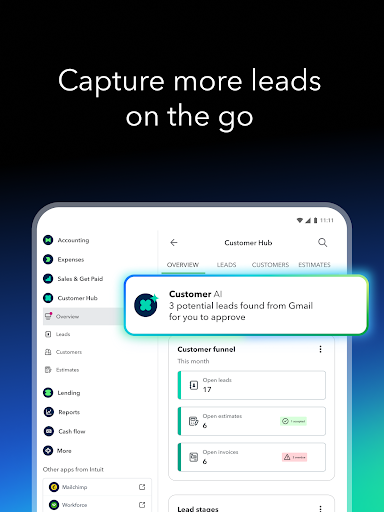
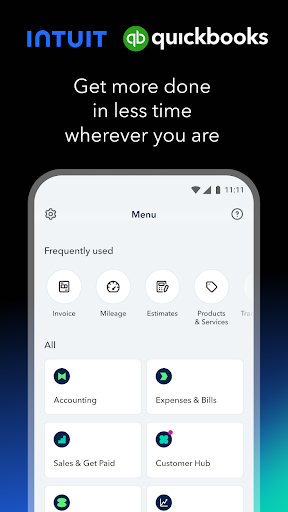
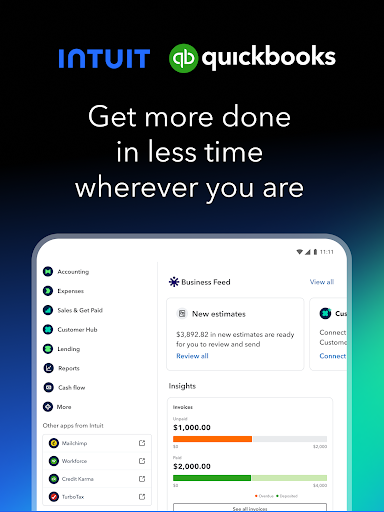
QuickBooks Online Accounting boasts a clean, minimalist design that prioritizes ease of use. Its streamlined navigation allows users to switch smoothly between core functions such as expenses, invoices, and financial insights. The dashboard provides a real-time snapshot of your business’s financial health, giving you essential KPIs at a glance. This crystal-clear overview acts as your financial crystal ball, helping you make informed decisions quickly.
Feature-Rich Solution for Small Business Finance
Automated Expense Management
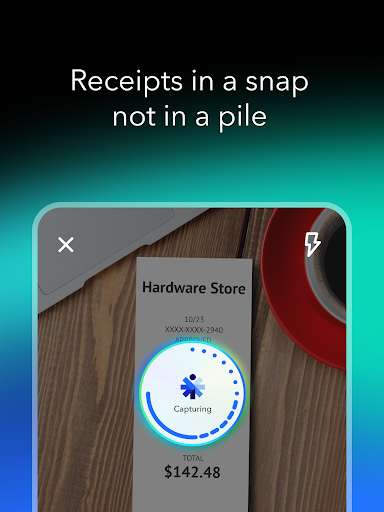
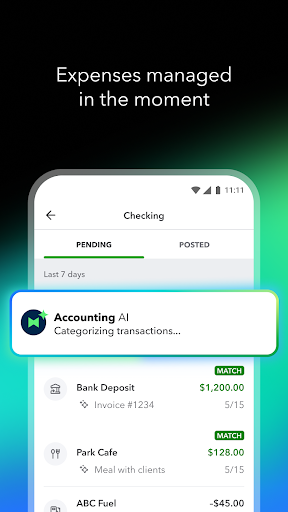
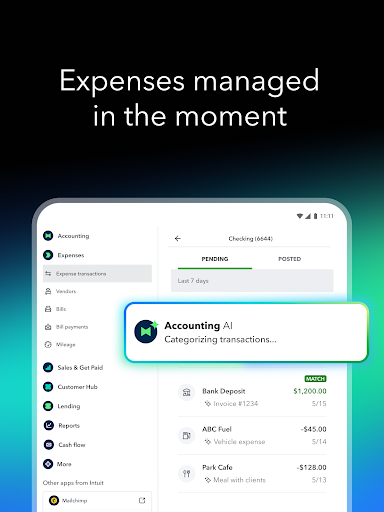
One of the app’s standout features is automatic expense tracking. Simply snap a photo of your receipts with the built-in receipt capture tool, and QuickBooks will match the expense to your appropriate accounts—no more shoeboxes full of crumpled papers! Additionally, multi-currency transaction support is perfect for businesses operating internationally, simplifying the handling of foreign transactions.
Seamless Integration & Invoicing
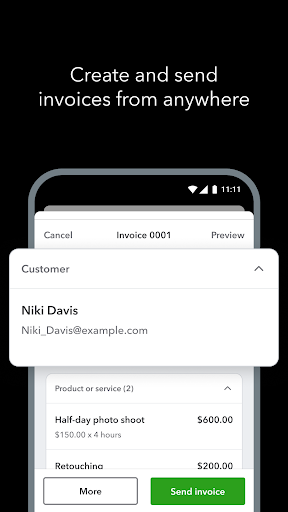
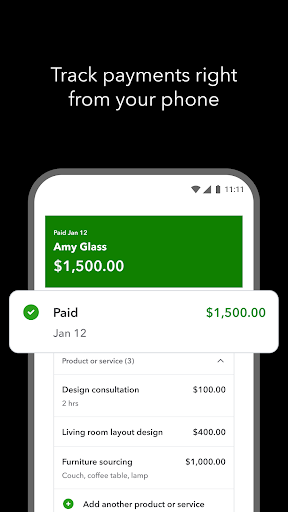
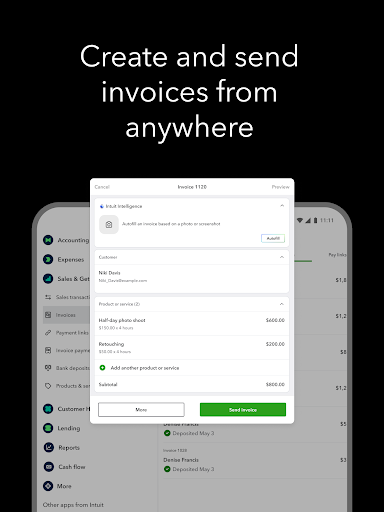
Integration with popular platforms like PayPal and Shopify allows you to manage sales and expenses more effectively. When it comes to invoicing, you can create professional-looking invoices swiftly and send them directly from the app. Plus, get notified when your invoice is viewed, keeping you in the loop to ensure timely payments.
Cash Flow & Business Insights
Monitor your cash flow from anywhere, and access detailed insights about your income and expenses. This helps you visualize your financial standing and make smarter, data-driven business decisions.
Growth Tools & AI Assistance
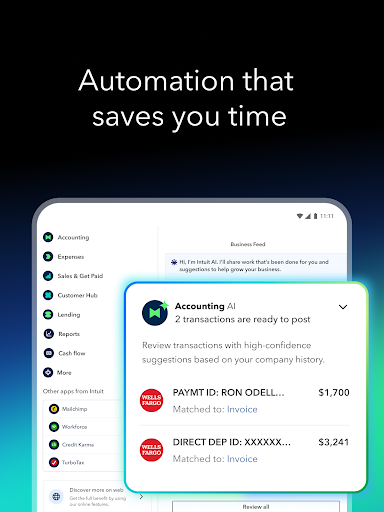
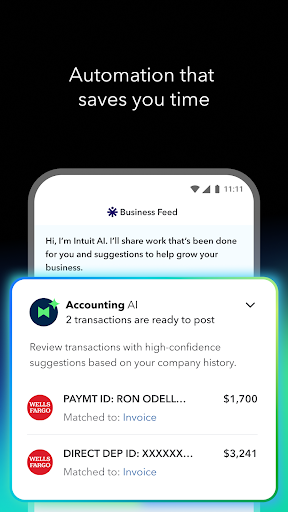
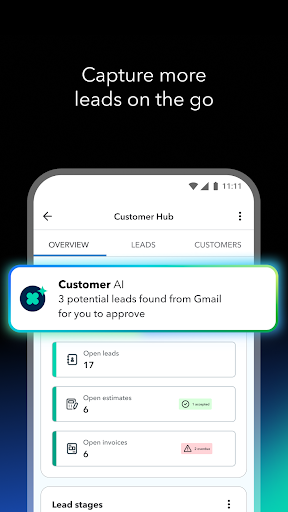
To further boost productivity, QuickBooks introduces powerful AI-driven tools such as Accounting and Payments AI agents. These intelligent assistants help automate routine tasks, streamline workflows, and encourage prompt customer payments through personalized messaging. These features are available for Essentials, Plus, and Advanced plans, making your financial management smarter and more efficient.
Security & Support You Can Trust
Security is a top priority for QuickBooks Online Accounting. It employs bank-grade encryption to protect your sensitive financial data. When you encounter issues, responsive customer support is readily available to guide you every step of the way, ensuring your experience remains smooth and worry-free.
Additional Benefits & Subscription Details
Enjoy the added convenience of managing your subscriptions through the Google Play or other app stores, with options to auto-renew or cancel at any time. Remember, some features may vary based on your plan, and terms are subject to change. For more information on privacy and terms of service, visit Intuit Privacy Policy and Terms of Service.
Why Choose QuickBooks Online Accounting
Designed to simplify your financial management, QuickBooks Online Accounting equips small business owners and freelancers with tools that make invoicing, expense tracking, and cash flow management easier than ever. Whether you’re handling domestic sales or international transactions, the app’s robust features and seamless integration help you stay organized and make informed business decisions. Embrace the smarter way to run your business finances and focus more on growth and innovation with QuickBooks by your side.
Pros
- User-friendly interface that facilitates easy navigation
- Compatibility with multiple financial institutions
- Access to real-time financial data
- Provides comprehensive reporting and analytics
- Robust mobile app features
Cons
- Potentially costly for small businesses
- Limited options for customer support
- Initial setup can be complex for new users
- Sometimes experiences syncing problems with banks
- May need extra training for effective usage










