

Zoom Workplace for Intune: Streamlining Secure Mobile Collaboration
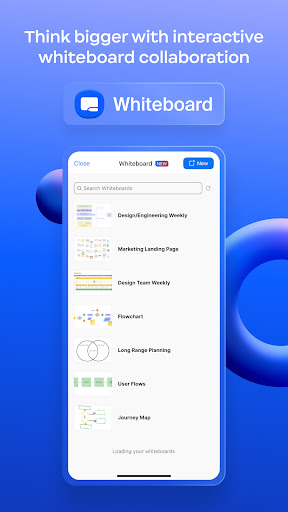
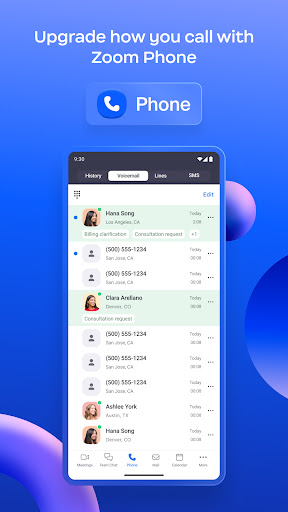
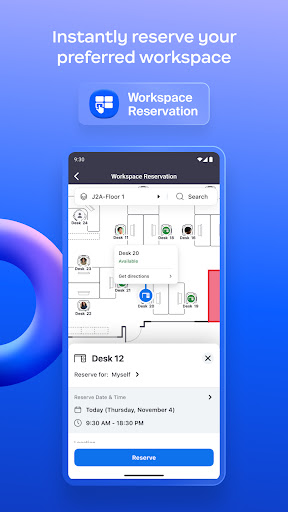
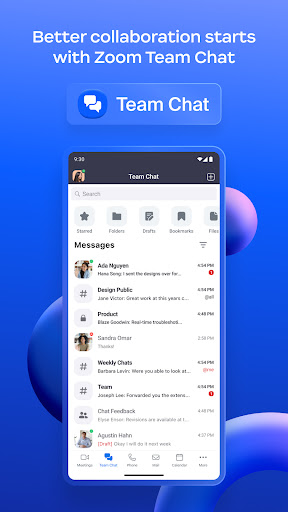
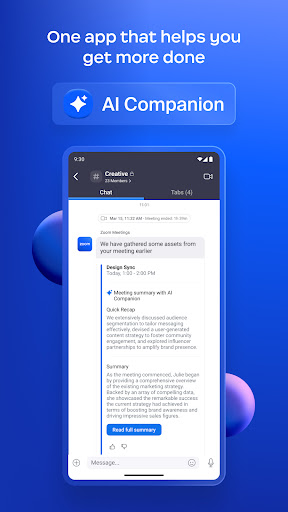
Zoom Workplace for Intune is an essential tool designed for IT administrators to effectively organize and secure Bring Your Own Device (BYOD) environments through mobile application management (MAM). This innovative app helps protect corporate data while ensuring employees stay connected and productive across multiple devices. Reimagining the way teams collaborate, Zoom Workplace offers a robust, all-in-one, AI-powered platform that integrates team chat, meetings, phone, whiteboard, calendar, mail, notes, and more into a unified interface.
If you're interested in the end-user version of Zoom Workplace, you can download it here.
This version for Intune not only offers all the features users expect from Zoom but also grants IT administrators powerful mobile device management capabilities. These include preventing leaks of sensitive information and remotely removing the app in case of lost or stolen devices, thereby safeguarding corporate data with ease. It's important to note that this software requires access to your company's work account and a Microsoft managed environment. Functionality may vary depending on your location and device configurations.
For questions related to privacy policies or technical issues, it is recommended to contact your company's IT Administrator.
Key Features and Benefits of Zoom Workplace for Intune
Seamless Integration with Microsoft Intune
One of the most appealing aspects of Zoom Workplace for Intune is its smooth integration with Microsoft Intune. For organizations already embedded within the Microsoft ecosystem, this integration simplifies policy enforcement and security management. It ensures compliance with corporate standards, reduces the risk of data breaches, and minimizes policy violations—all while providing access to comprehensive collaboration features. This synergy between Zoom and Intune makes managing employee devices both straightforward and secure, enhancing overall operational efficiency.
User-Friendly Interface
Anyone who has struggled with complicated app designs will appreciate the intuitive interface of Zoom Workplace. Its clean layout and straightforward navigation make it accessible even for less tech-savvy users. This user-centric design reduces onboarding time and encourages adoption across teams, ensuring that collaboration and communication flow smoothly without frustrating hurdles.
Enhanced Security Measures
Security is at the forefront of Zoom Workplace for Intune. Its advanced security features include multi-factor authentication (MFA) and robust data encryption, providing peace of mind to organizations handling sensitive information. Administrators can control app access, manage permissions, and remove the application remotely from devices in cases of loss or theft, thereby preventing unauthorized data access and ensuring compliance with security policies.
Effortless Communication and Collaboration
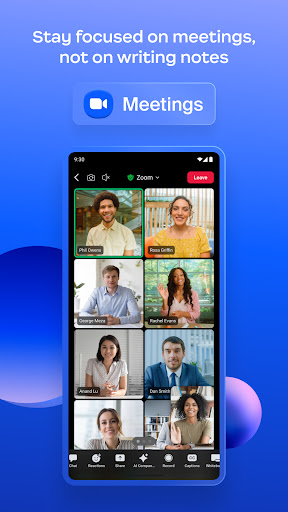
Whether working from a busy coffee shop or a dedicated home office, effective communication is vital. Zoom Workplace delivers high-quality video and audio that brings remote team members together as if they were in the same room. The integrated chat feature allows quick messaging, fostering seamless interaction and quick turnaround on queries or casual conversations that help maintain a collaborative team environment.
Why Choose Zoom Workplace for Intune?
If you're seeking a comprehensive platform that combines security, manageability, and ease of use, Zoom Workplace for Intune is an ideal solution. It addresses the modern challenges of mobile collaboration by providing a secure environment for remote teams to communicate, share, and innovate without compromise.
Embrace the future of work by integrating Zoom with Microsoft Intune, ensuring your organization remains productive, compliant, and protected in the digital age. Remember, staying connected and secure has never been easier with this all-in-one collaboration and device management platform. Give it a try and transform your remote work experience today!
Pros
- Seamless integration with Intune enhances security.
- User-friendly interface for easy navigation.
- High-quality video and audio calling capabilities.
- Efficient team collaboration features.
- Cross-platform support for Android and iOS.
Cons
- Requires an Intune account for full functionality.
- Some features need a stable internet connection.
- Limited customization options available.
- Occasional bugs in app updates.
- May consume significant battery life.











