

Introduction to the Zoom Rooms Controller
The Zoom Rooms Controller app transforms your meeting experience by turning your mobile device into a powerful command center for managing Zoom Rooms effortlessly. Designed for seamless integration within the Zoom ecosystem, this application simplifies video conferencing and content sharing in various meeting spaces like conference rooms, training rooms, and executive offices. Whether you're a business professional, educator, or IT administrator, the Zoom Rooms Controller enhances your ability to host, control, and monitor meetings with ease, ensuring high-quality audio-visual experiences every time.
Getting Started with the Zoom Rooms Controller
Setting up the Zoom Rooms Controller is straightforward and user-friendly. The app is compatible across multiple devices—specifically Android tablets and smartphones—allowing you to connect seamlessly to your Zoom Rooms environment. By installing the app on your device and following simple on-screen instructions, you can quickly link to existing rooms. Once connected, the controller provides instant access to all essential features, making it easy for anyone to operate the system efficiently without technical expertise. This quick setup process ensures minimal disruption and a fast path to productive meetings.
Intuitive Controls and Key Features
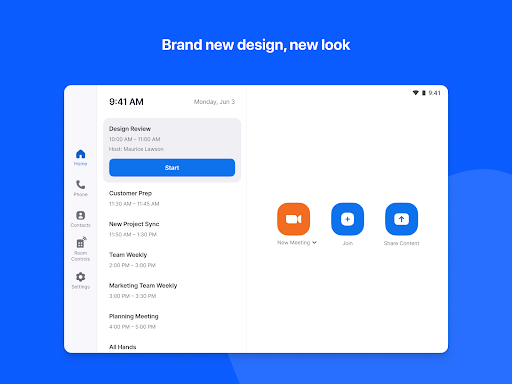
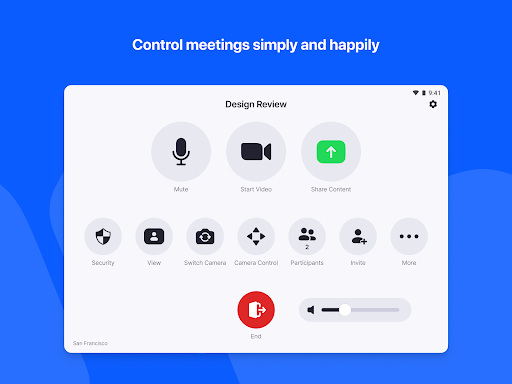
The Zoom Rooms Controller offers a highly intuitive interface that designers tailored to enhance ease of use. Core functionalities include:
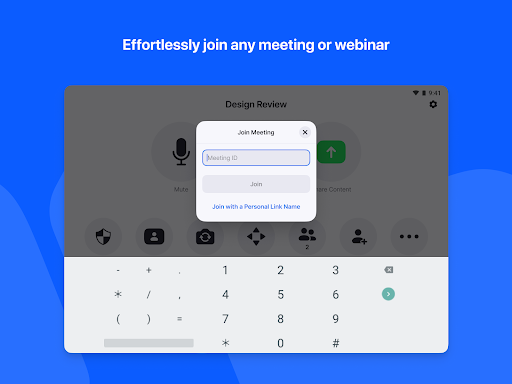
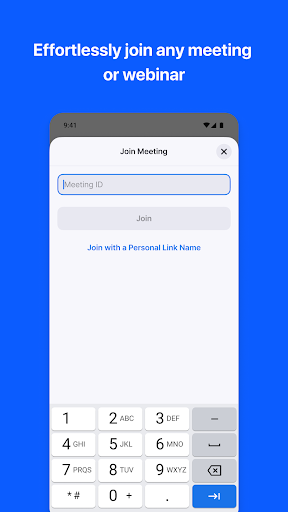
- One-tap to start or join meetings, streamlining the conferencing process.
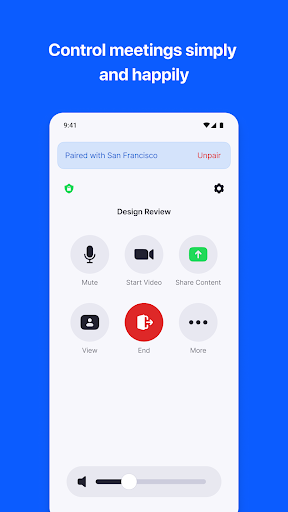
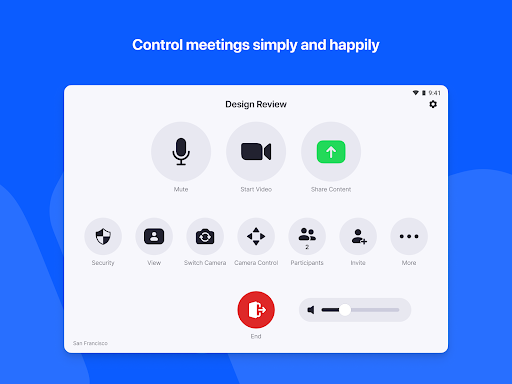
- Control over audio, video, and participant management at your fingertips.
- Wireless content sharing from any device, enabling seamless presentation of documents, slides, or screen shares without cables or complex setups.
- Support for up to three HD screens, fitting various room sizes and layouts for optimal content display.
- Native integration with lighting and projector controls, allowing you to adjust environmental factors instantly.
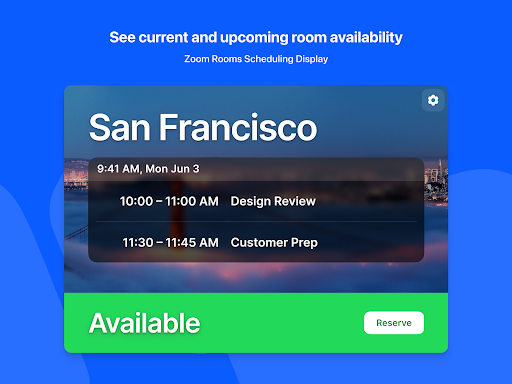
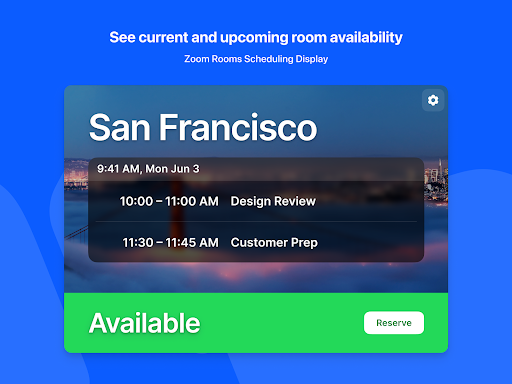
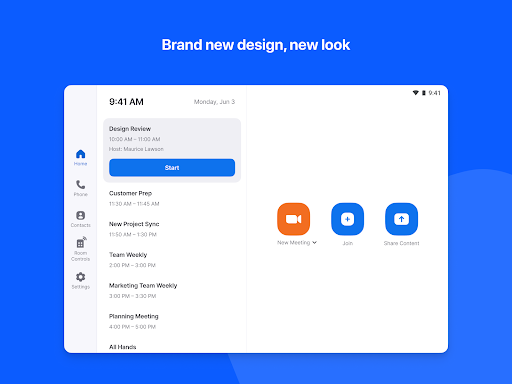
- Unlimited scheduling displays for effortless room booking and digital signage management, simplifying room utilization tracking and content dissemination.
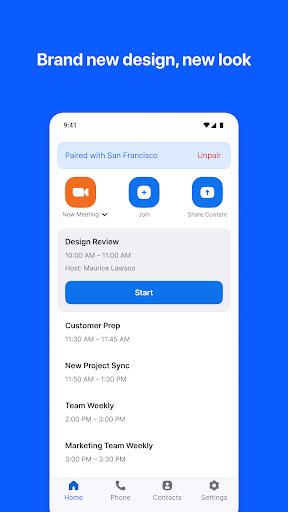
- Remote control of Zoom Rooms and Zoom for Home devices using your personal mobile device, adding an extra layer of convenience for mobile meeting management.
- Large gallery view supporting up to 49 video feeds, active speaker view, or content sharing display—ideal for immersive conferencing.
- Hosting up to 1,000 interactive participants or 10,000 view-only attendees in Zoom Video Webinars, accommodating large-scale virtual events.
- Meeting recording capabilities for later review or sharing, supporting collaborative workflows.
Enhanced Meeting Experience with Zoom Rooms Controller
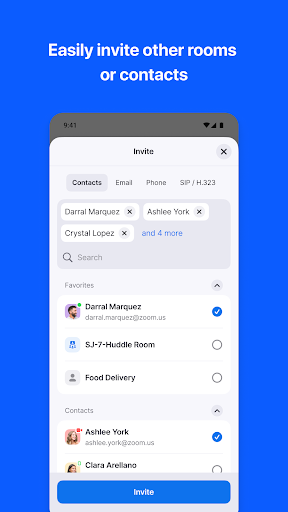
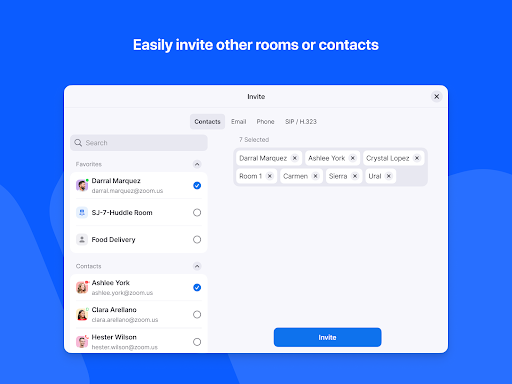
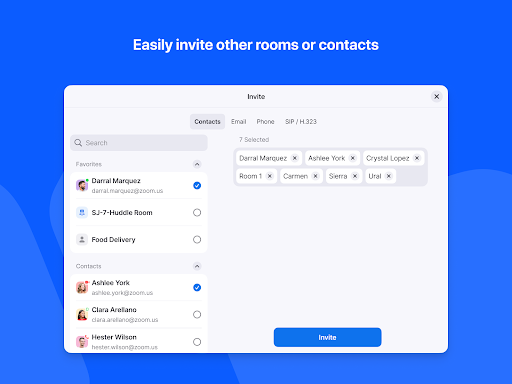
This app elevates your Zoom video conferencing setup by providing comprehensive control over your meetings. Its ability to connect with diverse devices—including SIP/H.323 room systems, telephones, and desktop clients—ensures maximum interoperability. With effortless control over cameras, microphones, and display content, users can focus on collaboration without technical distractions. The remote-controlled content sharing, combined with high-definition video and audio, guarantees clarity and engagement in every meeting. Additionally, the app’s capacity to support extensive participant numbers makes it suitable for large corporate webinars, training sessions, and hybrid meetings, providing flexibility and scalability that meet modern meeting demands.
Why Choose the Zoom Rooms Controller? – Benefits and Applications
If you frequently host virtual meetings, the Zoom Rooms Controller is a vital asset to streamline your workflow. Its intuitive design reduces the learning curve, enabling teams to operate sophisticated conferencing systems effortlessly. The app's customization options, such as adjustable layouts and personalized control settings, allow organizations to tailor the experience to their specific needs. Whether managing multiple rooms or large virtual events, the centralized control provided by this app simplifies scheduling, content sharing, and system management. This leads to increased productivity, better meeting engagement, and optimized room utilization. For businesses looking to leverage the full capabilities of Zoom Rooms technology, this controller offers the perfect balance of power and simplicity.
Conclusion: Elevate Your Meeting Experience with Zoom Rooms Controller
In summary, the Zoom Rooms Controller app offers a seamless, powerful, and user-friendly solution to enhance your virtual meetings. Its easy setup, intuitive controls, and versatile features empower users to manage video conferences effortlessly, whether in small huddle rooms or large conference halls. By integrating with various hardware systems and supporting extensive participant capacity, this app ensures that your meetings are smooth, professional, and engaging. For organizations aiming to maximize the potential of Zoom Rooms and deliver high-quality video communication, adopting the Zoom Rooms Controller app is a smart choice that will transform how you collaborate remotely or in hybrid environments.
Pros
- User-friendly interface for easy navigation.
- Seamless integration with Zoom Rooms.
- Customizable settings for various needs.
- Remote control of meeting features.
- Supports multiple devices and platforms.
Cons
- Requires a stable internet connection.
- Limited functionality without Zoom Rooms.
- Can be challenging for first-time users.
- Requires regular updates to access new features.
- Compatibility issues with older devices.











