

Overview of ZoiPer Pro - SIP Softphone
Introducing ZoiPer Pro, a powerful SIP softphone application designed to revolutionize your mobile communication experience. Built to cater to both personal users and businesses, ZoiPer Pro allows seamless VoIP calling over 3G and WiFi networks, offering a reliable, high-quality voice solution without advertisements. Whether you're a professional seeking a robust communication tool or a developer interested in building your own VoIP solutions, ZoiPer Pro provides a comprehensive platform with flexible configuration options and a sleek user interface.
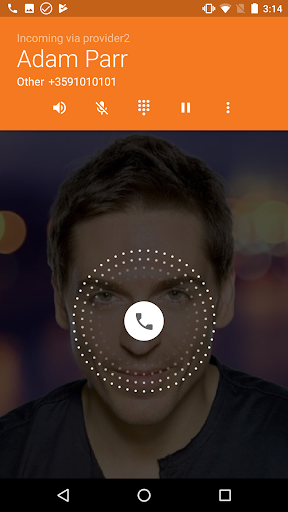
Supported on both Android and iOS devices, ZoiPer Pro is endowed with features like SIP and IAX support, multi-account management, and HD audio quality. Its compatibility with a wide range of PBX systems through RFC-compliant protocols makes it suitable for end-users, service providers, call centers, and enterprises aiming to optimize their VoIP communications. By integrating with native Android contacts, supporting background multitasking, and providing excellent codecs such as G.711, Speex, and iLBC, ZoiPer Pro ensures smooth and crystal-clear calls even on older devices.
Key Features of ZoiPer Pro
Enhanced User Experience and Customization
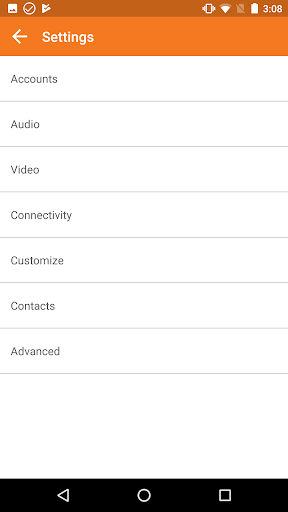
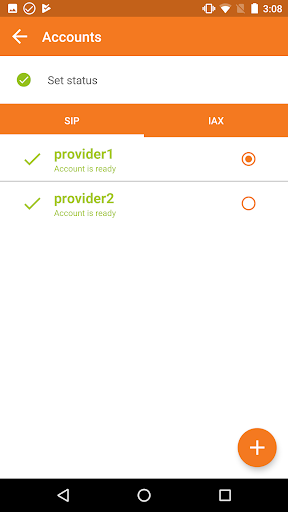
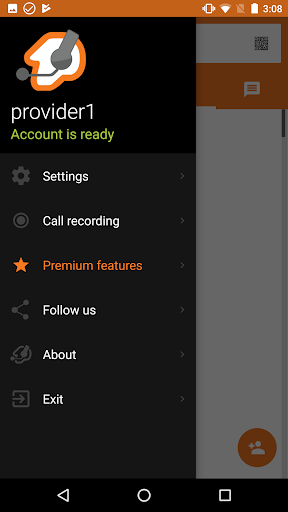
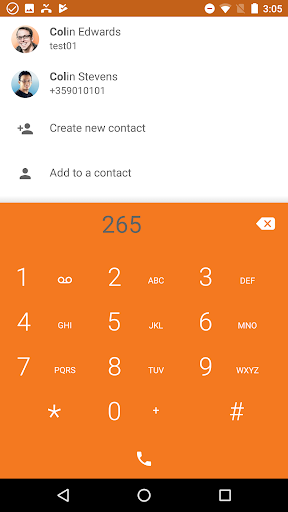
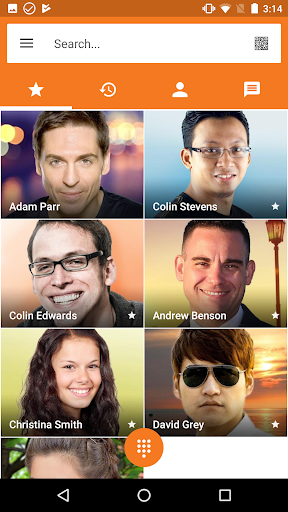
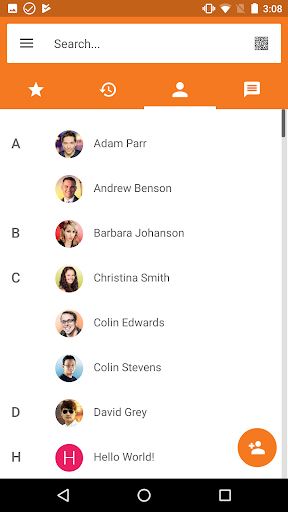
The app features a new GUI with various multiple and custom color themes, allowing users to tailor the appearance to their preferences. Easy account setup and integration with native contact lists streamline the process of managing multiple lines or service providers.
Advanced Connectivity and Codec Support
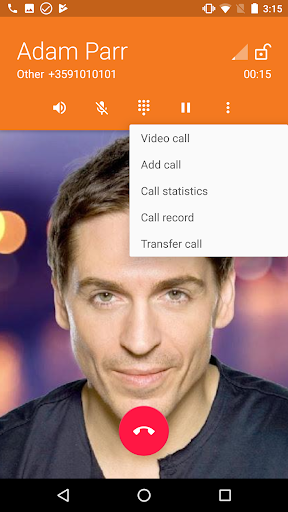
ZoiPer Pro supports call transfer, video calls, and wideband audio, delivering an exceptional communication experience. Support for DNS SRV, STUN, and echo cancellation ensures reliability in various network conditions, while features like UDP and TCP transports provide flexibility and battery efficiency.
Security and Reliability
Security features such as ZRTP and TLS encryption protect your calls, making ZoiPer Pro suitable for sensitive communications. The app also boasts lowest battery usage and highest reliability support on Google Play, with support for Bluetooth (beta) and background operation capabilities.
Additional Features
Other notable features include call waiting, mute, hold, customizable ringtones per account, DTMF support, and more. Developers can access ZoiPer's VoIP SDK for building custom solutions or white-label versions, perfect for tailored business needs.
Getting Started and Distribution
To get started, simply download ZoiPer Pro from the official app stores. For those interested in beta testing new features, enroll in the public beta program. The app supports automatic provisioning via OEM systems, eliminating manual configuration hassles.
Important: ZoiPer is a standalone client-side application and does not include a VoIP service. Users must subscribe to third-party SIP or IAX providers to make calls.
Considerations and Warnings
While ZoiPer Pro offers robust features, users should be aware of a few considerations:
- Using ZoiPer as a default dialer may interfere with emergency calls like 911.
- It is recommended to download only from official sources to avoid security risks associated with unofficial APKs.
- Compatibility issues may arise on devices with poor audio drivers, such as certain Alcatel or HTC models, which might cause system instability.
Final Thoughts
Overall, ZoiPer Pro stands out as a versatile, high-quality SIP softphone solution that caters to a broad spectrum of users—from individual professionals to large organizations. Its support for multiple protocols, customizable interface, and strong security make it an ideal choice for those seeking reliable VoIP communication on mobile devices. Whether you want a straightforward VoIP app or wish to integrate a white-label solution or SDK into your own platform, ZoiPer Pro offers the tools and features to meet your needs. With continuous updates and excellent customer support, this app is a secure investment in your mobile telephony future.
Pros
- High-quality voice calls
- Supports multiple protocols
- User-friendly interface
- Secure communication
- Low battery consumption
Cons
- Requires purchase
- Complex setup for beginners
- Limited free features
- Occasional connectivity issues
- No video call support











