


Discover the Power of Messenger: Your All-in-One Communication App
Messenger is a free messaging app designed to help you connect with anyone, anywhere in the world. Whether you're catching up with friends and family, exploring shared interests, or building a vibrant community, Messenger offers a seamless experience to share your vibe beyond words. With its versatile features, Messenger has become an essential part of modern digital communication, enriching both personal and group conversations.
Effortless Communication: Chat and Call Anytime, Anywhere
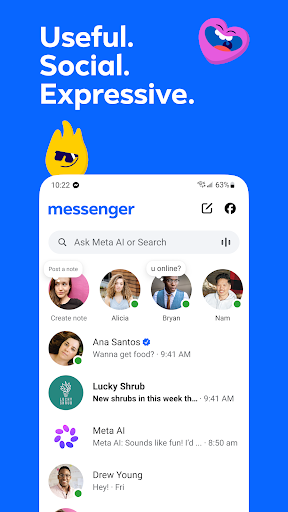
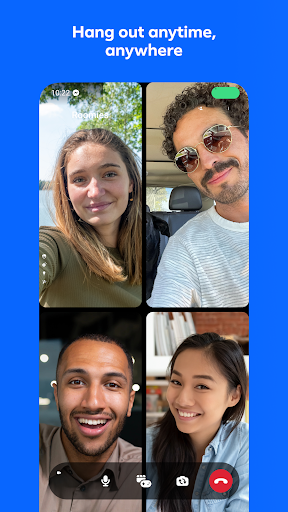
One of Messenger's standout capabilities is enabling you to chat and call anyone without needing a phone number. Simply find and connect with your friends or family on Facebook or directly through Messenger. The app facilitates instant voice and video calls, allowing you to stay in touch with loved ones regardless of your location. This ease of connectivity makes Messenger a reliable and convenient communication platform worldwide.
Smart Assistance with Meta AI
Get Instant Answers and More
Meta AI serves as your intelligent AI assistant within Messenger, ready to answer questions, provide advice, assist with homework, and help tackle various tasks. This feature enhances your chatting experience by offering quick, helpful responses and creative support. Keep in mind, Meta AI is available in select languages and countries, with more regions to come.
Sharing Moments Clearly and Creatively
High-Definition Photos and Shared Albums
Capture and share your favorite memories in striking detail with high-definition photos. Whether it's a recent trip or a special event, Messenger allows you to send crisp images that bring your moments to life. Additionally, you can create shared albums for friends and family to contribute to, making group reminiscing effortless and organized—perfect for celebrating birthdays or vacations together.
Stories and Disappearing Messages
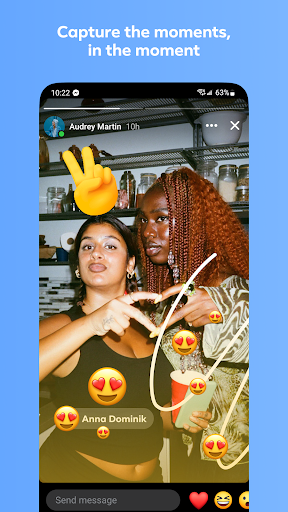
Express your daily highlights with Stories—photos and videos that vanish after 24 hours. For quick updates, Messenger's disappearing messages feature ensures your confidential chats are temporary, adding an extra layer of privacy to your conversations.
Enhance Your Chat Experience with Interactive Features
Express Yourself with Stickers, GIFs, and Reactions
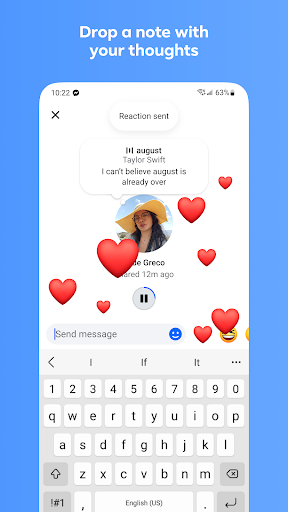
Sometimes words aren't enough to convey your feelings. Messenger offers a rich collection of animated stickers, GIFs, and reaction options, helping you bring your chats to life and share your vibe more vividly.
Personalize Your Chats and Conversations
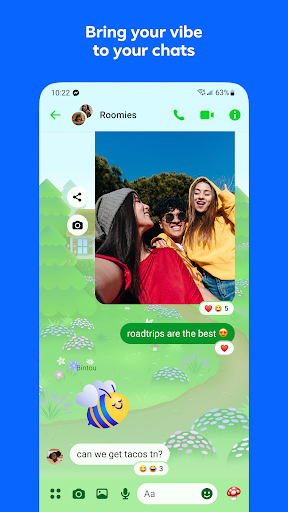
Customize your chats with a variety of themes that include popular artists, holidays, and seasonal designs. You can also set fun nicknames for friends or change chat colors to make your messaging experience uniquely yours.
Innovative Ways to Connect and Collaborate
Seamless Group and Community Engagement
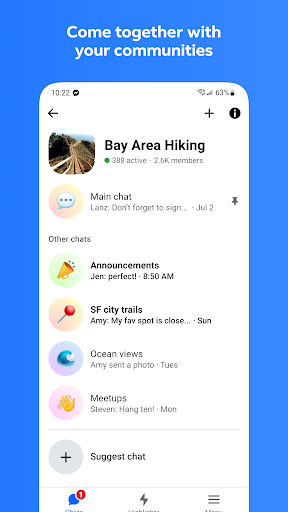
Join and interact with communities based on your interests, neighborhood, or school. Messenger helps you meaningfully connect with people who share your passions, making group conversations more engaging.
Connect in Real Life Using QR Codes
Meet someone in person? Effortlessly add new connections by scanning their Messenger QR code or sharing yours via a link, simplifying the process of expanding your social circle.
Join Creators and Stay Updated
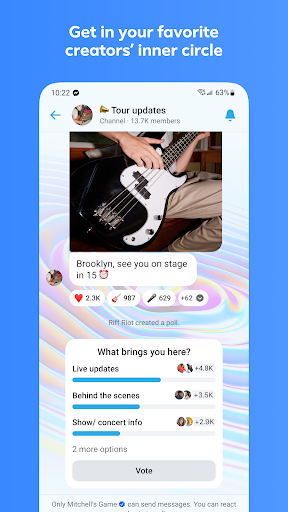
Follow your favorite creators’ broadcast channels to stay in the know with authentic, casual content directly within Messenger. This feature keeps you engaged with the latest trends and personal updates from creators you admire.
Boost Your Creativity and Productivity
Create and Edit Content with Meta AI
Unleash your creativity using Meta AI to create, edit, and animate images, or explore other creative tools. This AI-powered feature offers new ways to express yourself visually within your chats.
Convenient Sharing and Notifications
Quick Updates and Location Sharing
Share quick updates or your current location effortlessly, making meetups more organized. Messenger’s Stories feature also lets you highlight moments from your day, enhancing your social presence.
Large Files and Quick Messages
Need to send documents? Messenger supports sharing large files up to 100MB, including Word, PDF, or Excel files. If you send a message prematurely, you can edit or unsend it within 15 minutes, giving you full control over your conversations.
Build Deeper Connections and Group Interactions
Whether engaging in private conversations, group chats, or community discussions, Messenger offers a broad suite of features designed to foster genuine interactions. Its ability to combine messaging, calling, sharing multimedia, and creating custom experiences makes Messenger a comprehensive platform for modern communication.
Pros
- User-friendly interface
- End-to-end encryption ensuring privacy
- Smooth integration with Facebook
- Multiple chat features available
- Customizable notifications
Cons
- Consumes considerable battery life
- Requires frequent updates
- Advertisements can be disruptive
- Limited file sharing capacity
- Potentially data-intensive










