

Discover the Power of Discord — Your Ultimate Talk, Play, Hang Out Platform
Are you looking for a versatile space to connect with friends, share your passions, or build a thriving community? Discord is your all-in-one communication app designed to bring people together through seamless voice, video, and text chat. Whether you're gaming online, catching up with friends, or managing a community based on shared interests, Discord offers an engaging and customizable environment that caters to all your social and gaming needs.
Intuitive Group Chats for Every Occasion
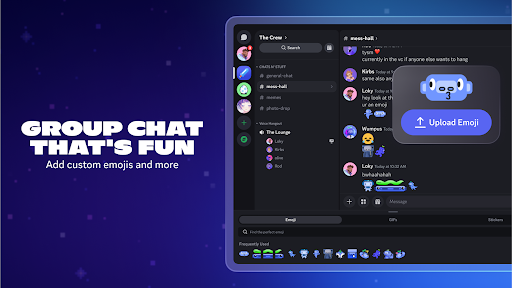
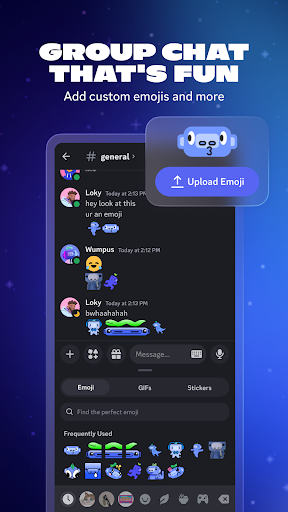
Discord excels at creating fun and lively group chats. It's more than just a messaging app; it’s a digital gathering space where you can socialize, collaborate, and play. Personalize your conversations with custom emoji, stickers, sound effects, and more to add personality to your voice, video, and text chats. You can set your avatar, update your status, and craft a unique profile that reflects your style. This flexibility makes each chat uniquely yours and keeps interactions fresh and engaging.
Experience High-Quality Streaming and Sharing
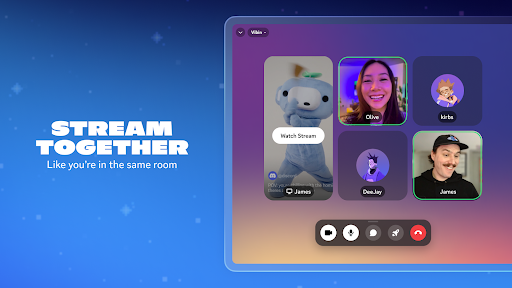
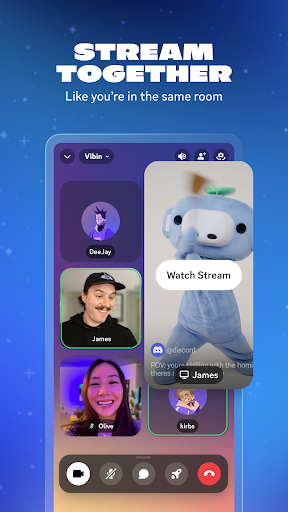
With Discord, you can stream your gameplay, shows, or even share your screen with friends in real-time, creating an experience that feels like everyone is hanging out on the same couch. The high-quality and low-latency streams ensure smooth, lag-free interactions. Whether you're watching videos together, reviewing photos, or even doing homework, Discord makes remote sharing effortless. Additionally, the platform supports screen sharing and video calls, making remote collaboration or casual catching up simple and effective.
Join and Connect Effortlessly
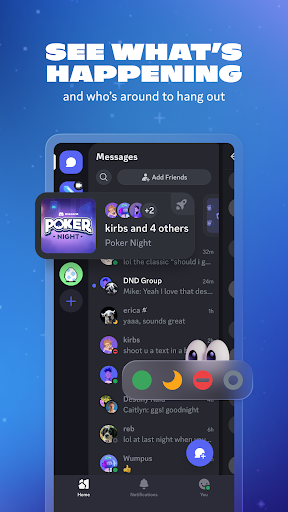
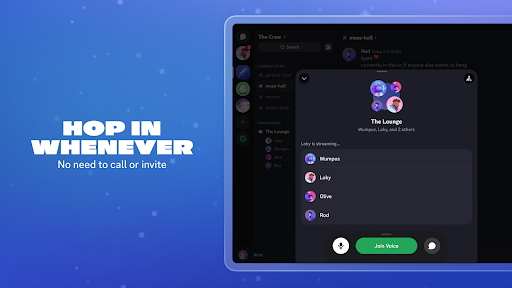
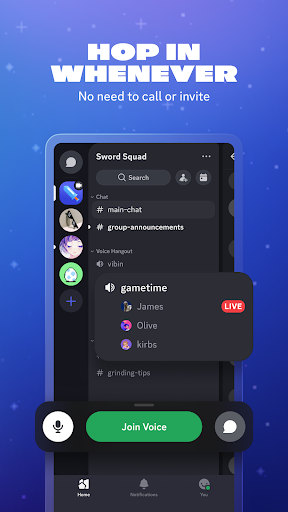
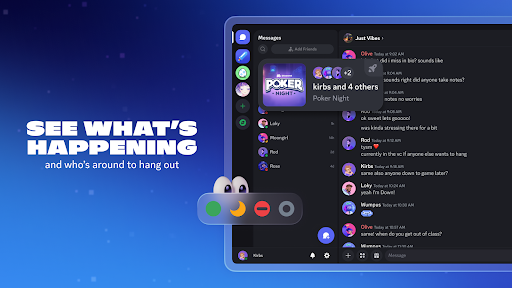
Gone are the days of complex calls or multiple app switches. Discord allows you to hop in and out of voice or text chats with ease—no need for formal invitations or calls. See who’s online, what games they’re playing, or if they’re just hanging out. For popular supported games, you can even view your friends’ modes or characters and join their sessions directly, making coordinating gaming sessions faster and more spontaneous.
Always Something Fun to Do Together
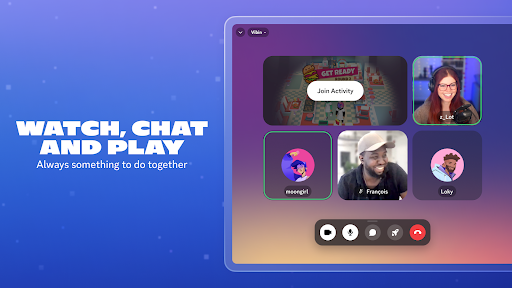
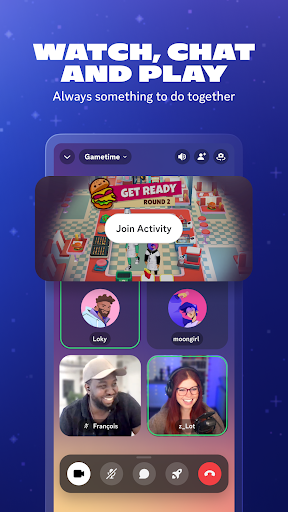
Stay entertained and engaged with your friends through a variety of shared activities. Watch videos, play integrated mini-games, listen to music, or simply browse memes together. Discord brings all your favorite forms of entertainment into one platform, allowing you to seamlessly text, call, video chat, or play games—enhancing your social experience and building stronger bonds.
Accessible Anytime, Anywhere — On Any Device
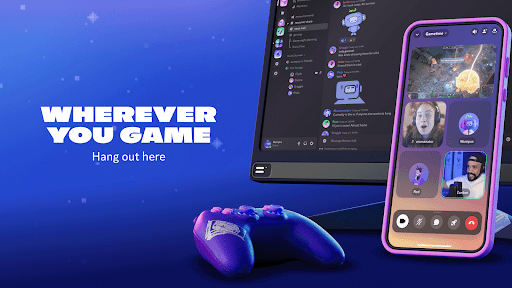
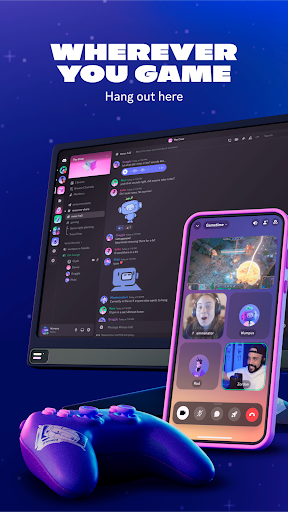
Whether you’re on PC, mobile, or console, Discord keeps you connected. The platform offers easy switching between devices and robust tools to manage multiple group chats. Its mobile app is just as powerful as the desktop version, ensuring you can stay in touch and continue conversations on the go without missing a beat.
Why Discord Is the Perfect Digital Hangout Spot
In today’s digital world, Discord has become synonymous with online community-building and casual socializing. It’s more than just a messaging app—it’s a virtual hub that offers endless opportunities to connect, share, and enjoy together. From organizing gaming sessions to hosting interest-based communities, Discord empowers users to create their ideal online space. Its user-friendly interface and extensive customization options make it accessible for everyone, regardless of their tech expertise.
If you haven’t tried Discord yet, now is the perfect time. Discover a new way to stay connected, have fun, and build meaningful relationships in a digital environment designed for all kinds of conversations, entertainment, and collaborations. Once you experience its features, you’ll wonder how you managed without it!
Pros
- Intuitive interface making navigation simple
- Supports both text messaging and voice calls
- Highly adjustable server configuration options
- Compatible with various third-party applications
- Active community with dedicated support
Cons
- Can drain device battery rapidly
- Notifications may become excessive or distracting
- Needs a stable internet connection for best performance
- Audio quality may differ across devices
- Has a complex permissions system for new users










