

Introducing the Contacts App: Streamline Your Contact Management
The Contacts app is designed to revolutionize the way you handle your connections, offering powerful features to backup, organize, and connect with the people who matter most. Whether you're managing your work colleagues, friends, or family, this app provides a seamless experience that keeps your contacts safe, organized, and easily accessible across all your devices.
Key Features of the Contacts App
Back Up and Sync Your Contacts Across Devices
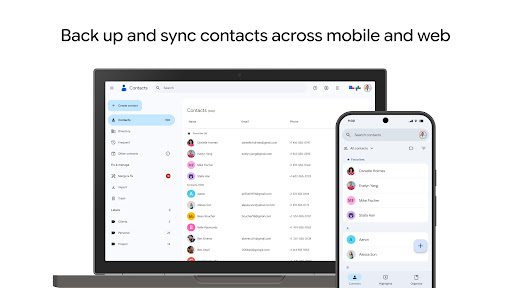
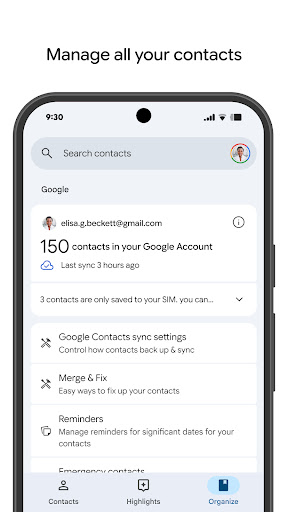
One of the standout benefits of the Contacts app is its robust •sync functionality. You can securely keep your contacts safely backed up to your Google Account and easily access them from any device where you're signed in. This means that whether you're switching to a new phone or using multiple gadgets, your contact details are always synchronized and up-to-date. You can restore mistakenly deleted contacts within 30 days through the Trash feature, providing peace of mind and data security. Imagine doing a quick switch, and all your contacts are just there—exactly where you left them, no manual transfers needed.
Stay Organized and Keep Your Contacts Up to Date
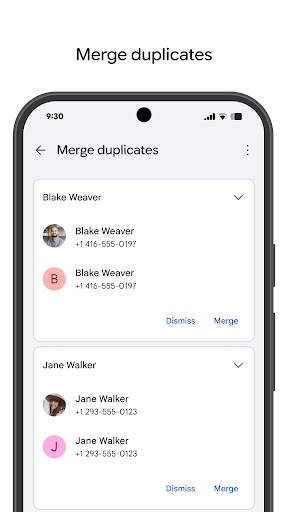
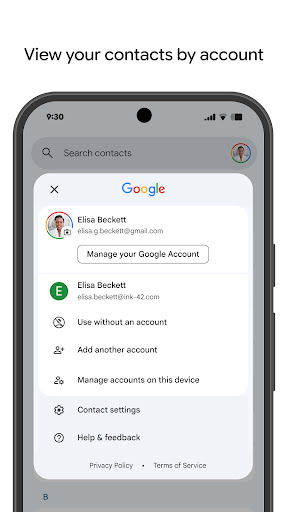
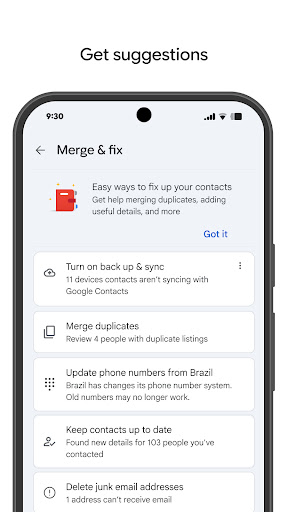
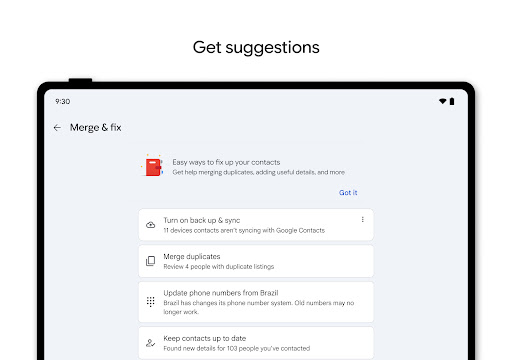
The Contacts app simplifies management with features like viewing contacts by •account (such as work or personal) and effortlessly updating contact information—including phone numbers, emails, and photos. Built-in help for merging duplicate contacts ensures your address book remains clean and clutter-free. Adding new contacts or editing existing ones is straightforward, making updates quick and efficient. Plus, the app offers tools to add valuable details, enhancing the richness of each contact entry.
Connect with the People Who Matter Most
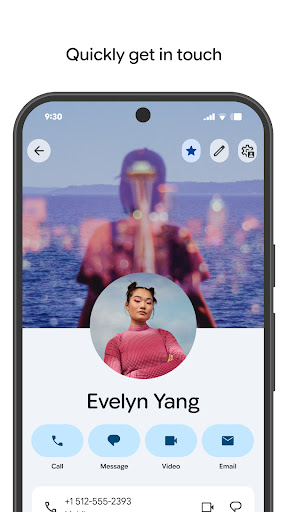
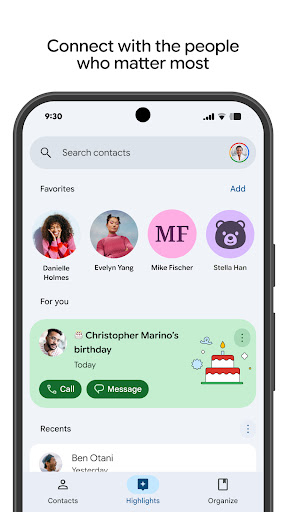
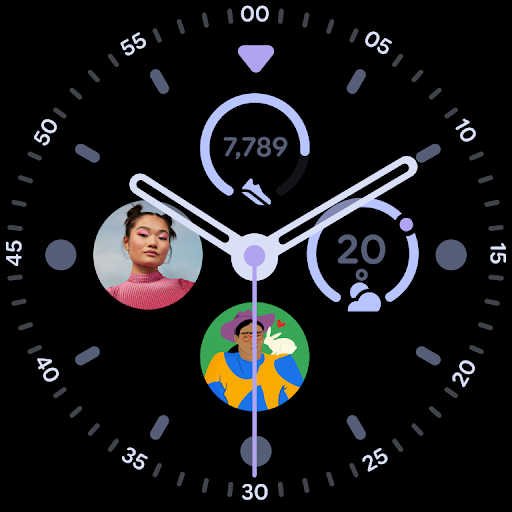
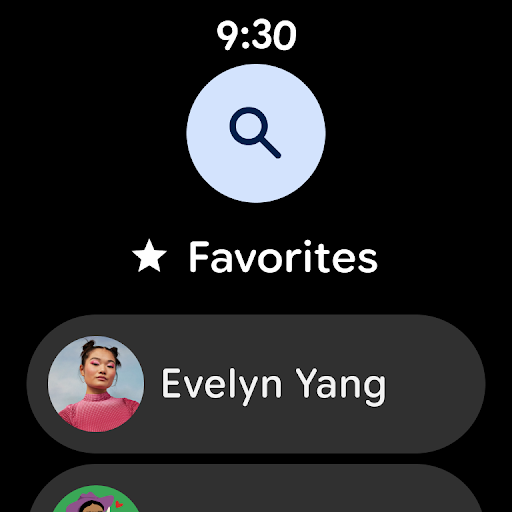
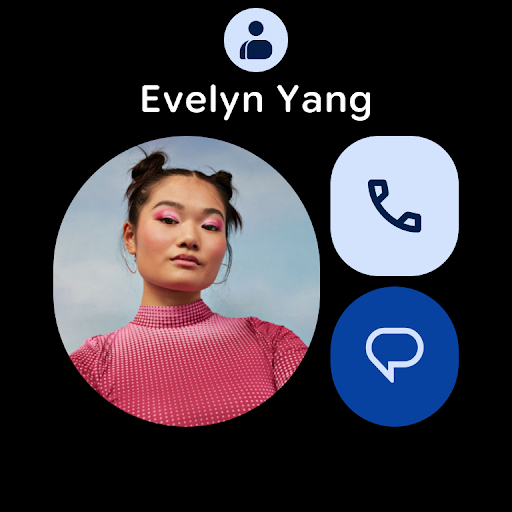
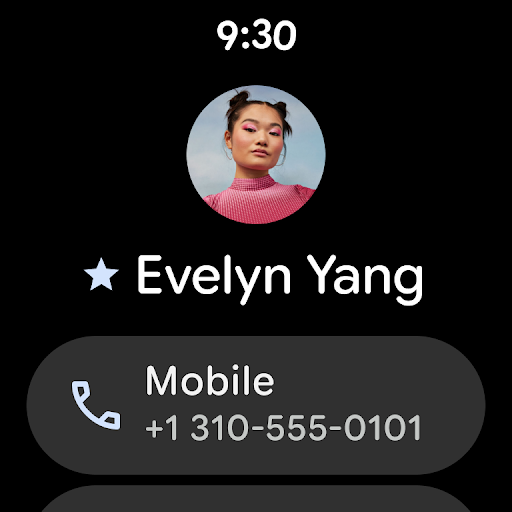
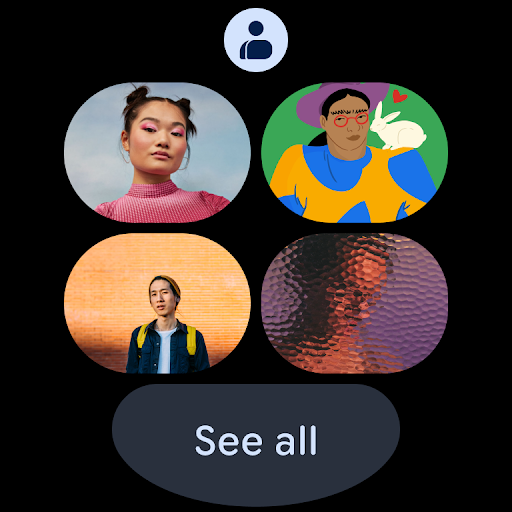
To foster deeper connections, the Contacts app provides highlights such as upcoming •birthdays and •anniversaries. You can enable notifications to ensure you never miss a special occasion. The app also makes it easy to access recently added or viewed contacts, streamlining your communication process. With integration support for Wear OS, you can enjoy features like a favorite contacts tile, individual contact tiles, and contact complications right on your smartwatch, putting your important contacts at your fingertips.
Why Choose the Contacts App? A Modern Approach to Contact Management
If your current contact list feels disorganized or overwhelming, the Contacts app is your perfect solution. Its •intuitive interface ensures that even users with minimal technical experience can navigate effortlessly, thanks to a sleek, minimalistic design focused on functionality. The app excels in •smart synchronization capabilities, keeping your contact data consistent across all devices—whether you're on Android, iOS, or other platforms. This cross-platform operation acts like a personal assistant, ensuring your contacts are always in sync.
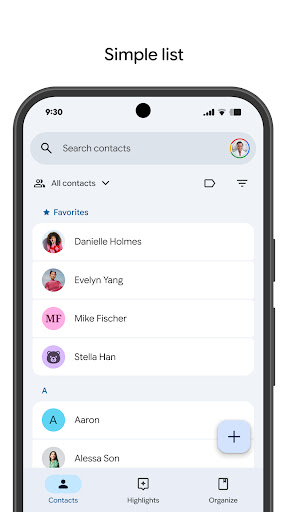
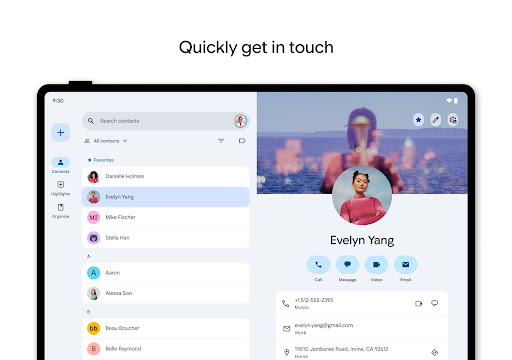
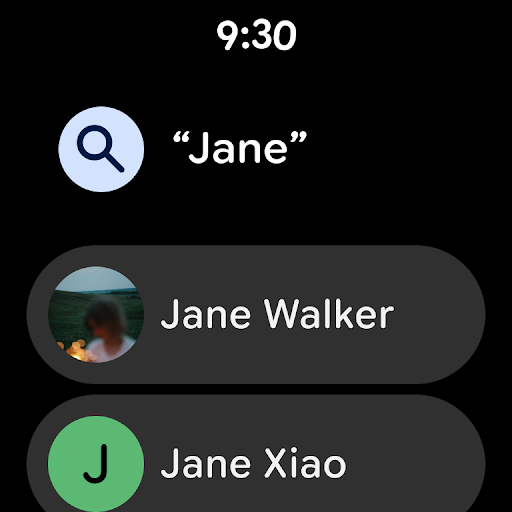
The organizational features—such as categorizing contacts with labels and creating groups—help you keep your address book tidy. The powerful search function enables quick retrieval of contacts with just a few keystrokes, saving you time and effort. Quick access to favorite contacts further enhances your experience, making your most-used contacts just a tap away.
Privacy and security are cornerstones of the Contacts app. Your data is protected with encryption, giving you full control over who can see your contact information through customizable privacy settings. Rest assured that your contact details are stored securely, and you can confidently manage your connections without concern.
In summary, the Contacts app is more than just a digital address book—it's a comprehensive contact management solution designed to help you organize, secure, and connect effortlessly. With features that cater to everyday needs and security concerns, this app is an essential tool for staying in touch with the people that matter most. Give it a try and experience how simple and efficient managing your contacts can be.
Pros
- User-friendly interface
- Efficient contact organization
- Seamless integration with other apps
- Quick search functionality
- Customizable contact fields
Cons
- Limited advanced features
- Occasional syncing issues
- Ads can be intrusive
- Requires internet for full functionality
- Lacks comprehensive backup options










